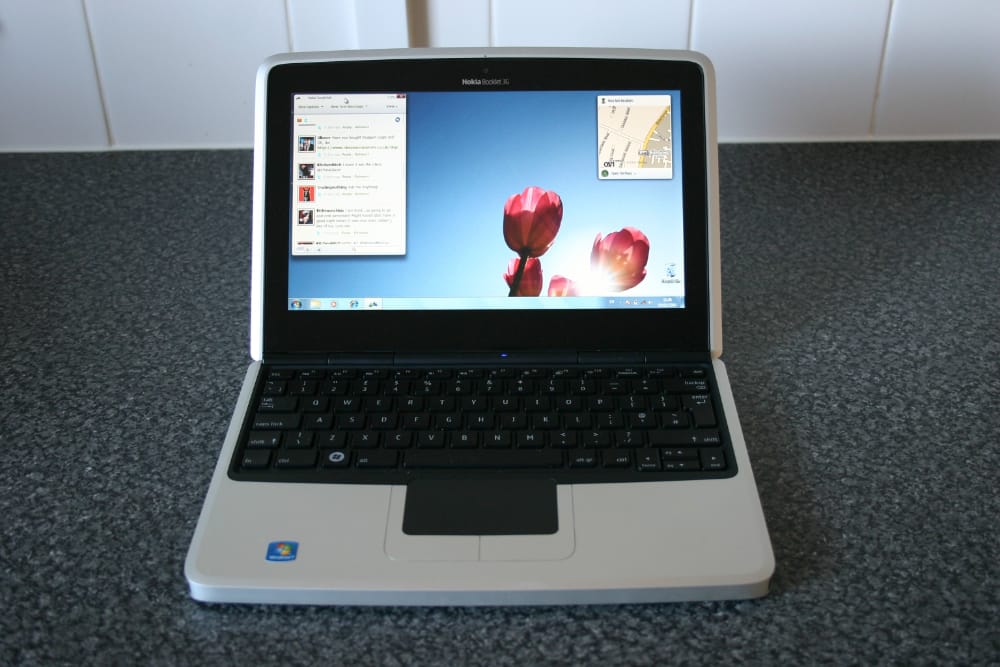
This article is the next in the “I have a Nokia Booklet 3g netbook and I want to do retro stuff on it” series. I’ll install virtualization software (namely Microsoft Virtual PC) on Windows 7 and virtualize some operating systems, which is an amazing thing to do on such an underpowered netbook (Intel Atom CPU, 1GB RAM). Remember you’re probably connecting a severely outdated operating system to the network, so you might get the chilly willy.
Microsoft Virtual PC
Virtual PC is an x86 emulator for PowerPC Mac hosts and a virtualization app for Microsoft Windows hosts. Virtual PC emulates the following environments:
- Intel Pentium II (32-bit) processor (but virtualizes the host processor on Windows versions) with an Intel 440BX chipset (with PIIX4E southbridge).
- Standard SVGA VESA graphics card (S3 Trio 32 PCI with 4 MB video RAM, adjustable in later versions up to 16 MB by manually editing a virtual machine’s settings file).
- System BIOS from American Megatrends (AMI).
- Creative Labs Sound Blaster 16 ISA PnP.
- DEC 21041 (DEC 21140 in newer versions) Ethernet network card.
- Programs using undocumented features of hardware, exotic timings, or unsupported opcodes may not work.