Hoshi development setup

October 19, 20241142 words6 mins readPart of Hoshi operating system series

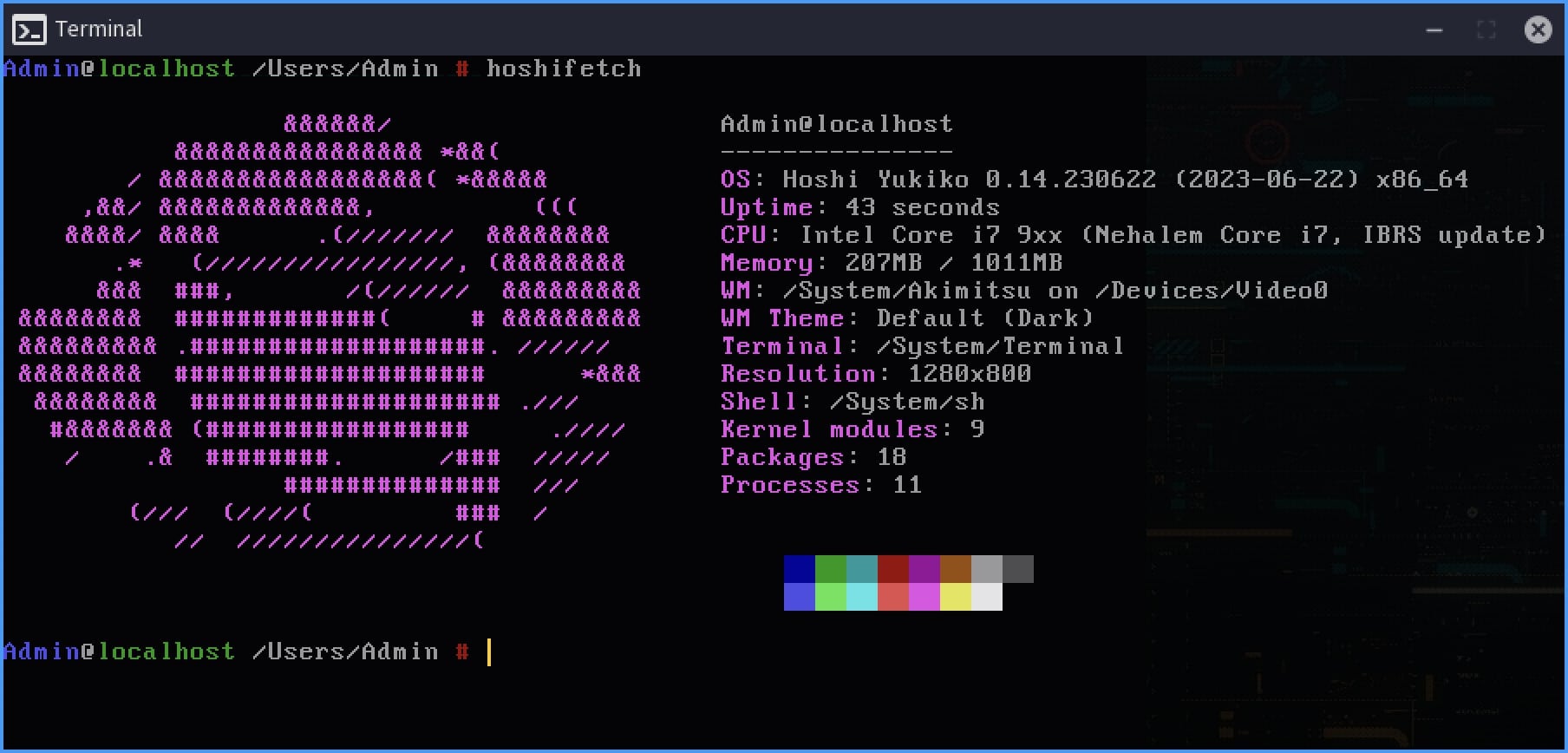
Hoshi Operating System - hoshifetch

This article is highly tuned for Hoshi development and it might not be as useful to everybody, but can serve as a guideline for OS development under Windows 10 and Windows Subsystem for Linux (WSL).

People who followed my Hoshi OSdev-ing adventure know by now that I started working on the operating system (actually, at that time my plan was to write a bootloader) in 2015, and my development setup was very different at that time, and that it changed several times. In this article I’ll “reveal” a bit of the Hoshi history, describe my current OSdev setup and document it for future iterations.
Read more ...

Hoshi System Bar

September 3, 2024419 words2 mins readPart of Hoshi operating system series

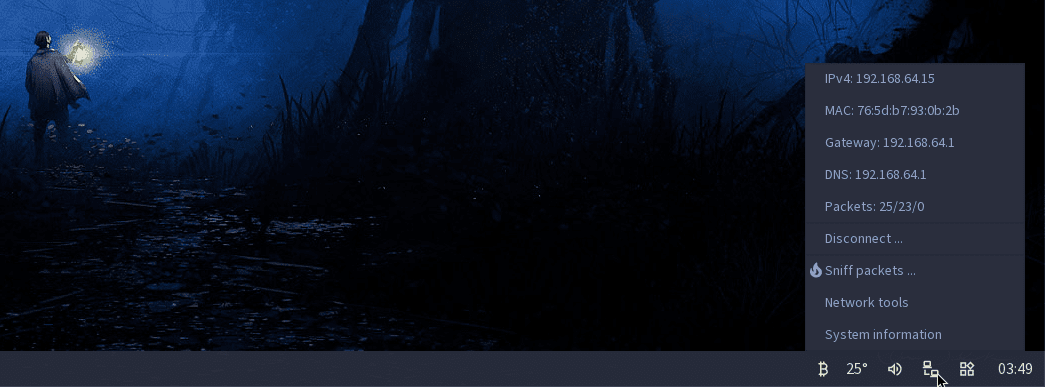
Hoshi System Bar applets

I forgot that someone e-mailed me a while ago asking me what are the icons on the right side of Hoshi’s taskbar (it’s actually the System Bar) and if I want to “reveal” some information about them, so here is a small walkthrough.

The first applet retrieves the Bitcoin Price Index JSON from Coindesk and displays it on right click. It’s the first applet I did for Hoshi and it prompted the creation of the JSON-parsing library in libhoshi, so I’m pretty attached to it, even if it’s useless to me.

The second applet retrieves weather data from api.openweathermap.org via a similar JSON file and shows the current temperature in the System Bar and some more weather info on right click. The city, API key, unit format are all configurable from a small popup window (and a config file). This applet is obsoleted by the Weather Widget that resides inside the Widgets Bar, I’m keeping it enabled for now so the System Bar looks more active.

Read more ...