Nokia Booklet 3G
Contents
Intro
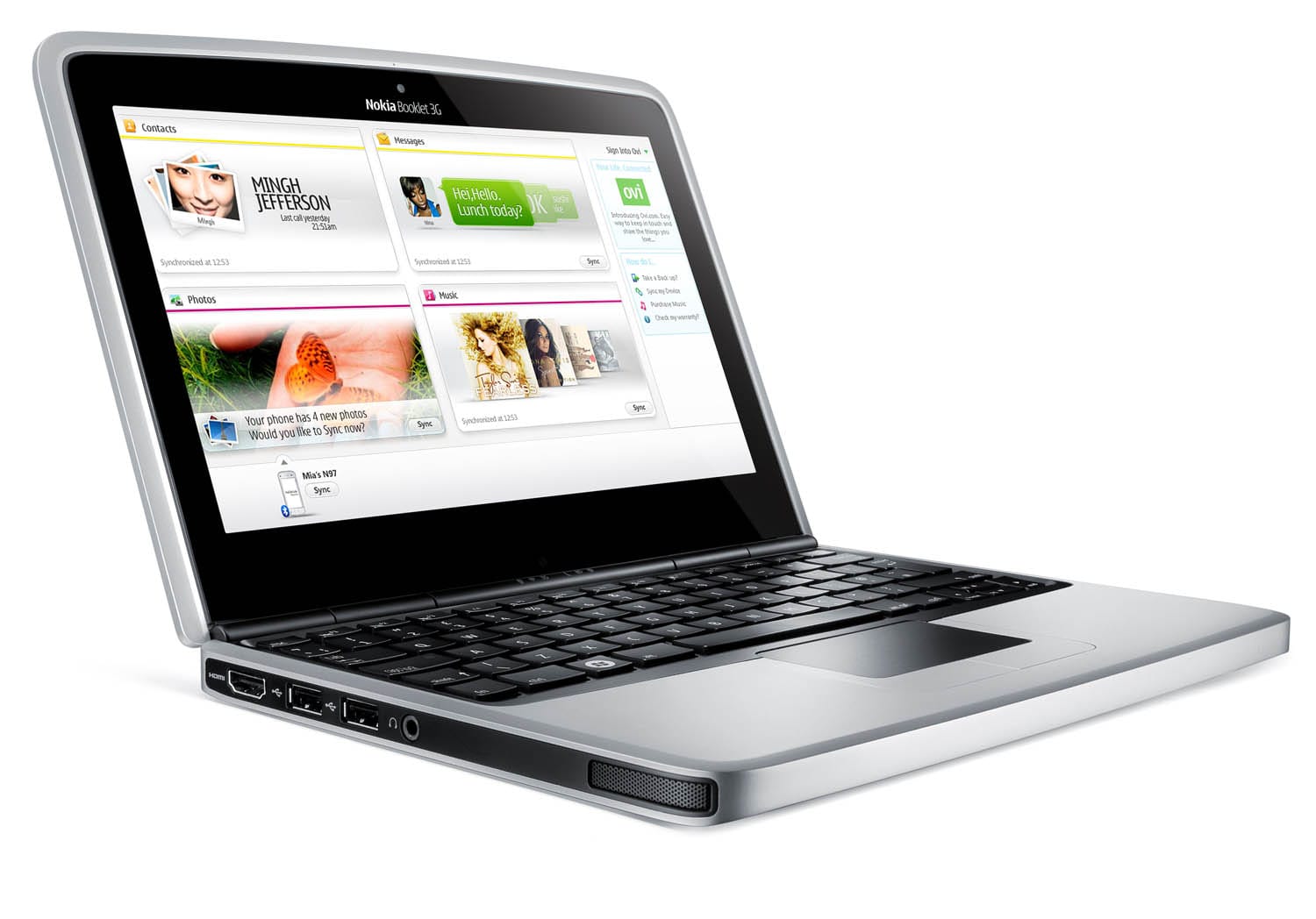
The Booklet 3G was Nokia’s first netbook. The company produced a series of personal computers in the 1980s called MikroMikko, but sold that business in 1991 to focus on mobile phone production.
Though Kai Öistämö, Nokia’s executive vice-president for devices, has said the Booklet is “a natural evolution for us”, Stephen Williams from The New York Times says it is “more of a homecoming” because of Nokia’s prior computer business. Nokia’s expansion into the netbook market is contrary to computer maker Apple’s 2007 expansion into the phone market with their iPhone.
Nokia announced the device in August 2009. The price was announced to be €575 before tax, making it one of the higher-priced netbooks available. But it sure as hell is beautiful! When it was released, the Booklet was quite Linux-unfriendly but now these problems have diminished to some minor nuisance.
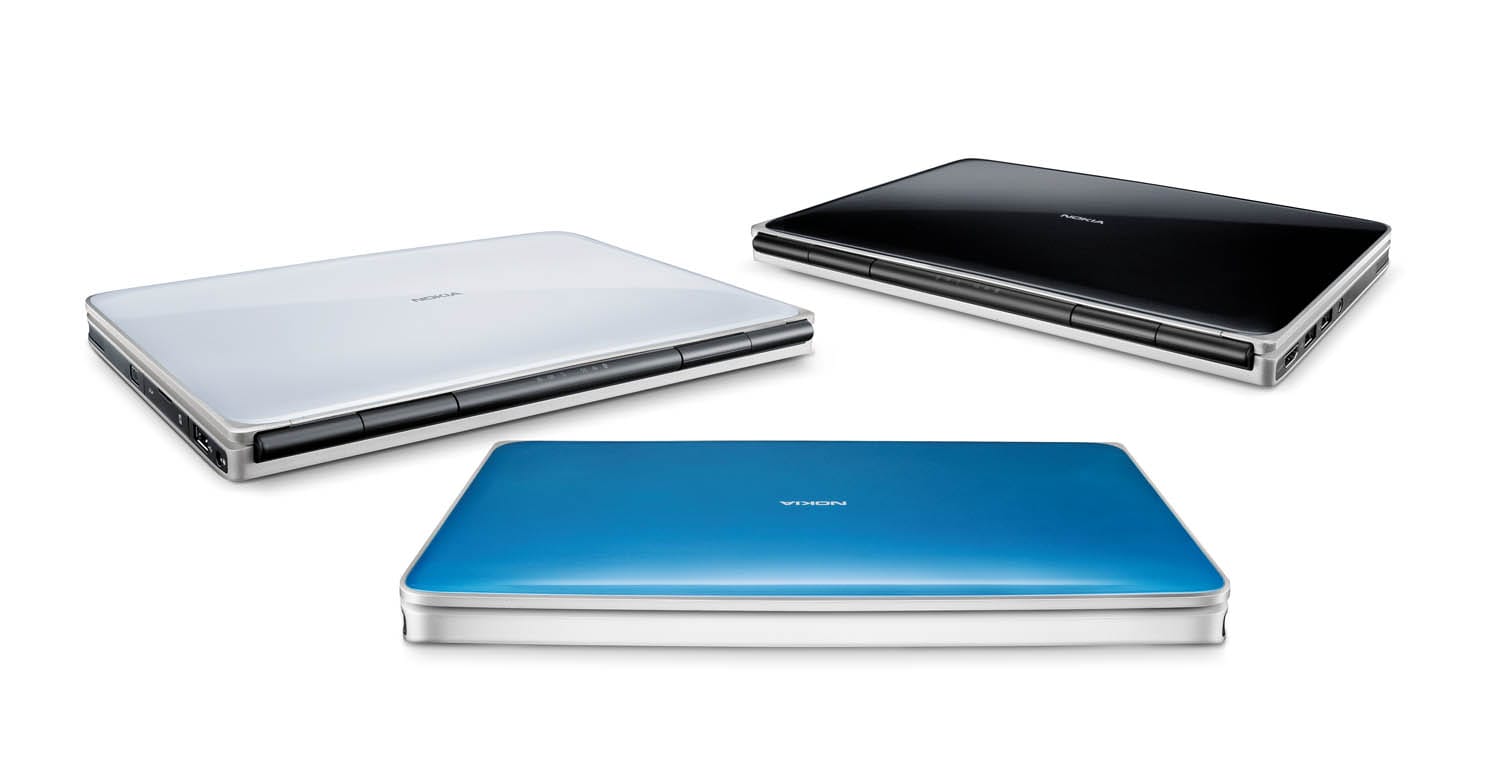
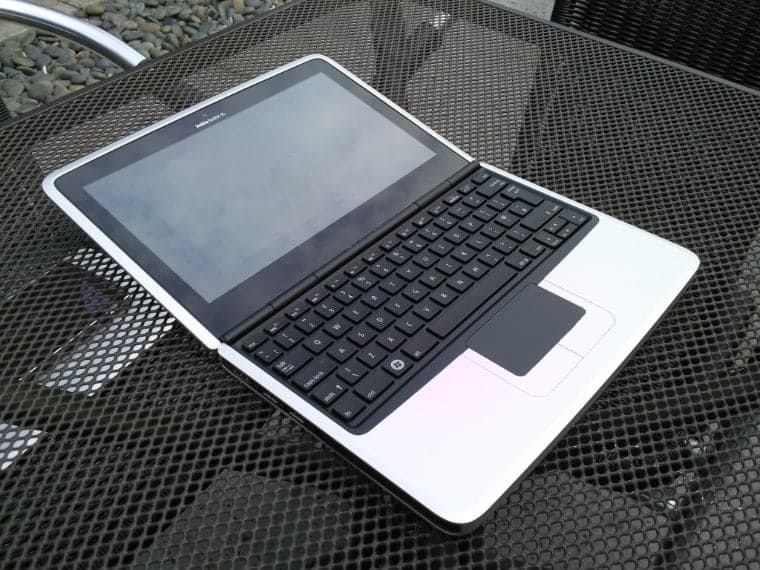
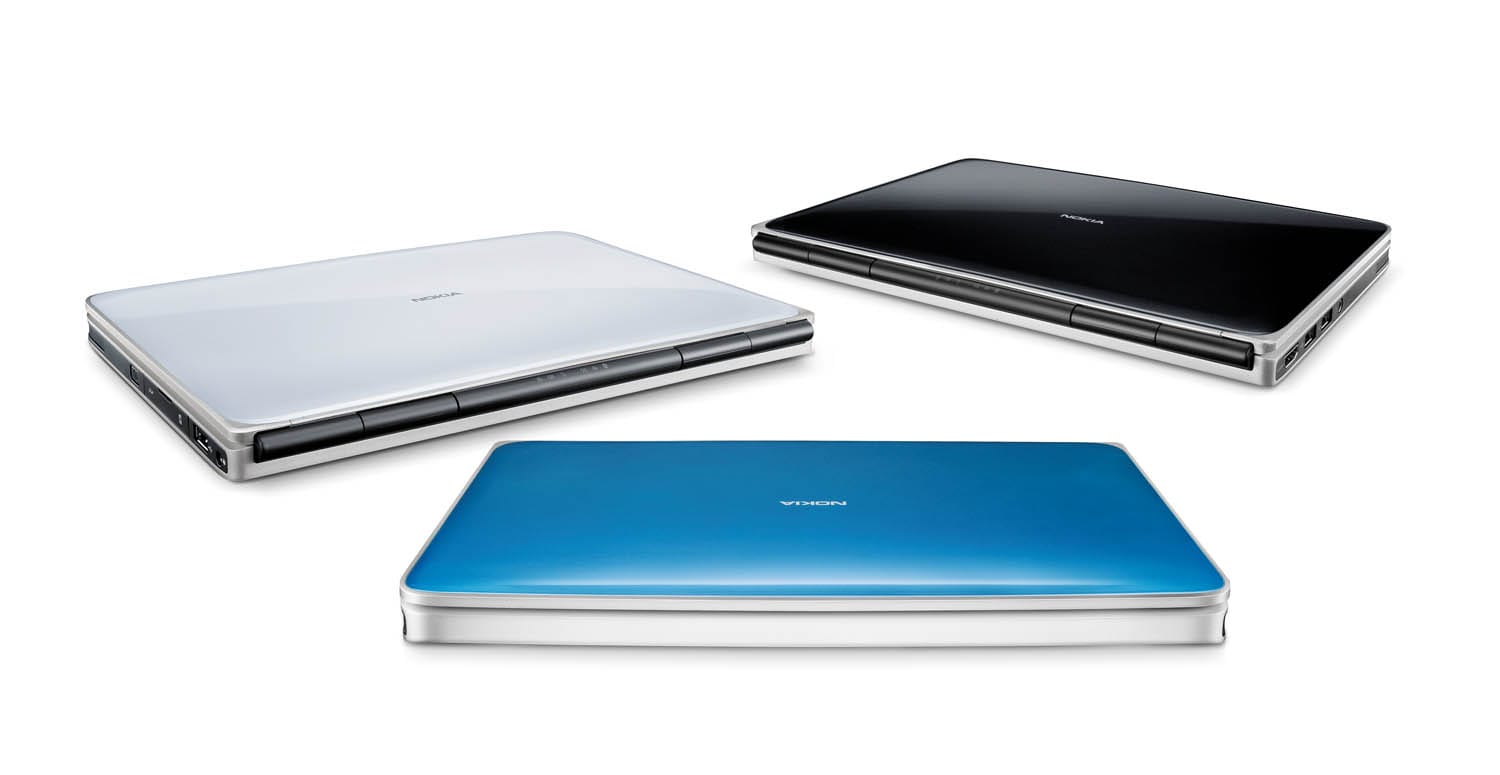
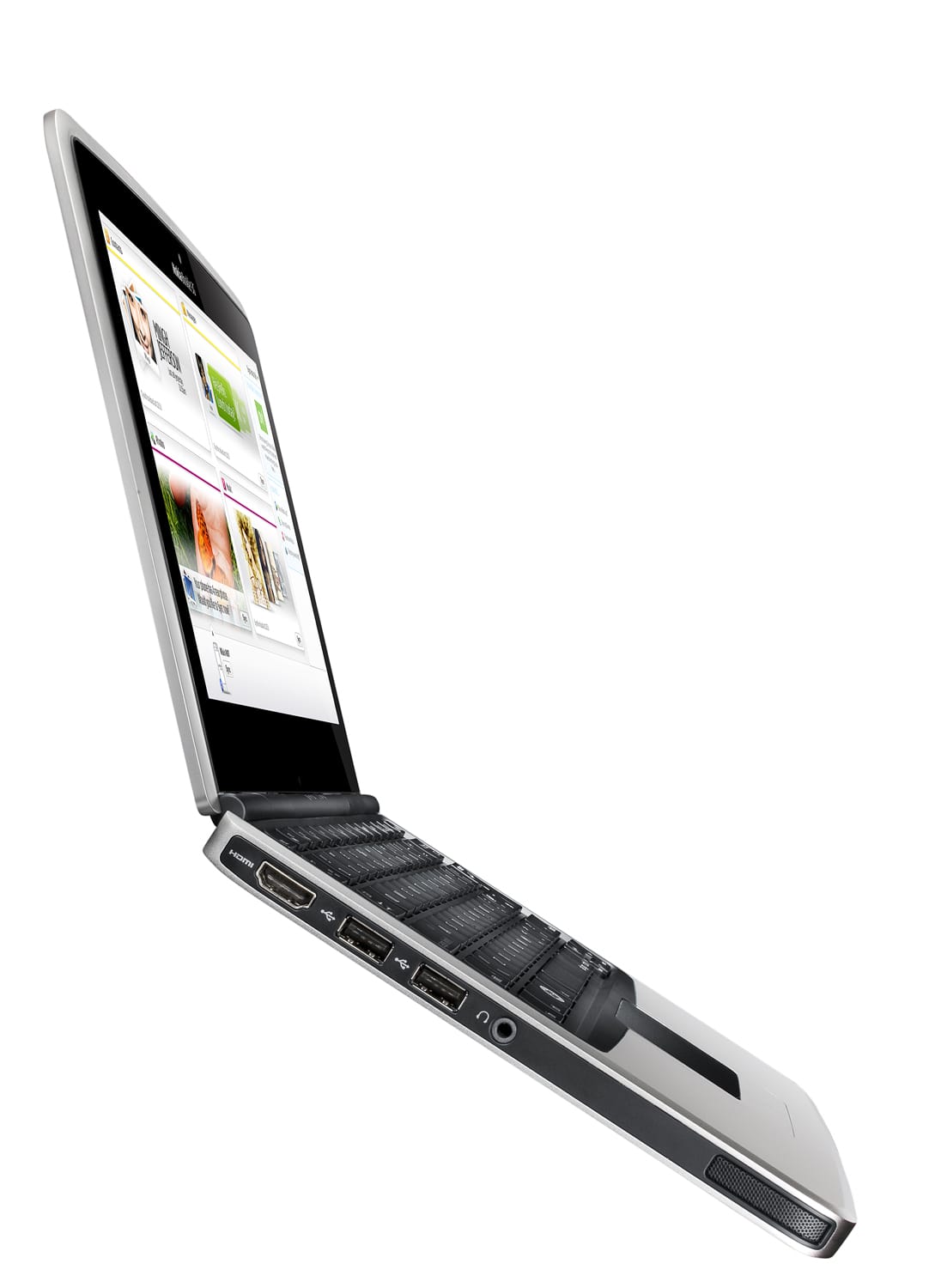
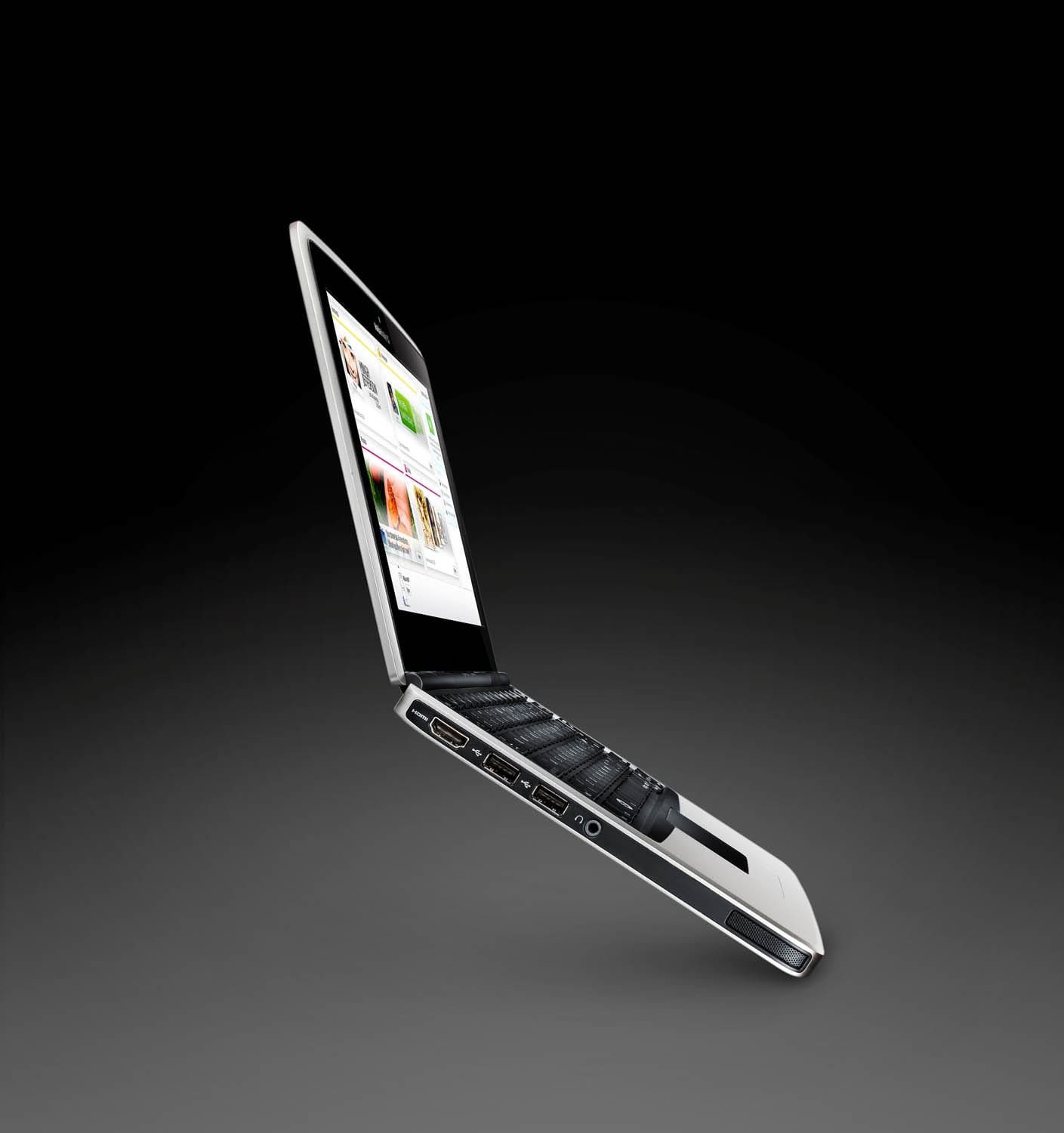
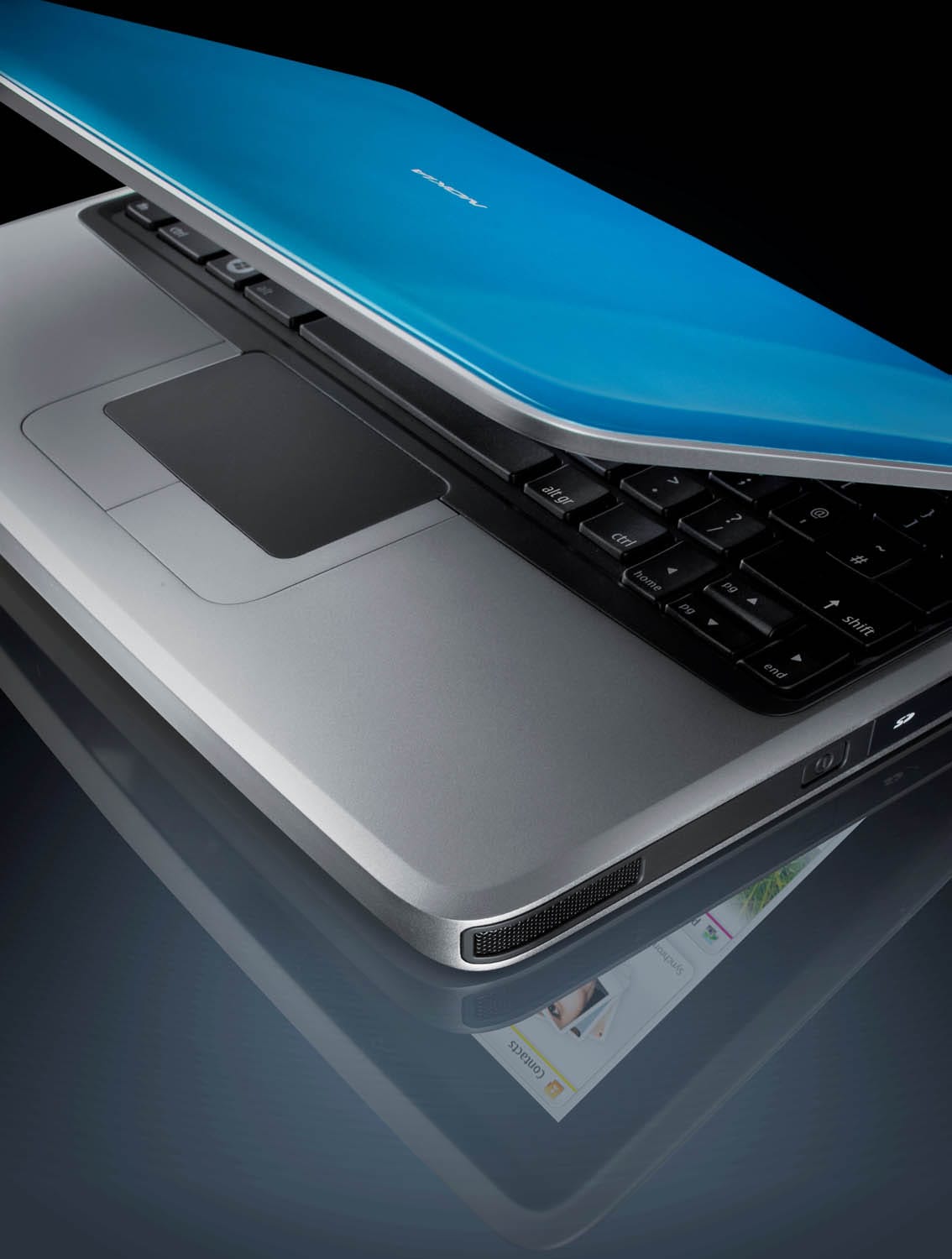
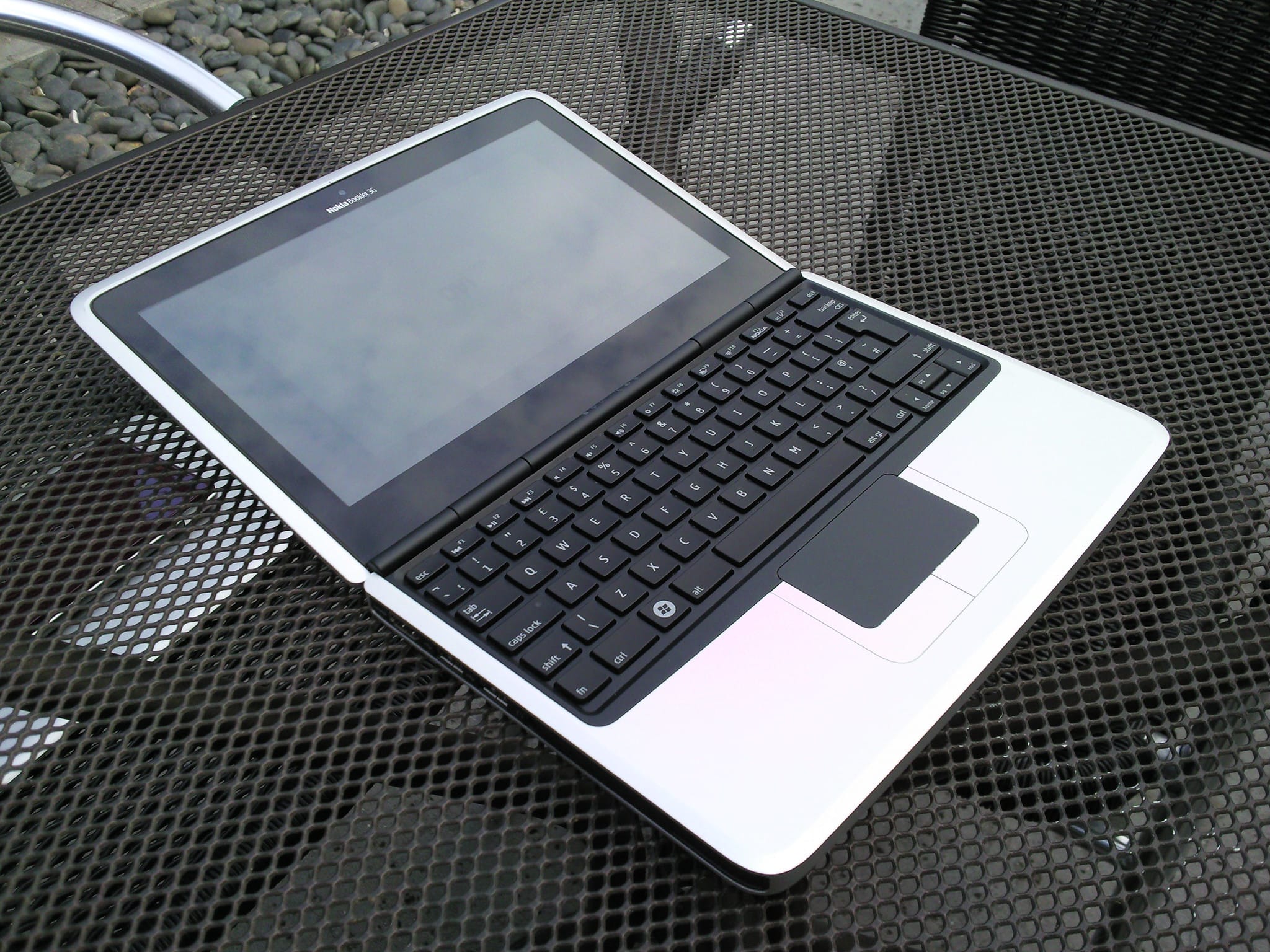
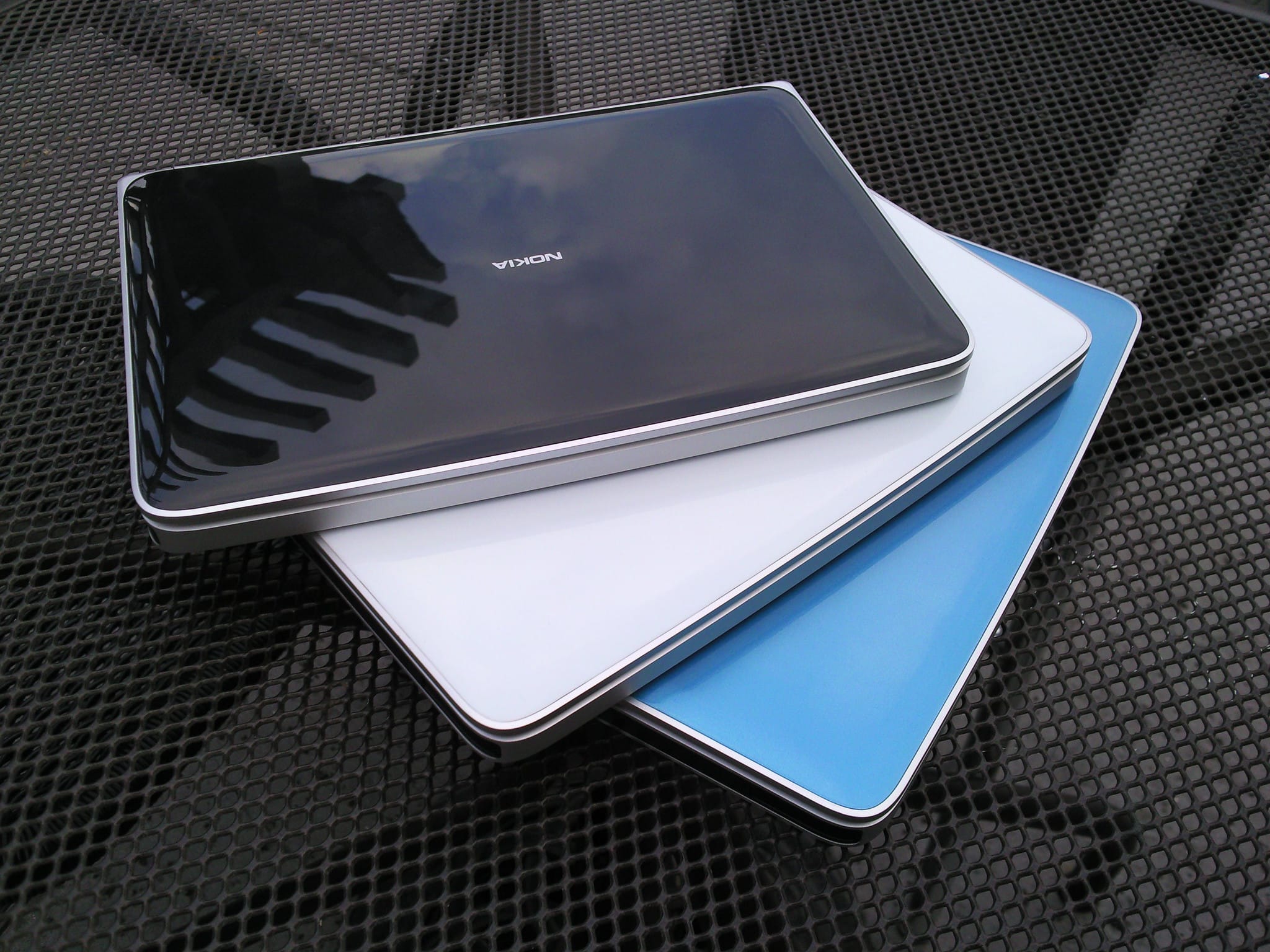
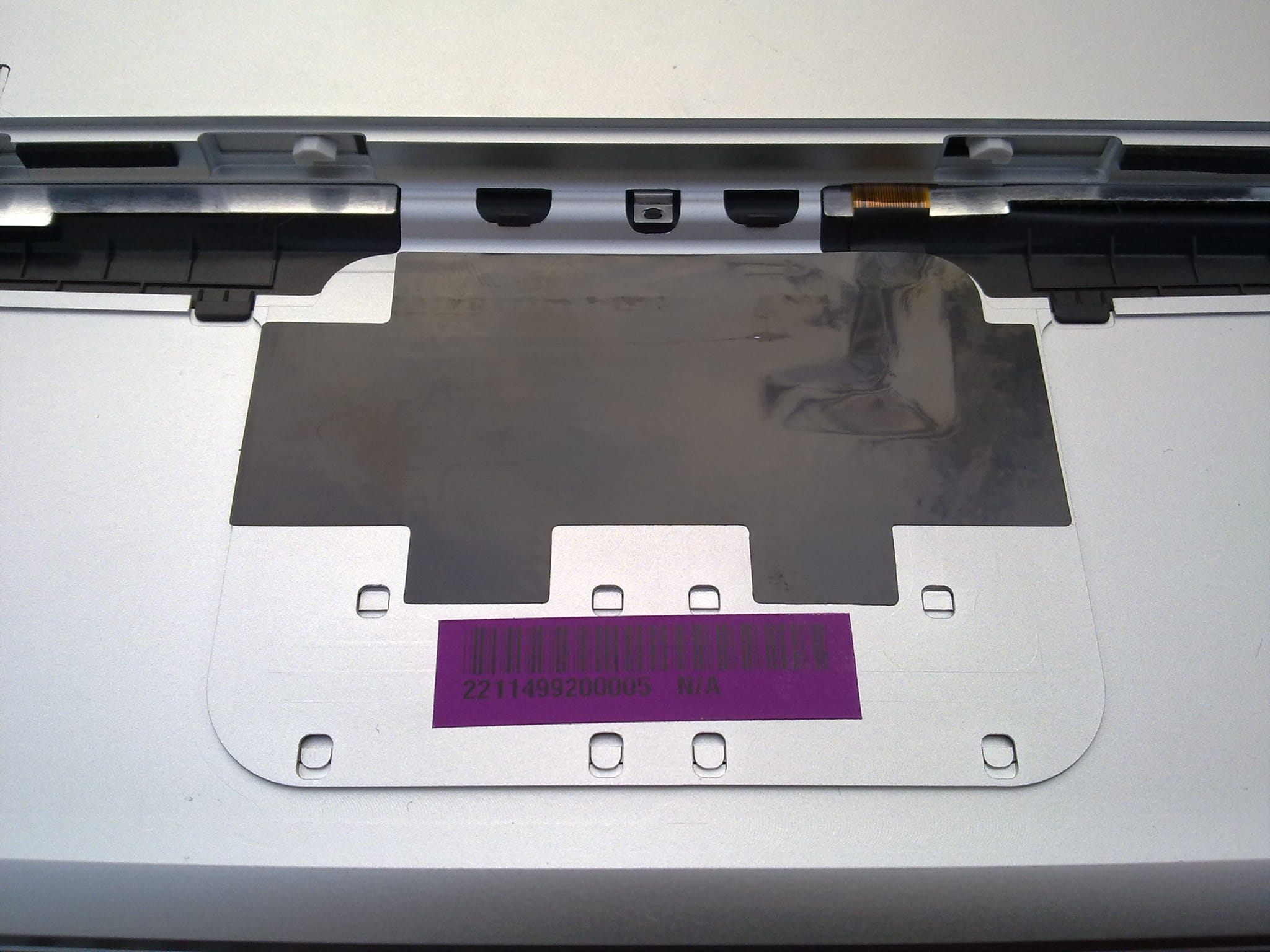
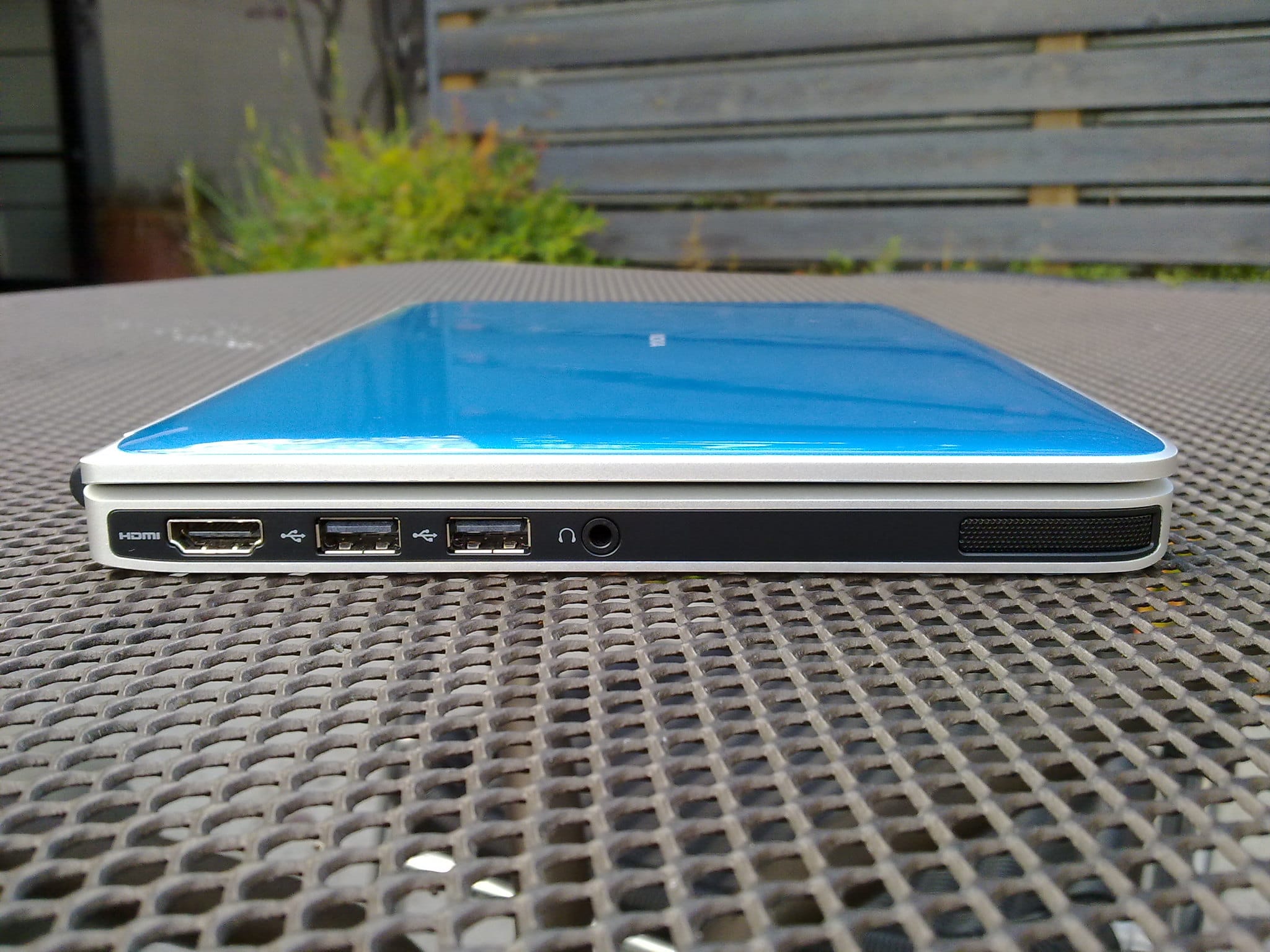
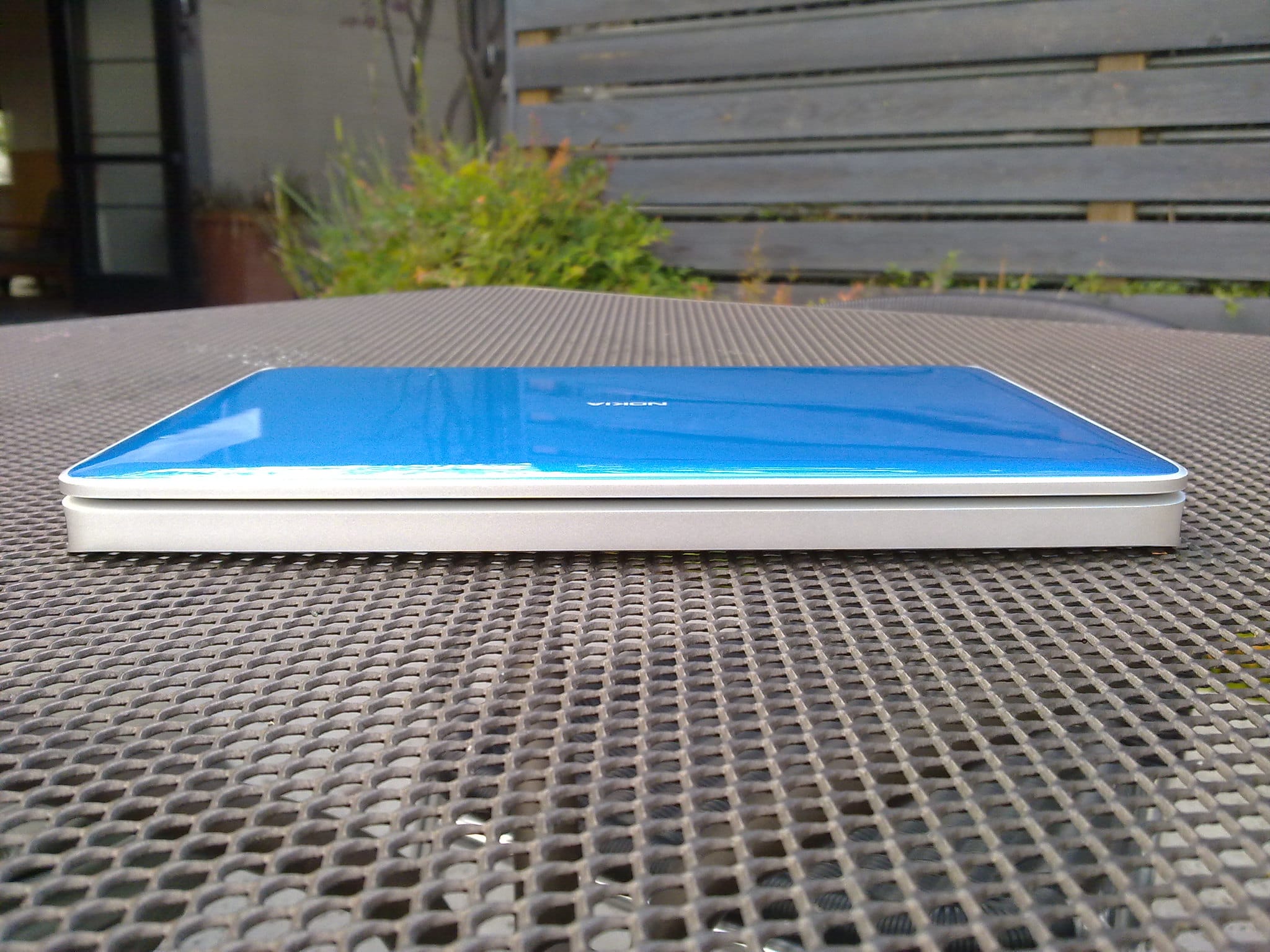
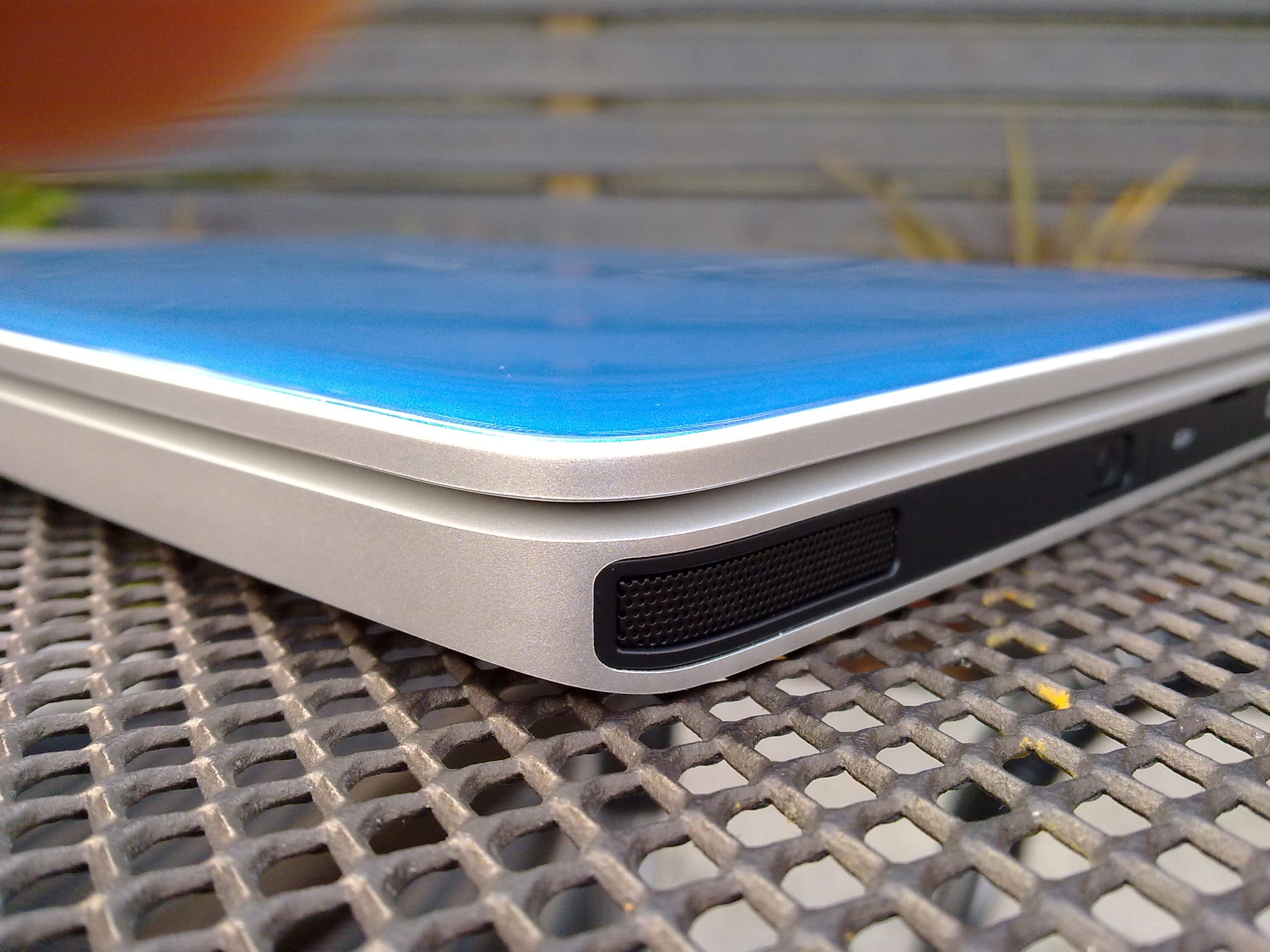
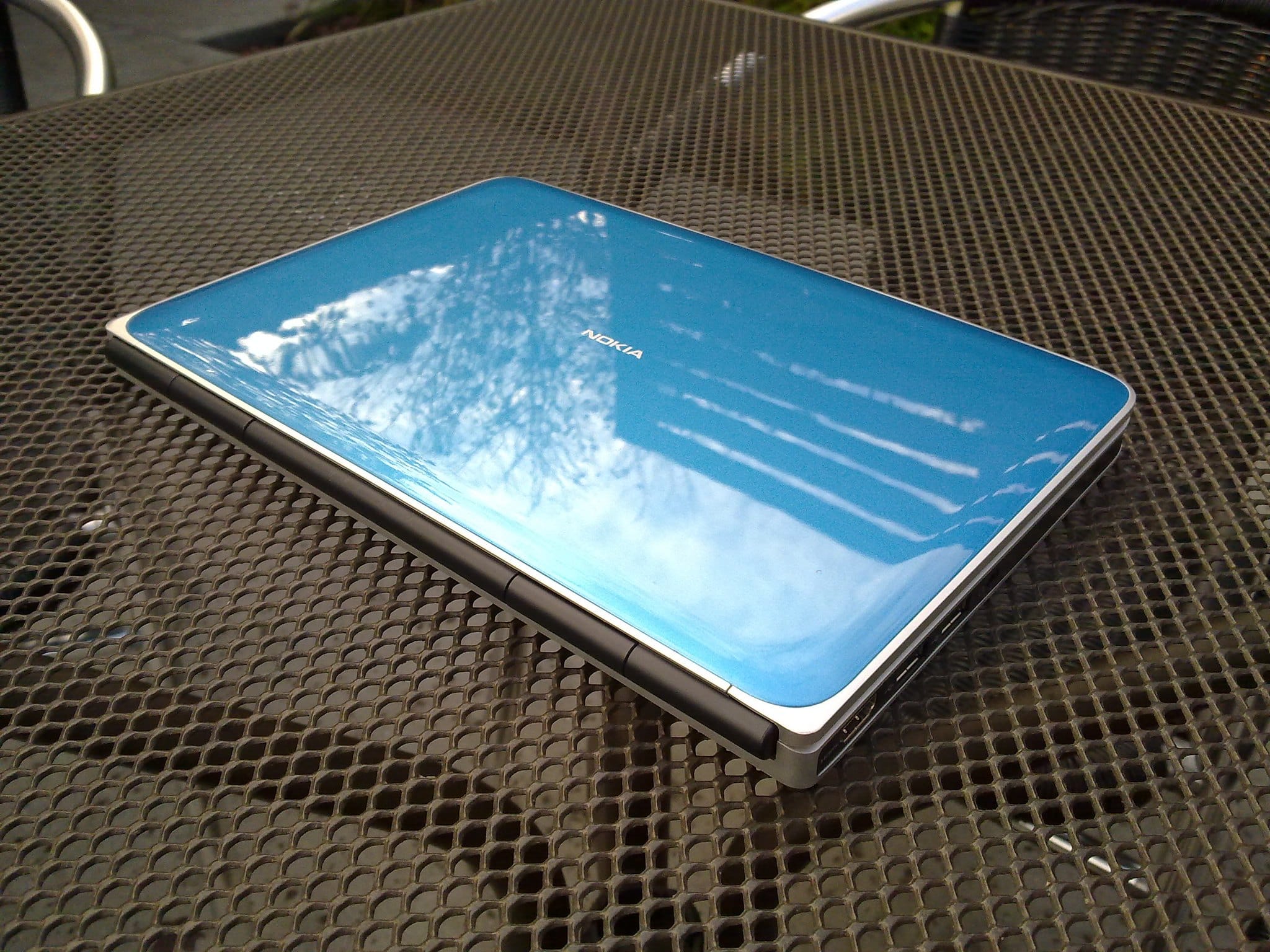
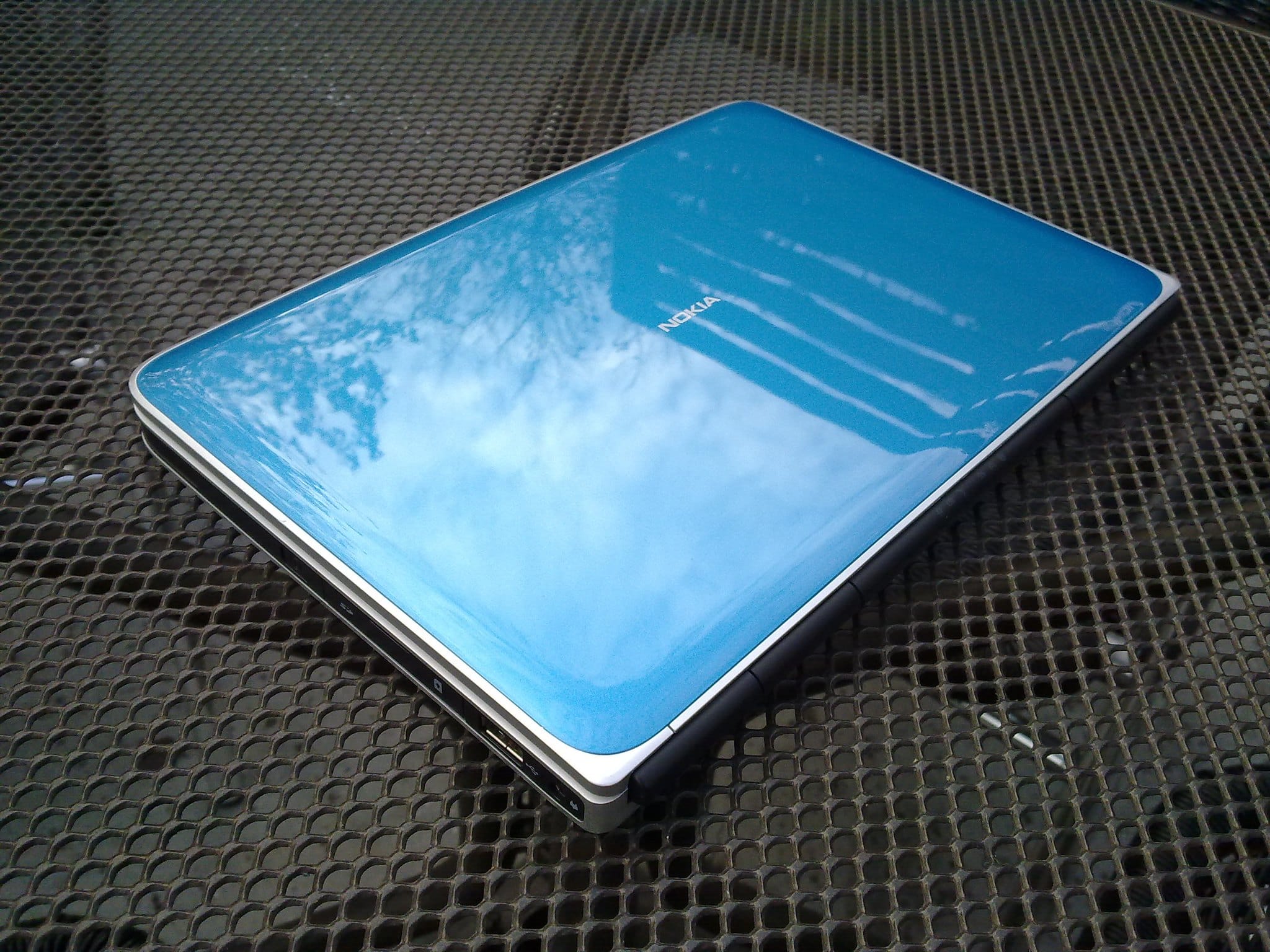
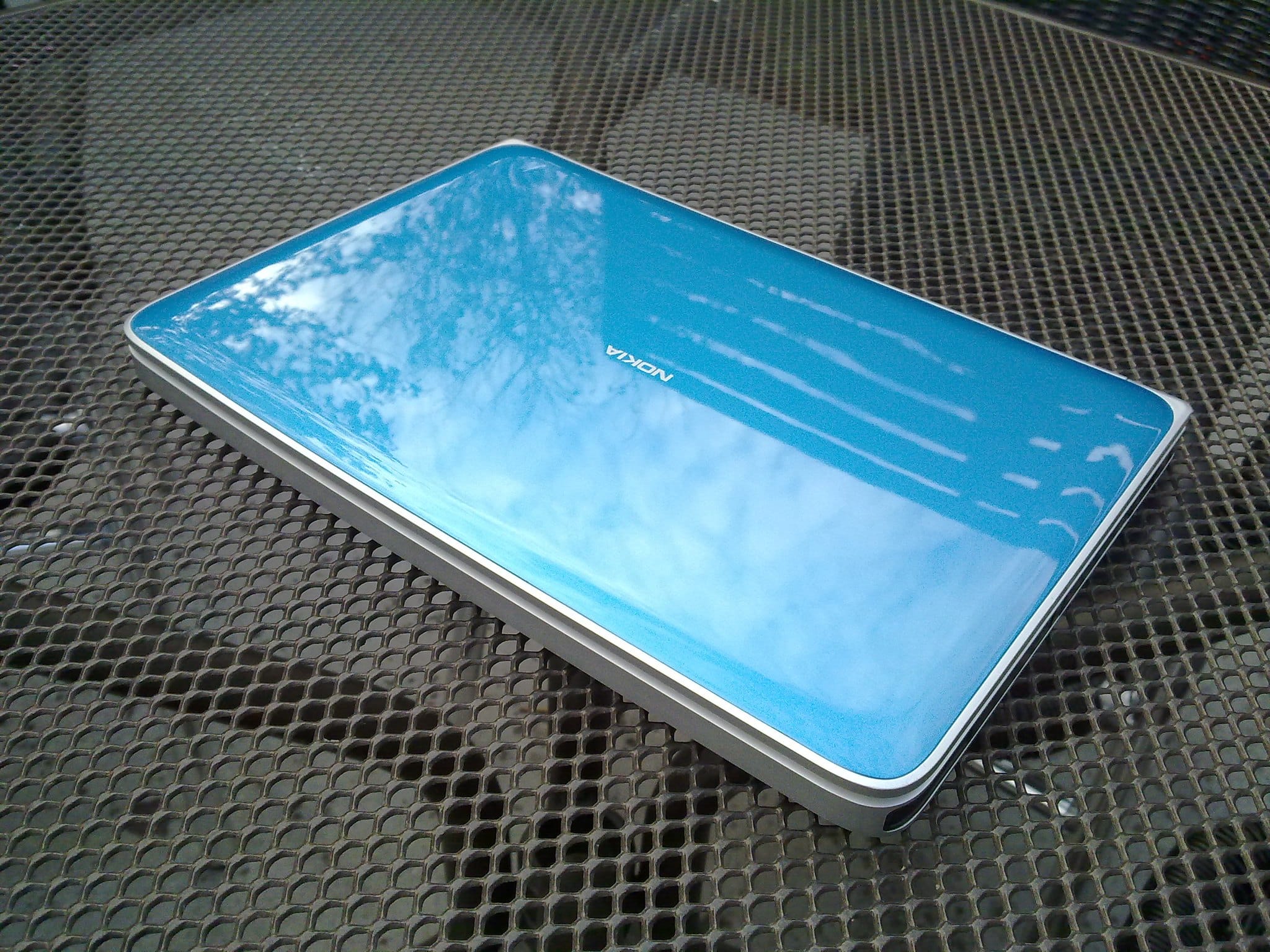
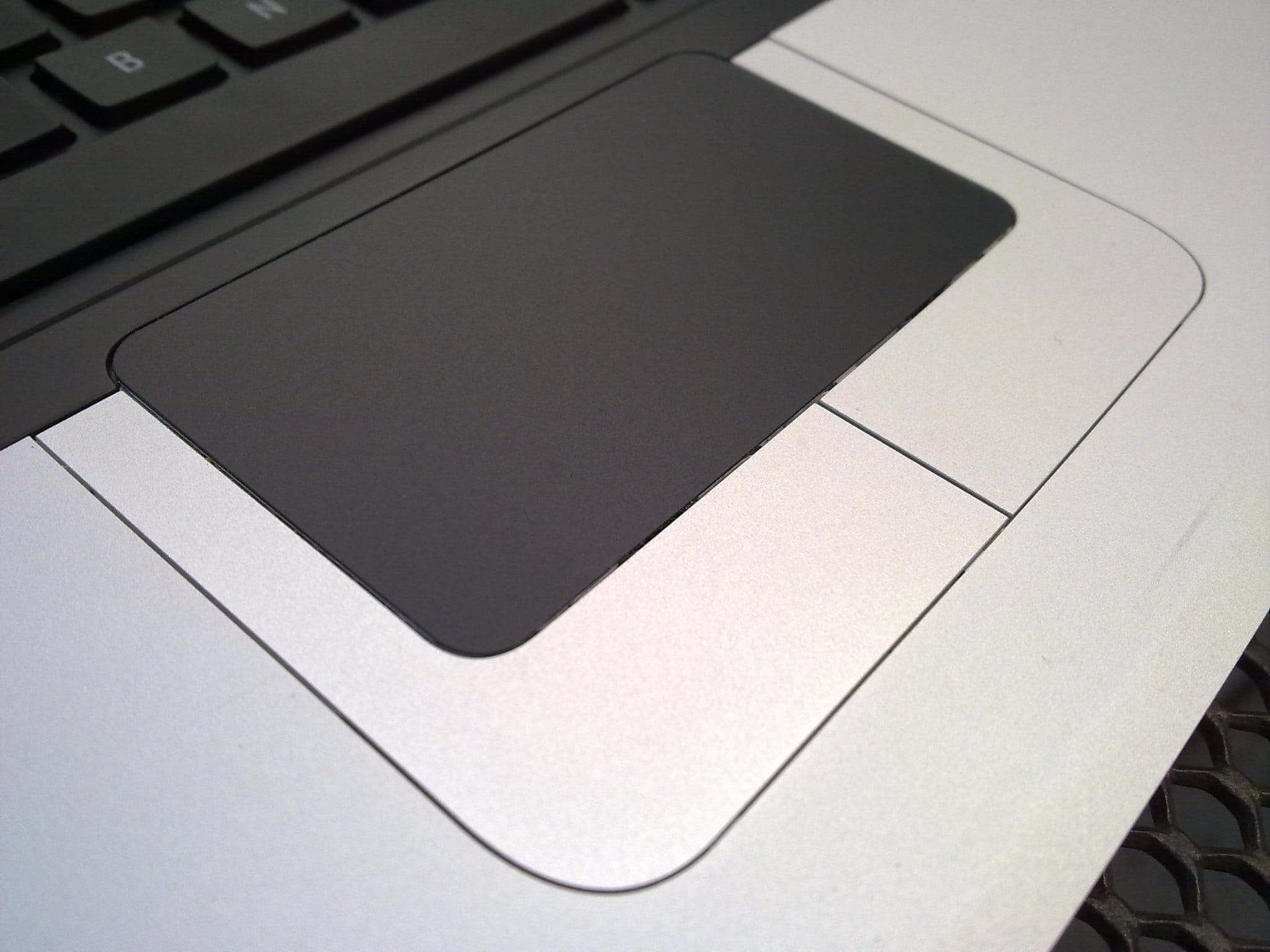
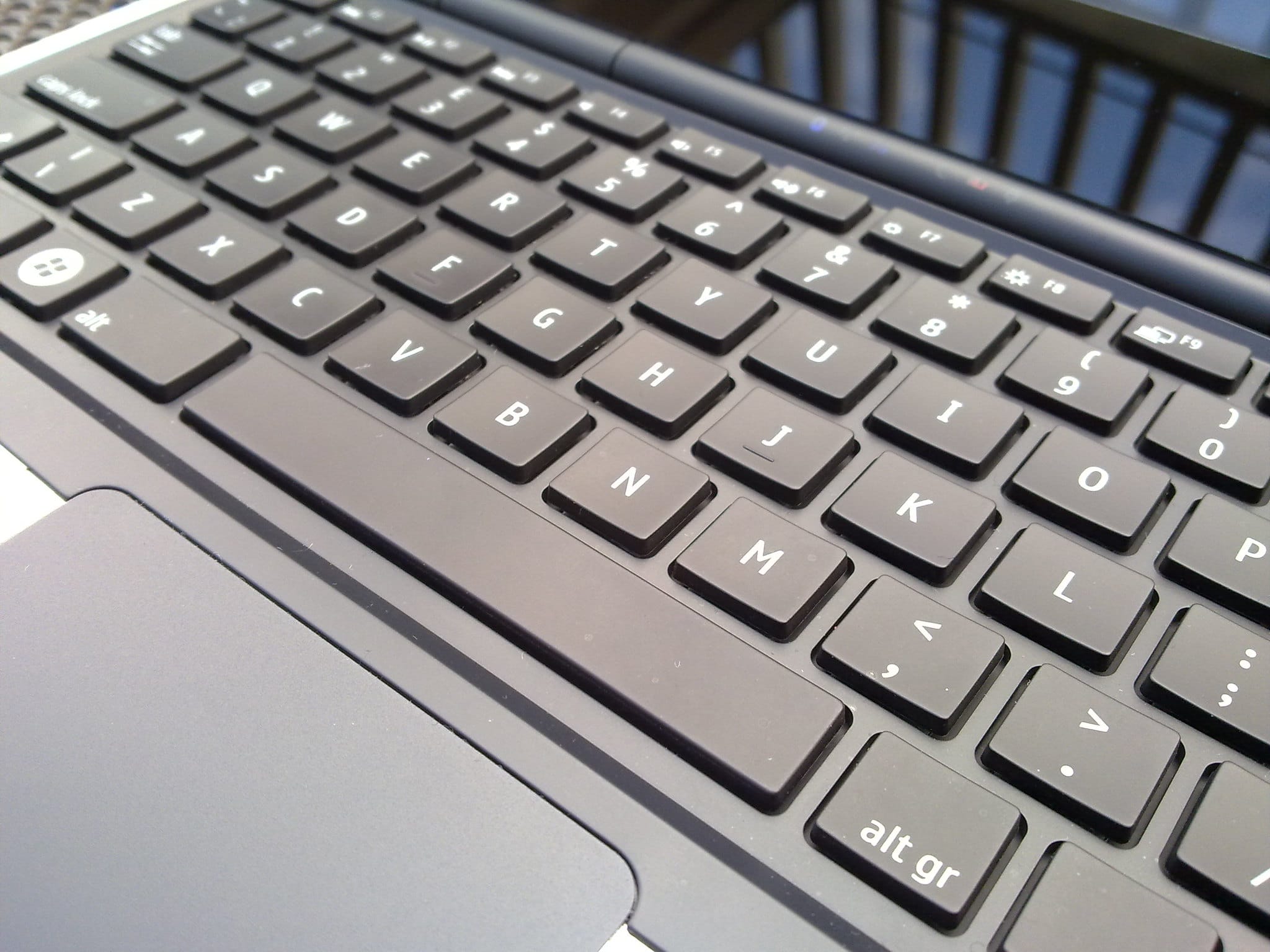
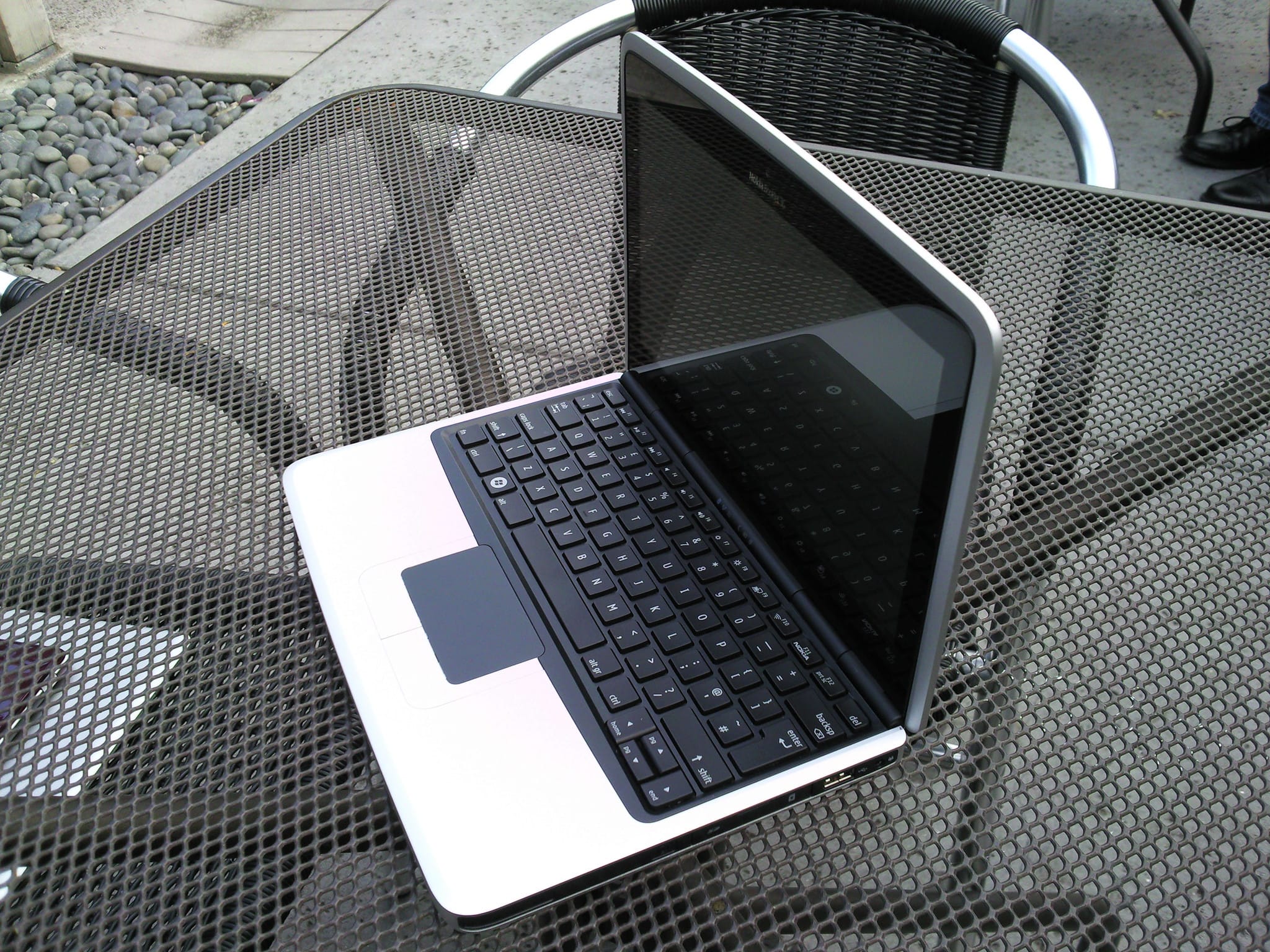
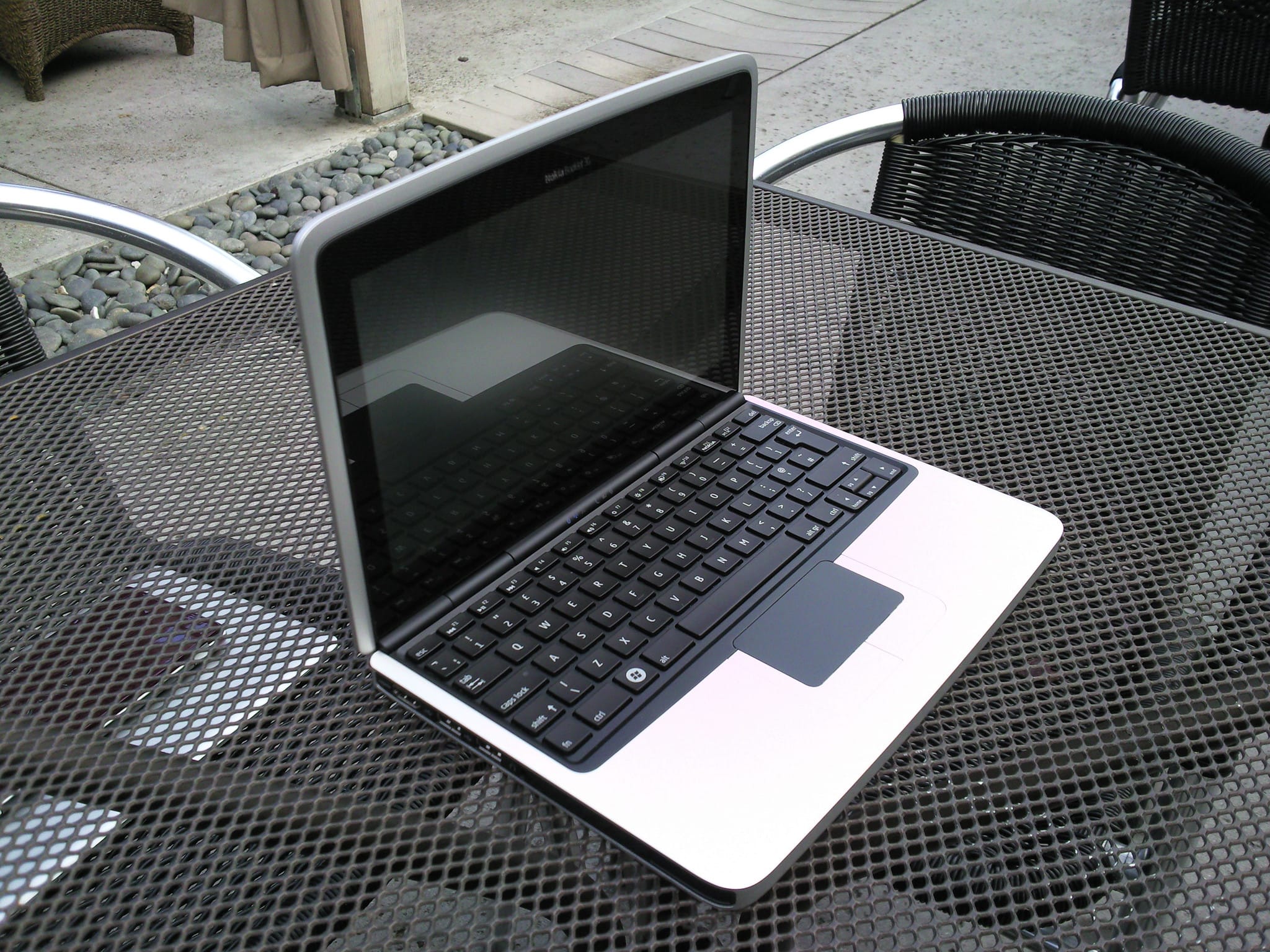
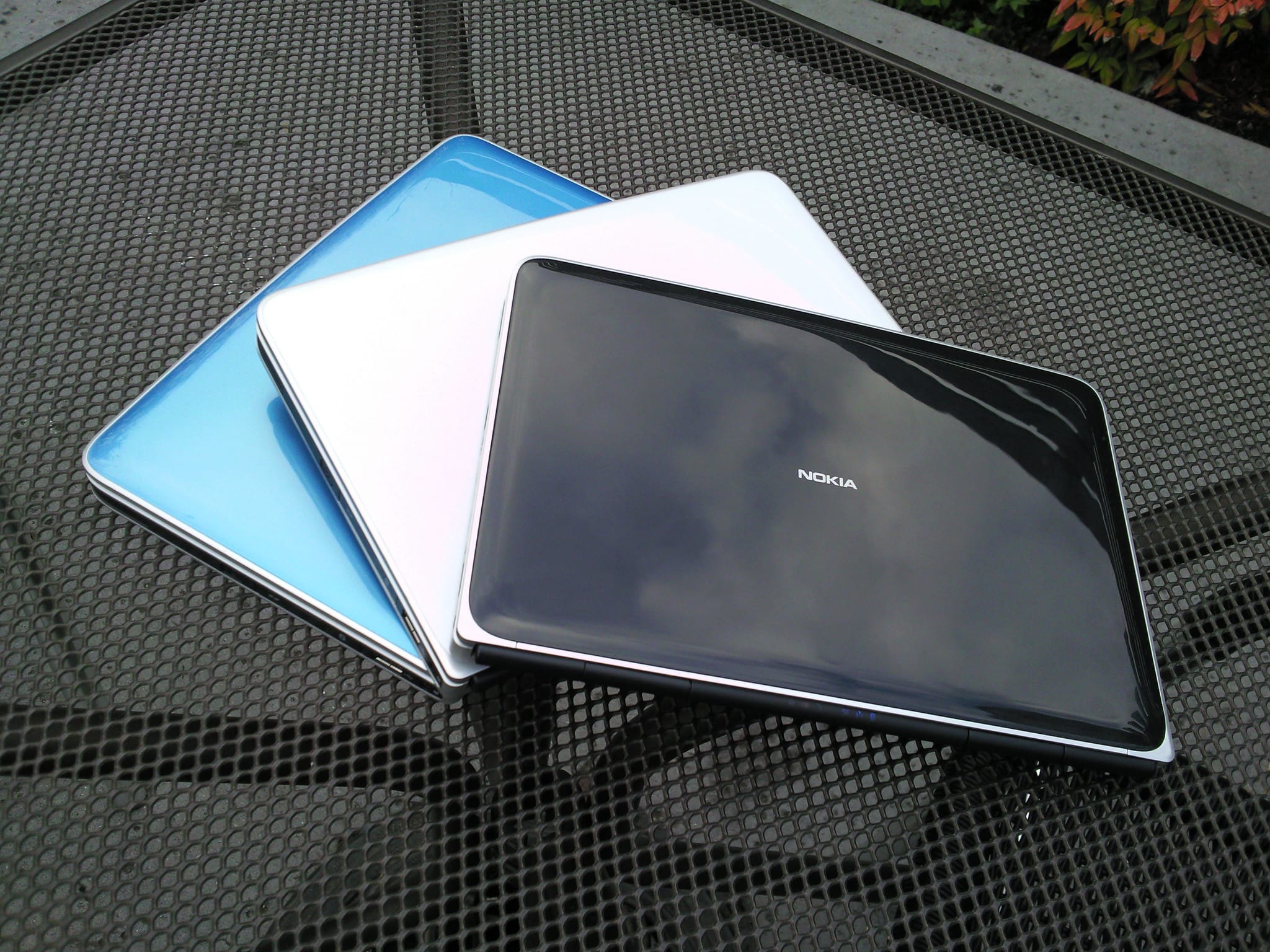
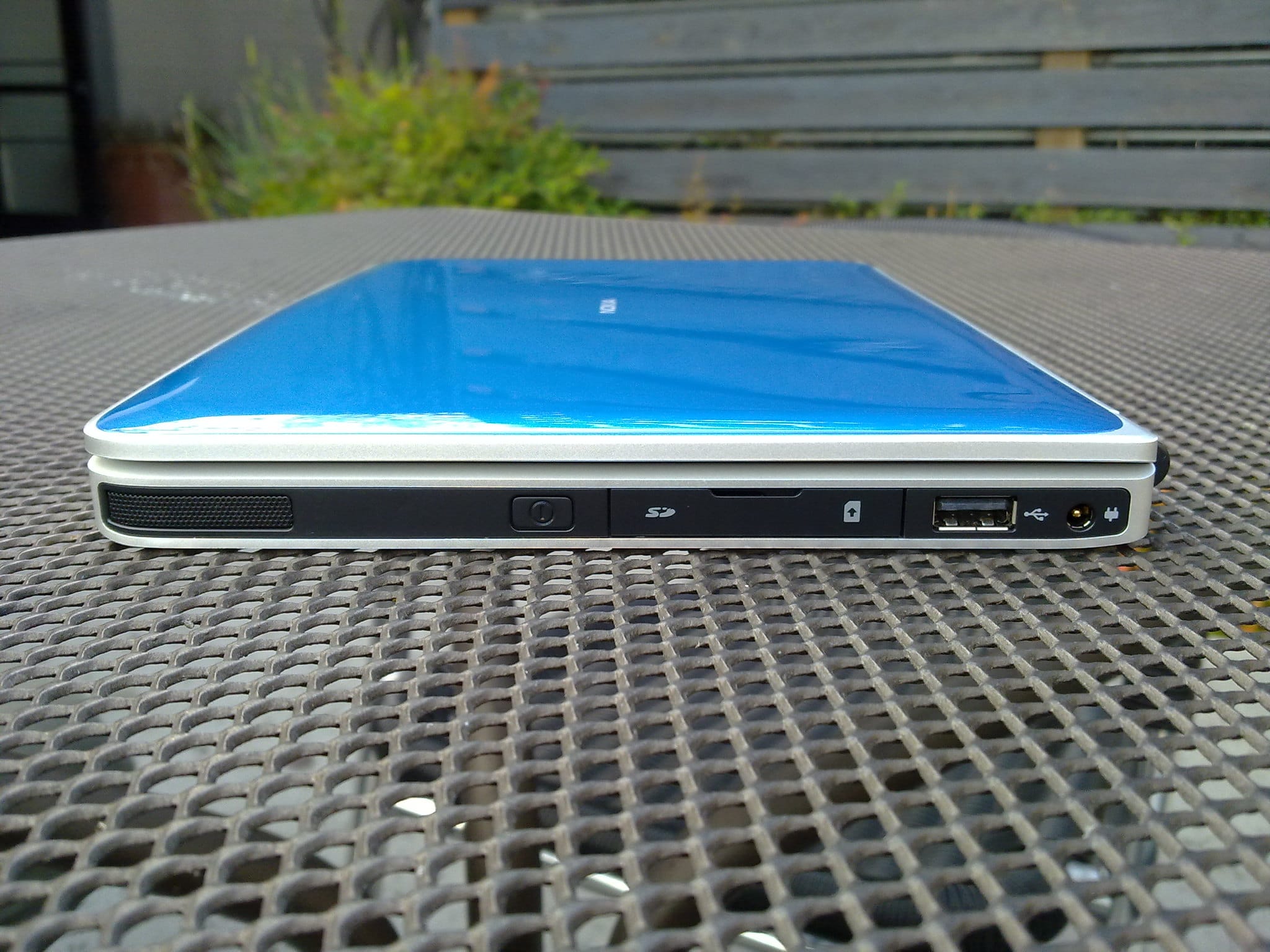
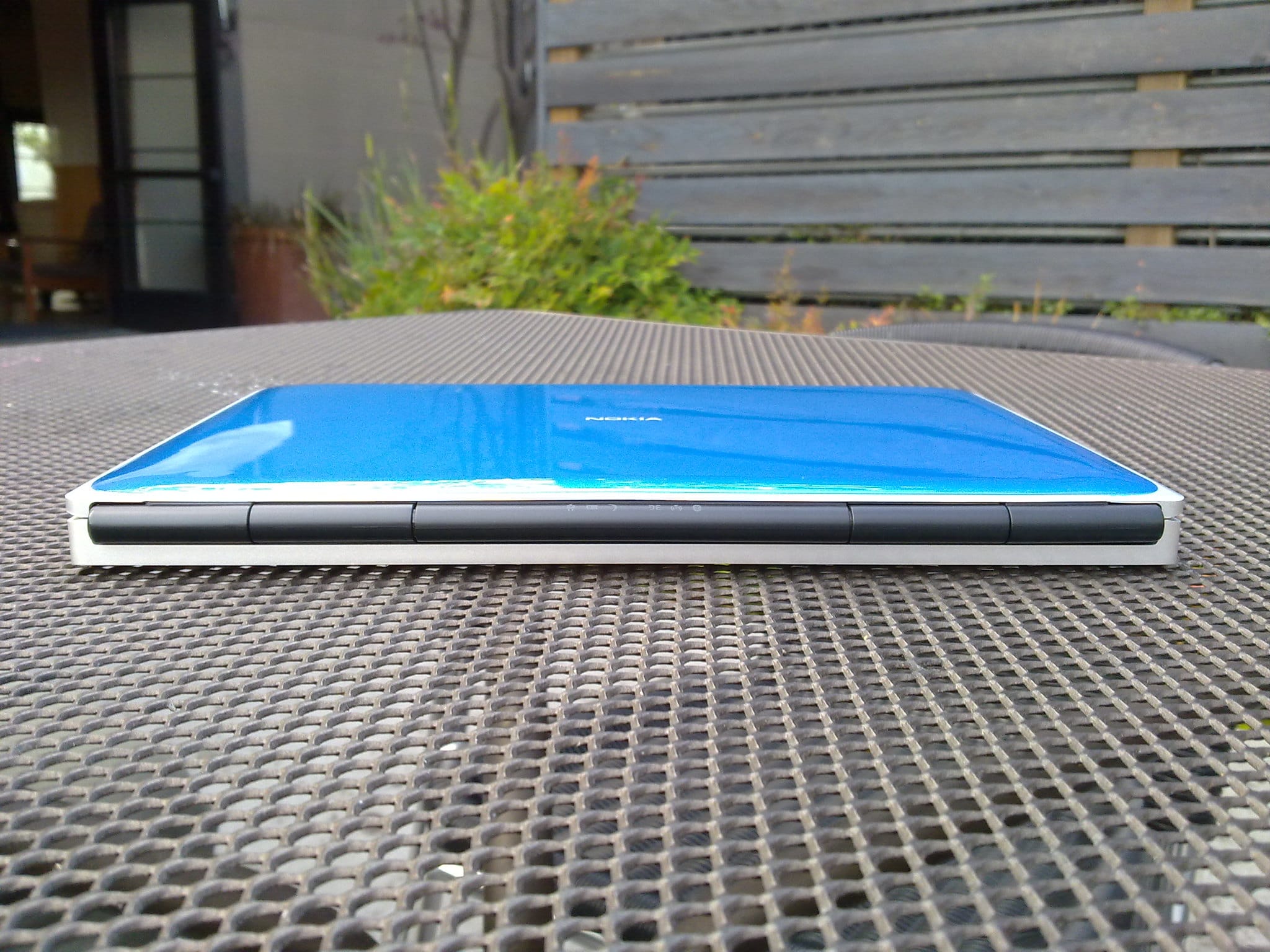
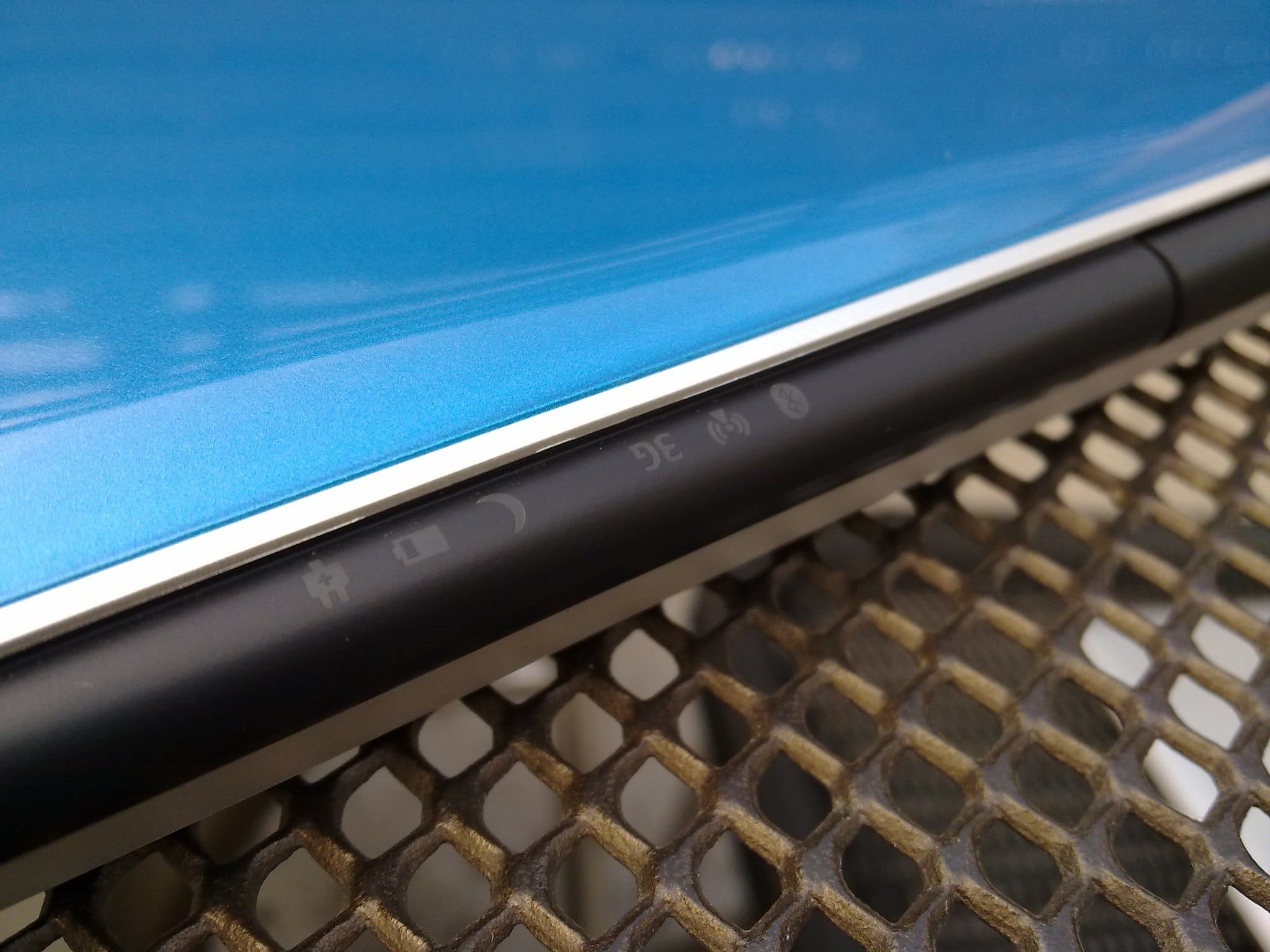
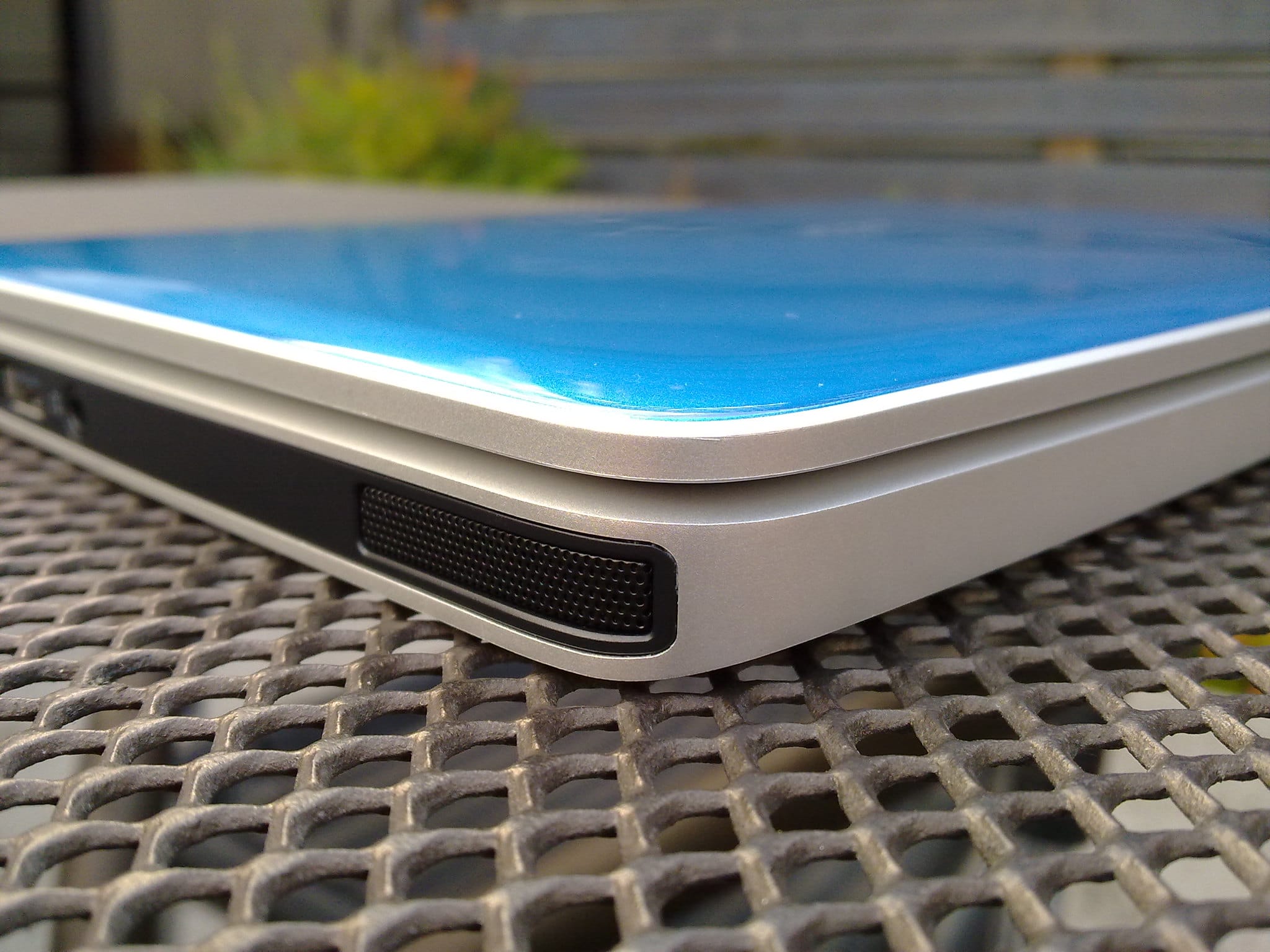
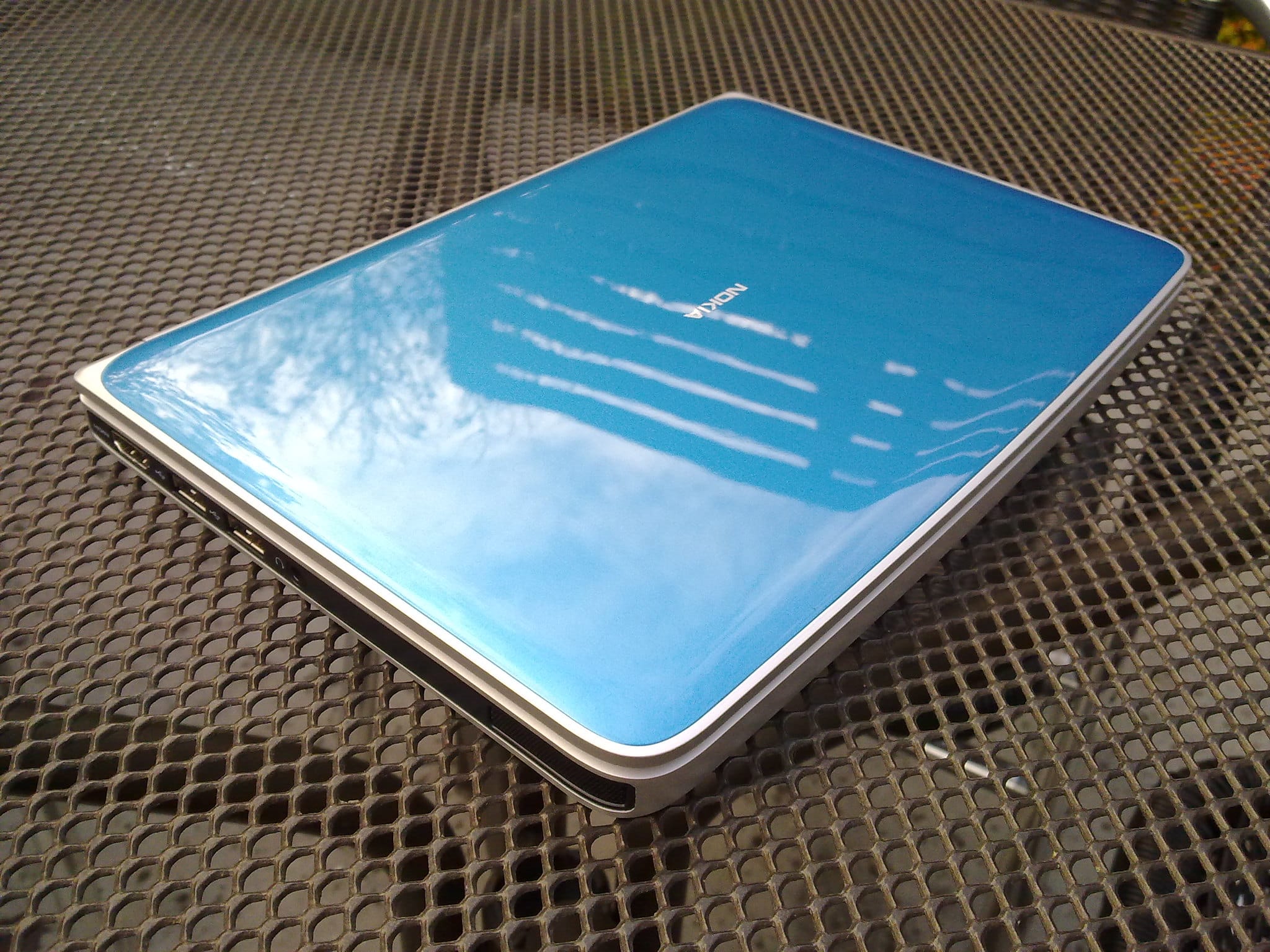
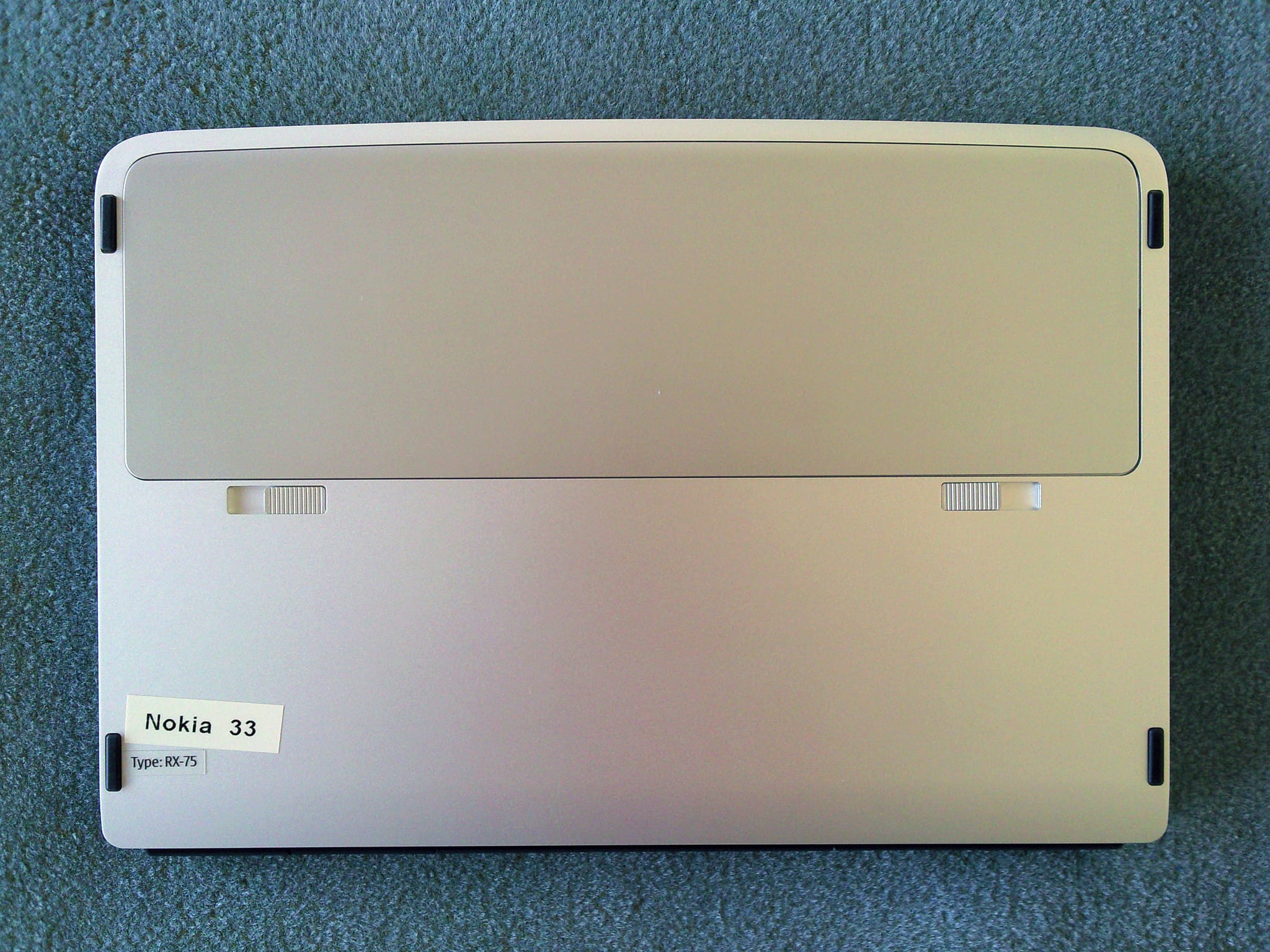
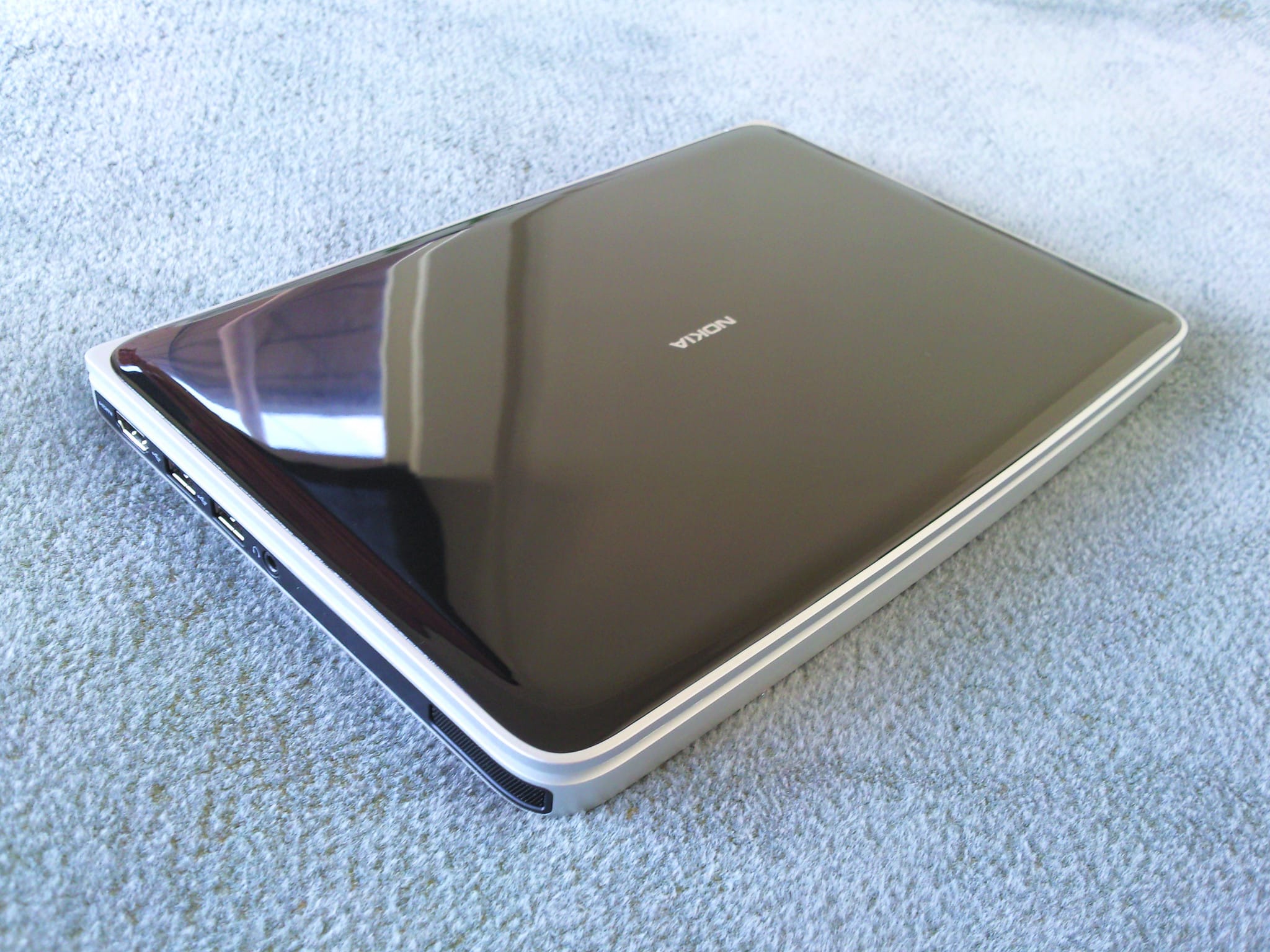
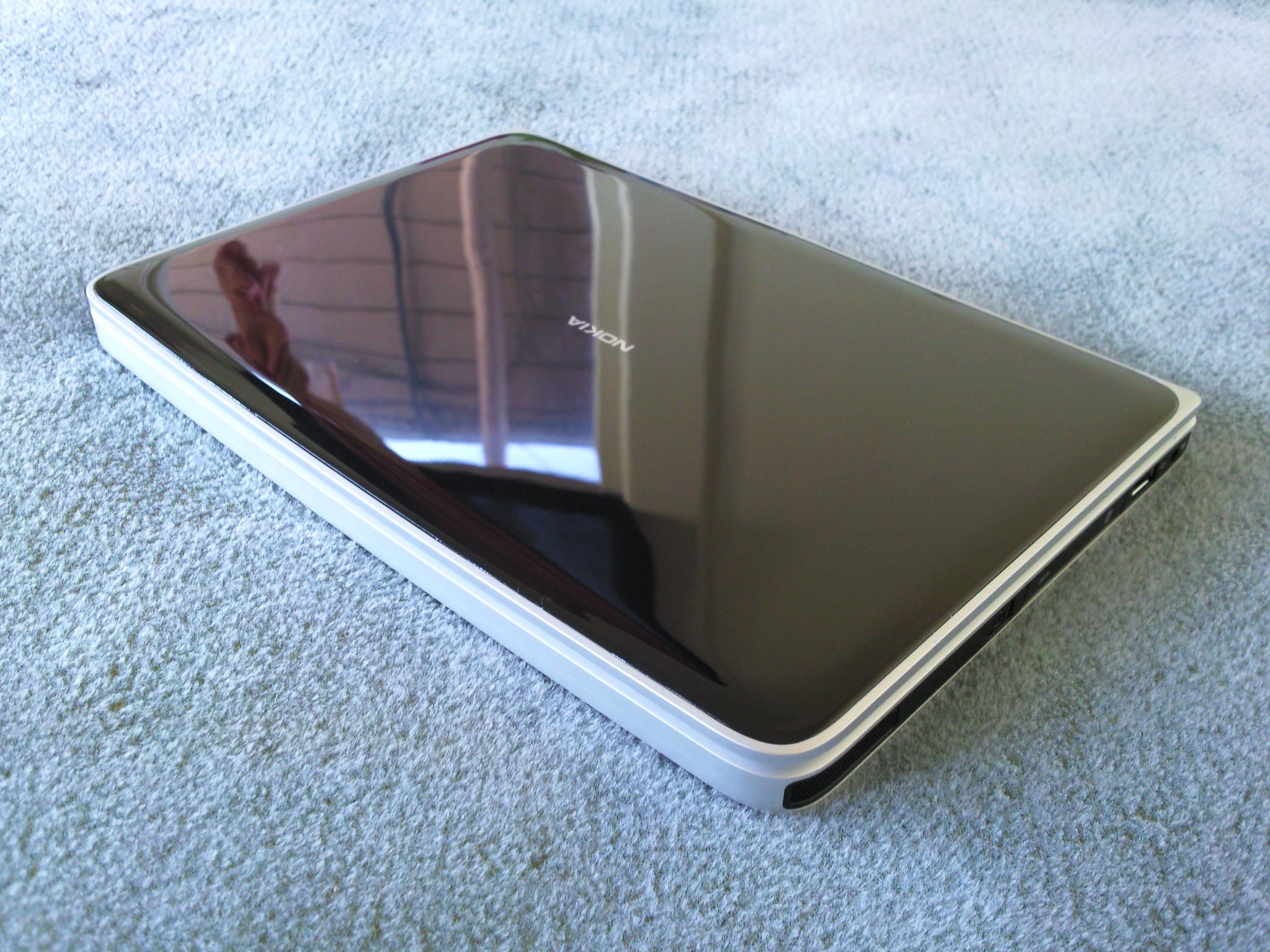
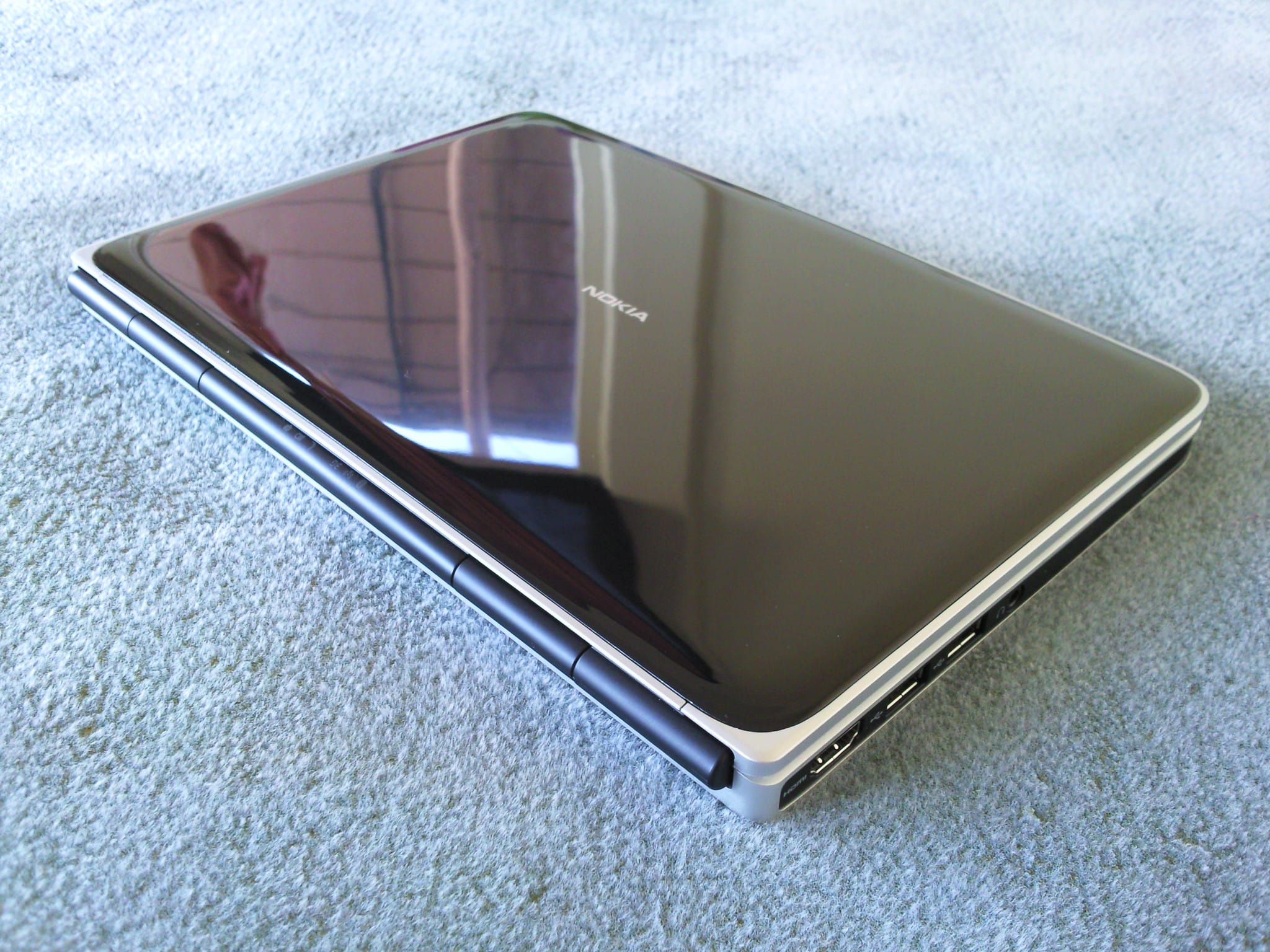
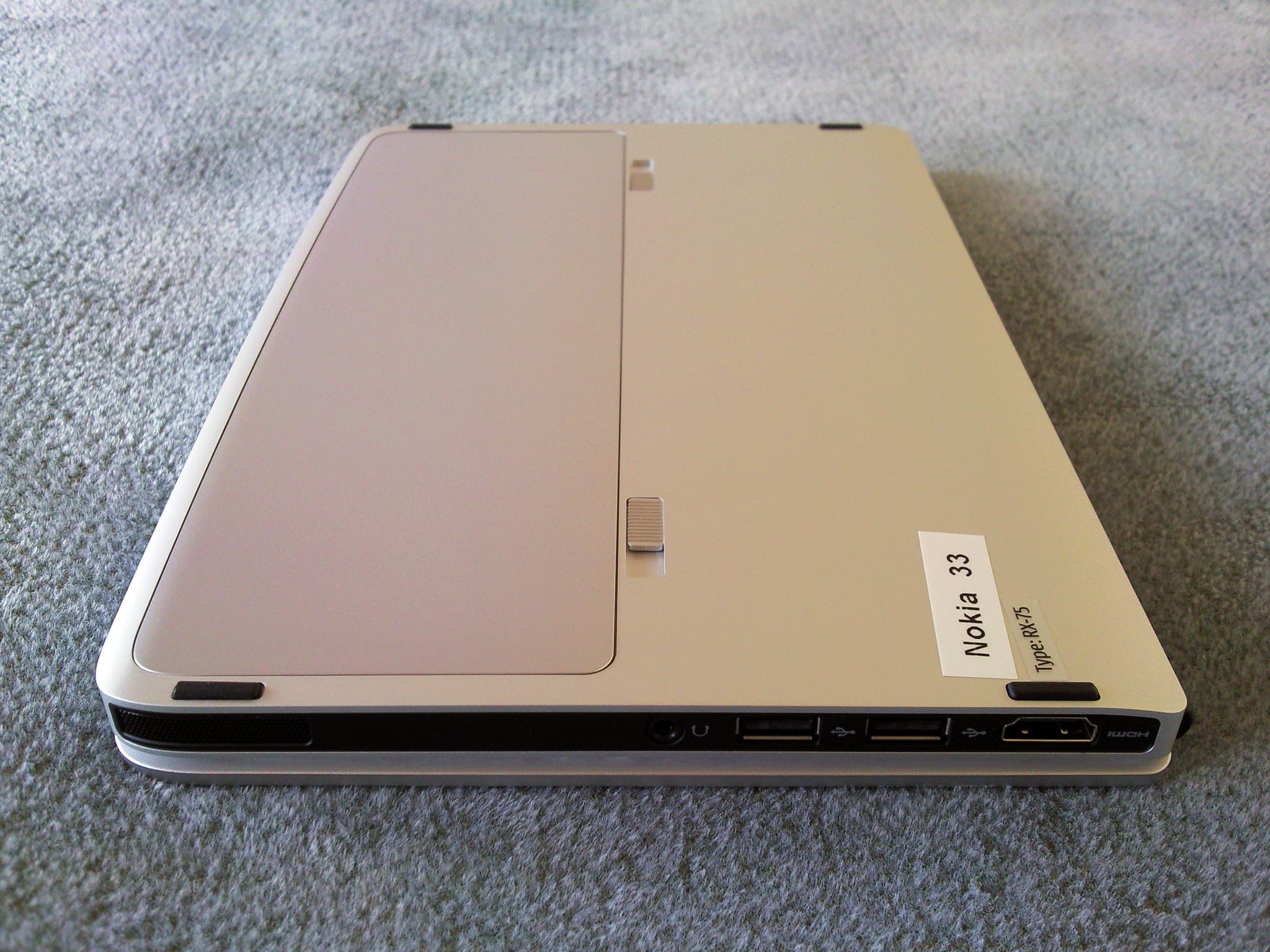
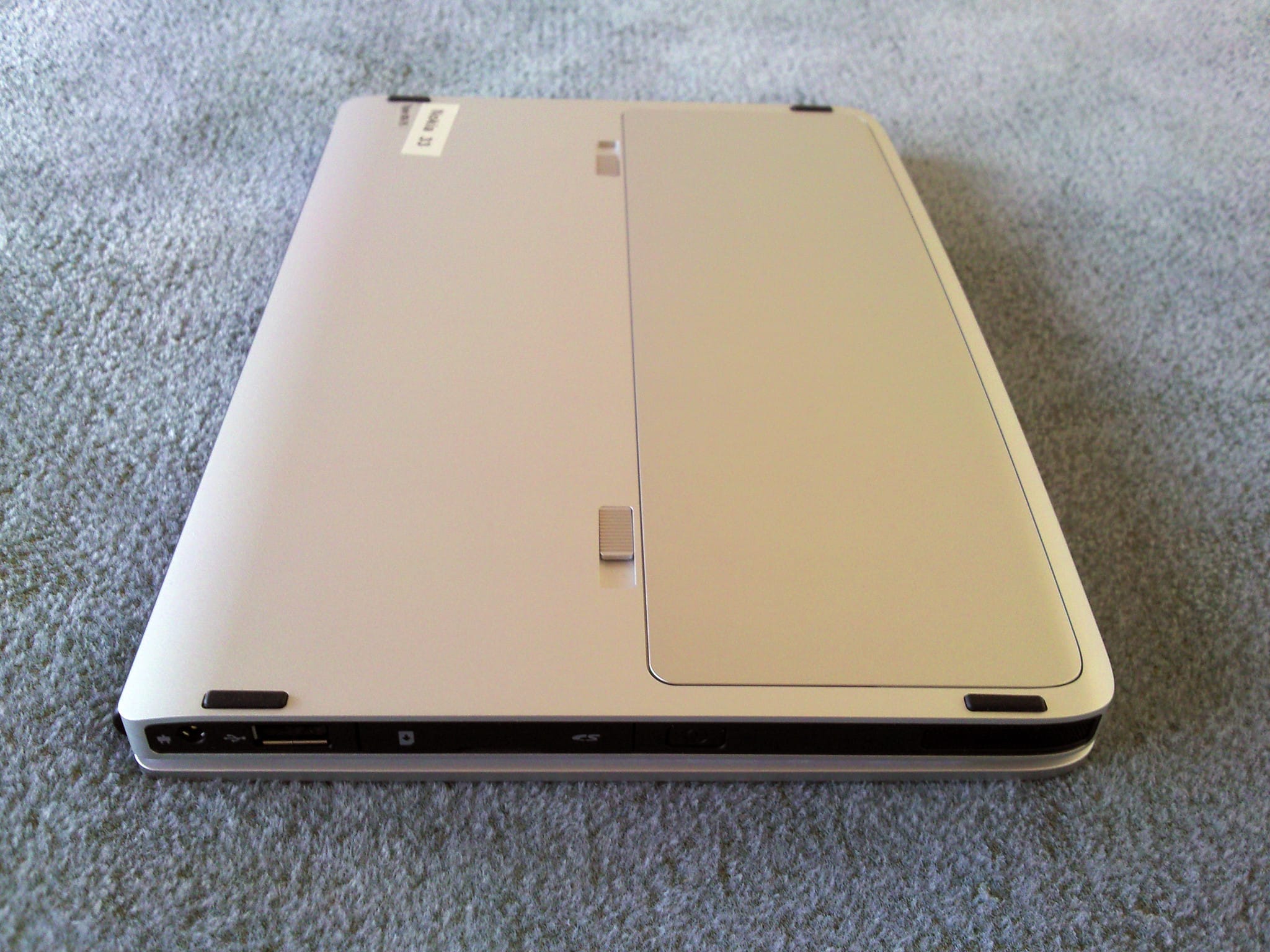
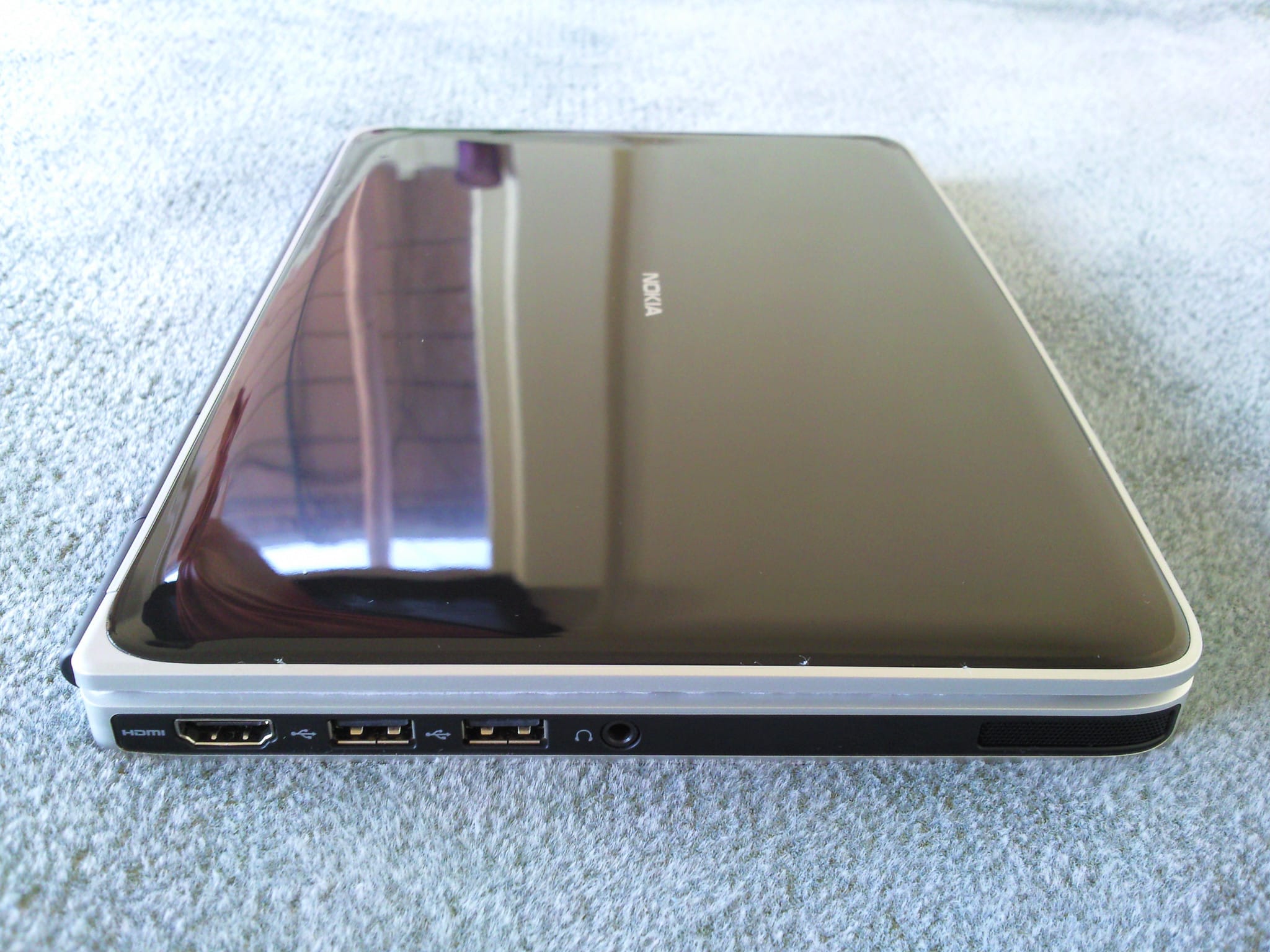
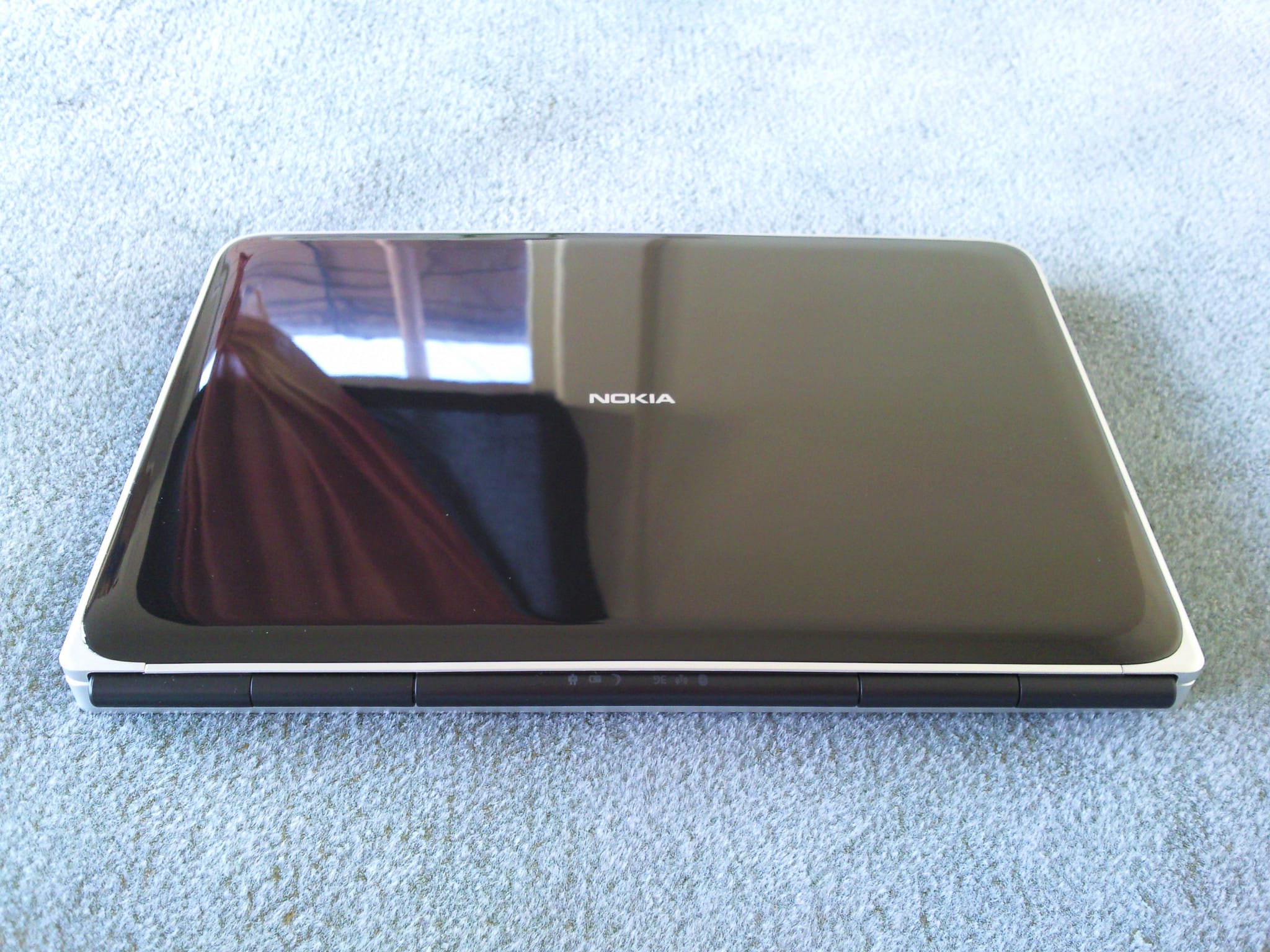
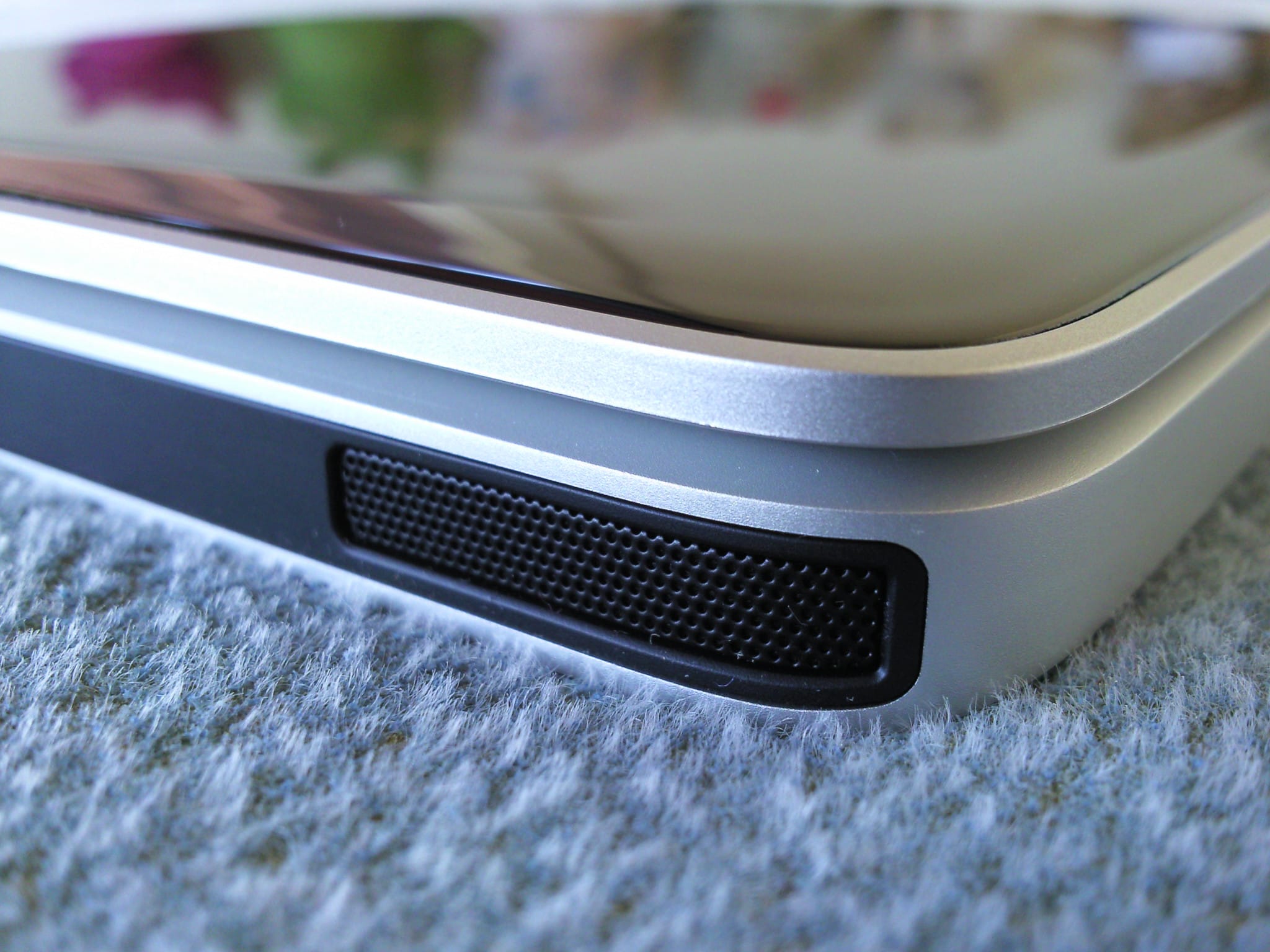
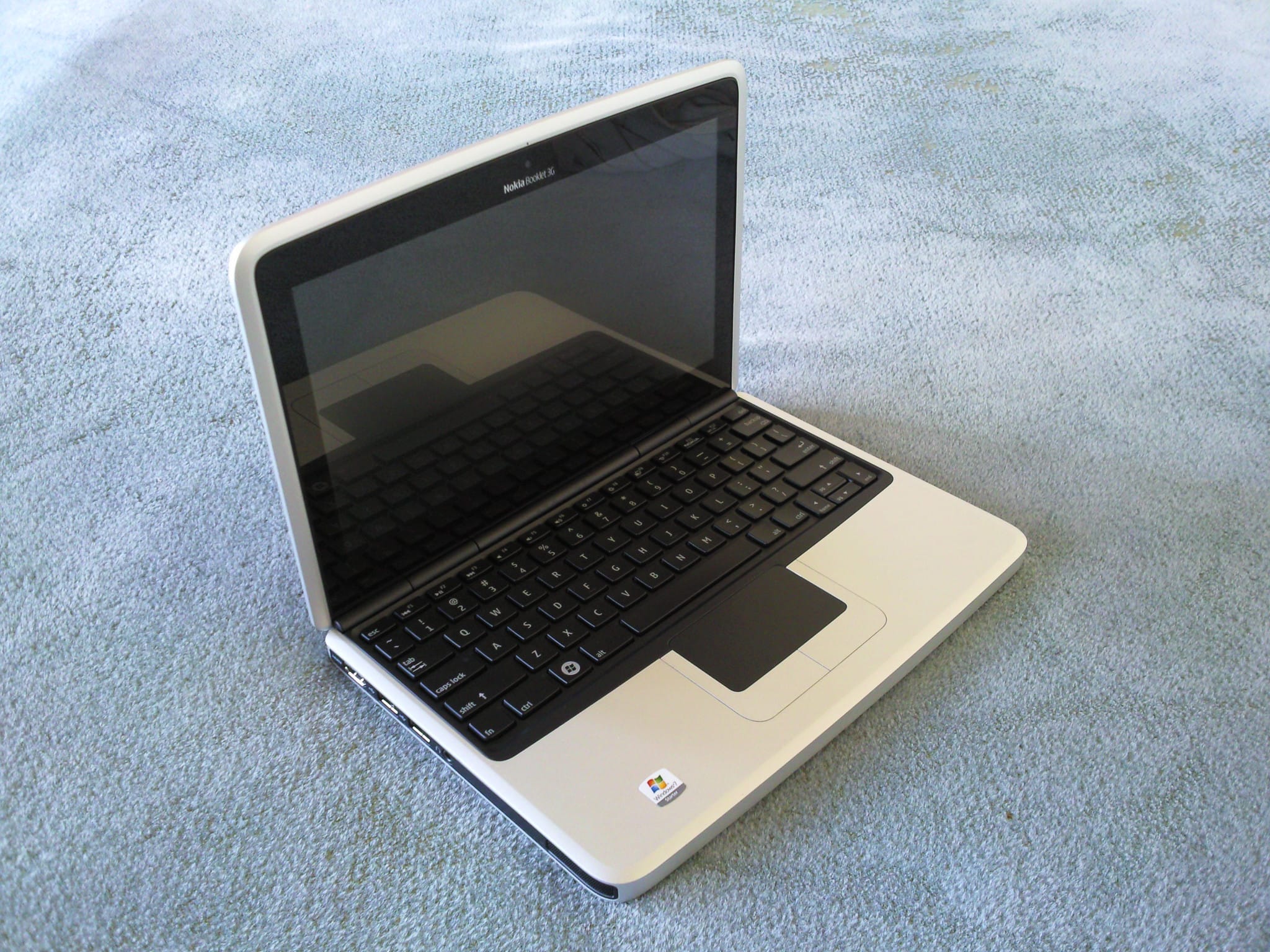
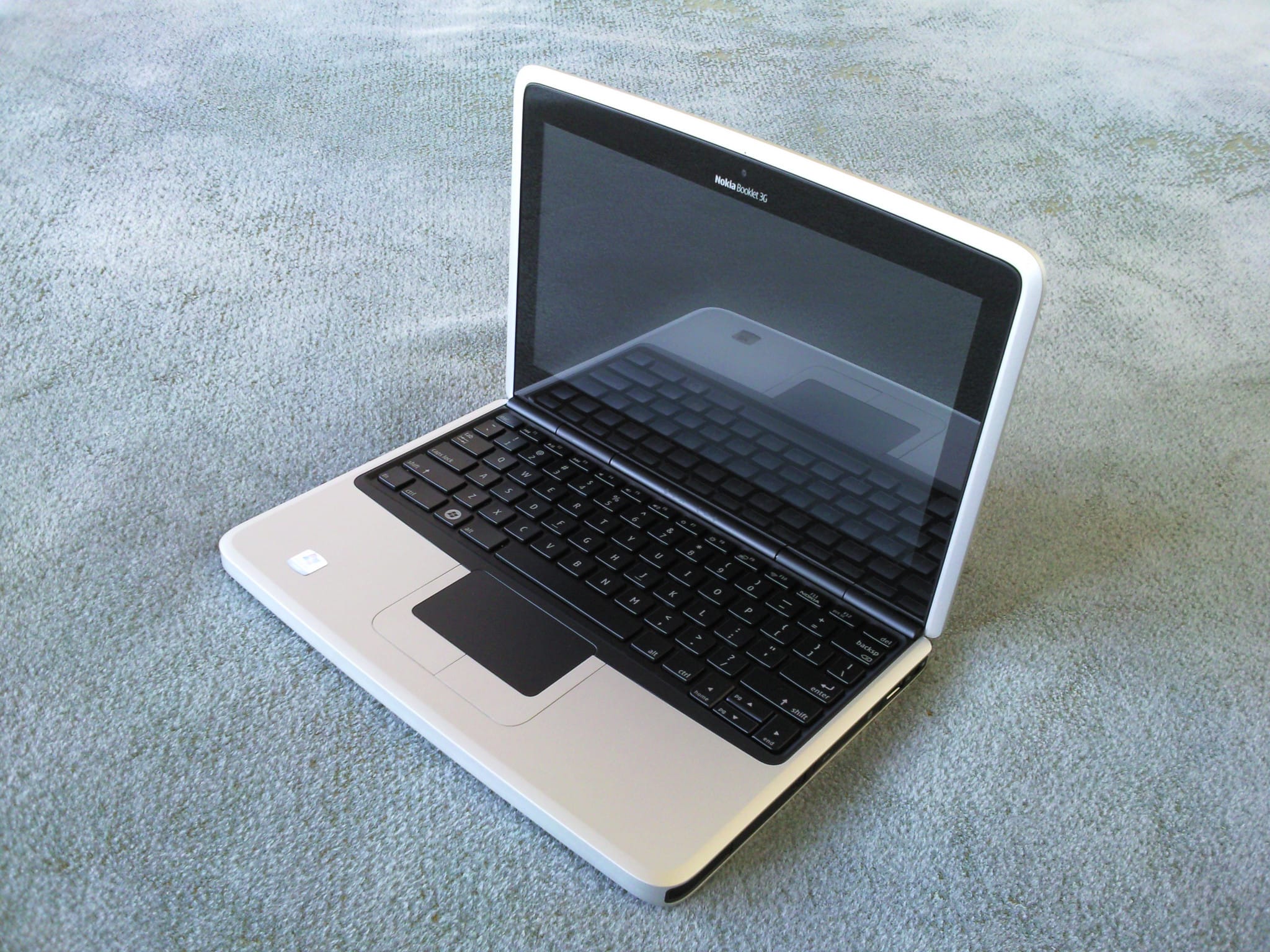
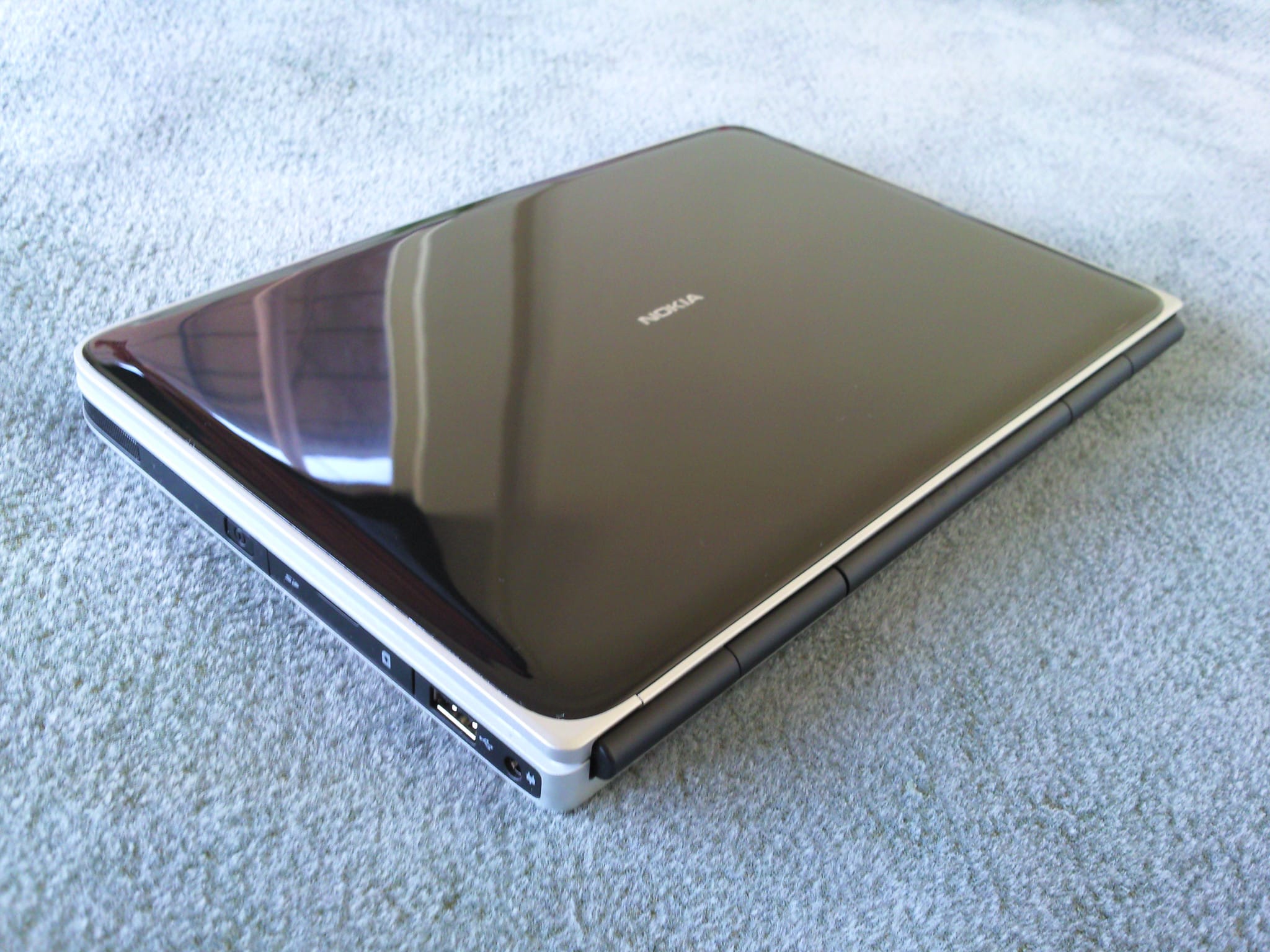
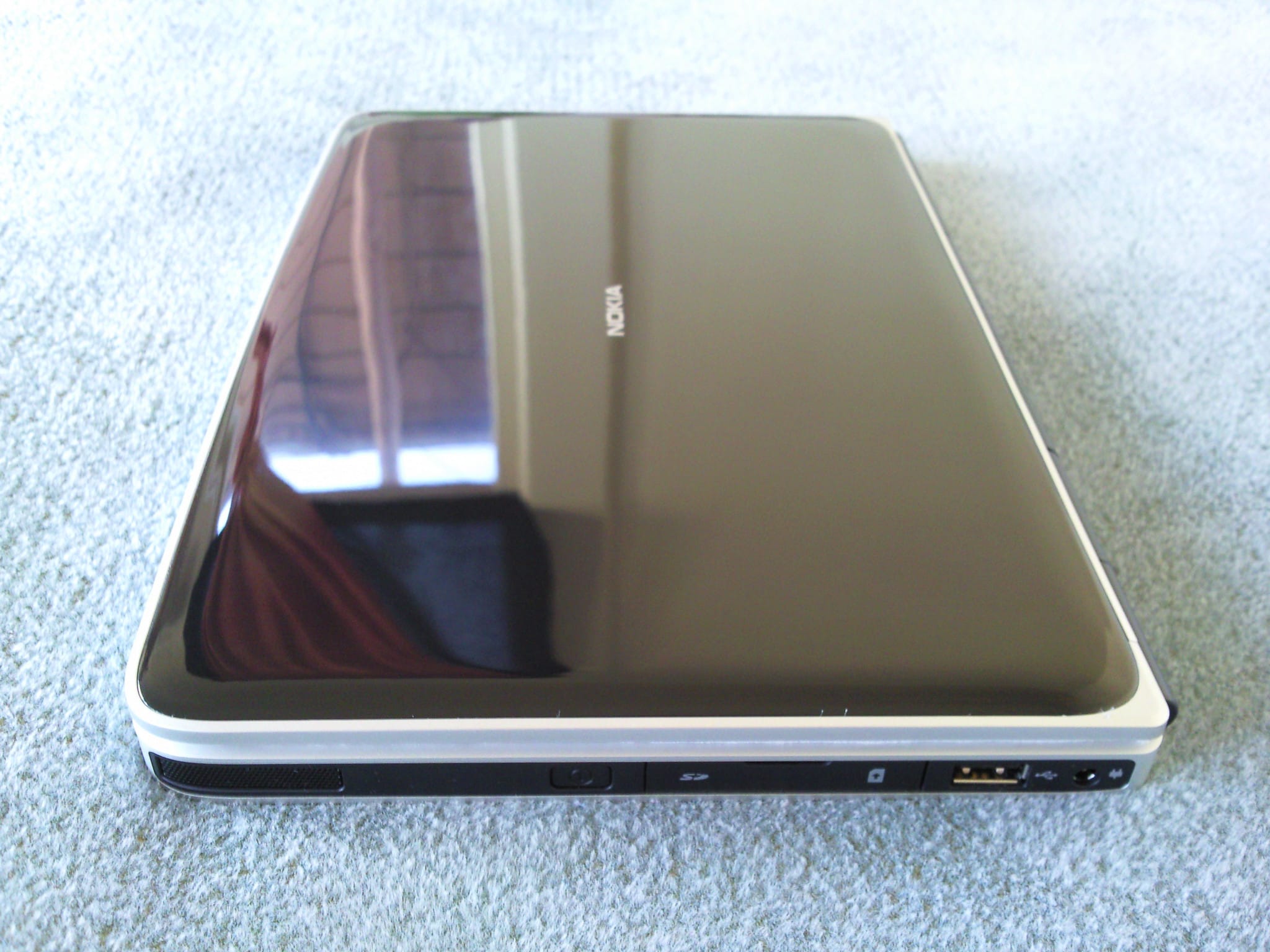
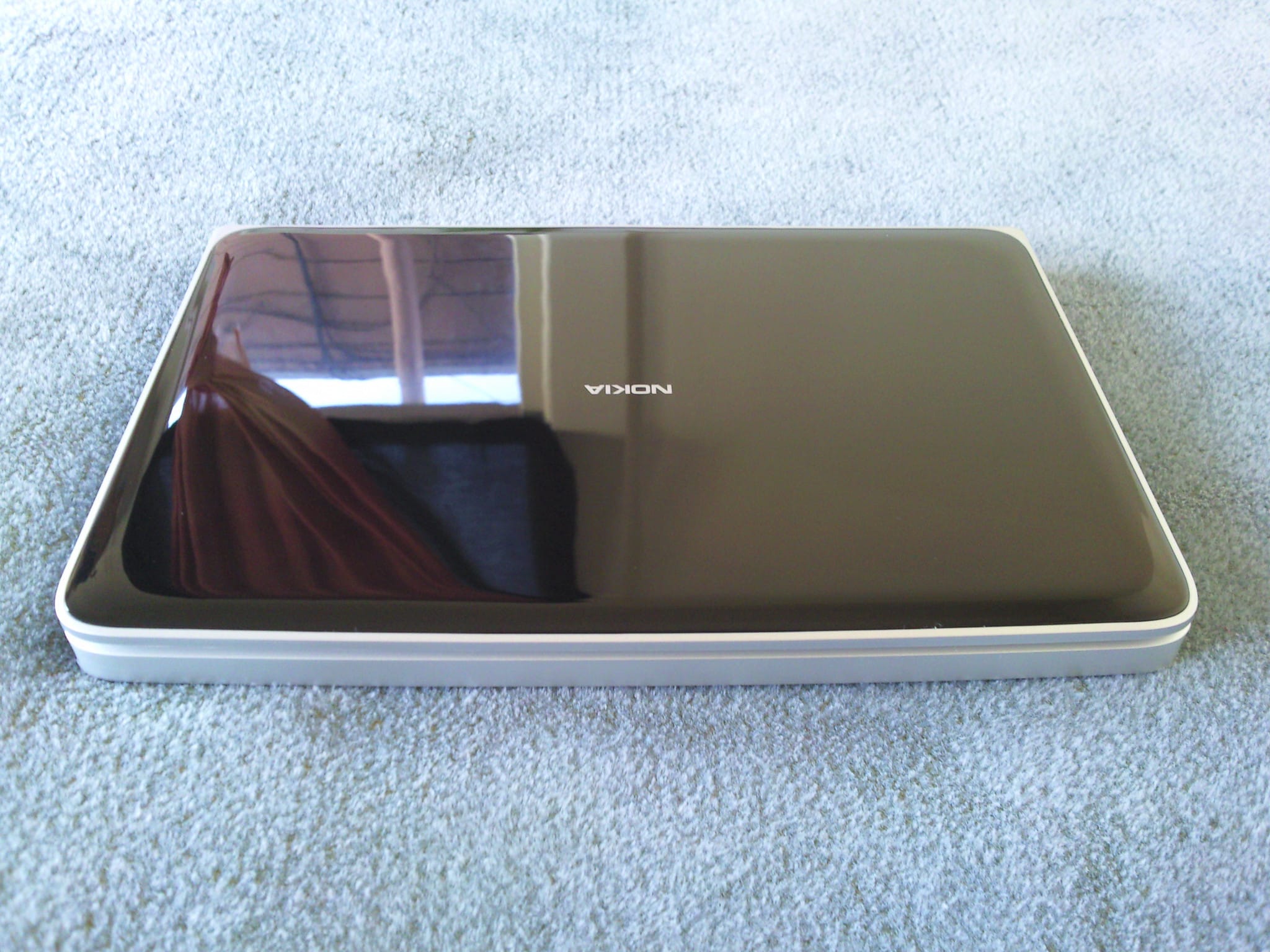
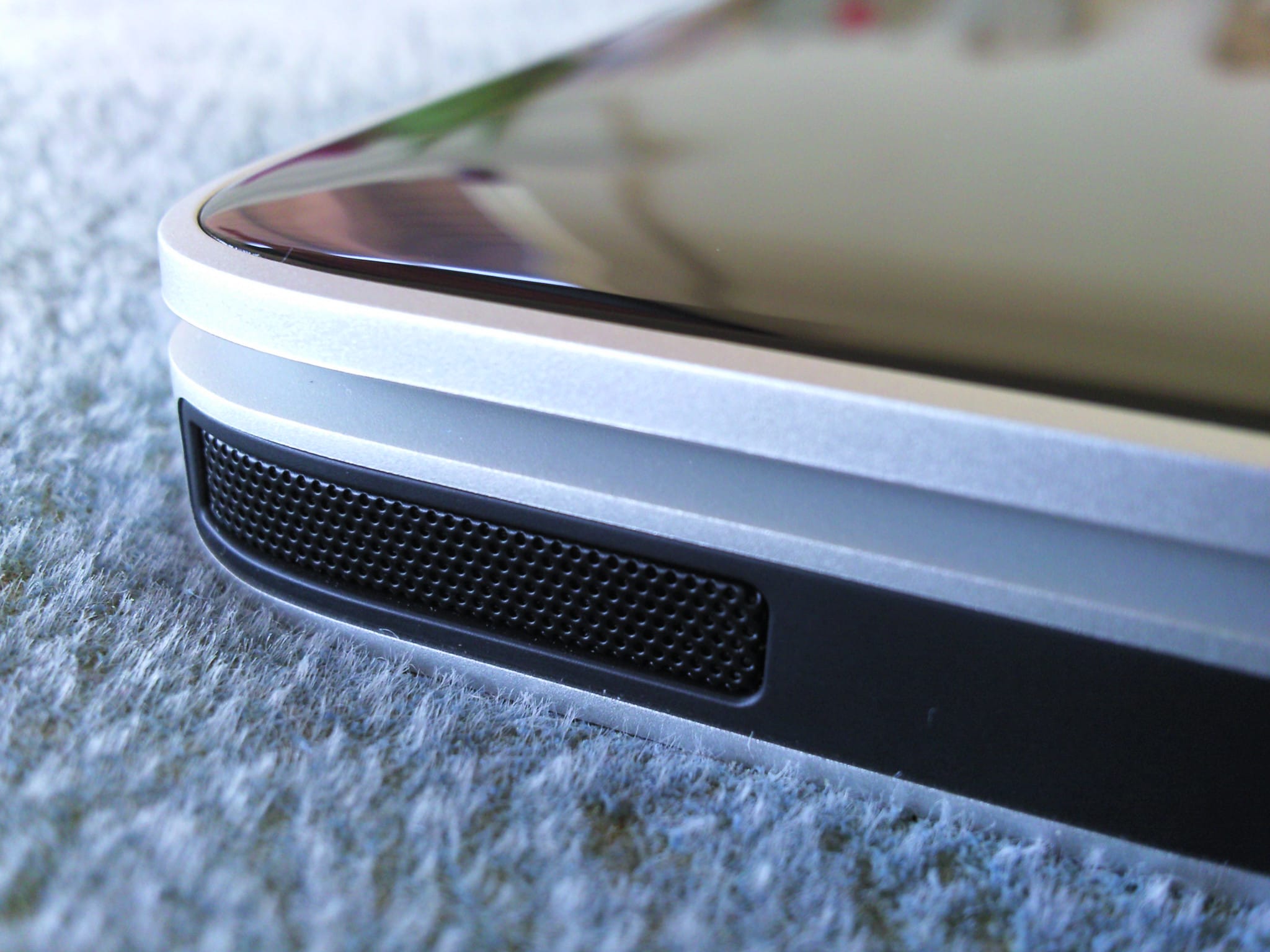
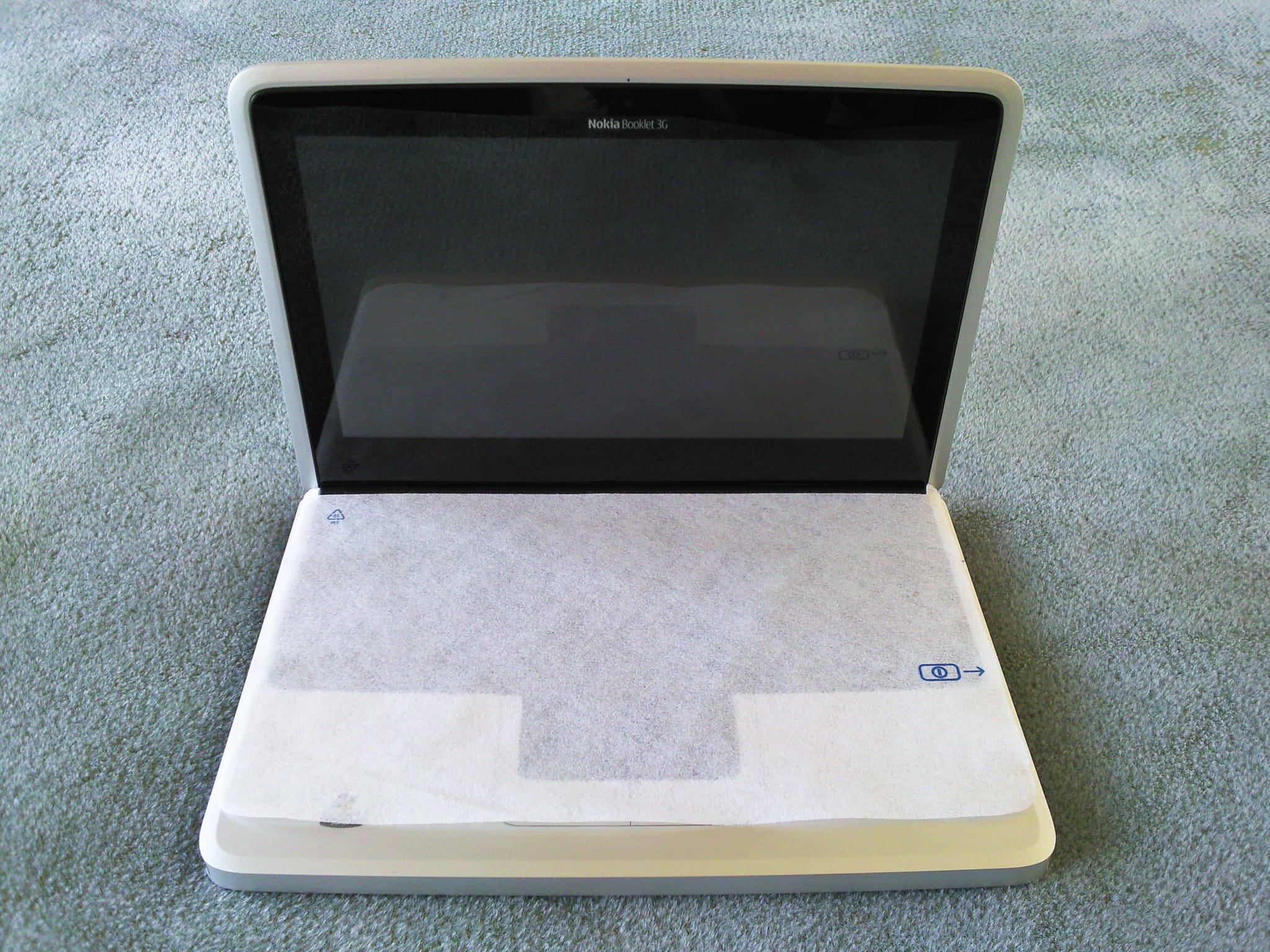
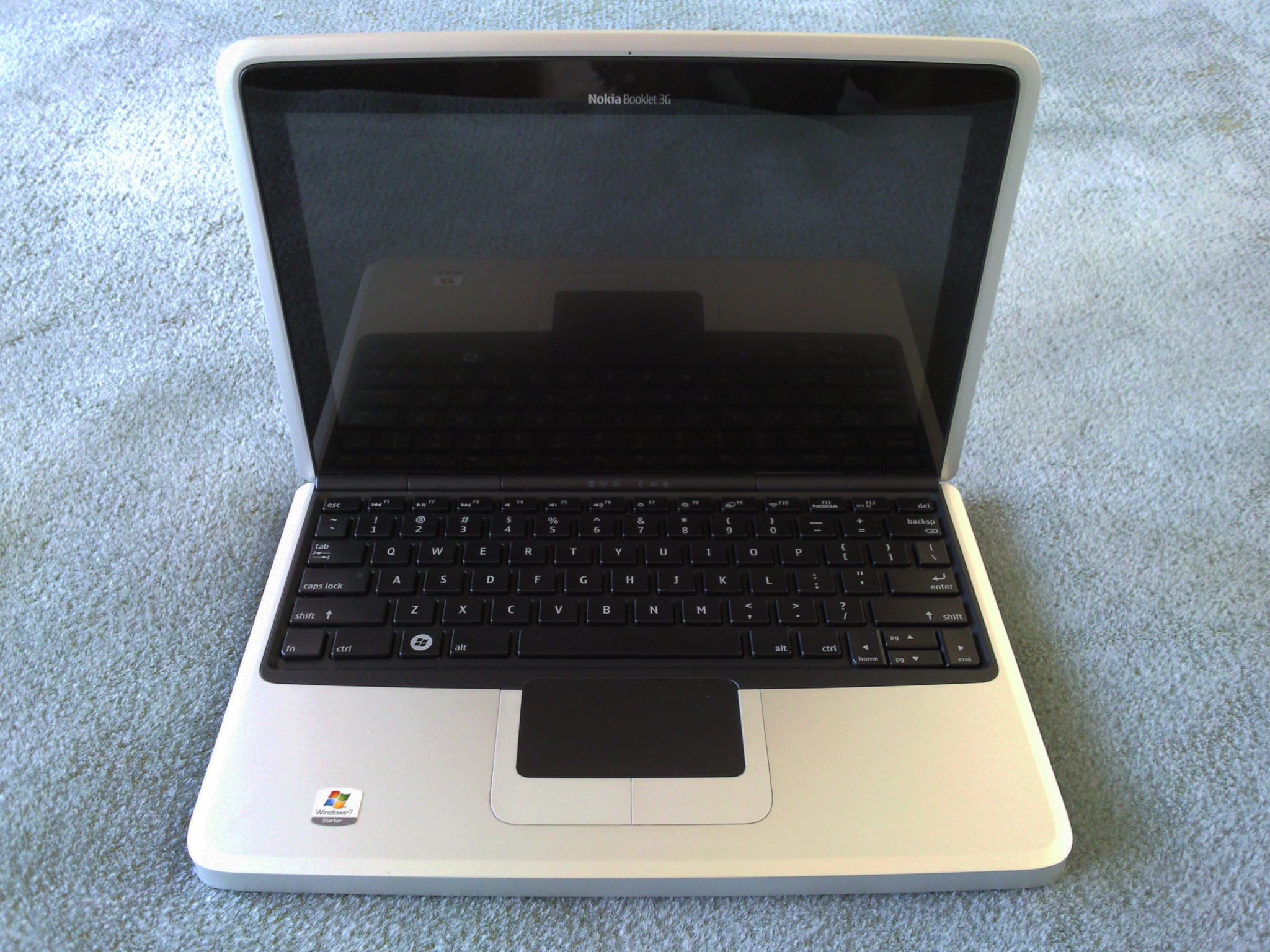
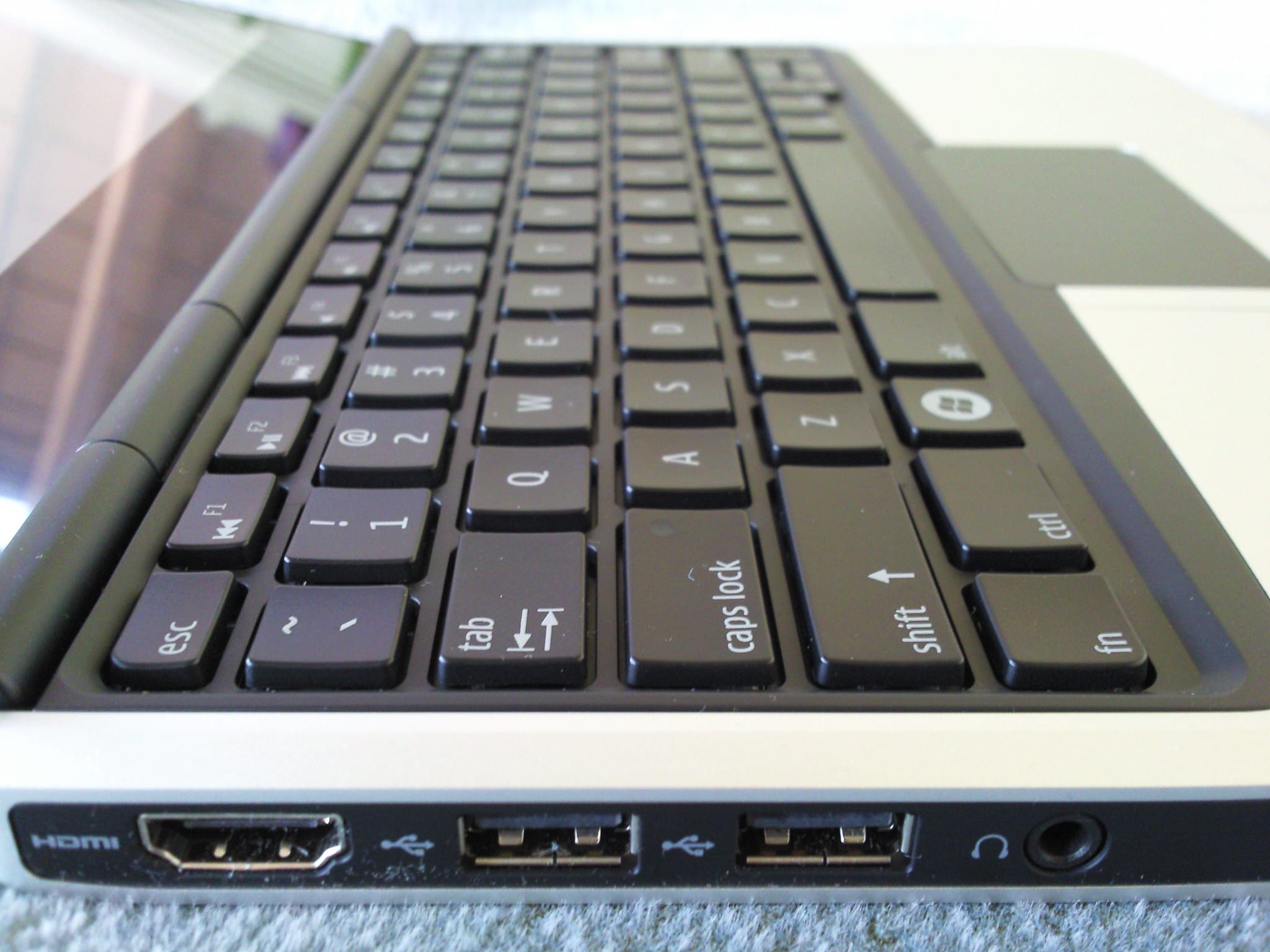
The Nokia Booklet 3G is cased in an aluminium shell and looks very techno-retro with a glossy plastic lid (that can be white, black or blue).
Additions
There are some additional (and updated) articles about the Nokia Booklet:
Tips & tricks
- It doesn’t have an Intel Management Engine!
- Uses up to 5.8 Watts in full load (under normal use, the battery holds for at least 8 hours).
- Not vulnerable to Downfall (Atom Z530 doesn’t have AVX2/AVX-512).
- Not vulnerable to Hertzbleed (Atom Z530 doesn’t have Turbo Boost).
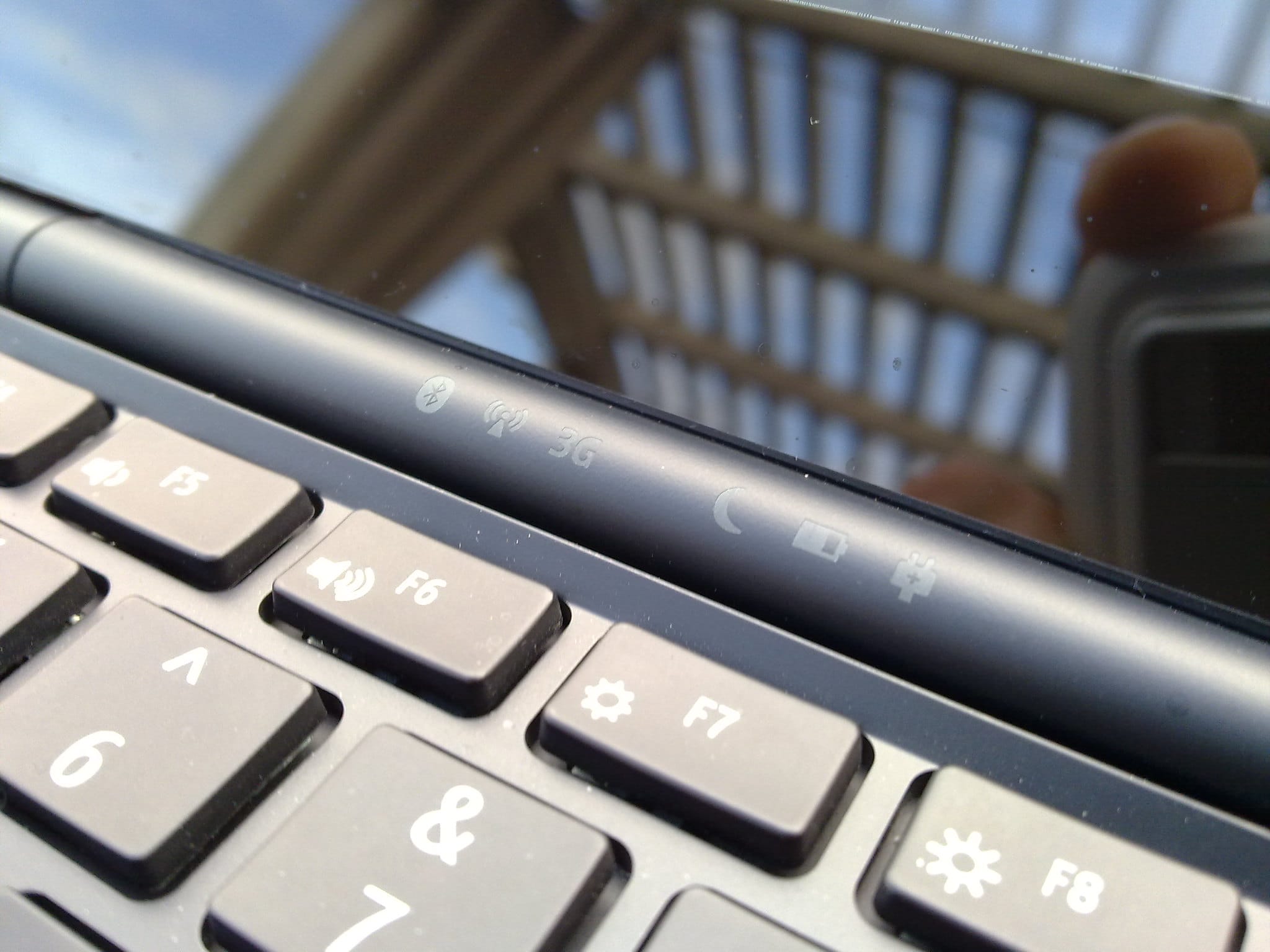
- You can install latest Debian 12 (bookworm) (netinst or torrent) or Devuan Daedalus/Devuan Chimaera (based on Debian 12/11, without systemd) as long as you go for the 32-bit PC (i386) architecture. Everything works very good, as expected, including function keys, WiFi, Broadband connection, Bluetooth, suspend, etc.
- If you want to install Ubuntu (or one of its flavors, Lubuntu, Kubuntu, Xubuntu, etc) beware that 19.04 and 19.10 removed 32-bit support so 18.04 and 18.10 are the last versions that work on the Nokia Booklet.
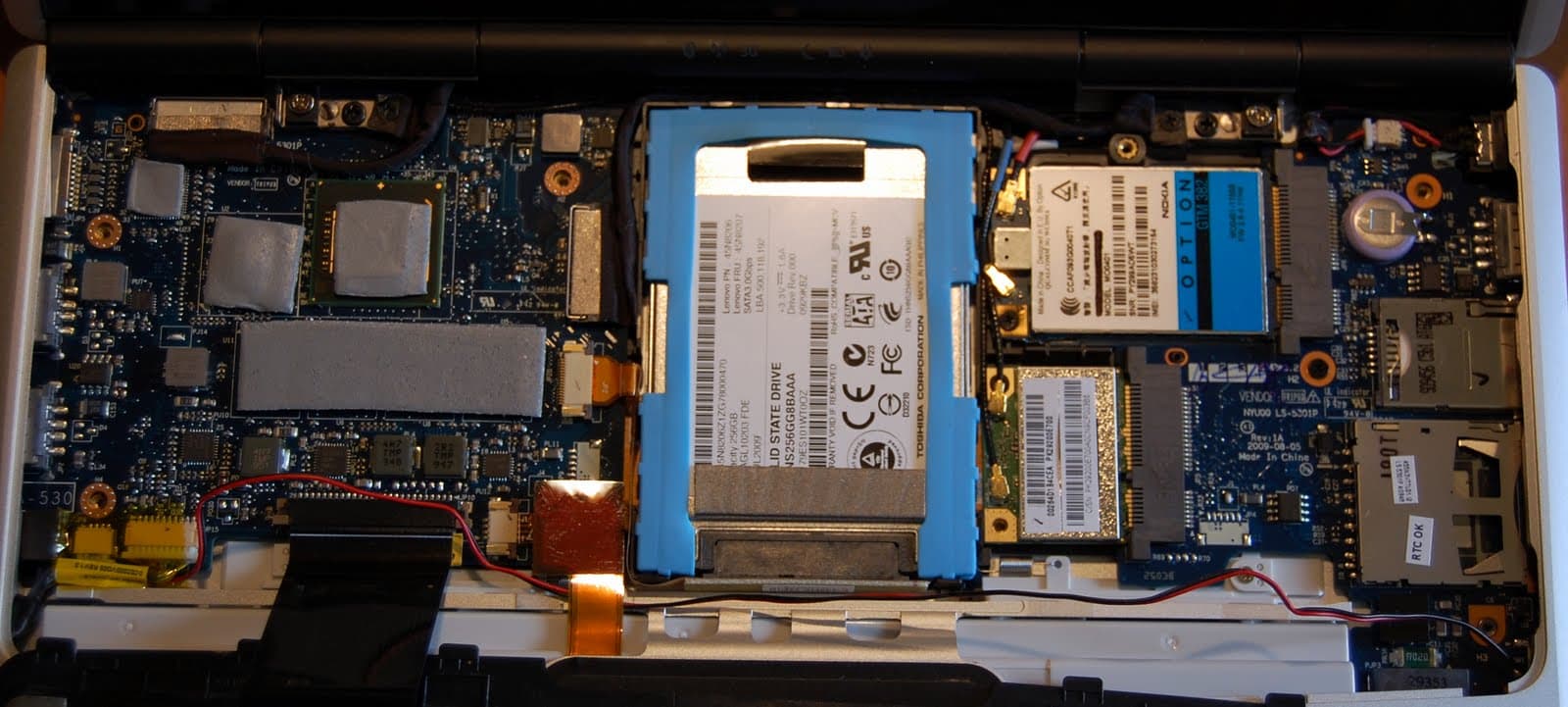
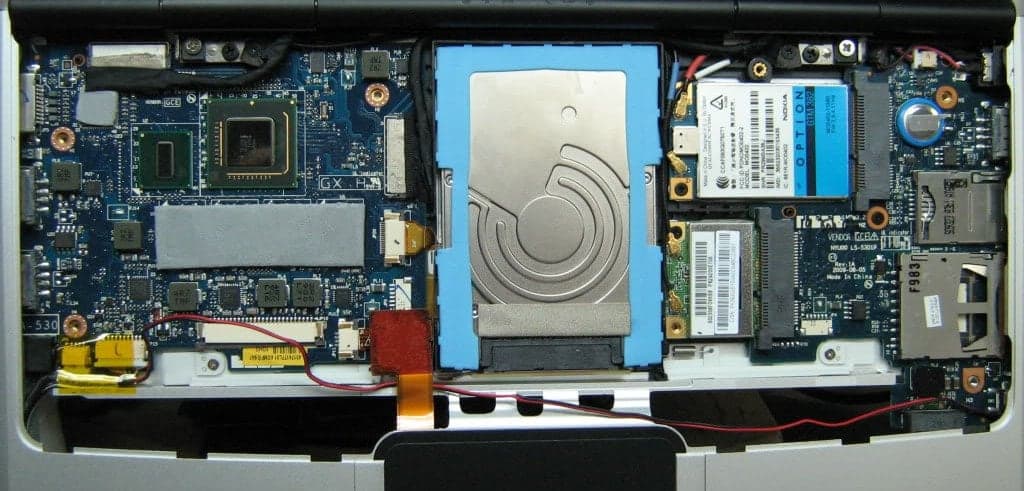
- You should really install a 1.8inch microSATA SSD (like Kingston SSDNow V+180 SVP180S2/64G, Toshiba 1.8" 128GB MicroSATA SATA III Internal SSD THNSNC128GAMJ, Intel X18-M SSDSA1M080G2 “Postville”, Samsung Thin 256 or any generic AliExpress MicroSATA SSD) because the 4200rpm HDD is really really slow.
- Windows 7 Start and Home editions work perfectly, Professional and Enterprise editions work well (but they can be slimmed down by removing unnecessary services). You don’t want Windows on it though. No idea if Windows 8, 8.1, 10, 11 work on the Booklet and I don’t want to try. Somebody emailed to let me know that “Yes, Windows 10 20H2 will install provided Cortana disabled and you take out battery and run off mains as otherwise gets too hot.”
- Nokia manual is available here.
- If you want to update the BIOS to 2.0 you will need to install Windows (the updater only works under Windows).
- Performance-wise Linux works better that Windows (Debian + LXDE should occupy about 250MB of RAM,
graphical.targetor 120MB of RAMmulti-user.target, no GUI), Windows with a bit of slimming down should be around 600MB) but the operating system is not the bottleneck. The current web browsers will just obliterate the Atom CPU, fill all the RAM and will start to aggressively swap on your already slow-as-a-dead-snail disk. If you don’t use a web browser the performance is great, though it won’t beat a 2021 M1 MacBook Pro, of course. 😛 - It’s perfect to use as a development or production server, it can run the latest Debian/Devuan with nginx, Gitea, SELinux, Postfix, Tor hidden services, IPFS, etc, with absolutely no problems. Database servers (MariaDB or PostgreSQL) will clog the memory but it will be ok; Redis or MongoDB will obliterate the Booklet probably.
- Pop in a SIM card that’s not tied to your name, plug the power cable, install Wireguard server and forget the netbook somewhere. Use it as a VPN.
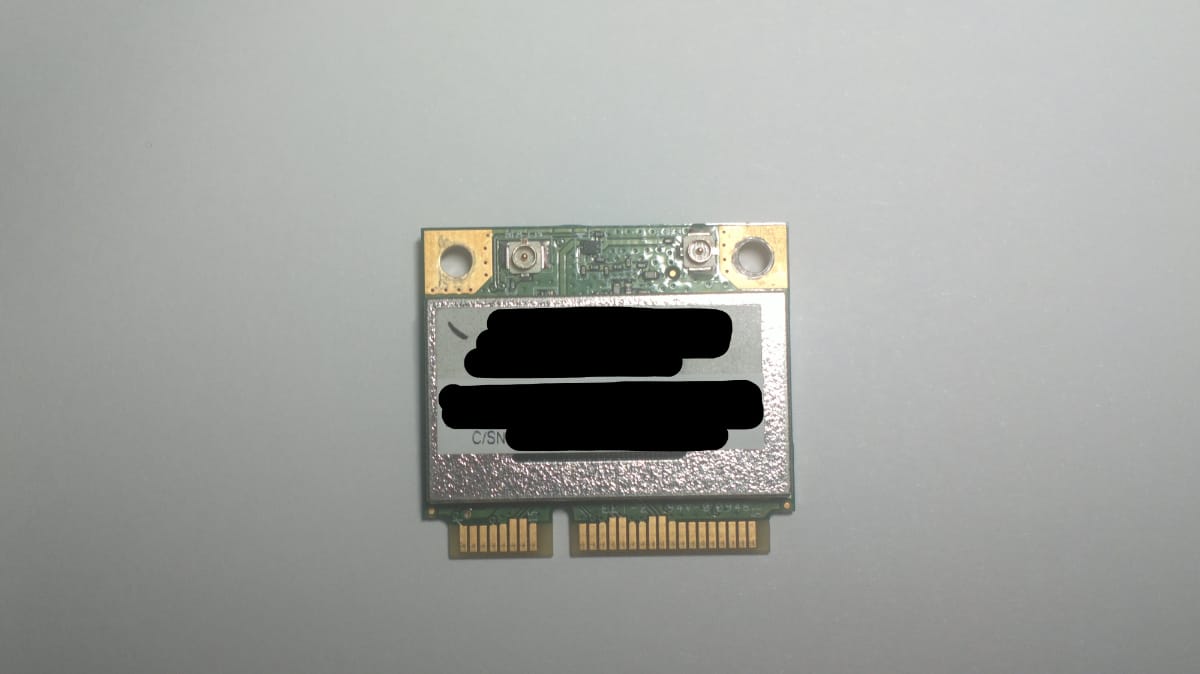
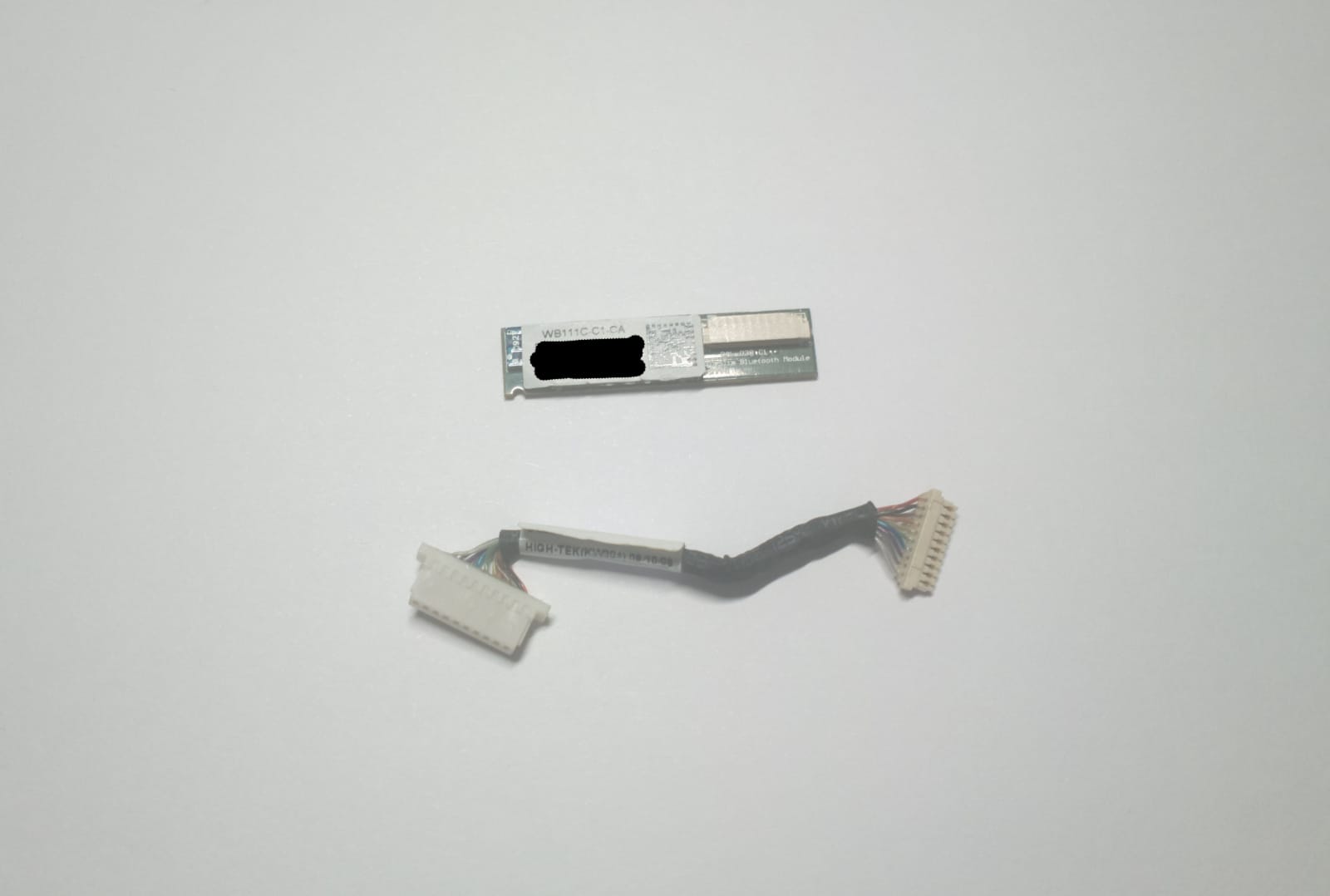
- You can install an Intel Centrino Advanced-N 6235 (datasheet) WiFi (802.11 a/b/g/n) card that has an Bluetooth module and you can remove the included Bluetooth module, thus freeing an USB port.
- Another idea is to install a SuperTalent CoreStore Plus SSD, an ultra-small form factor SSD designed to fit into a standard miniPCIe slot (datasheet). It has an onboard SATA JMF608 (datasheet) and a miniPCIe-to-SATA controller ASM 1061 (datasheet).
- You can disconnect the LED board connector from the main board (this includes the webcam and microphone, for security reasons); if you’re using an external USB Ethernet adapter you should probably remove the WiFi card inside the laptop. If you don’t need the broadband or Bluetooth connections, you can remove those adapters too.
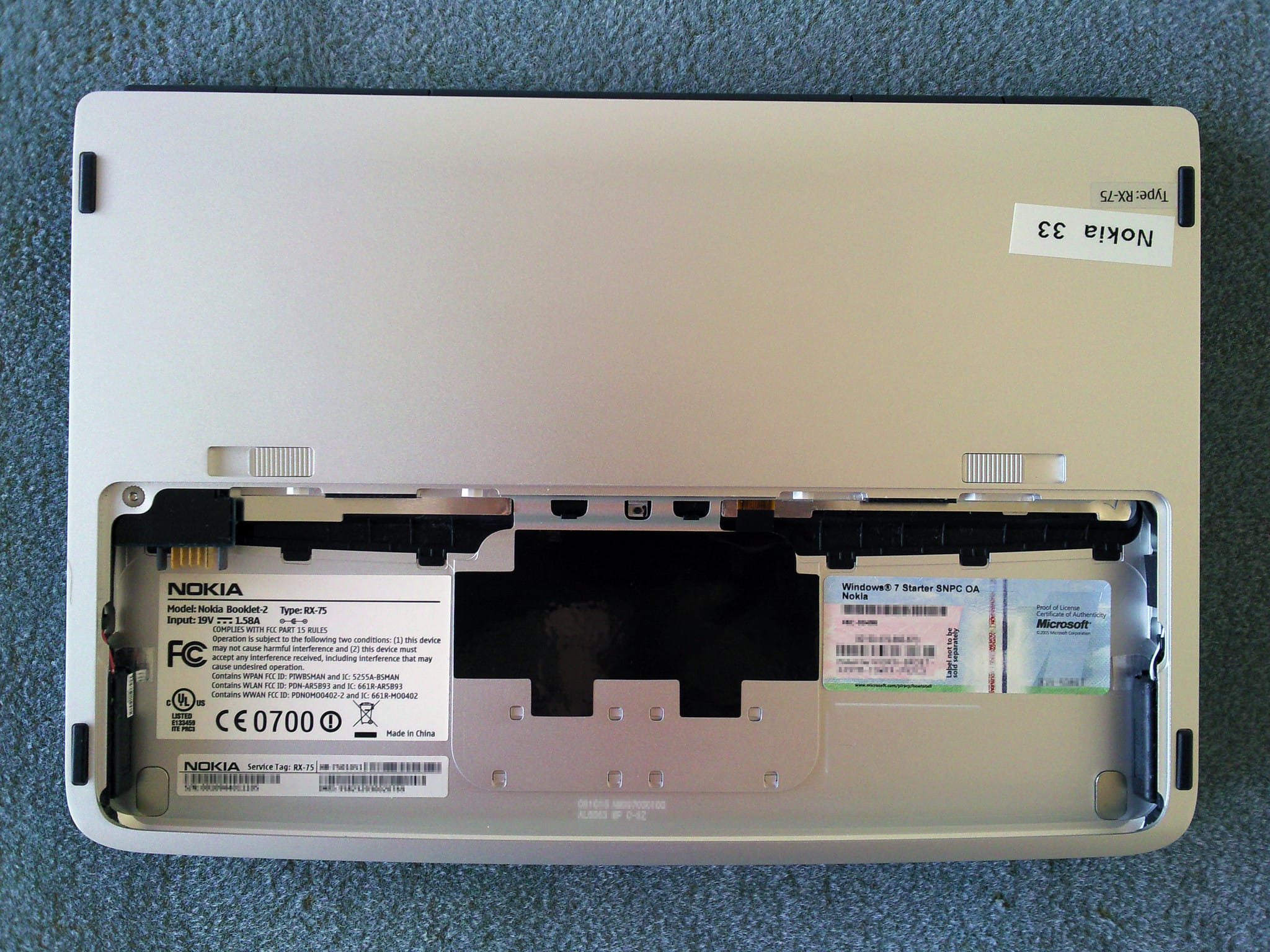
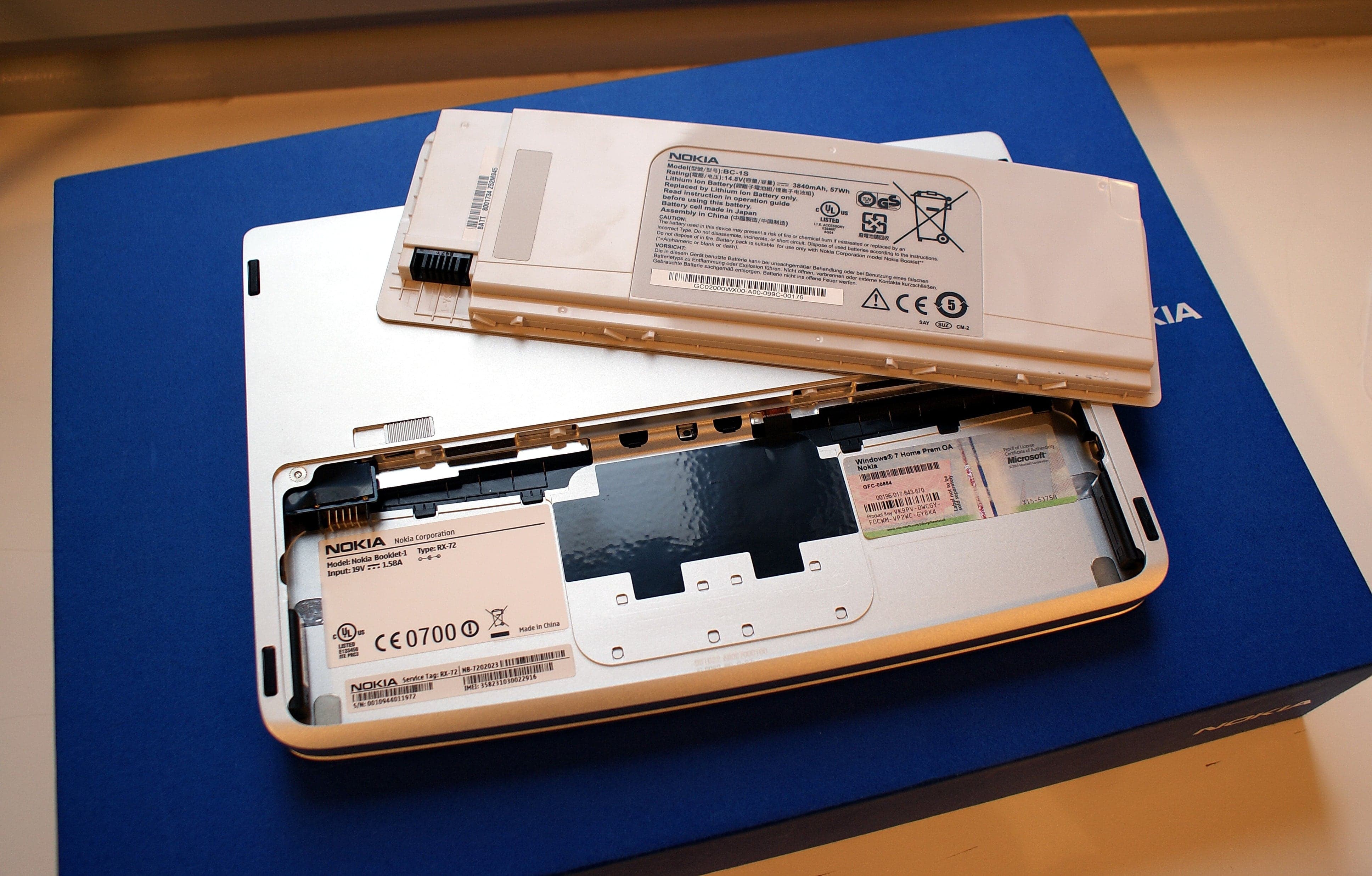
- There are two models, RX-72 and RX-75.
Specs
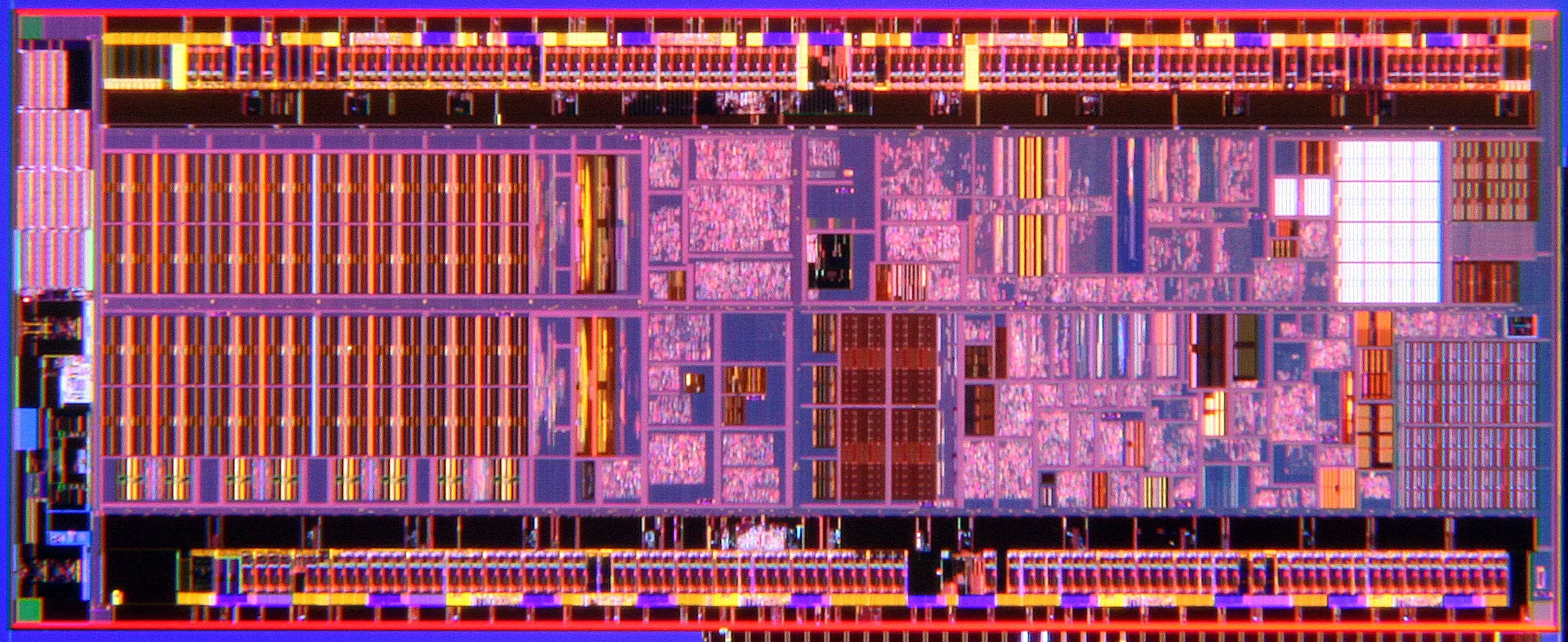
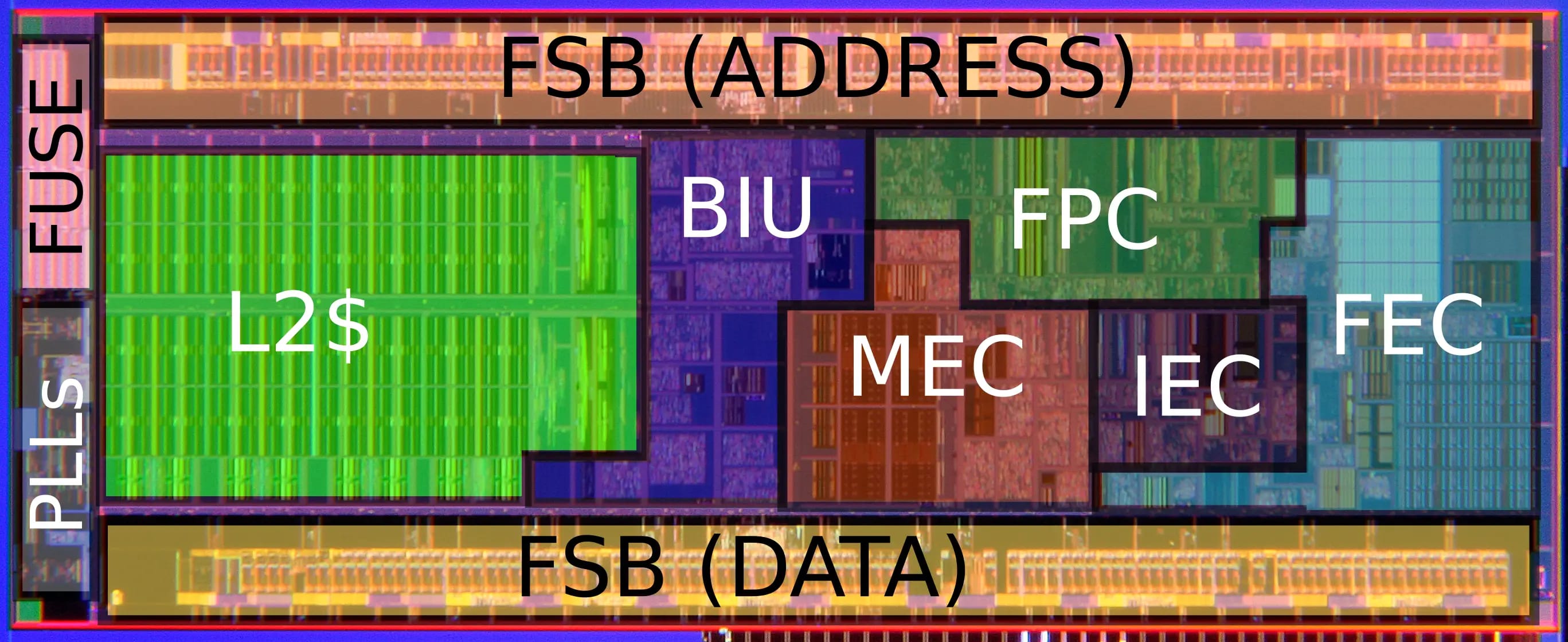
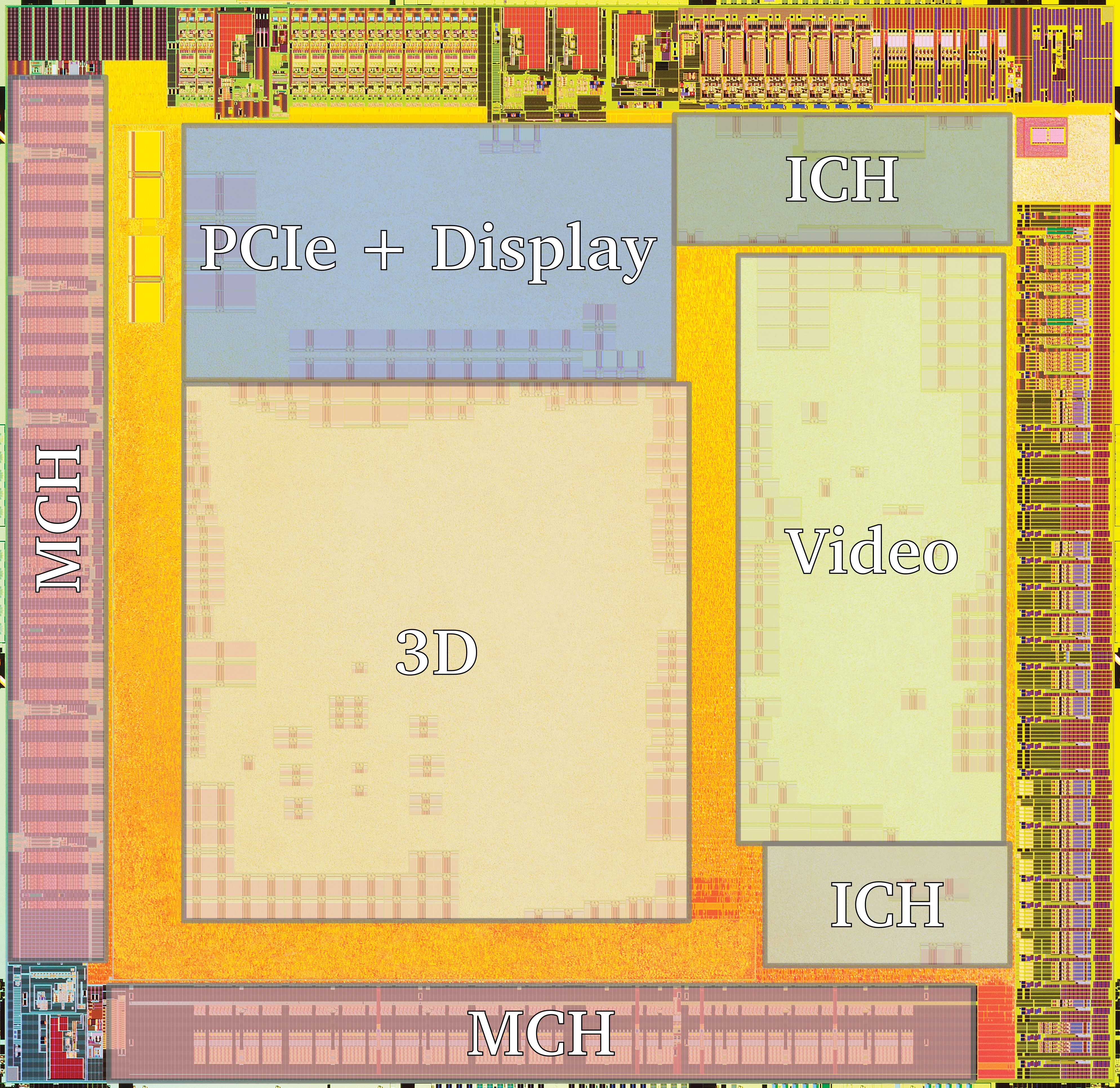
| CPU | Intel Atom Z530 1.6 GHz, Silverthorne, datasheet, update to datasheet, die shot, annotated die shot |
| GPU | Intel Graphics Media Accelerator (GMA) 500, 256MB shared memory |
| RAM | 1024MB DDR2-533 |
| Display | 10.1 inch, 16:9, 1280x720 pixels, WXGA, 145PPI |
| Chipset | Intel US15W (Poulsbo), info, datasheet, die shot, annotated die shot |
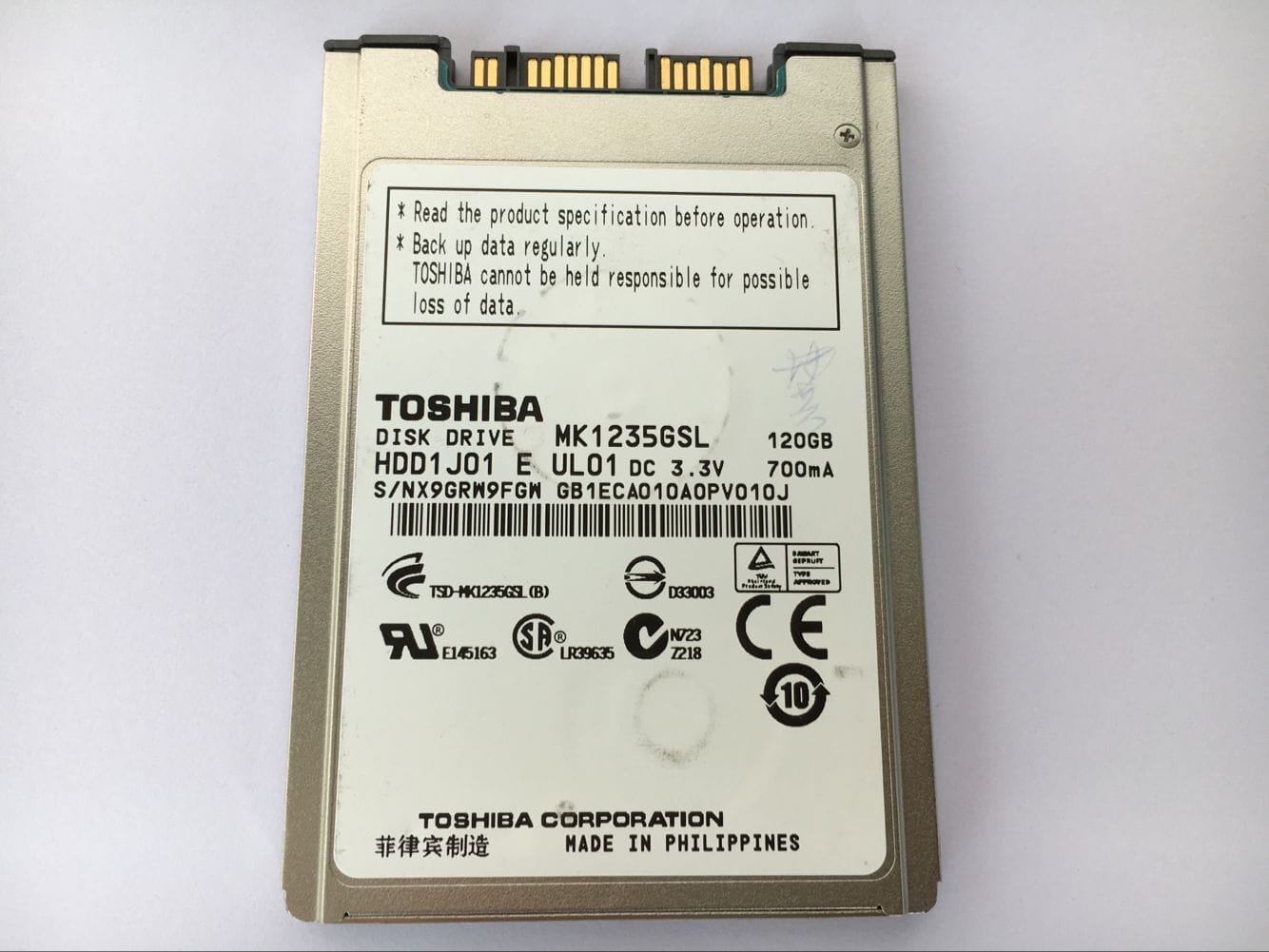
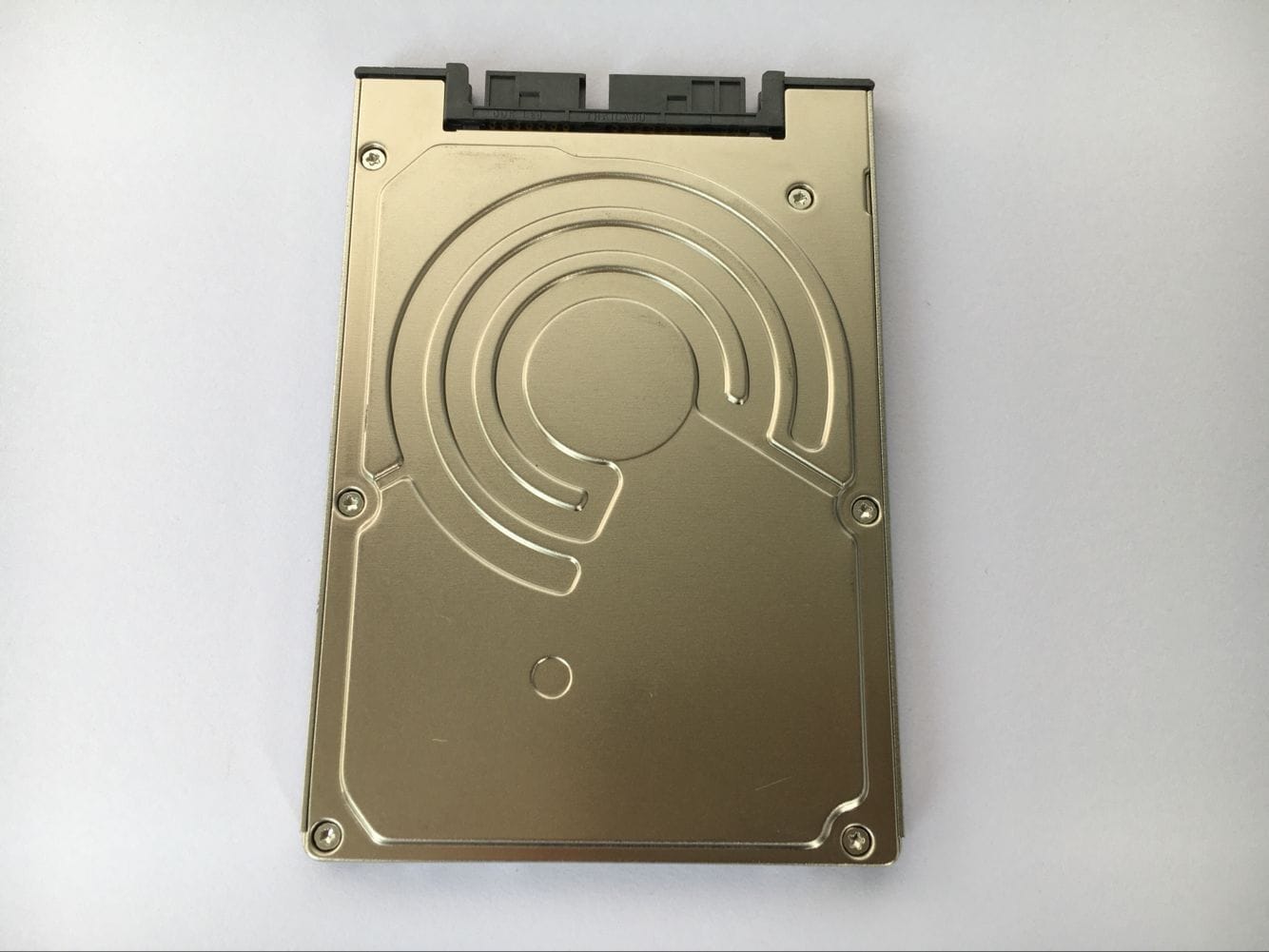
| Storage | Toshiba MK1235GSL, 120GB 4200rpm, 1.8inch |
| Sound | Intel Poulsbo - High Definition Audio Controller |
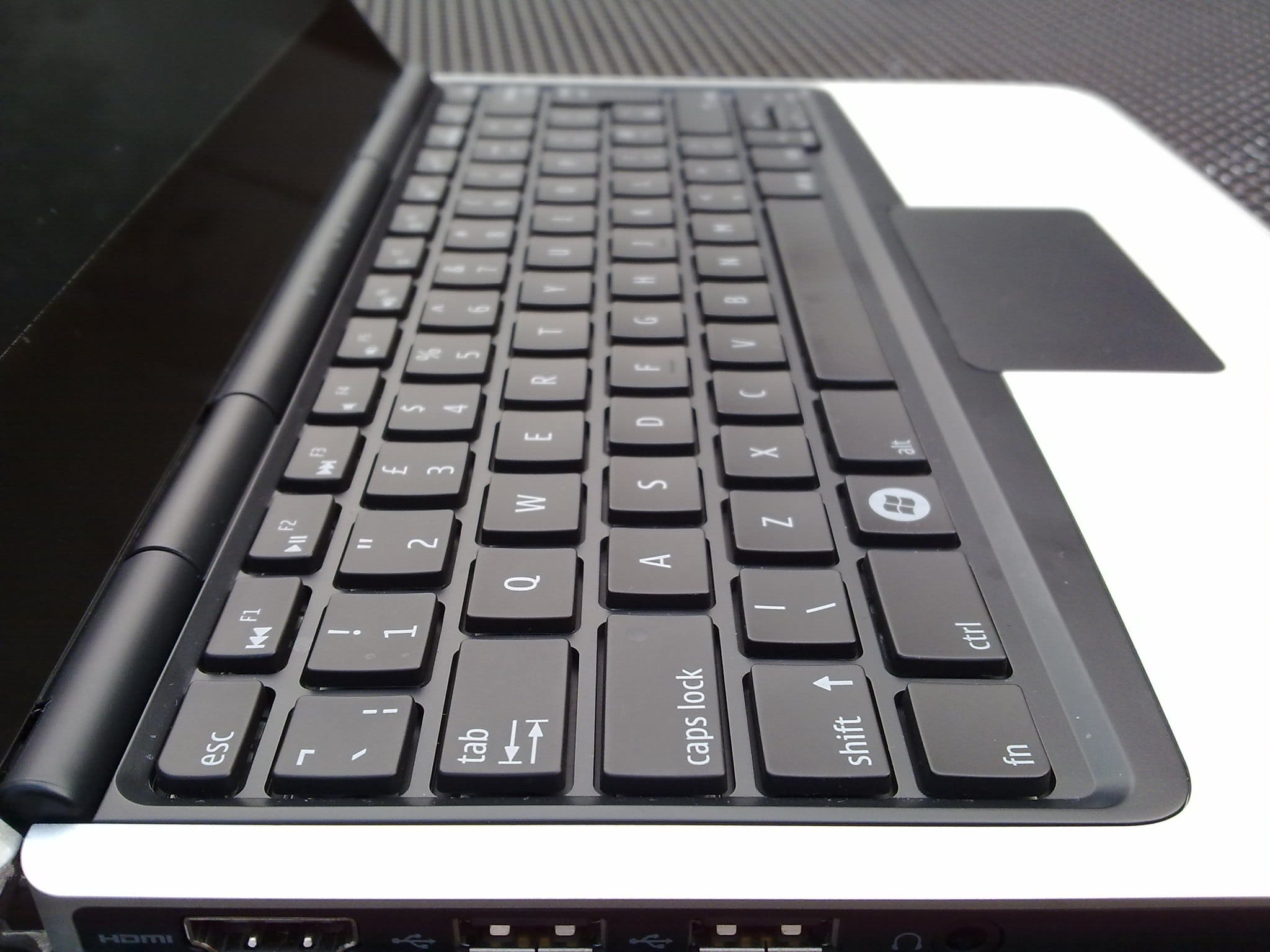
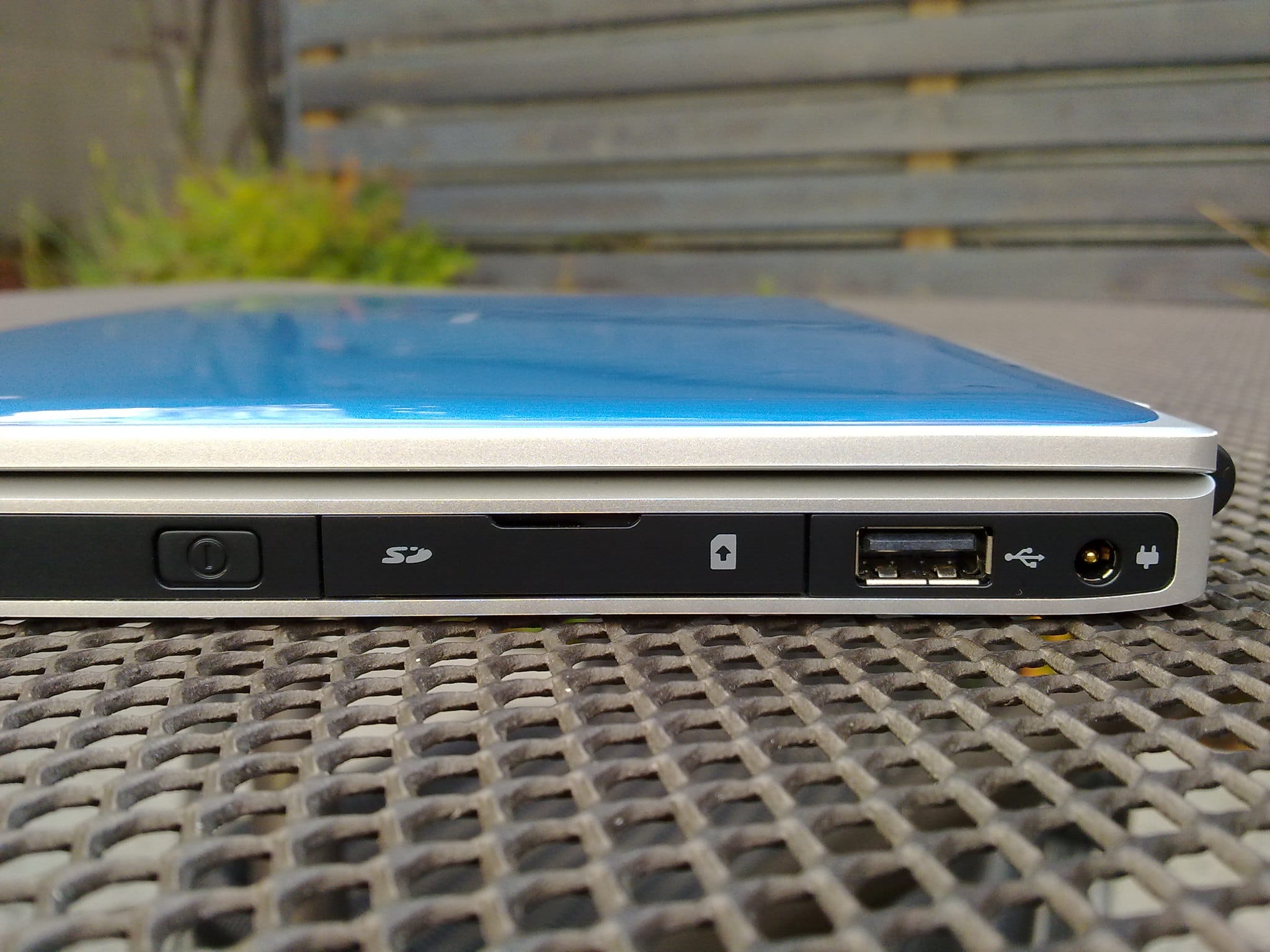
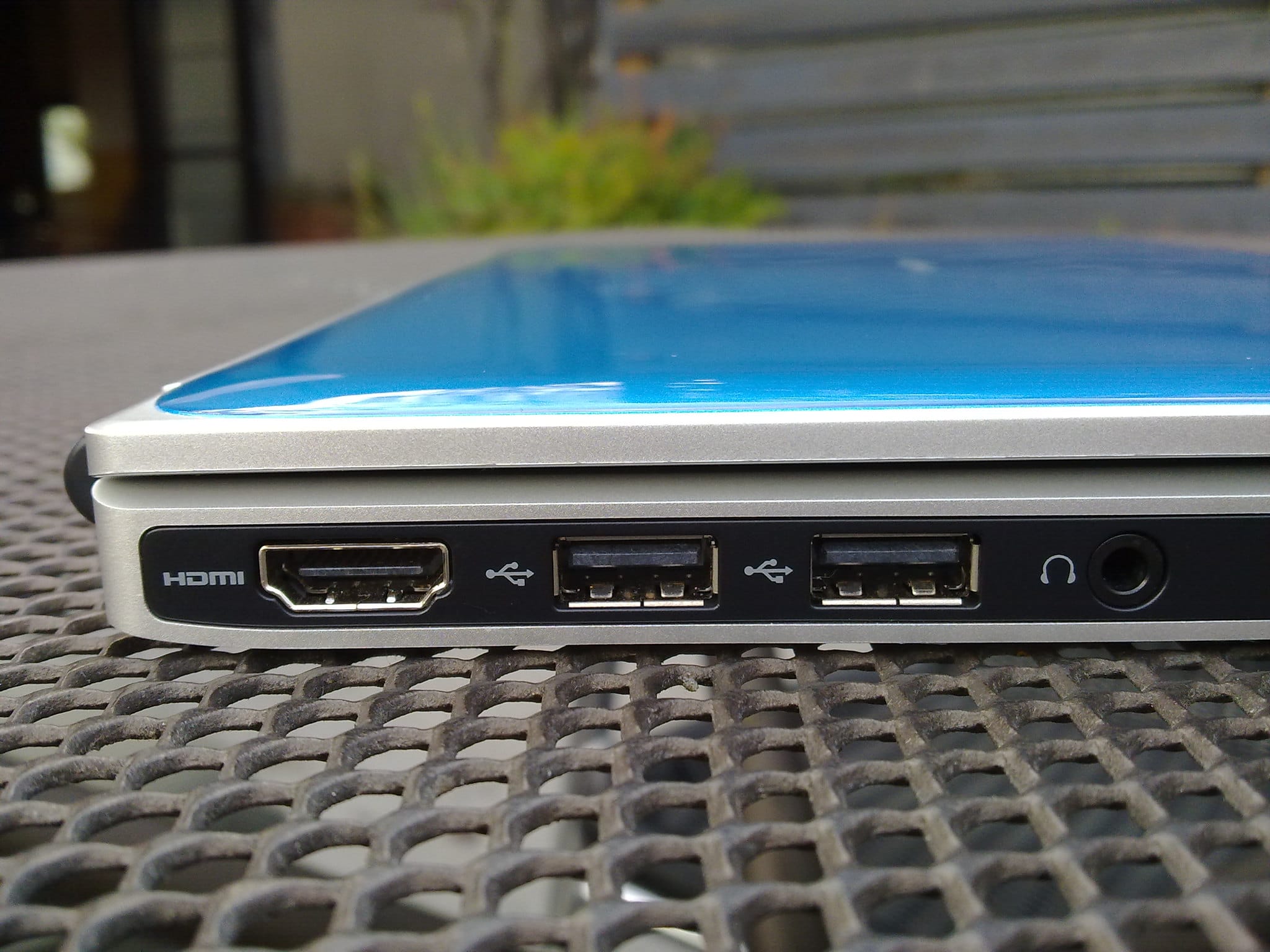
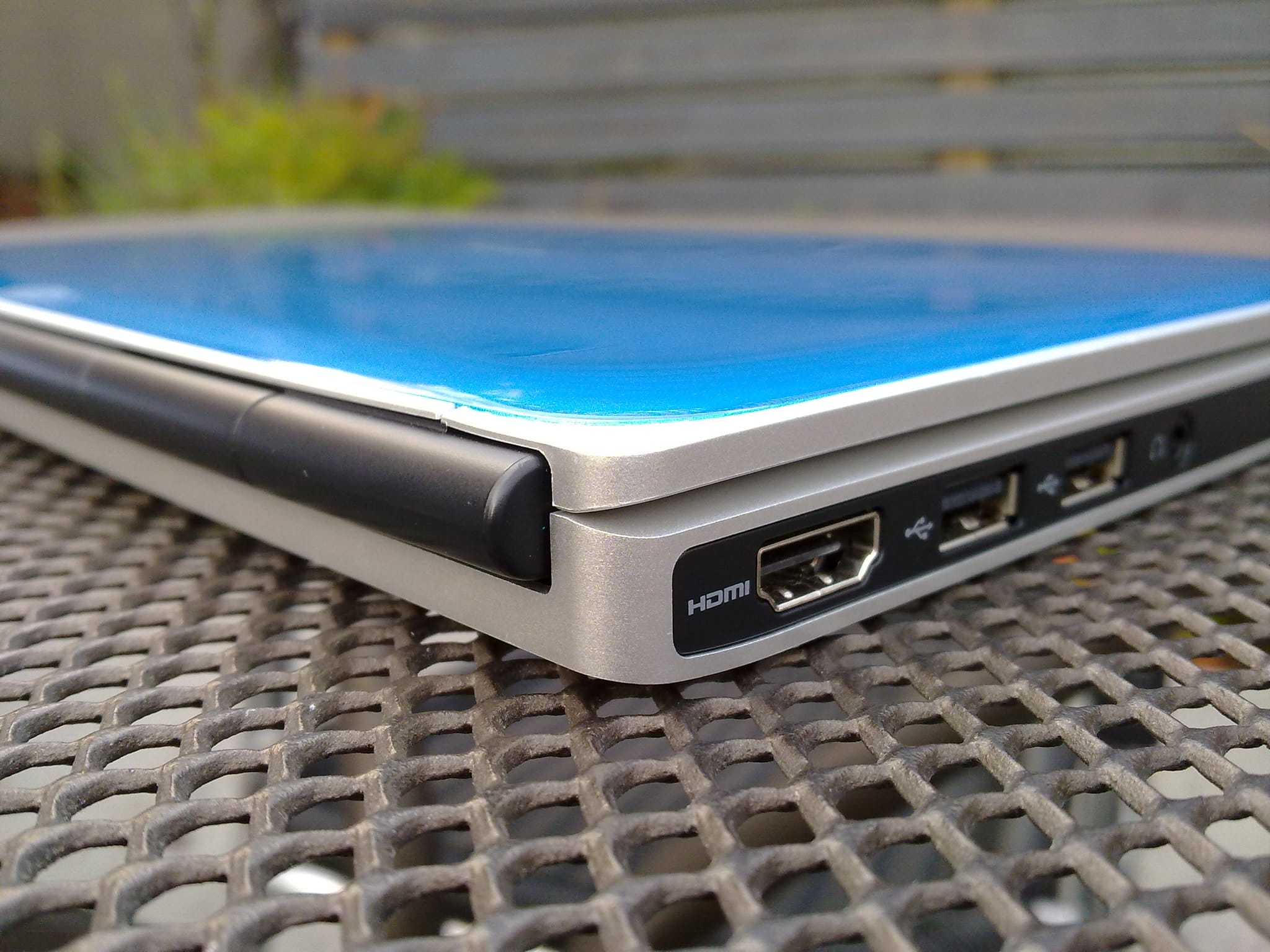
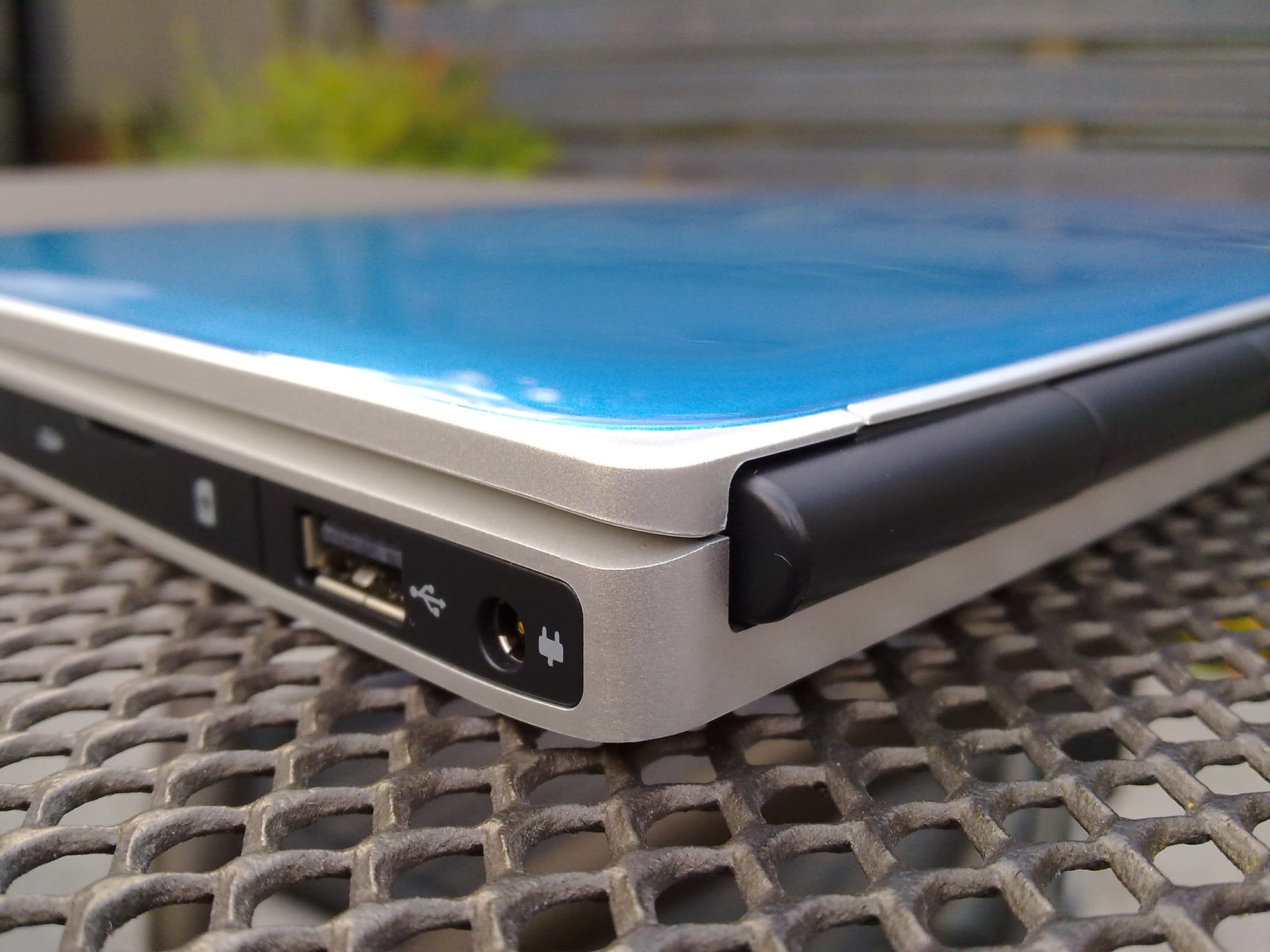
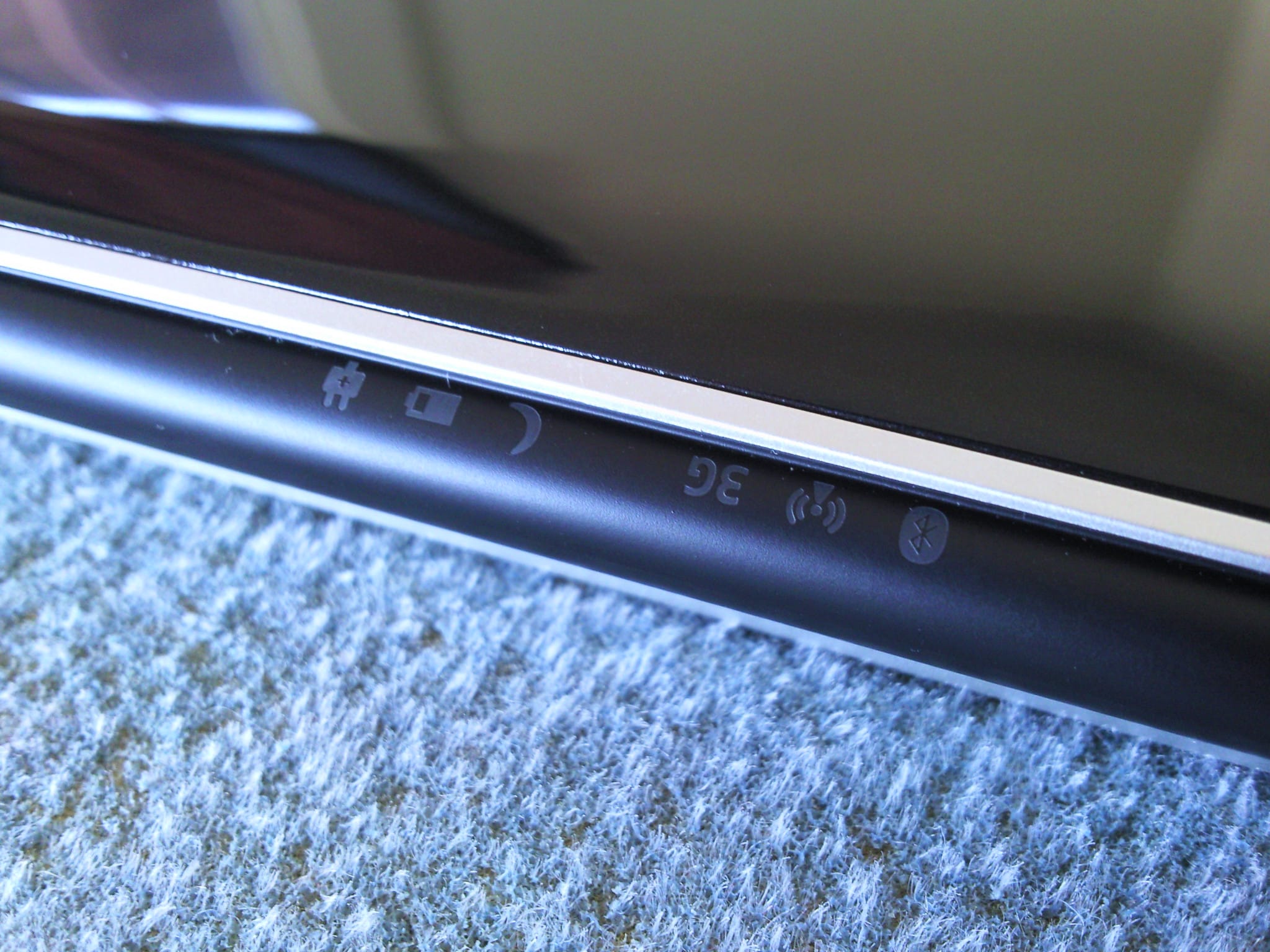
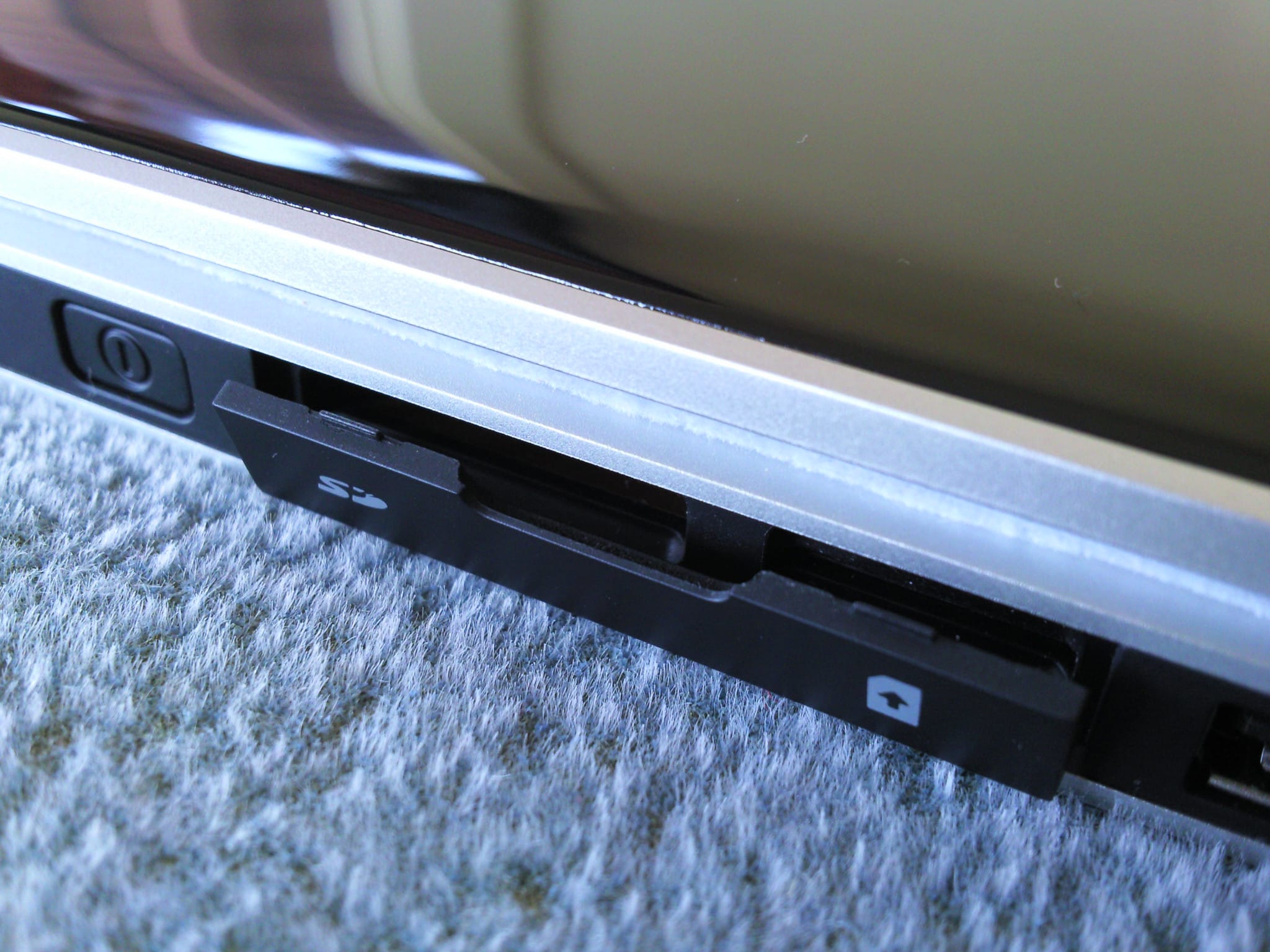
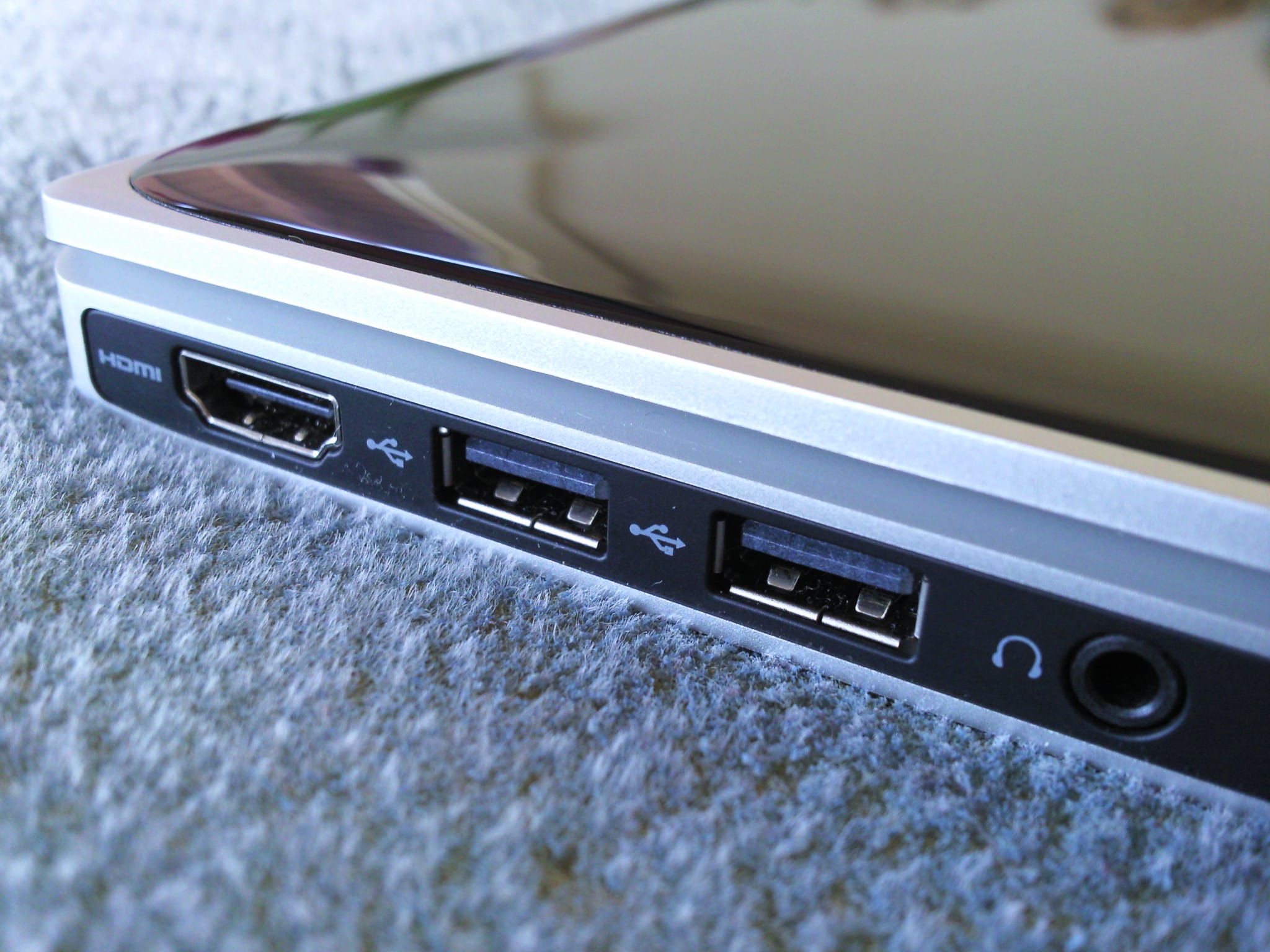
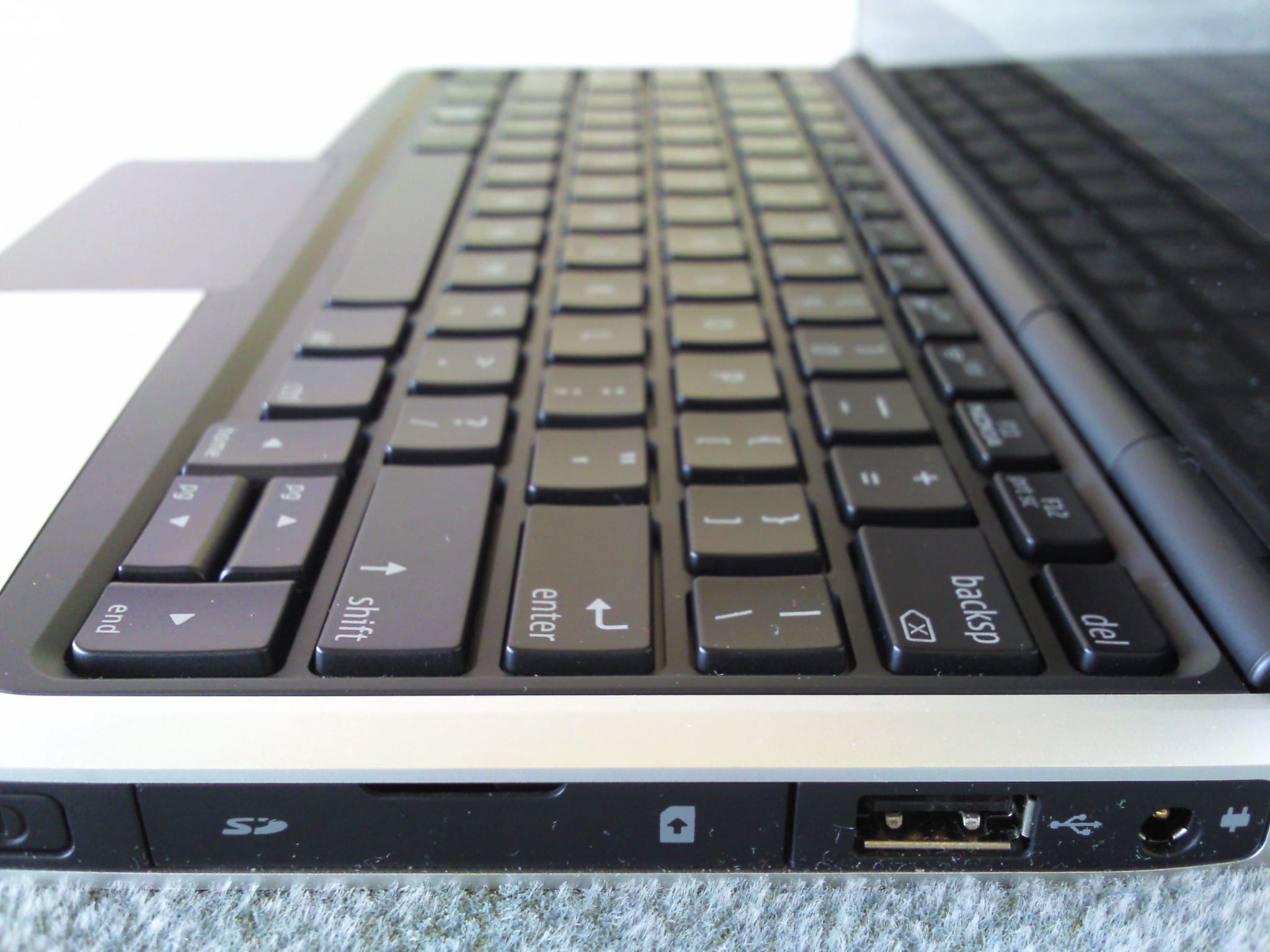
| Connectors | 3x USB 2.0 1x HDMI 3.5mm jack headphone out SD Card Reader |
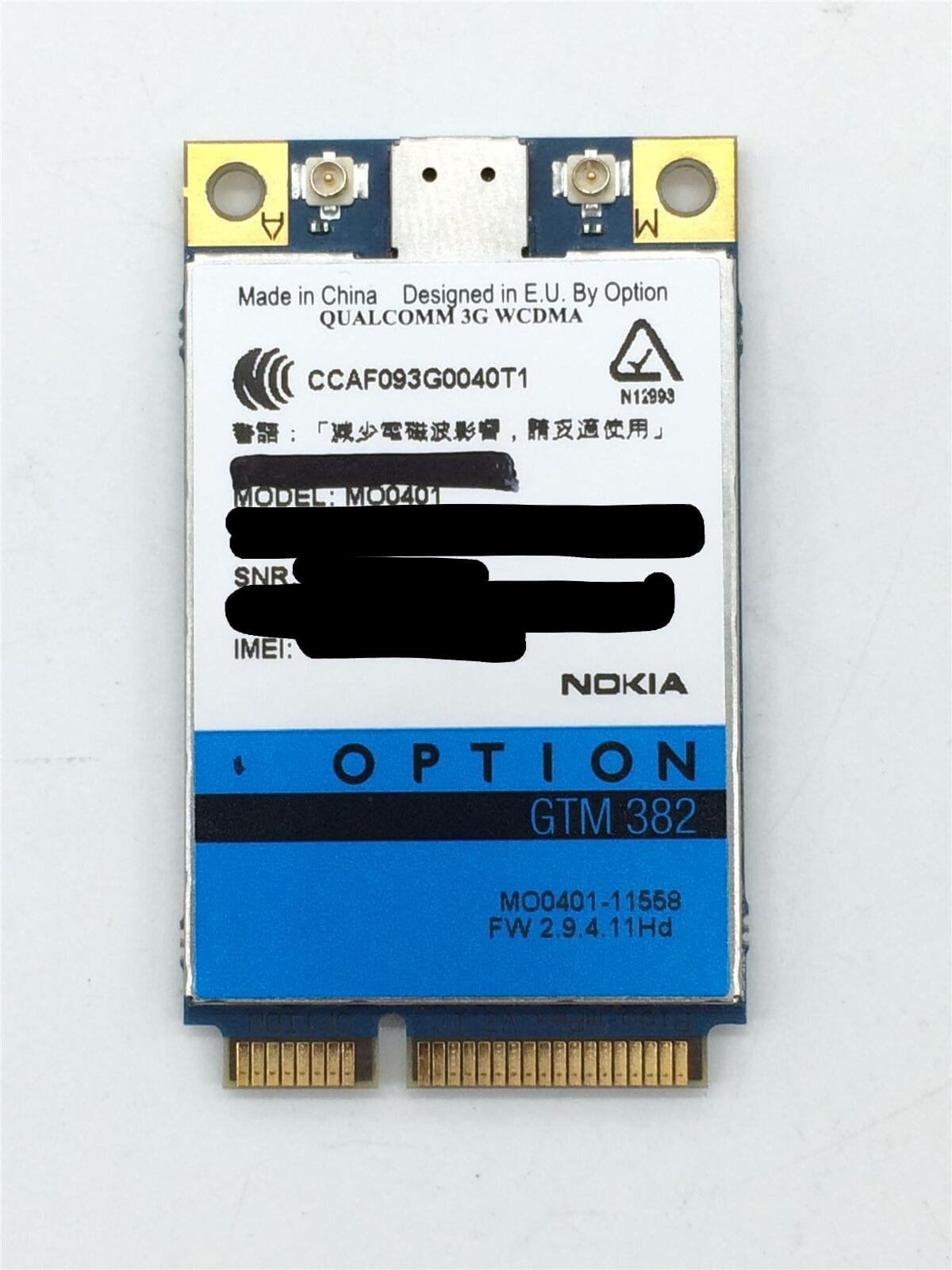
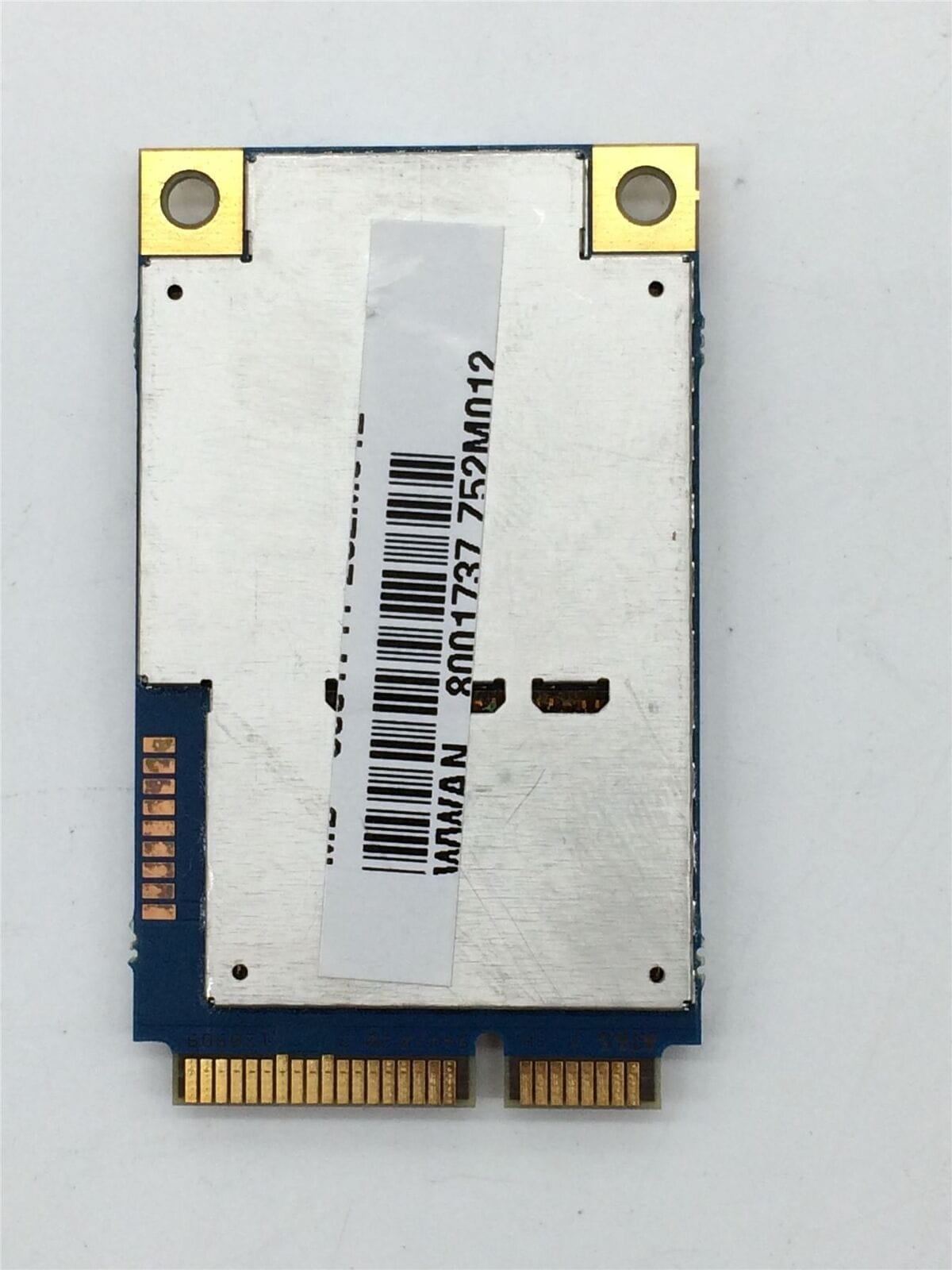
| Networking | Atheros AR928X Wireless network adapter (b/g/n = Wi-Fi 4) Bluetooth 2.1 +EDR Option GTM382 3G WWAN Mobile Broadband |
| Size | 19.9mm x 264mm x 185mm, 1,22kg |
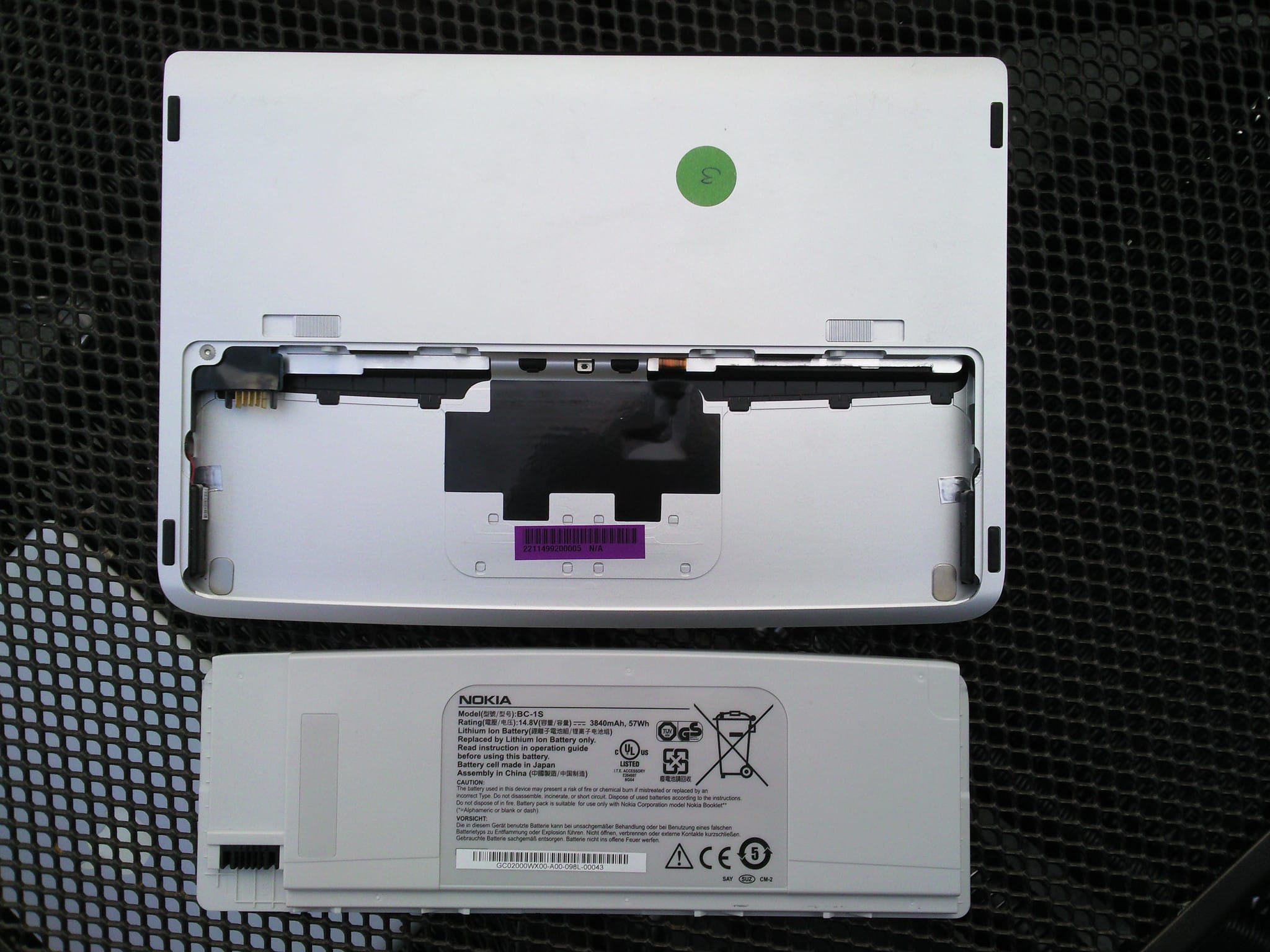
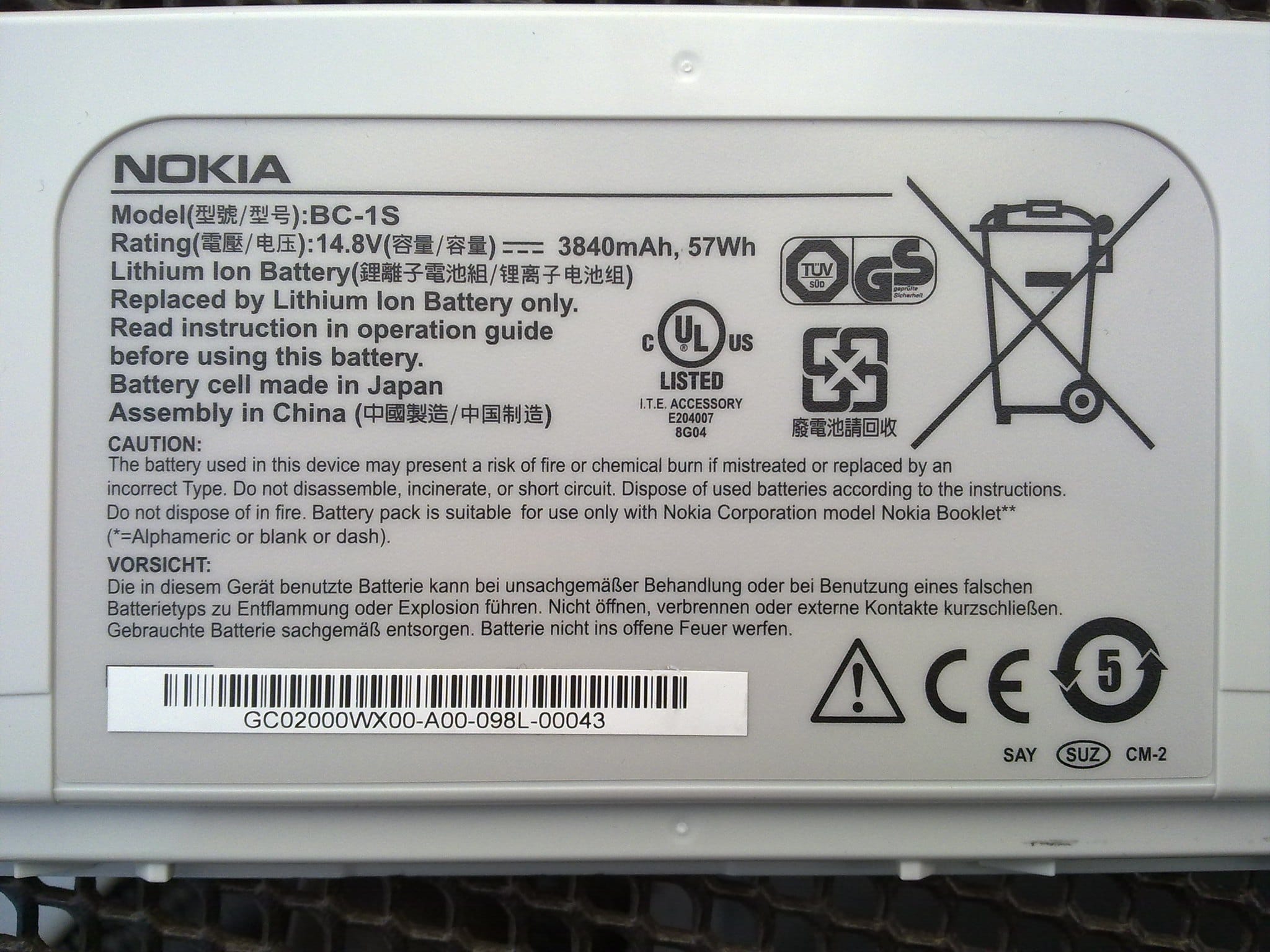
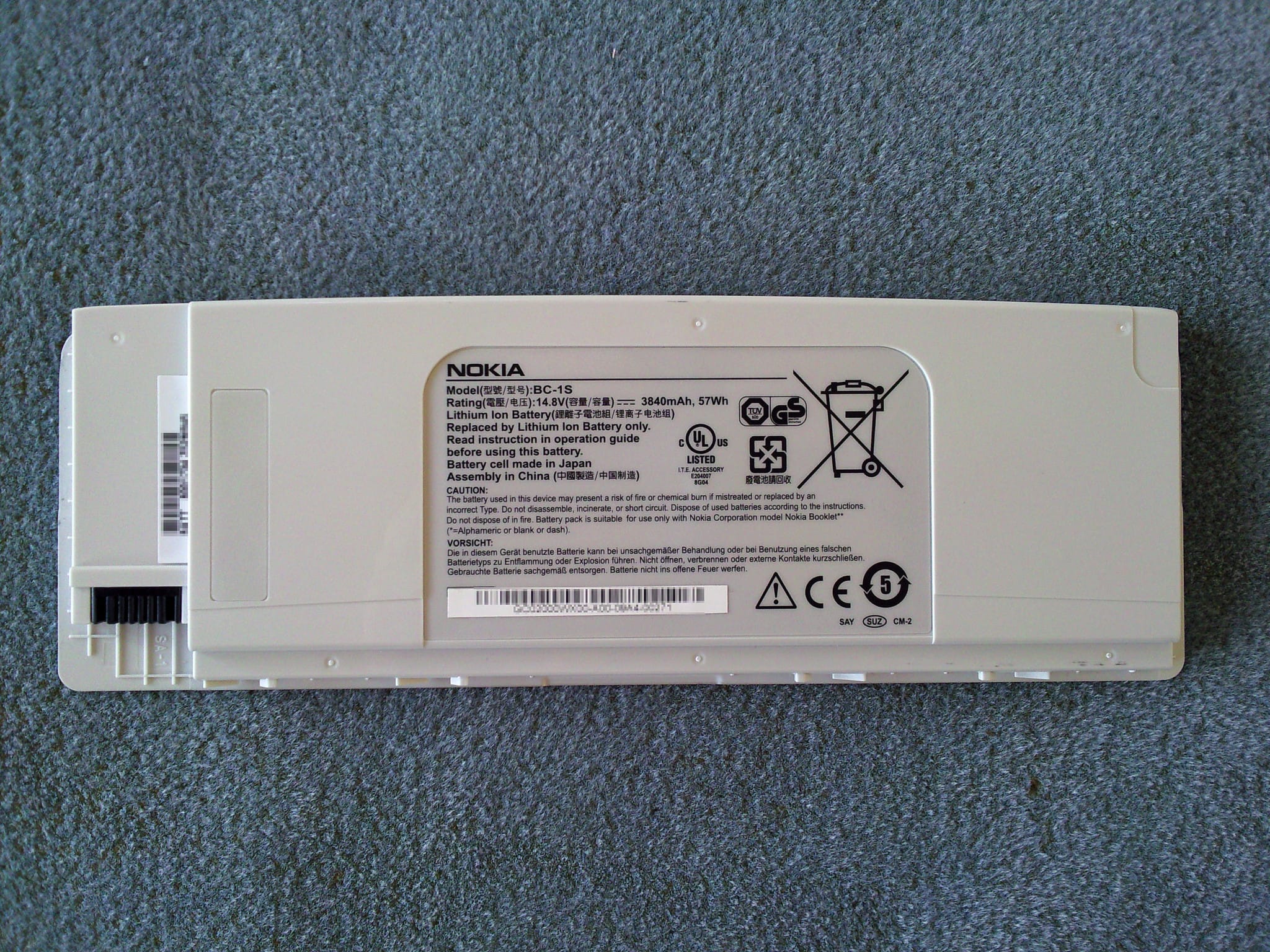
| Battery | 57Wh Lithium-Ion, 3840mAh, 6 cells, 14.8 volts, model BC-1S |
| Operating System | Microsoft Windows 7 Starter 32-bit |
| Colors | Black, Ice, Azure blue |
Architecture
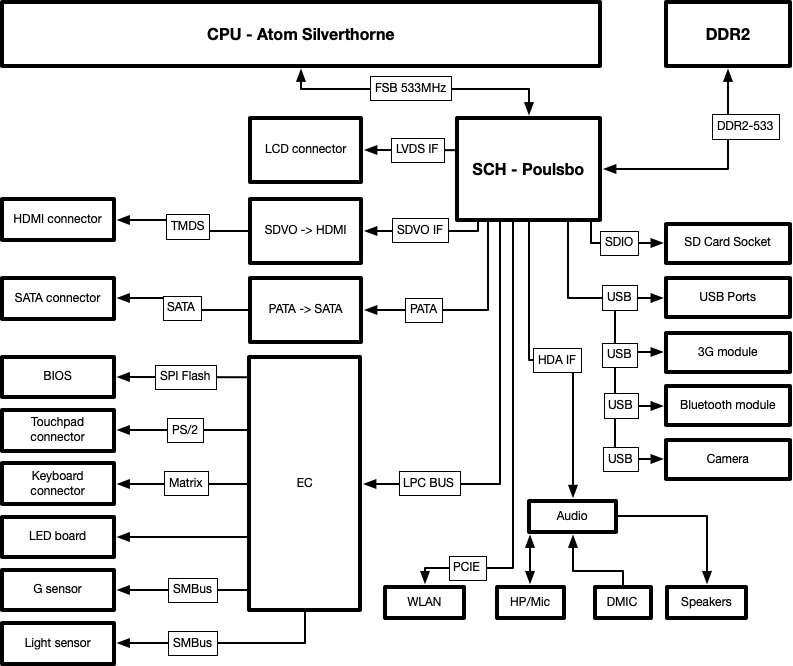
Hardware
CPU
Intel Atom Z530 is a Bonnell microarchitecture CPU, “Silverthorne” 45nm, supports MMX, SSE, SSE2, SSE3, SSSE3, Enhanced Intel SpeedStep Technology (EIST), XD bit (an NX bit implementation), Hyper-Threading, Intel VT-x, has 47 million transistors, die size 26mm², 1.60GHz base frequency, 412KB L2 cache, 64KB L1 cache, 533MHz bus speed and has a TDP of 2W and an average power of 220 mW. The CPU features a legacy 533 MT/s front-side bus capable of communicating with the Poulsbo chipset in both low-power CMOS mode as well as normal GTL mode (which also works with other chipsets). It was launched in the second quarter of 2008.
Components
| Manufacturer | Model | Rev. | Date | Made in | Description | Manual |
|---|---|---|---|---|---|---|
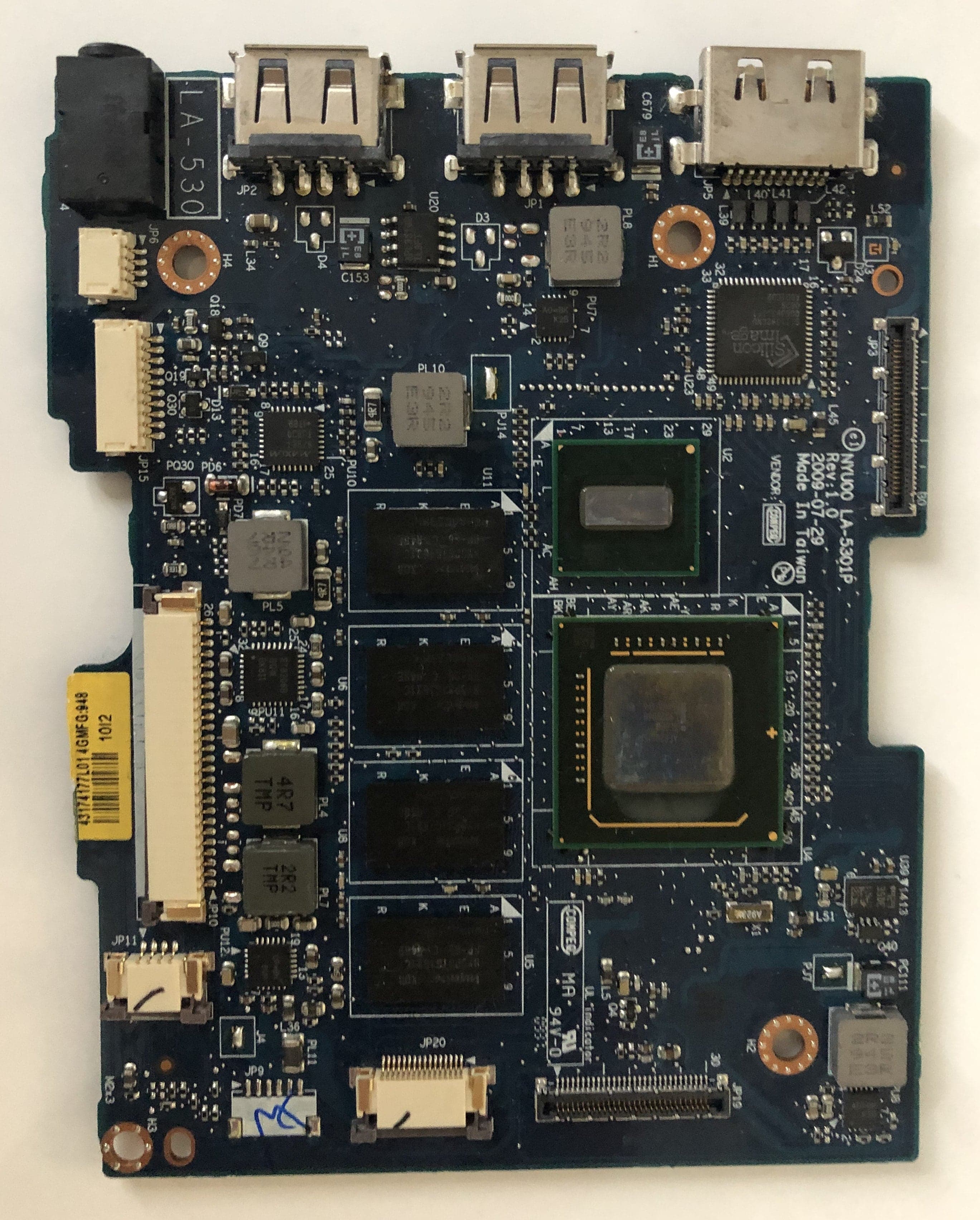
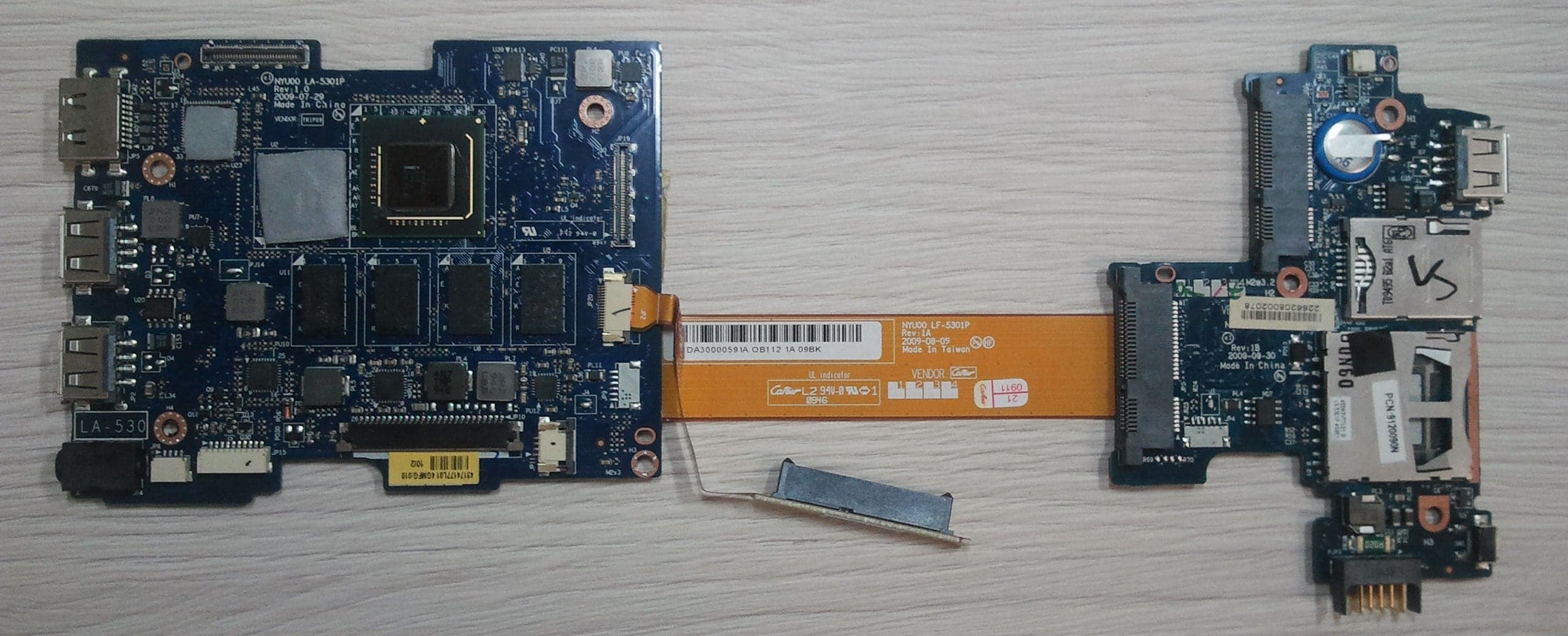
| Compeq/Tripod/GCE | LA-5301P | 1.0 | 2009-07-29 | China/Taiwan | Main Board | link |
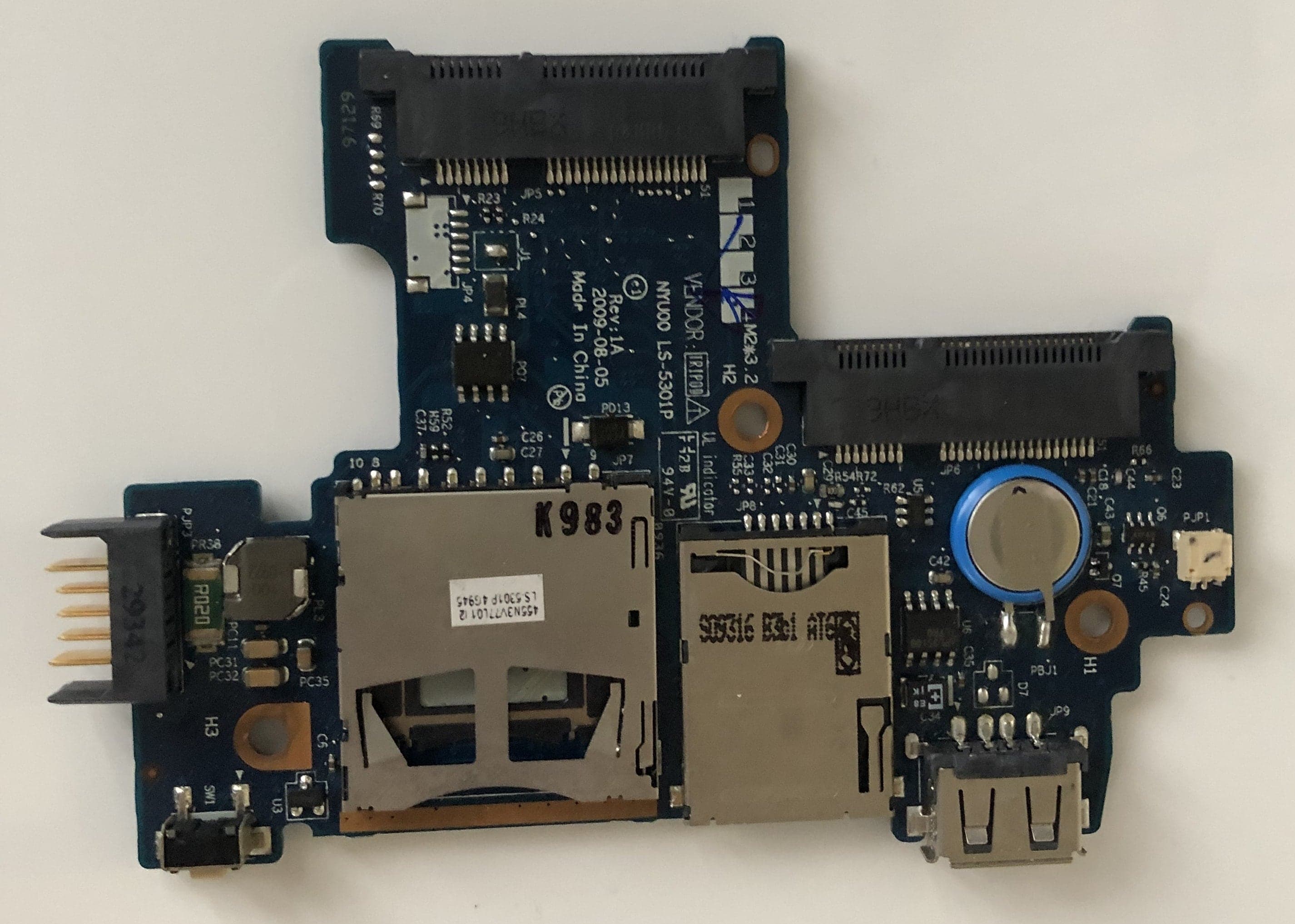
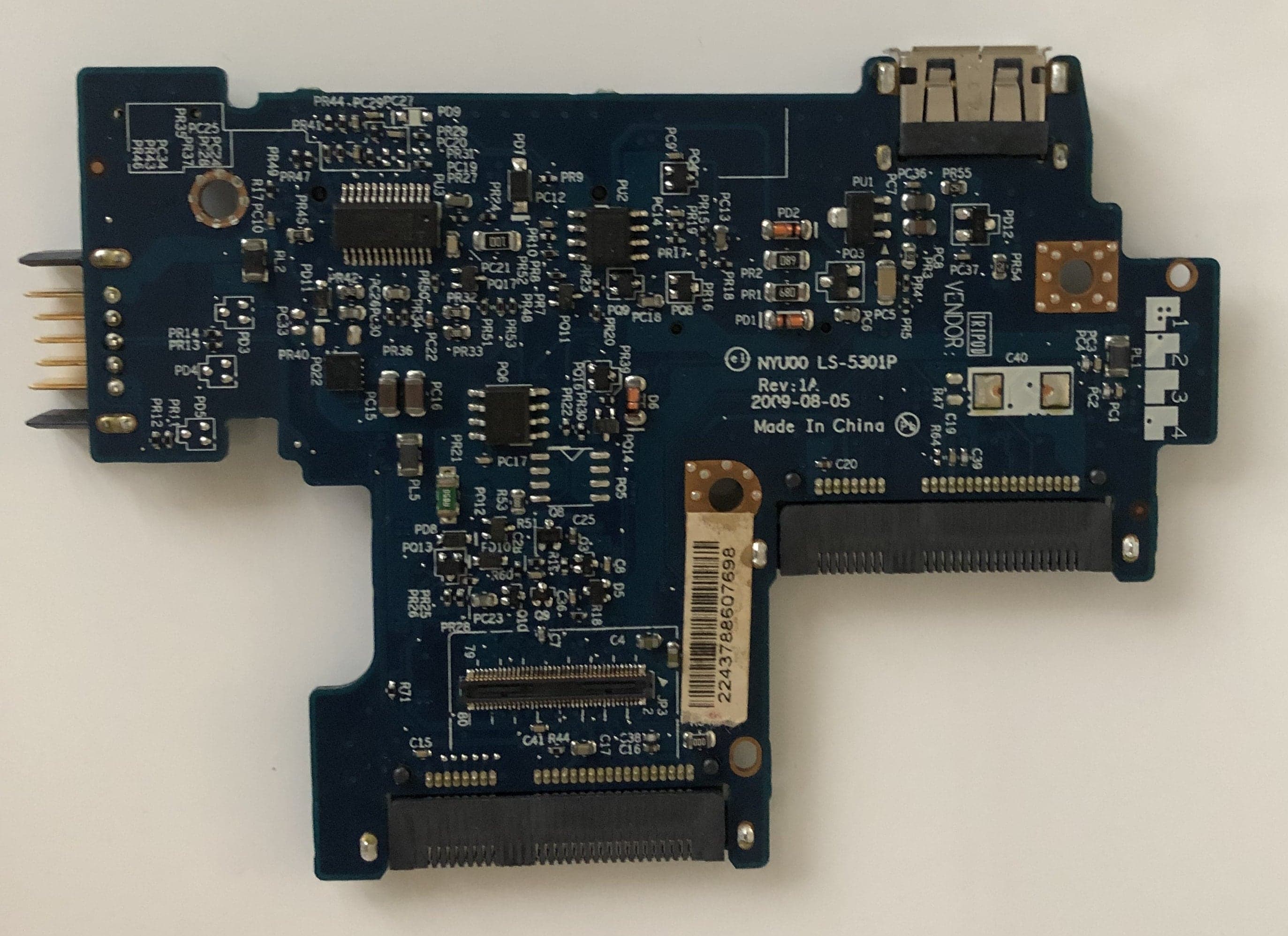
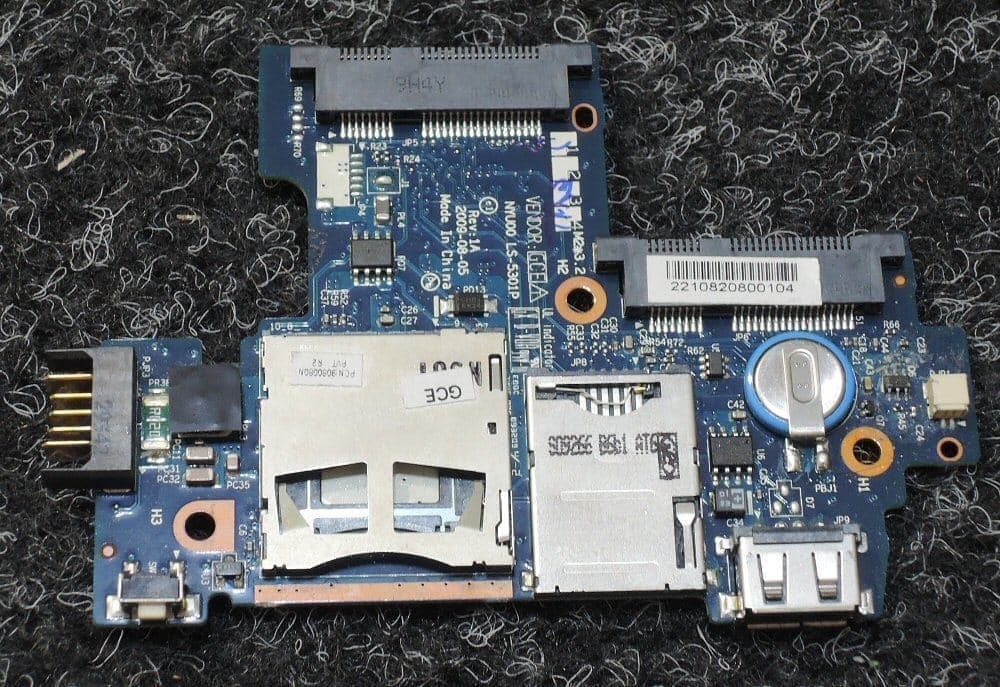
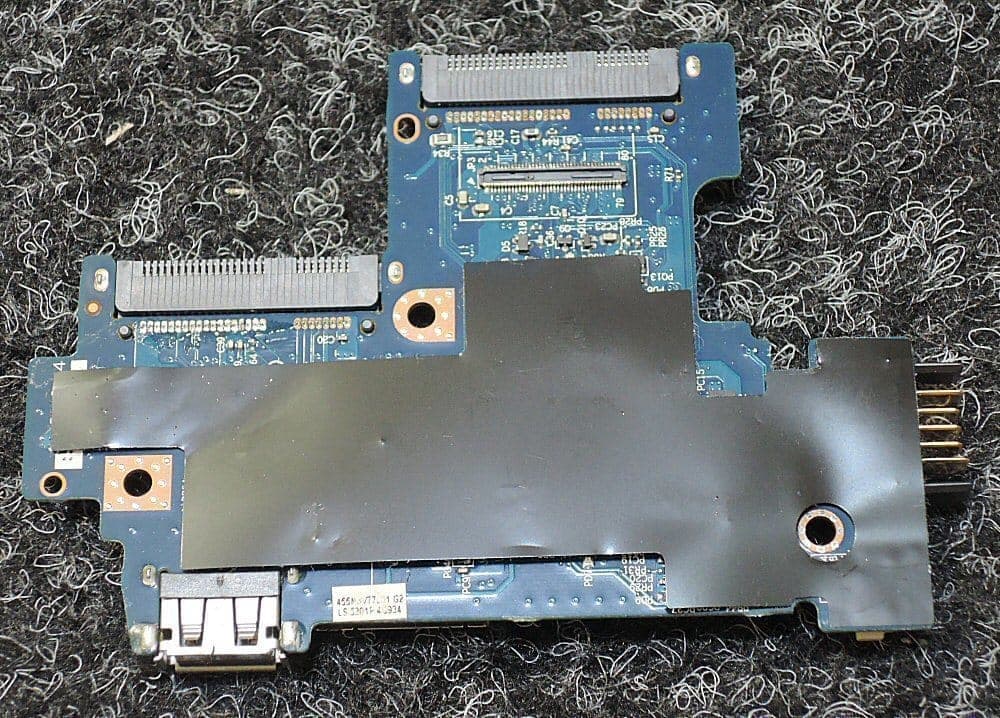
| Compeq/Tripod/GCE | LS-5301P | 1A | 2009-08-05 | China/Taiwan | IO Board | |
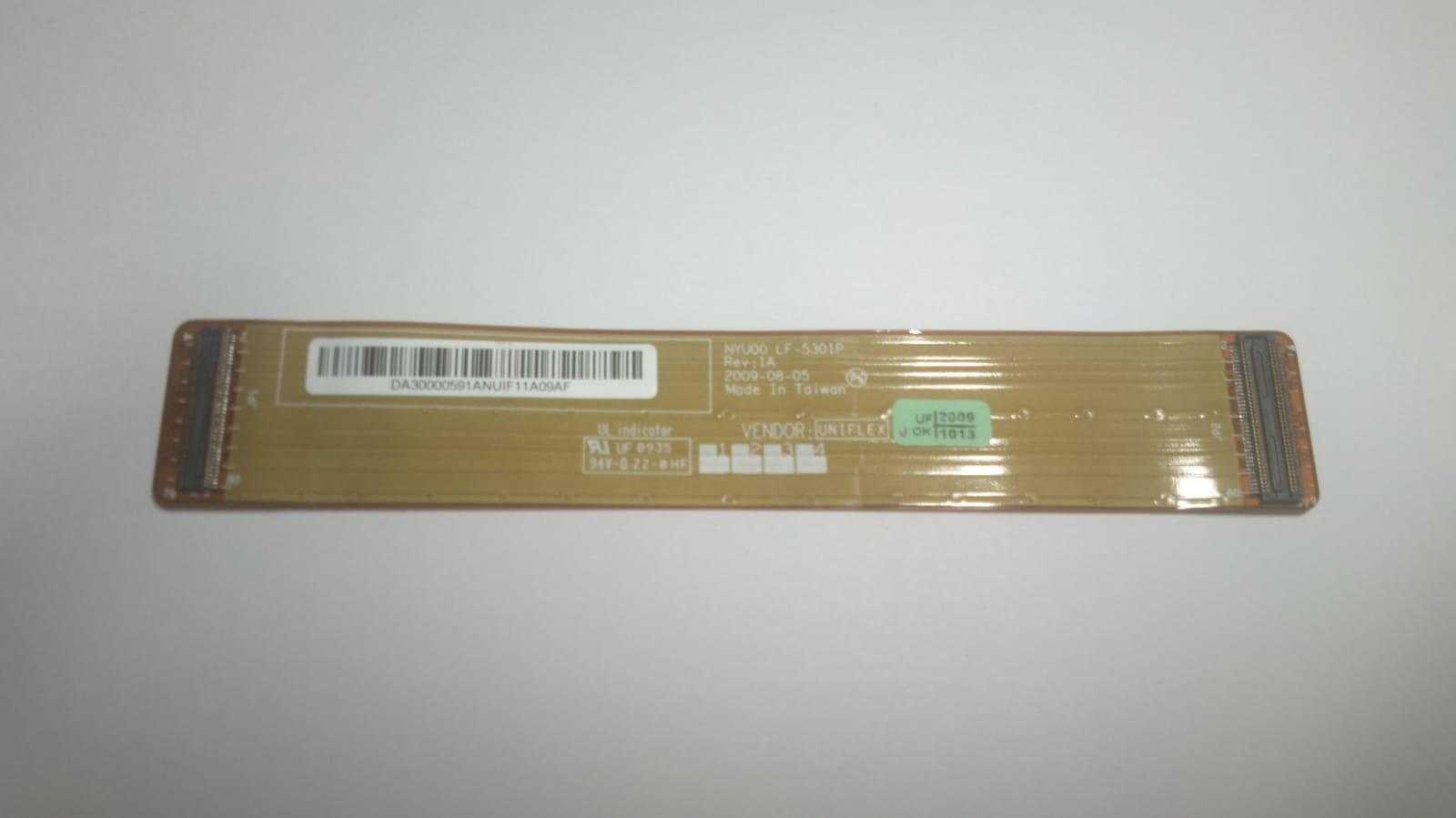
| Uniflex | LF-5301P | 1A | 2009-08-05 | Taiwan | LVDS/FUN cable | |
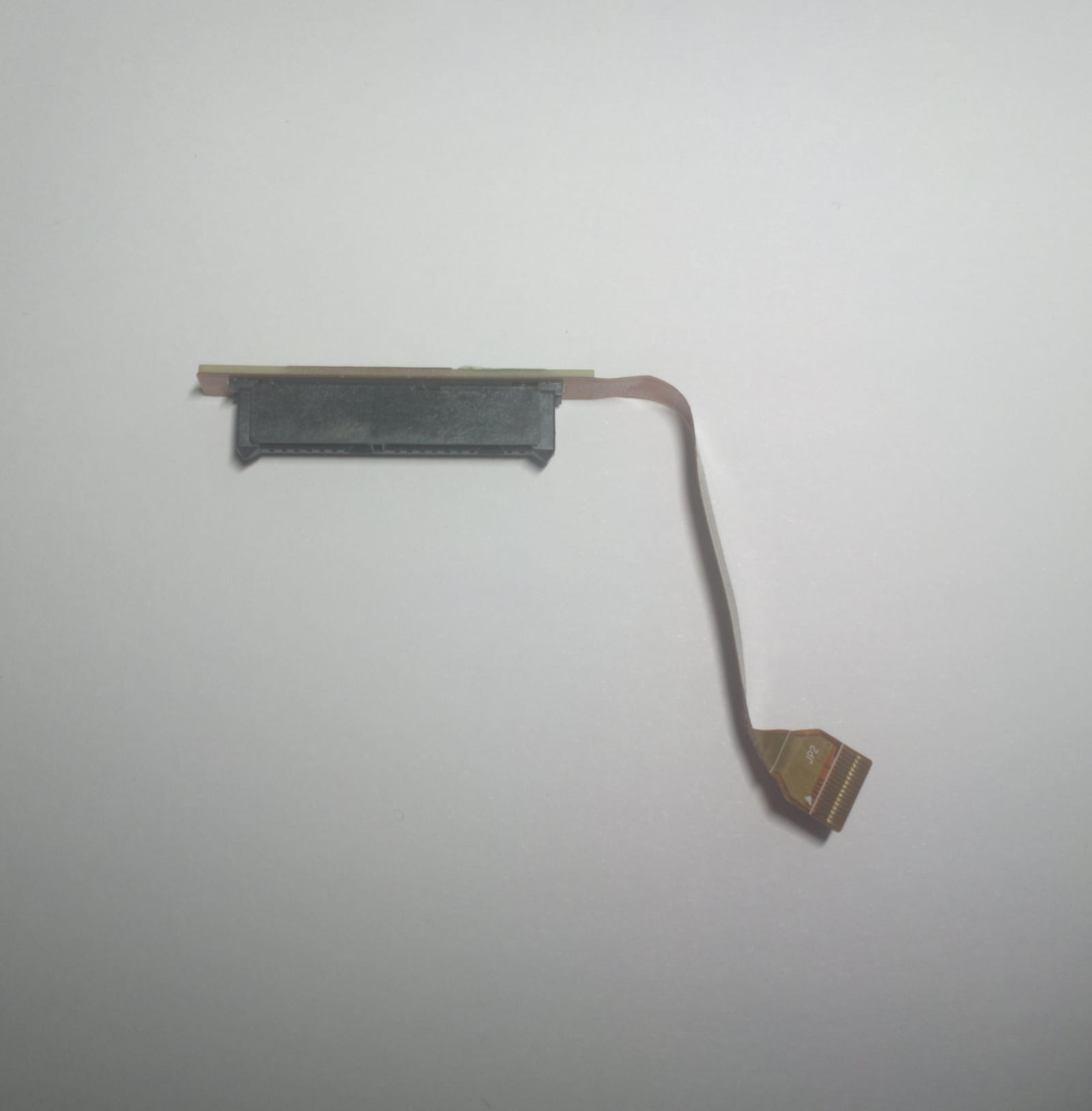
| Uniflex | LF-5302P | 1.0 | 2009-07-28 | Taiwan | SATA cable | |
| Sunrex | V108502AK1 | China | Keyboard | |||
| Cambridge Silicon Radio | BSMAN1 | Bluetooth module | ||||
| Option | GTM382 | China | 3G modem | link | ||
| Sonix | Microdia | USB 2.0 Webcam | ||||
| Qualcomm | Atheros AR928X | 2 | China | Wireless network adapter | link | |
| AU Optronics | AUO11D5 | 1 | China | LCD panel | link | |
| Toshiba | MK1235GSL | Philippines | Hard disk | link |
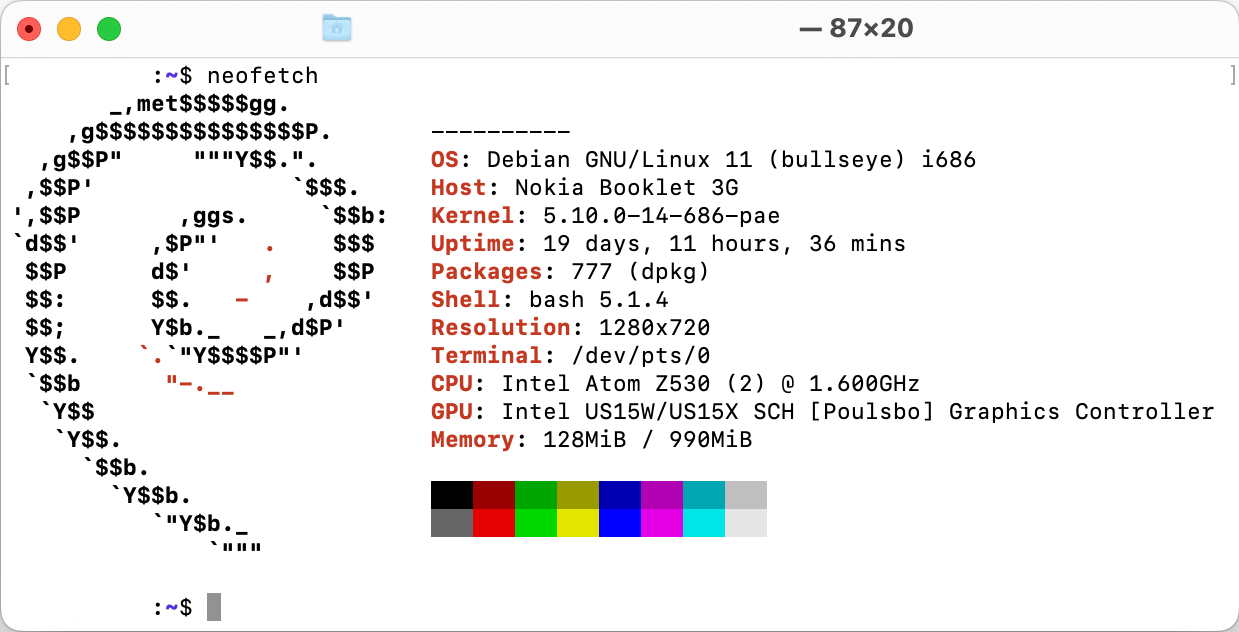
Video
| Codename | GMA 500 |
| Architecture | PowerVR SGX535 (Series SGX-5) |
| Pipelines | 4 - unified |
| Core Speed | 200 MHz |
| Shader Speed | 200 MHz |
| Memory | Max 1Gb Shared |
| DirectX | DirectX 9.0c, Shader 3.0 |
| Technology | 65nm |
| Features | OpenGL 2.0, PowerVR SGX Kern, Screen Tiling, Internal True Color Processing, Zero overhead AA, 32 Bit floating-point operations. |
| Date of Announcement | March 2, 2008 |
| Official Driver | 8.14.10.2030 from September 16, 2010 |
Hardware-Accelerated Video Codec Support
| Codec | Profile | Level |
|---|---|---|
| H.264 | Baseline profile | L3 |
| H.264 | Main profile | L4.1 (1080i @ 30fps, 1080p @ 24fps) |
| H.264 | High profile | L4.1 (1080i @ 30fps, 1080p @ 24fps) |
| MPEG2 | Main profile | Hight |
| MPEG4 | Simple profile | L3 |
| MPEG4 | Advanced simple profile | L5 |
| VC1 | Simple profile | Medium |
| VC1 | Advanced profile | L3 up to (1080i @ 30fps, 1080p @ 24fps) |
| WMV9 | Simple profile | Medium |
| WMV9 | Main profile | High |
Display
| Manufacturer | AU Optronics Corp (AUO) |
| Model | B101EW01 V1 (AUO11D5) |
| Screen Type | LCM, a-Si TFT-LCD |
| Screen Size | 10.1 inch |
| Pixel Number | 1280(RGB)x720, WXGA, 145PPI |
| Luminance | 180 (Typ.)(cd/m²) |
| Color Depth | 262K (6-bit) 45% NTSC |
| Color Temperature | 6485K |
| White Color Chromaticity | X:0.313; Y:0.329 |
| Outline Shape | Flat (PCBA Flat, T3.4~4.0mm) |
| Refresh Rate | 60Hz |
| Signal Type | LVDS (1 ch, 6-bit), 40 pins Connector |
| Voltage Supply | 3.3V (Typ.) |
| Max. Ratings | Storage Temp.: -20 ~ 60 °C, Operating Temp.: 0 ~ 50 °C |
| Treatment | Antiglare |
| Contrast Ratio | 500:1 (Typ.) (Transmissive) |
| Work Mode | TN, Normally White, Transmissive |
| Response | 12/4 (Typ.)(Tr/Td) ms |
| Backlight | WLED, 12K hours, with LED driver |
Integrated circuits
- Main Board front
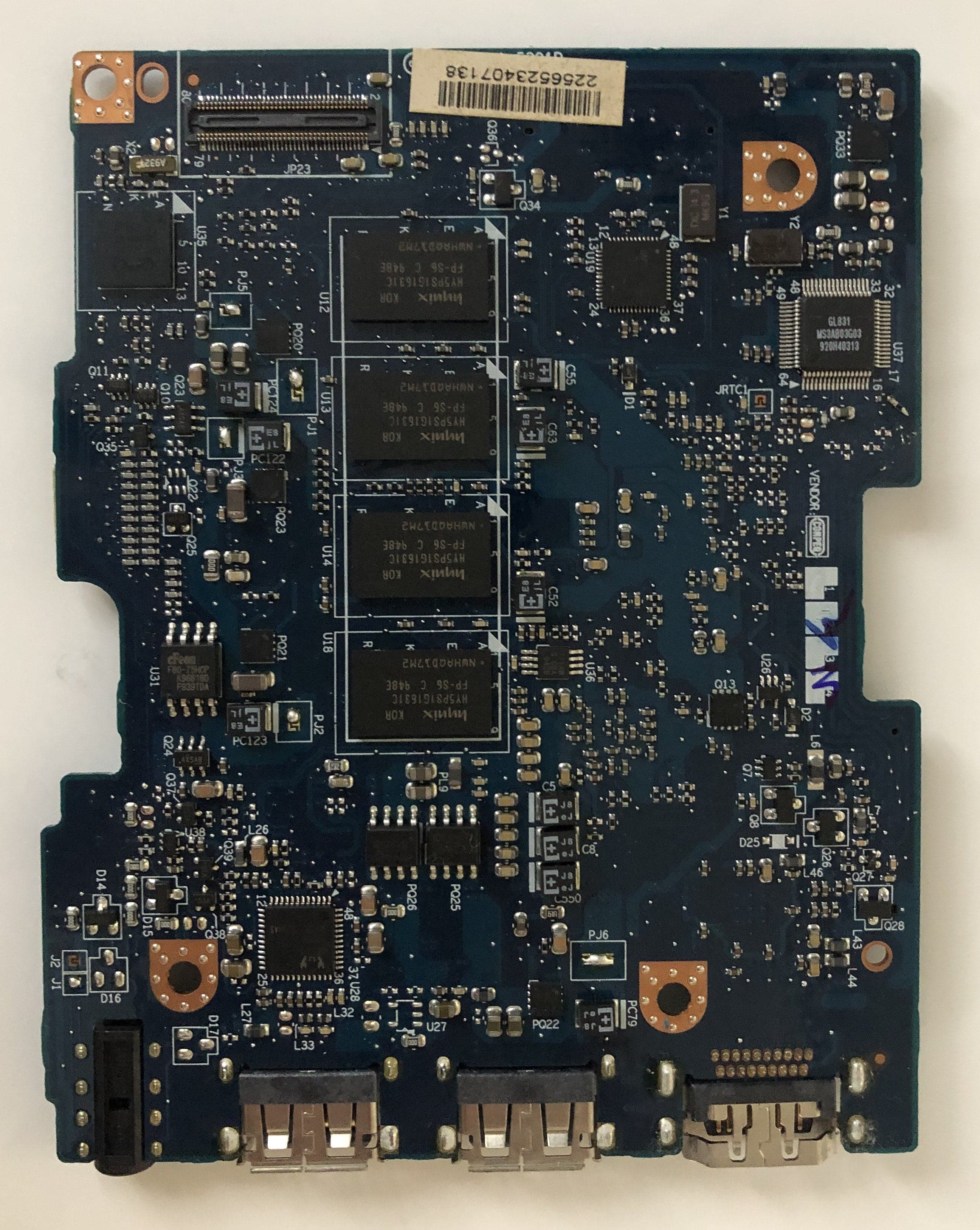
- Main Board back
- IO Board front
- IO Board back
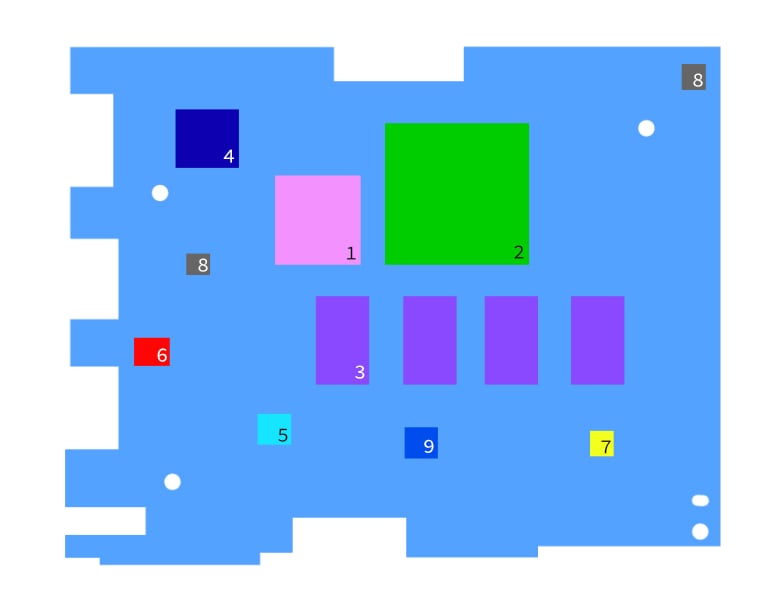
| Manufacturer | Model | Notes | Datasheet | |
|---|---|---|---|---|
| 1 | Intel | Silverthorne | Intel Atom Z530 CPU | link |
| 2 | Intel | AF82US15W | Intel SCH US15 "Poulsbo" | link |
| 3 | Hynix | HY5PS1G1631CFP-S6 | DDR2-533 RAM, 8 banks (4 on each side) | link |
| 4 | Silicon Image | SI1392CNU | VastLane HDMI Transmitter | link |
| 5 | Maxim Integrated | MAX8796G | 1-Phase, Quick-PWM Intel IMVP-6/GMCH Controller | link |
| 6 | Anpec | APL3510 | USB Power-Distribution Switch | link |
| 7 | Richtek | RT8207GQW | Complete DDRII/DDRIII Memory Power Supply Controller | link |
| 8 | Richtek | RT9026GFP | DDR Termination Regulator | link |
| 9 | Richtek | RT8206B | Switch Mode Power Supply (SMPS) controller | link |
TSL2561FN | link |
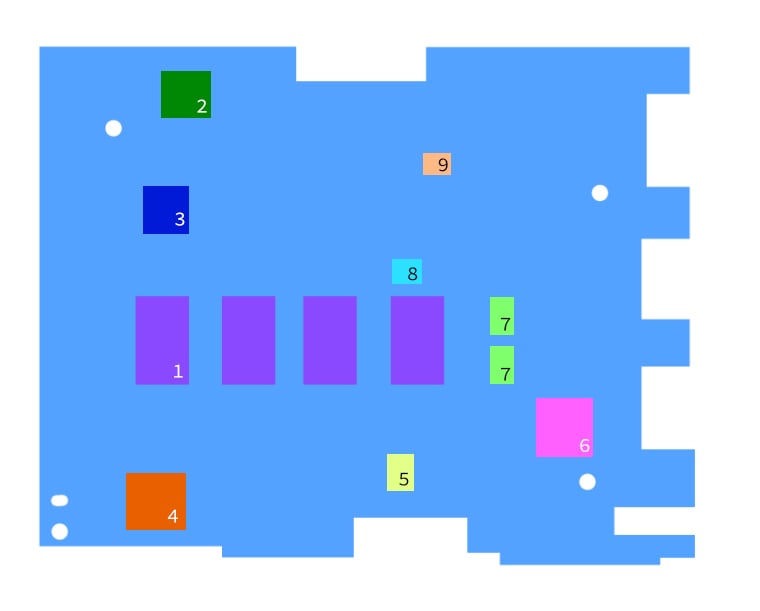
| Manufacturer | Model | Notes | Datasheet | |
|---|---|---|---|---|
| 1 | Hynix | HY5PS1G1631CFP-S6 | DDR2-533 RAM, 8 banks (4 on each side) | link |
| 2 | Genesys Logic | GL831 | SATA/PATA Bridge Controller | link |
| 3 | ICS | 9UMS9610BKLF | PC main clock generator | link |
| 4 | ENE | KB926BFC0 | Keyboard Controller | link |
| 5 | cFeon | EN25F80-75HCP | 8MB SPI Flash Memory. On the schematics, this chip should have been a Macronix MX25L8005M2C, datasheet. | link |
| 6 | Realtek | ALC269Q-GR | High Definition Audio Codec | link |
| 7 | Alpha & Omega Semiconductor | AO4466 | 30V N-Channel MOSFET | link |
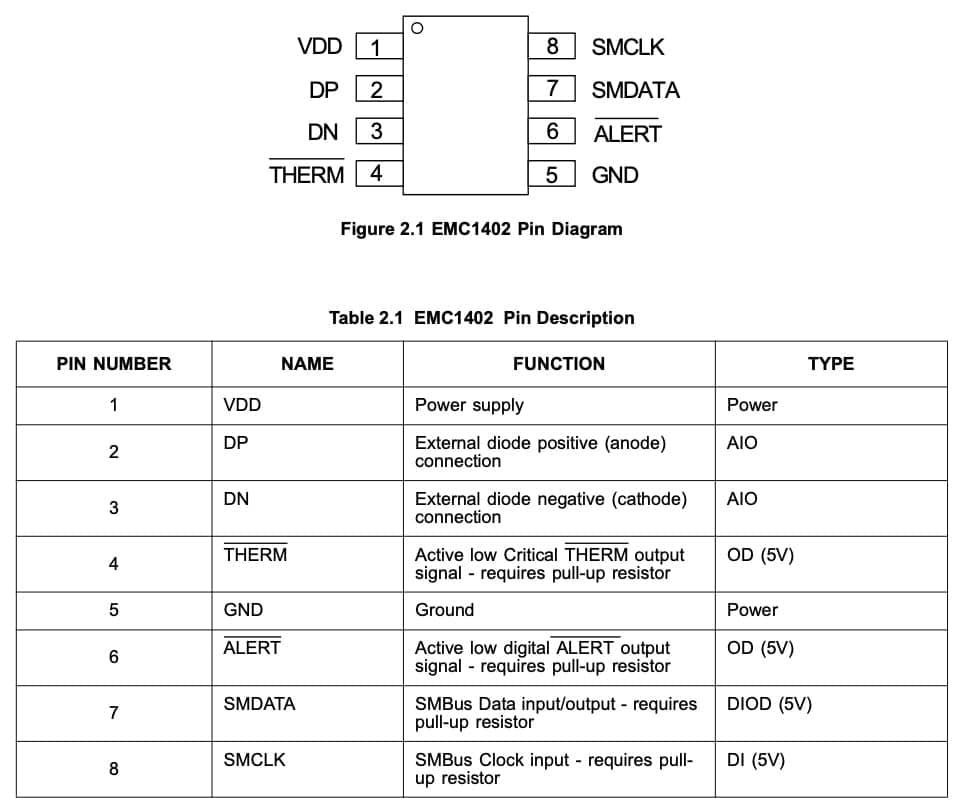
| 8 | SMSC | EMC1402-1-ACZL | 1°C Temperature Sensor with Beta Compensation | link |
| 9 | Vishay Siliconix | SI7326DN-T1-GE3 | N-Channel 30-V (D-S) Fast Switching MOSFET | link |
MMA7455LR1 | link |
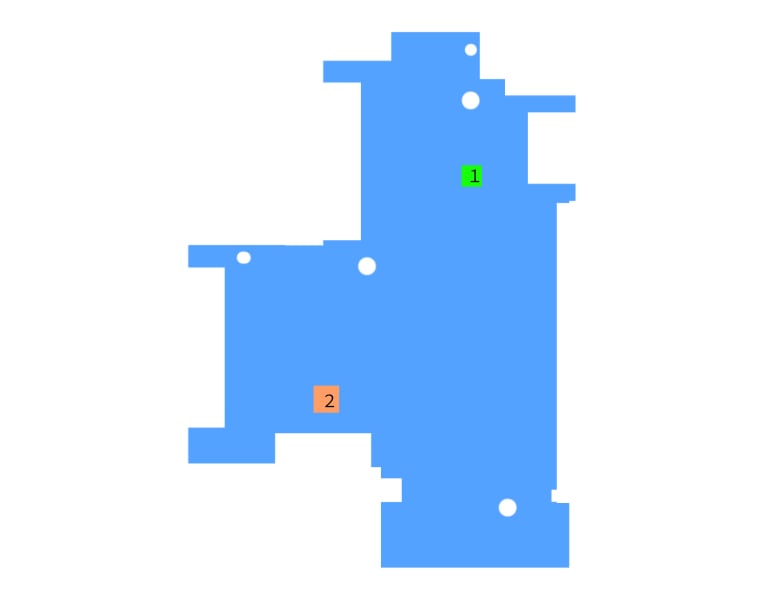
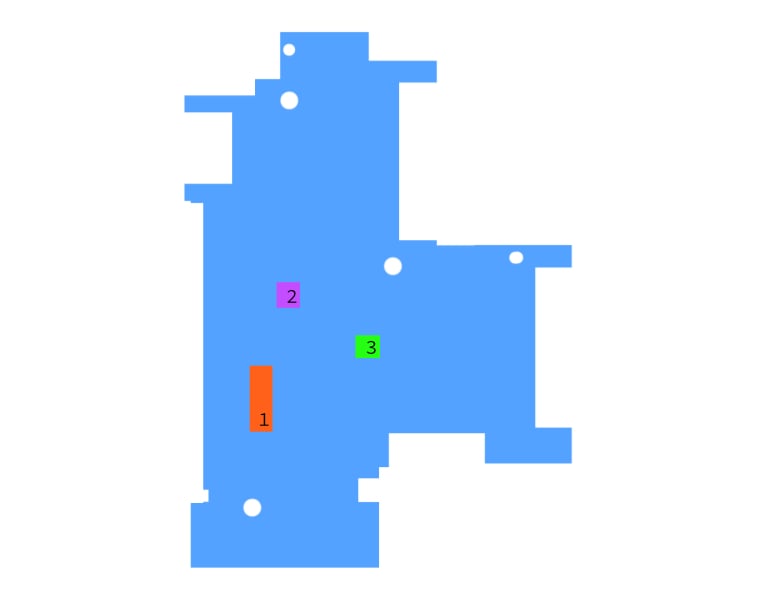
USB
There are 4 internal USB controllers, one EHCI (USB 2.0) with 8 ports, and three UHCI (USB 1.1), each with two ports. The mappings are as following:
| Controller | Port | Status | Type |
|---|---|---|---|
| Intel SCH Family USB Universal Host Controller | Port 1 | Unused (?) | Internal |
| Port 2 | Unused (?) | Internal | |
| Intel SCH Family USB Universal Host Controller | Port 1 | Unused (?) | Internal |
| Port 2 | Unused (?) | Internal | |
| Intel SCH Family USB Universal Host Controller | Port 1 | Bluetooth module | Internal (JP15) |
| Port 2 | Unused (?) | Internal | |
| Intel SCH Family USB2 Enhanced Host Controller | Port 1 | Free | External (JP1) |
| Port 2 | Free | External (JP2) | |
| Port 3 | Free | External (JP9) | |
| Port 4 | Option GTM382 3G modem | Internal (JP6) | |
| Port 5 | Unused (?) | Internal | |
| Port 6 | Sonix Microdia webcam | Internal | |
| Port 7 | Unused (?) | Internal | |
| Port 8 | Unused (?) | Internal |
Storage
$ sudo smartctl -i /dev/sda
smartctl 7.2 2020-12-30 r5155 [i686-linux-5.10.0-11-686-pae] (local build)
Copyright (C) 2002-20, Bruce Allen, Christian Franke, www.smartmontools.org

=== START OF INFORMATION SECTION ===
Device Model:     TOSHIBA MK1235GSL
Serial Number:    [REDACTED]
LU WWN Device Id: [REDACTED]
Firmware Version: PV010A
User Capacity:    120,034,123,776 bytes [120 GB]
Sector Size:      512 bytes logical/physical
Rotation Rate:    4200 rpm
Device is:        Not in smartctl database [for details use: -P showall]
ATA Version is:   ATA8-ACS (minor revision not indicated)
SATA Version is:  SATA 2.6, 1.5 Gb/s
Local Time is:    [REDACTED]
SMART support is: Available - device has SMART capability.
SMART support is: Enabled
$ sudo hdparm -I /dev/sda

/dev/sda:

ATA device, with non-removable media
	Model Number:       TOSHIBA MK1235GSL
	Serial Number:      [REDACTED]
	Firmware Revision:  PV010A
	Transport:          Serial, ATA8-AST, SATA 1.0a, SATA II Extensions, SATA Rev 2.5, SATA Rev 2.6
Standards:
	Supported: 8 7 6 5
	Likely used: 8
Configuration:
	Logical			max	current
	cylinders		16383	16383
	heads			16	16
	sectors/track	63	63
	--
	CHS current addressable sectors:    16514064
	LBA    user addressable sectors:   234441648
	LBA48  user addressable sectors:   234441648
	Logical  Sector size:                   512 bytes
	Physical Sector size:                   512 bytes
	device size with M = 1024*1024:      114473 MBytes
	device size with M = 1000*1000:      120034 MBytes (120 GB)
	cache/buffer size  = 8192 KBytes
	Nominal Media Rotation Rate: 4200
Capabilities:
	LBA, IORDY(can be disabled)
	Queue depth: 32
	Standby timer values: spec'd by Standard, no device specific minimum
	R/W multiple sector transfer: Max = 16	Current = 16
	Advanced power management level: 254
	DMA: sdma0 sdma1 sdma2 mdma0 mdma1 mdma2 udma0 udma1 udma2 udma3 udma4 *udma5
	     Cycle time: min=120ns recommended=120ns
	PIO: pio0 pio1 pio2 pio3 pio4
	     Cycle time: no flow control=120ns  IORDY flow control=120ns
Checksum: correct
Testing read speed for SSD:
$ sudo hdparm --direct -t /dev/sda1
/dev/sda1:
 TIMING O_DIRECT disk reads: 182 MB in 3.01 seconds = 60.38 MB/sec
Testing read speed for HDD:
$ sudo hdparm --direct -t /dev/sda1
/dev/sda1:
 Timing O_DIRECT disk reads: 116 MB in  3.02 seconds =  38.35 MB/sec
Testing read speed for SD card:
$ sudo hdparm --direct -t /dev/mmcblk0p1
/dev/mmcblk0p1:
 Timing O_DIRECT disk reads: 28 MB in  3.21 seconds =   8.72 MB/sec


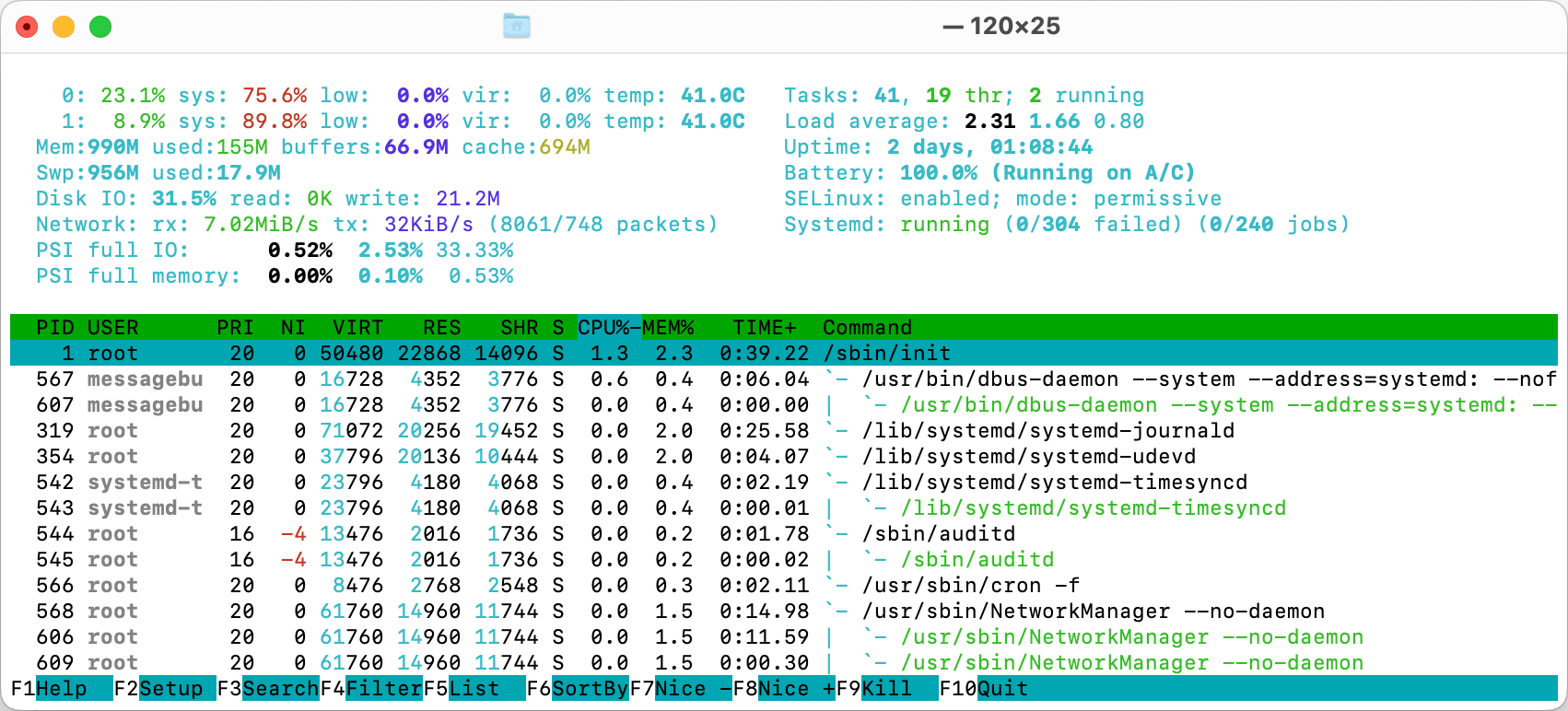
Connectors
Main Board
- External
- 2x USB 2.0 JP1, JP2
- 1x HDMI JP5
- 1x 3.5mm jack JP4
- Internal
- Bluetooth (10 pin) JP15
- Keyboard (26 pin) JP10
- Speakers (4 pin) JP6
- Touch/B (4 pin) JP11
- PATA ribbon HDD (16 pin) JP20
- LVDS/FUN (80 pin) JP23
- LCD panel (30 pin) JP3
- GPS + CMOS camera + mic + LED board (30 pin) JP19
- Unknown (6 pin) JP9
IO Board
- External
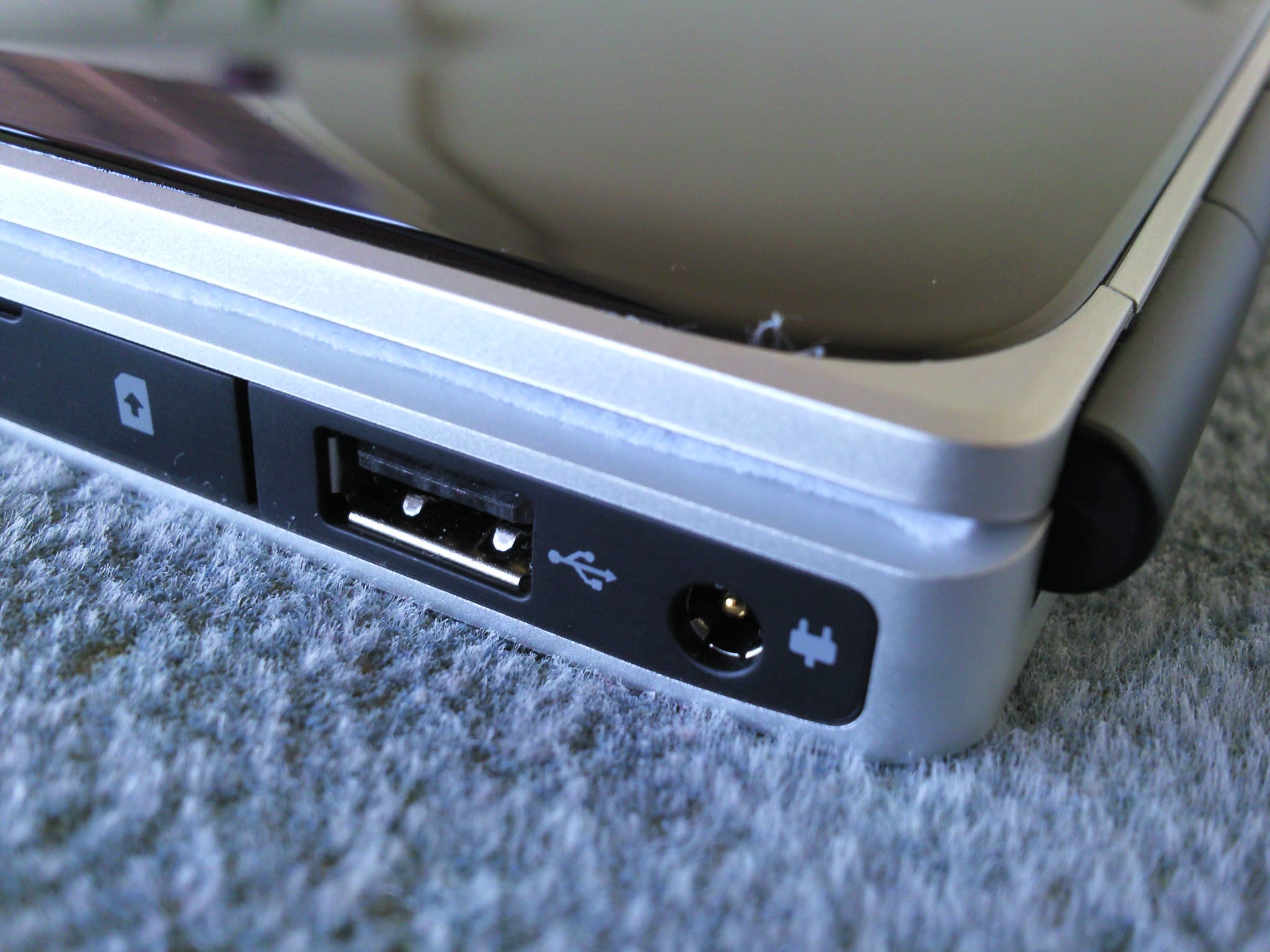
- 1x USB 2.0 JP9
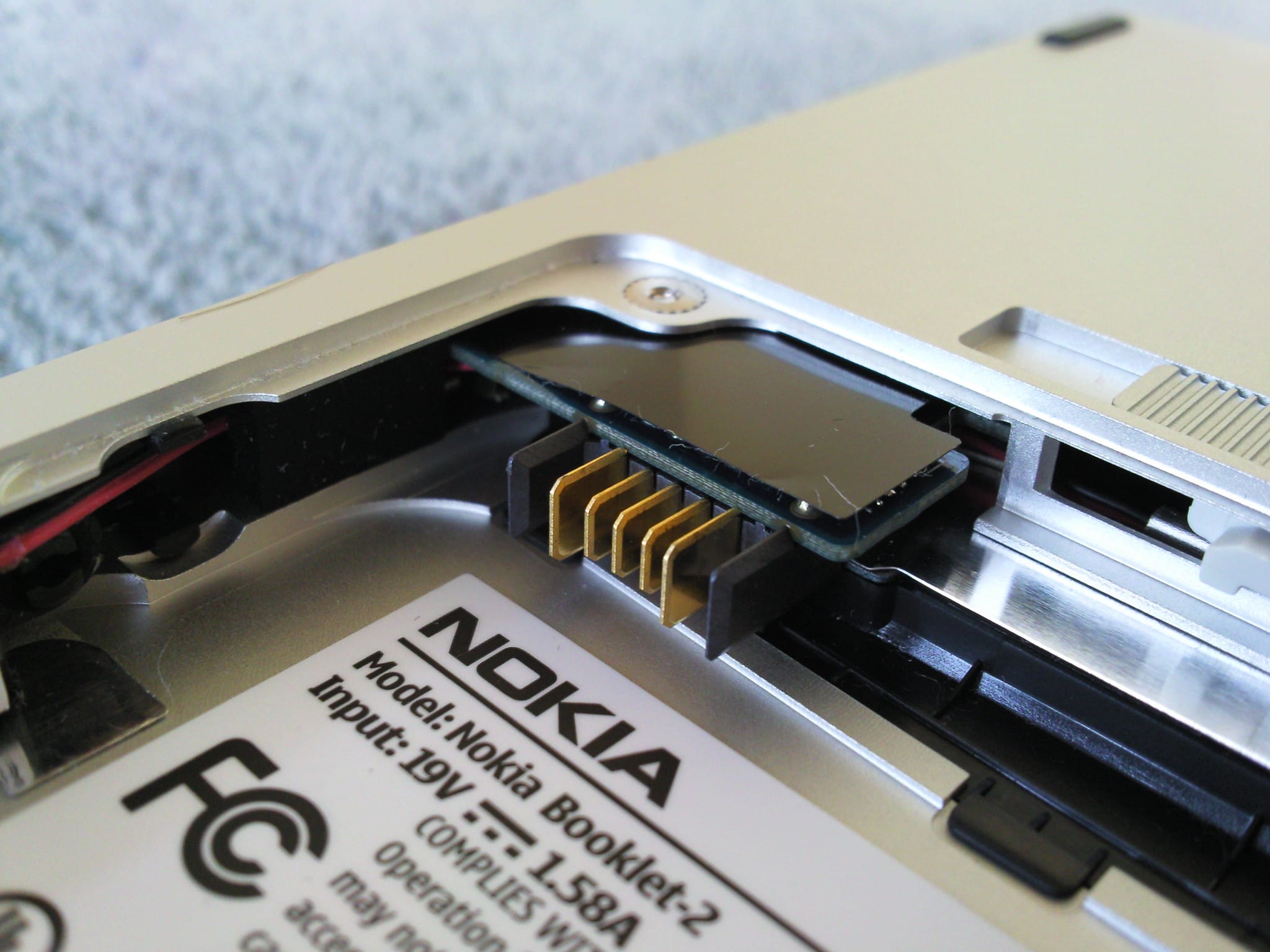
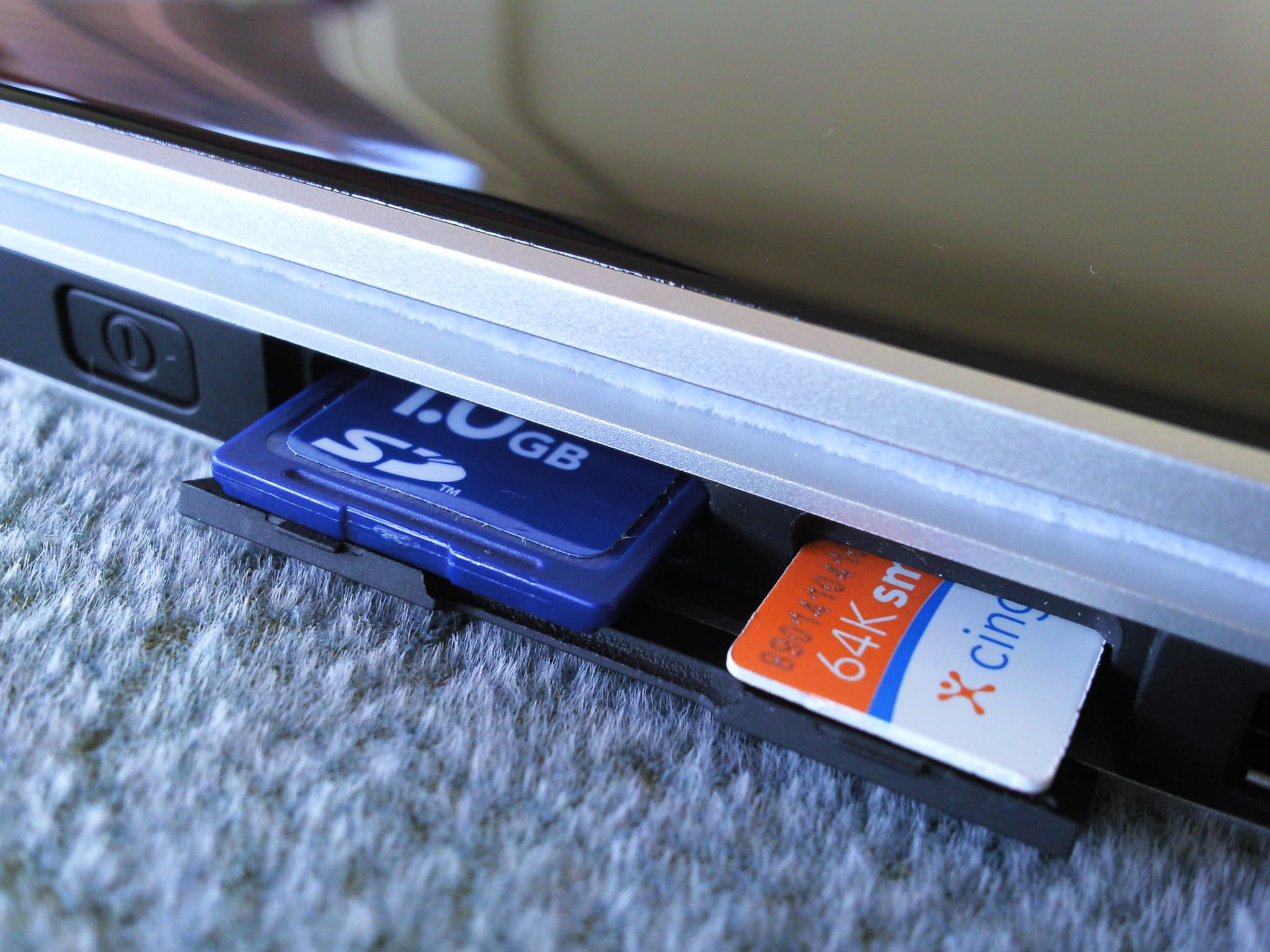
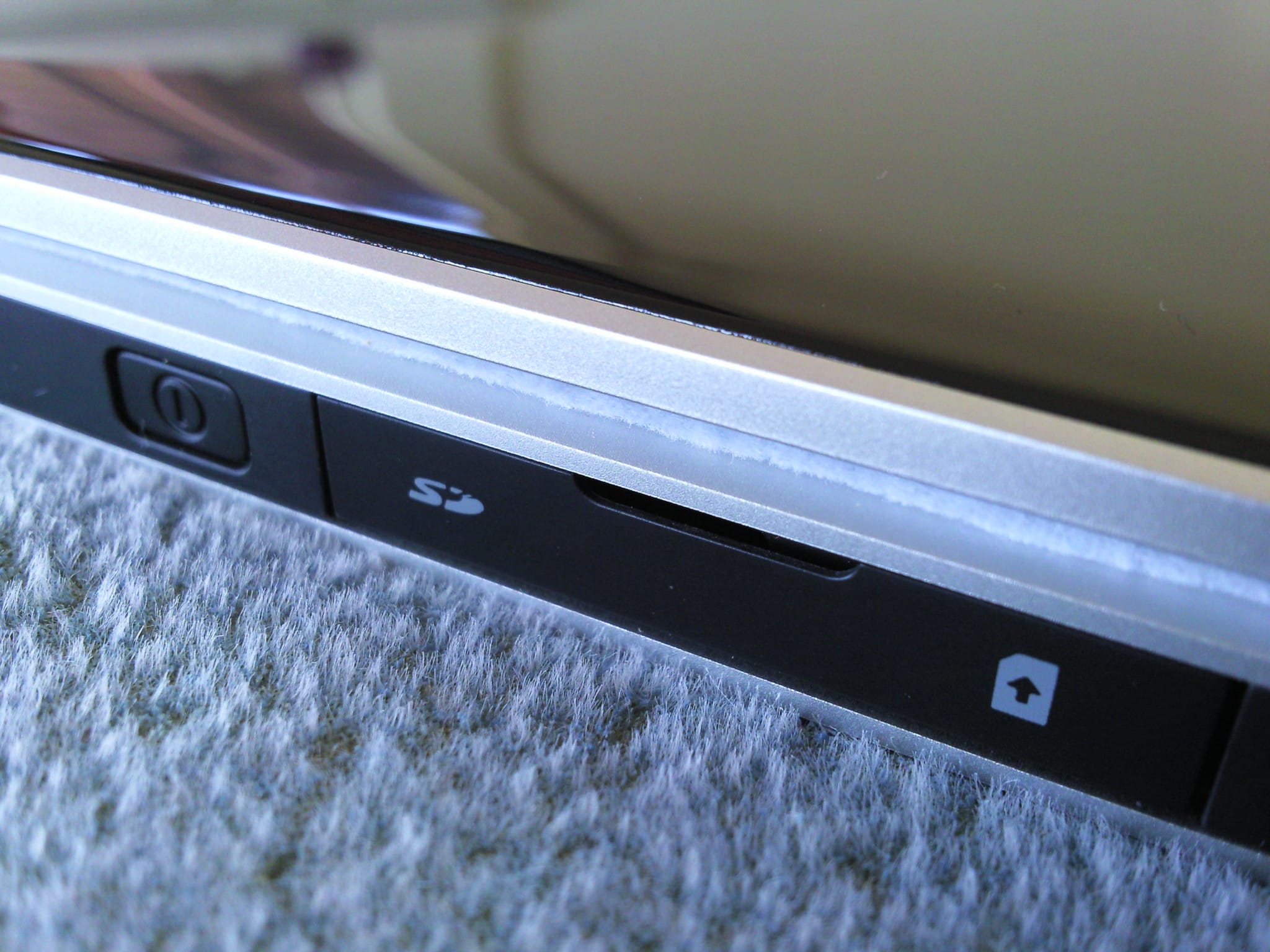
- 1x SD card JP7
- 1x SIM slot JP8
- Internal
- 2x mini PCI-E (one full height JP6 and one half height JP5)
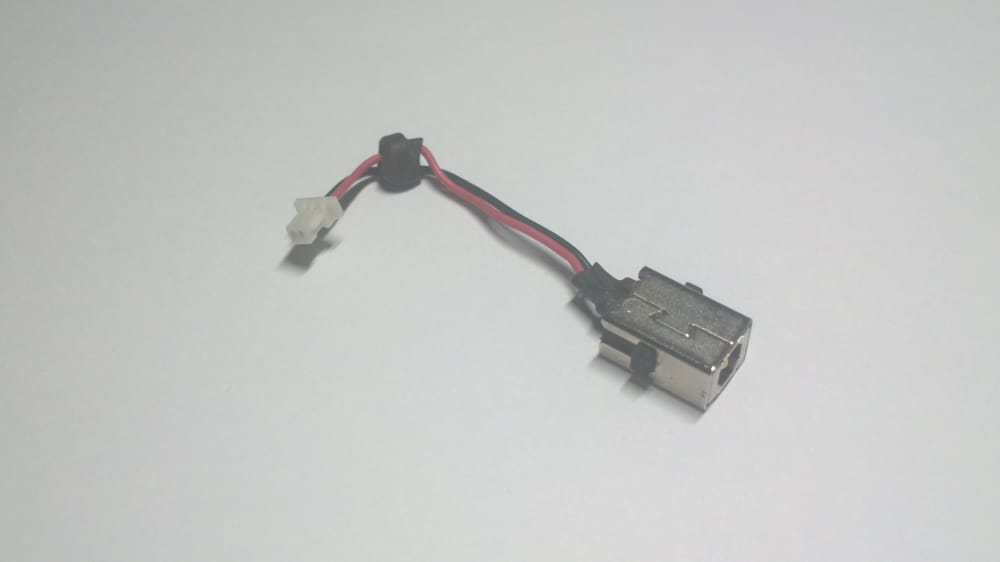
- Power in (2 pin) PJP1
- LVDS/FUN (80 pin) JP3
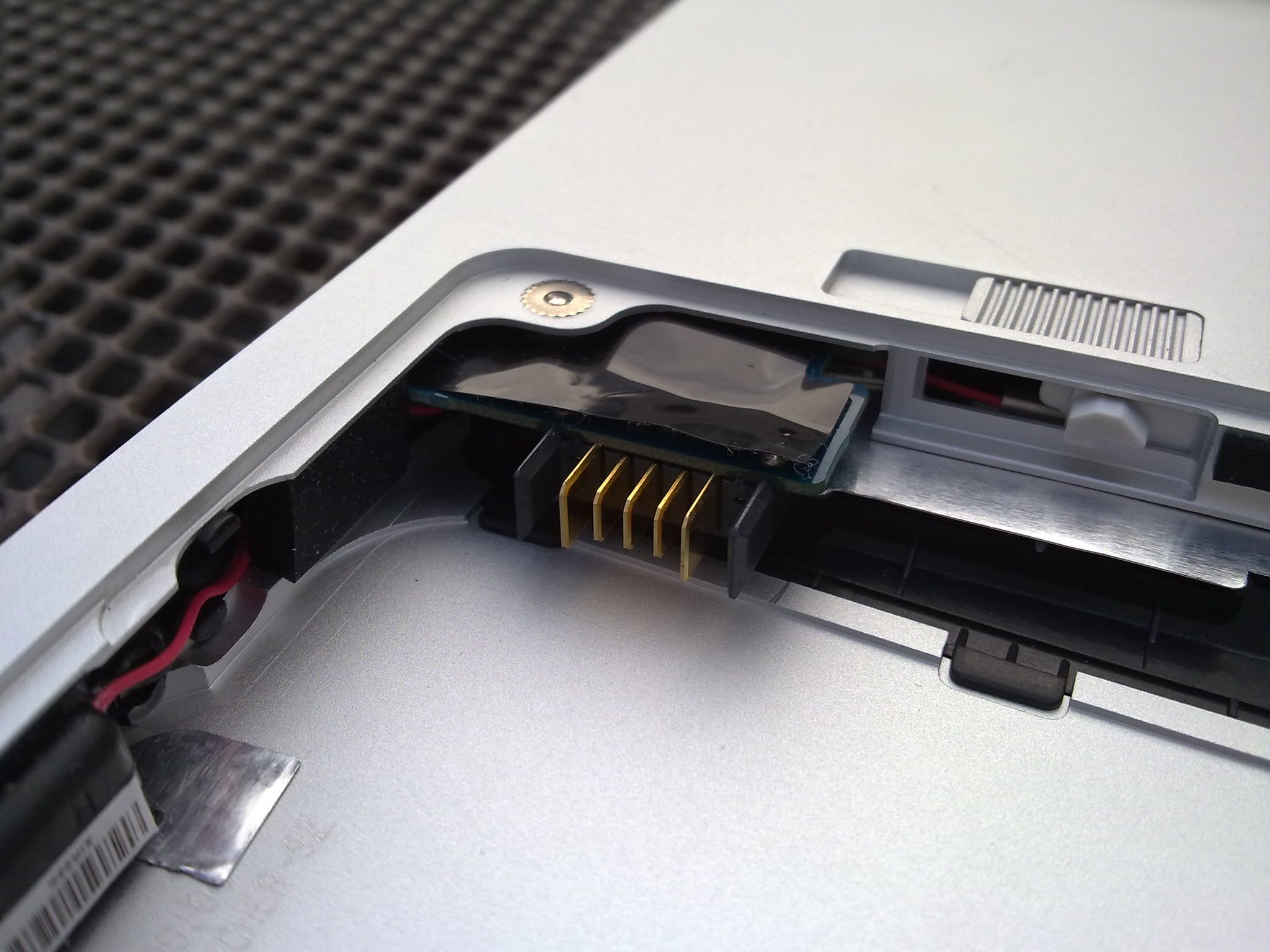
- Battery connector (5 pin) PJP3
- Unknown (6 pin) JP4
Operating Systems
Runs any 32bit operating system, including FreeDOS, Windows 7, Windows 10, Linux (Debian, Devuan, Ubuntu, Void, etc) and can be “coerced” to run Mac OS X Snow Leopard (10.6) below version 10.6.3 (Intel Atom CPU support was removed with that version) with some extensive kext editing.
Windows 7
There is a detailed article here with information on how and what to install on a Windows 7-powered netbook.
DOS-based
Nokia Booklet has good CGA, EGA and MCGA screen resolution support also with HDMI-output.
Hard Disk Interface: It is actually PATA(IDE) compatible with uSATA adapter so it is very DOS compatible, but remember some DOS versions has max HDD/SSD size limits. I think the only fdisk partitioning tool for DOS that support over 137GB drives come with FreeDOS 1.3 and newer. And FreeDOS can access partitions after 137GB.
Screen: All VESA 3.0 compatible screen modes should work up to 1280x720.
Touchpad: All mouse drivers that support PS/2 works fine (driver comes with FreeDOS).
USB: You can boot from with USB-floppydrive and USB-CDROM without drivers. But also Panasonic USB-drivers work in DOS.
HDMI: If cable connected, Booklet only shows to HDMI, not screen. All VESA 3.0 modes up to 1920x1080 should work,. Automatic low resolution upscale (example text resolution 40x25 to 640x480 video)! from Maemo forums
Speakers/Heasphone-output: Sound Blaster emulation should work, but it need JEMM, JEMMEX or QEMM memory manager and default settings of those memory managers are not good for Booklet.
Hardware info
PCI devices:
$ sudo lspci
View the output
00:00.0 Host bridge: Intel Corporation US15W/US15X SCH [Poulsbo] Host Bridge (rev 07)
00:02.0 VGA compatible controller: Intel Corporation US15W/US15X SCH [Poulsbo] Graphics Controller (rev 07)
00:1b.0 Audio device: Intel Corporation US15W/US15X/US15L/UL11L SCH [Poulsbo] HD Audio Controller (rev 07)
00:1c.0 PCI bridge: Intel Corporation US15W/US15X/US15L/UL11L SCH [Poulsbo] PCI Express Port 1 (rev 07)
00:1d.0 USB controller: Intel Corporation US15W/US15X/US15L/UL11L SCH [Poulsbo] USB UHCI Controller #1 (rev 07)
00:1d.1 USB controller: Intel Corporation US15W/US15X/US15L/UL11L SCH [Poulsbo] USB UHCI Controller #2 (rev 07)
00:1d.2 USB controller: Intel Corporation US15W/US15X/US15L/UL11L SCH [Poulsbo] USB UHCI Controller #3 (rev 07)
00:1d.7 USB controller: Intel Corporation US15W/US15X/US15L/UL11L SCH [Poulsbo] USB EHCI Controller (rev 07)
00:1e.0 SD Host controller: Intel Corporation US15W/US15X/US15L/UL11L SCH [Poulsbo] SDIO/MMC Controller #1 (rev 07)
00:1f.0 ISA bridge: Intel Corporation US15W/US15X/US15L/UL11L SCH [Poulsbo] LPC Bridge (rev 07)
00:1f.1 IDE interface: Intel Corporation US15W/US15X/US15L/UL11L SCH [Poulsbo] IDE Controller (rev 07)
02:00.0 Network controller: Qualcomm Atheros AR928X Wireless Network Adapter (PCI-Express) (rev 01)
USB devices:
$ sudo lsusb
View the output
Bus 001 Device 005: ID 0c45:6409 Microdia Webcam
Bus 001 Device 008: ID 0af0:7601 Option Globetrotter MO40x 3G Modem (GTM 382)
Bus 001 Device 001: ID 1d6b:0002 Linux Foundation 2.0 root hub
Bus 004 Device 002: ID 0a12:0001 Cambridge Silicon Radio, Ltd Bluetooth Dongle (HCI mode)
Bus 004 Device 001: ID 1d6b:0001 Linux Foundation 1.1 root hub
Bus 003 Device 001: ID 1d6b:0001 Linux Foundation 1.1 root hub
Bus 002 Device 001: ID 1d6b:0001 Linux Foundation 1.1 root hub
SMBIOS data:
$ sudo dmidecode
View the output
# dmidecode 3.3
Getting SMBIOS data from sysfs.
SMBIOS 2.5 present.
28 structures occupying 1009 bytes.
Table at 0x000DC010.

Handle 0x0000, DMI type 0, 24 bytes
BIOS Information
	Vendor: Nokia
	Version: 2.00.T01
	Release Date: 03/05/2010
	Address: 0xE6E20
	Runtime Size: 102880 bytes
	ROM Size: 1 MB
	Characteristics:
		ISA is supported
		PCI is supported
		PC Card (PCMCIA) is supported
		PNP is supported
		APM is supported
		BIOS is upgradeable
		BIOS shadowing is allowed
		ESCD support is available
		Boot from CD is supported
		ACPI is supported
		USB legacy is supported
		AGP is supported
		BIOS boot specification is supported
		Targeted content distribution is supported
	BIOS Revision: 49.49
	Firmware Revision: 49.49

Handle 0x0001, DMI type 1, 27 bytes
System Information
	Manufacturer: Nokia
	Product Name: Nokia Booklet 3G
	Version: 00000000000000000000000000000040
	Serial Number: [REDACTED]
	UUID: [REDACTED]
	Wake-up Type: Power Switch
	SKU Number: [REDACTED]
	Family: ABCDEFGHIJKLMNOPQRSTUVWXYZ

Handle 0x0002, DMI type 2, 8 bytes
Base Board Information
	Manufacturer: Nokia
	Product Name: NYU00
	Version: REFERENCE
	Serial Number: INVALID

Handle 0x0003, DMI type 3, 17 bytes
Chassis Information
	Manufacturer: Nokia
	Type: Portable
	Lock: Not Present
	Version: N/A
	Serial Number: None
	Asset Tag: *
	Boot-up State: Safe
	Power Supply State: Safe
	Thermal State: Safe
	Security Status: None
	OEM Information: 0x000000FF

Handle 0x0004, DMI type 4, 40 bytes
Processor Information
	Socket Designation: U3E1
	Type: Central Processor
	Family: Other
	Manufacturer: Intel
	ID: C2 06 01 00 FF FB E9 BF
	Version: C0
	Voltage: 1.2 V
	External Clock: Unknown
	Max Speed: 2666 MHz
	Current Speed: 1600 MHz
	Status: Populated, Enabled
	Upgrade: ZIF Socket
	L1 Cache Handle: 0x0005
	L2 Cache Handle: 0x0006
	L3 Cache Handle: Not Provided
	Serial Number: Not Specified
	Asset Tag: Not Specified
	Part Number: Not Specified
	Core Count: 1
	Core Enabled: 1
	Thread Count: 2
	Characteristics: None

Handle 0x0005, DMI type 7, 19 bytes
Cache Information
	Socket Designation: L1 Cache
	Configuration: Enabled, Socketed, Level 1
	Operational Mode: Write Back
	Location: Internal
	Installed Size: 64 kB
	Maximum Size: 64 kB
	Supported SRAM Types:
		Burst
		Pipeline Burst
		Asynchronous
	Installed SRAM Type: Asynchronous
	Speed: Unknown
	Error Correction Type: Unknown
	System Type: Unknown
	Associativity: Unknown

Handle 0x0006, DMI type 7, 19 bytes
Cache Information
	Socket Designation: L2 Cache
	Configuration: Enabled, Socketed, Level 2
	Operational Mode: Write Back
	Location: External
	Installed Size: 512 kB
	Maximum Size: 512 kB
	Supported SRAM Types:
		Burst
		Pipeline Burst
		Asynchronous
	Installed SRAM Type: Burst
	Speed: Unknown
	Error Correction Type: Unknown
	System Type: Unknown
	Associativity: Unknown

Handle 0x0007, DMI type 8, 9 bytes
Port Connector Information
	Internal Reference Designator: USB
	Internal Connector Type: None
	External Reference Designator: Not Specified
	External Connector Type: Access Bus (USB)
	Port Type: USB

Handle 0x0008, DMI type 9, 13 bytes
System Slot Information
	Designation: PCI Express Slot J7C1
	Type: 32-bit PCI Express
	Current Usage: In Use
	Length: Long
	ID: 7
	Characteristics:
		5.0 V is provided
		3.3 V is provided

Handle 0x0009, DMI type 9, 13 bytes
System Slot Information
	Designation: PCI Express Slot J8C1
	Type: 32-bit PCI Express
	Current Usage: Available
	Length: Long
	ID: 8
	Characteristics:
		5.0 V is provided
		3.3 V is provided

Handle 0x000A, DMI type 10, 6 bytes
On Board Device Information
	Type: Sound
	Status: Disabled
	Description: HD-Audio

Handle 0x000B, DMI type 11, 5 bytes
OEM Strings
	String 1: This is the Intel Poulsbo
	String 2: Chipset CEB Platform

Handle 0x000C, DMI type 12, 5 bytes
System Configuration Options
	Option 1: Jumper settings can be described here.

Handle 0x000D, DMI type 15, 29 bytes
System Event Log
	Area Length: 16 bytes
	Header Start Offset: 0x0000
	Header Length: 16 bytes
	Data Start Offset: 0x0010
	Access Method: General-purpose non-volatile data functions
	Access Address: 0x0000
	Status: Valid, Not Full
	Change Token: 0x00000001
	Header Format: Type 1
	Supported Log Type Descriptors: 3
	Descriptor 1: POST error
	Data Format 1: POST results bitmap
	Descriptor 2: Single-bit ECC memory error
	Data Format 2: Multiple-event
	Descriptor 3: Multi-bit ECC memory error
	Data Format 3: Multiple-event

Handle 0x000E, DMI type 16, 15 bytes
Physical Memory Array
	Location: System Board Or Motherboard
	Use: System Memory
	Error Correction Type: None
	Maximum Capacity: 1 GB
	Error Information Handle: Not Provided
	Number Of Devices: 1

Handle 0x000F, DMI type 17, 27 bytes
Memory Device
	Array Handle: 0x000E
	Error Information Handle: No Error
	Total Width: 32 bits
	Data Width: 32 bits
	Size: 1 GB
	Form Factor: SODIMM
	Set: 1
	Locator: DIMM0 J6D1
	Bank Locator: Bank 0
	Type: DDR2
	Type Detail: Synchronous
	Speed: Unknown
	Manufacturer: Not Specified
	Serial Number: Not Specified
	Asset Tag: Not Specified
	Part Number: Not Specified

Handle 0x0010, DMI type 19, 15 bytes
Memory Array Mapped Address
	Starting Address: 0x00000000000
	Ending Address: 0x0003FFFFFFF
	Range Size: 1 GB
	Physical Array Handle: 0x000E
	Partition Width: 2

Handle 0x0011, DMI type 20, 19 bytes
Memory Device Mapped Address
	Starting Address: 0x00000000000
	Ending Address: 0x0003FFFFFFF
	Range Size: 1 GB
	Physical Device Handle: 0x000F
	Memory Array Mapped Address Handle: 0x0010
	Partition Row Position: Unknown
	Interleave Position: Unknown
	Interleaved Data Depth: Unknown

Handle 0x0012, DMI type 23, 13 bytes
System Reset
	Status: Enabled
	Watchdog Timer: Present
	Boot Option: Do Not Reboot
	Boot Option On Limit: Do Not Reboot
	Reset Count: Unknown
	Reset Limit: Unknown
	Timer Interval: Unknown
	Timeout: Unknown

Handle 0x0013, DMI type 24, 5 bytes
Hardware Security
	Power-On Password Status: Disabled
	Keyboard Password Status: Unknown
	Administrator Password Status: Disabled
	Front Panel Reset Status: Unknown

Handle 0x0014, DMI type 25, 9 bytes
System Power Controls
	Next Scheduled Power-on: 12-31 23:59:59

Handle 0x0015, DMI type 26, 20 bytes
Voltage Probe
	Description: Voltage Probe
	Location: Processor
	Status: OK
	Maximum Value: Unknown
	Minimum Value: Unknown
	Resolution: Unknown
	Tolerance: Unknown
	Accuracy: Unknown
	OEM-specific Information: 0x00000000

Handle 0x0016, DMI type 27, 12 bytes
Cooling Device
	Temperature Probe Handle: 0x0017
	Type: Fan
	Status: OK
	OEM-specific Information: 0x00000000

Handle 0x0017, DMI type 28, 20 bytes
Temperature Probe
	Description: Temperature Probe
	Location: Processor
	Status: OK
	Maximum Value: Unknown
	Minimum Value: Unknown
	Resolution: Unknown
	Tolerance: Unknown
	Accuracy: Unknown
	OEM-specific Information: 0x00000000

Handle 0x0018, DMI type 29, 20 bytes
Electrical Current Probe
	Description: Electrical Current Probe
	Location: Processor
	Status: OK
	Maximum Value: Unknown
	Minimum Value: Unknown
	Resolution: Unknown
	Tolerance: Unknown
	Accuracy: Unknown
	OEM-specific Information: 0x00000000

Handle 0x0019, DMI type 30, 6 bytes
Out-of-band Remote Access
	Manufacturer Name: Intel
	Inbound Connection: Enabled
	Outbound Connection: Disabled

Handle 0x001A, DMI type 32, 20 bytes
System Boot Information
	Status: <OUT OF SPEC>

Handle 0x001B, DMI type 127, 4 bytes
End Of Table
CPU info:
$ sudo cat /proc/cpuinfo
View the output
processor	: 0
vendor_id	: GenuineIntel
cpu family	: 6
model		: 28
model name	: Intel(R) Atom(TM) CPU Z530   @ 1.60GHz
stepping	: 2
microcode	: 0x211
cpu MHz		: 903.241
cache size	: 512 KB
physical id	: 0
siblings	: 2
core id		: 0
cpu cores	: 1
apicid		: 0
initial apicid	: 0
fdiv_bug	: no
f00f_bug	: no
coma_bug	: no
fpu		: yes
fpu_exception	: yes
cpuid level	: 10
wp		: yes
flags		: fpu vme de pse tsc msr pae mce cx8 apic sep mtrr pge mca cmov pat clflush dts acpi mmx fxsr sse sse2 ss ht tm pbe nx constant_tsc arch_perfmon pebs bts cpuid aperfmperf pni dtes64 monitor ds_cpl est tm2 ssse3 xtpr pdcm movbe lahf_lm dtherm
bugs		:
bogomips	: 3192.38
clflush size	: 64
cache_alignment	: 64
address sizes	: 32 bits physical, 32 bits virtual
power management:

processor	: 1
vendor_id	: GenuineIntel
cpu family	: 6
model		: 28
model name	: Intel(R) Atom(TM) CPU Z530   @ 1.60GHz
stepping	: 2
microcode	: 0x211
cpu MHz		: 949.179
cache size	: 512 KB
physical id	: 0
siblings	: 2
core id		: 0
cpu cores	: 1
apicid		: 1
initial apicid	: 1
fdiv_bug	: no
f00f_bug	: no
coma_bug	: no
fpu		: yes
fpu_exception	: yes
cpuid level	: 10
wp		: yes
flags		: fpu vme de pse tsc msr pae mce cx8 apic sep mtrr pge mca cmov pat clflush dts acpi mmx fxsr sse sse2 ss ht tm pbe nx constant_tsc arch_perfmon pebs bts cpuid aperfmperf pni dtes64 monitor ds_cpl est tm2 ssse3 xtpr pdcm movbe lahf_lm dtherm
bugs		:
bogomips	: 3192.38
clflush size	: 64
cache_alignment	: 64
address sizes	: 32 bits physical, 32 bits virtual
power management:
System information:
$ inxi
View the output
Machine:   Type: Portable System: Nokia product: Nokia Booklet 3G v: 00000000000000000000000000000040 serial: [REDACTED]
           Mobo: Nokia model: NYU00 v: REFERENCE serial: INVALID BIOS: Nokia v: 2.00.T01 date: 03/05/2010
Battery:   ID-1: BAT1 charge: 20.3 Wh condition: 20.3/56.8 Wh (36%)
CPU:       Info: Single Core model: Intel Atom Z530 bits: 32 type: MT L2 cache: 512 KiB
           Speed: 798 MHz min/max: 800/1600 MHz Core speeds (MHz): 1: 798 2: 798
Graphics:  Device-1: Intel US15W/US15X SCH [Poulsbo] Graphics driver: gma500 v: N/A
           Device-2: Microdia Webcam type: USB driver: uvcvideo
           Display: server: X.org 1.20.11 driver: loaded: modesetting unloaded: fbdev,vesa tty: 204x19
           Message: Advanced graphics data unavailable in console for root.
Audio:     Device-1: Intel US15W/US15X/US15L/UL11L SCH [Poulsbo] HD Audio driver: snd_hda_intel
           Sound Server: ALSA v: k5.10.0-11-686-pae
Network:   Device-1: Qualcomm Atheros AR928X Wireless Network Adapter driver: ath9k
           IF: wlp2s0 state: up mac: [REDACTED]
           IF-ID-1: hso0 state: down mac: N/A
Bluetooth: Device-1: Cambridge Silicon Radio Bluetooth Dongle (HCI mode) type: USB driver: btusb
           Report: ID: hci0 state: down address: [REDACTED]
Drives:    Local Storage: total: 111.79 GiB used: 6.04 GiB (5.4%)
           ID-1: /dev/sda vendor: Toshiba model: MK1235GSL size: 111.79 GiB
Sensors:   System Temperatures: cpu: 33.0 C mobo: N/A
           Fan Speeds (RPM): N/A
EDID monitor description data:
$ edid-decode /sys/class/drm/card0-LVDS-1/edid
View the output
Block 0, Base EDID:
  EDID Structure Version & Revision: 1.3
  Vendor & Product Identification:
    Manufacturer: AUO
    Model: 4565
    Made in: week 1 of 2009
  Basic Display Parameters & Features:
    Digital display
    Maximum image size: 22 cm x 13 cm
    Gamma: 2.20
    RGB color display
    First detailed timing is the preferred timing
  Color Characteristics:
    Red  : 0.5810, 0.3369
    Green: 0.3320, 0.5751
    Blue : 0.1601, 0.1376
    White: 0.3134, 0.3291
  Established Timings I & II: none
  Standard Timings: none
  Detailed Timing Descriptors:
    DTD 1:  1280x720    60.029 Hz  16:9    44.181 kHz  61.500 MHz (222 mm x 125 mm)
                 Hfront   48 Hsync  32 Hback  32 Hpol N
                 Vfront    3 Vsync   6 Vback   7 Vpol N
    Manufacturer-Specified Display Descriptor (0x0f): 00 0f 00 00 00 00 00 00 00 00 00 00 00 00 00 20 '............... '
    Alphanumeric Data String: 'AUO'
    Alphanumeric Data String: 'B101EW01 V1 '
Checksum: 0xc3
More CPU info:
$ lscpu
View the output
Architecture:                    i686
CPU op-mode(s):                  32-bit
Byte Order:                      Little Endian
Address sizes:                   32 bits physical, 32 bits virtual
CPU(s):                          2
On-line CPU(s) list:             0,1
Thread(s) per core:              2
Core(s) per socket:              1
Socket(s):                       1
Vendor ID:                       GenuineIntel
CPU family:                      6
Model:                           28
Model name:                      Intel(R) Atom(TM) CPU Z530   @ 1.60GHz
Stepping:                        2
CPU MHz:                         797.986
CPU max MHz:                     1600.0000
CPU min MHz:                     800.0000
BogoMIPS:                        3191.94
L1d cache:                       24 KiB
L1i cache:                       32 KiB
L2 cache:                        512 KiB
Vulnerability Itlb multihit:     Not affected
Vulnerability L1tf:              Not affected
Vulnerability Mds:               Not affected
Vulnerability Meltdown:          Not affected
Vulnerability Spec store bypass: Not affected
Vulnerability Spectre v1:        Not affected
Vulnerability Spectre v2:        Not affected
Vulnerability Srbds:             Not affected
Vulnerability Tsx async abort:   Not affected
Flags:                           fpu vme de pse tsc msr pae mce cx8 apic sep mtrr pge mca cmov pat clflush dts acpi mmx fxsr sse sse2 ss ht tm pbe nx constant_tsc arch_perfmon pebs bts cpuid aperfmperf pn
                                 i dtes64 monitor ds_cpl est tm2 ssse3 xtpr pdcm movbe lahf_lm dtherm
Overclocking
Overclocking is the process of making a computer or component operate faster than the clock frequency specified by the manufacturer by modifying system parameters. Operating voltages may also be changed (increased), which can increase the speed at which operation remains stable. Most overclocking techniques increase power consumption, generating more heat, which must be dispersed if the chip is to remain operational.
You can overclock the Atom Z530 CPU by changing the FSB using the SetFSB software. The CPU can be overclocked from 1.60GHz to 1.80GHz and it will run stable (but with a higher temperature and power draw). The FSB can be increased to 150.1 from 133.3, DDR increased to 300.3 from 266.7 (automatically) and PCI-E increased to 112.6 from 100 (automatically).
Sensors
You can access the Nokia Booklet sensors in Linux if you install the required packages.
Temperature
Main thermal sensor is a SMSC EMC1402-1 that is connected to the SMBus and is linked to an external diode on the CPU via the THRMDA and THRMDC pins (T5, U4) ↔ DP and DN (2, 3).
$ sudo apt install hddtemp lm-sensors
$ sudo sensors-detect
$ sudo modprobe drivetemp
And you can view the temperature using the sensors tool:
$ sensors
BAT1-acpi-0
Adapter: ACPI interface
in0:          16.51 V
curr1:         0.00 A

drivetemp-scsi-0-0
Adapter: SCSI adapter
temp1:        +39.0°C  (low  =  +5.0°C, high = +55.0°C)
                       (crit low =  +5.0°C, crit = +55.0°C)
                       (lowest =  +0.0°C, highest = +43.0°C)

coretemp-isa-0000
Adapter: ISA adapter
Core 0:       +26.0°C  (crit = +90.0°C)
Dump the names of the hwmon devices:
$ grep . /sys/class/hwmon/hwmon[0123456]/name
/sys/class/hwmon/hwmon0/name:BAT1
/sys/class/hwmon/hwmon1/name:coretemp
/sys/class/hwmon/hwmon2/name:ACAD
/sys/class/hwmon/hwmon3/name:drivetemp
If you don’t use modprobe to load the drivetemp kernel module (so that you have HDD temperature reading into the sensors utility) you will need to use the hddtemp tool to view the HDD temperature.
$ sudo hddtemp /dev/sda
/dev/sda: TOSHIBA MK1235GSL: 40°C
Light and accelerometer
TSL2561FN) and accelerometer (NXP MMA7455LR1) sensors are connected to the SMBus so I need to do some additional probing in order to detect them. Start by installing the required packages.$ sudo apt install i2c-tools
$ sudo modprobe i2c_dev
The i2c-tools package contains some very useful utilities:
- i2cdetect - to detect I2C chips.
- i2cget - to read from I2C/SMBus chip registers.
- i2cset - to set I2C registers.
- i2cdump - to dump I2C registers.
Now I can use i2cdetect to scan and return a list of all I2C devices.
$ sudo i2cdetect -l
i2c-15	i2c       	intel drm LVDSBLC_B             	I2C adapter
i2c-3	i2c       	gma500 gmbus vga                	I2C adapter
i2c-13	i2c       	gma500 GPIOF                    	I2C adapter
i2c-1	i2c       	gma500 gmbus ssc                	I2C adapter
i2c-11	i2c       	gma500 gmbus reserved           	I2C adapter
i2c-8	i2c       	gma500 GPIOD                    	I2C adapter
i2c-6	i2c       	gma500 GPIOC                    	I2C adapter
i2c-16	i2c       	intel drm LVDSDDC_C             	I2C adapter
i2c-4	i2c       	gma500 GPIOA                    	I2C adapter
i2c-14	smbus     	SMBus SCH adapter at 1100       	SMBus adapter
i2c-2	i2c       	gma500 GPIOB                    	I2C adapter
i2c-12	i2c       	gma500 gmbus dpd                	I2C adapter
i2c-0	i2c       	gma500 gmbus disabled           	I2C adapter
i2c-9	i2c       	gma500 gmbus dpb                	I2C adapter
i2c-10	i2c       	gma500 GPIOE                    	I2C adapter
i2c-7	i2c       	gma500 gmbus dpc                	I2C adapter
i2c-17	i2c       	SDVO DDC proxy                  	I2C adapter
i2c-5	i2c       	gma500 gmbus panel              	I2C adapter
Most of the buses belong to the Intel GMA 500 Poulsbo video “card” but let’s scan them anyway to see if we can find anything cute.
- gma500 gmbus ssc / gma500 GPIOB -
- gma500 gmbus vga / gma500 GPIOA -
- gma500 gmbus panel / gma500 GPIOC -
- gma500 gmbus dpc / gma500 GPIOD - HDMIC
- gma500 gmbus dpb / gma500 GPIOE - SDVO, HDMIB
- gma500 gmbus dpd / gma500 GPIOF - HDMID
Let’s scan one of the buses for all the possible devices on that bus:
$ sudo i2cdetect -y -r 10
     0  1  2  3  4  5  6  7  8  9  a  b  c  d  e  f
00:                         -- -- -- -- -- -- -- --
10: -- -- -- -- -- -- -- -- -- -- -- -- -- -- -- --
20: -- -- -- -- -- -- -- -- -- -- -- -- -- -- -- --
30: -- -- -- -- -- -- -- -- 38 -- -- -- -- -- -- --
40: -- -- -- -- -- -- -- -- -- -- -- -- -- -- -- --
50: -- -- -- -- -- -- -- -- -- -- -- -- -- -- -- --
60: -- -- -- -- -- -- -- -- -- -- -- -- -- -- -- --
70: -- -- -- -- -- -- -- --
In the example above I used i2cdetect to scan the bus number 10, the output of the command will be an array of all device address locations on that bus, with -- (address probed but no device responded), UU (address not probed because it is in use by a driver) or a device address, as its value. So there is something on the bus number 10, address 0x38.
Figuring out what type of device is sitting on that bus address is a bit more complex. I used the I2C Database to check a list of the devices that are known to be at that address and this is the result:
AHT10 - ASAIR Humidity and Temperature sensor
BMA150 - Digital triaxial acceleration sensor
FT6x06 - Capacitive Touch Driver
PCF8574AP - I²C-bus to parallel port expander
SAA1064 - 4-digit LED driver
SEN-15892 - Zio Qwiic Loudness Sensor
VEML6070 - UVA Light Sensor with I2C Interface
Now, I have to admit I have no idea what the device is, because there is no chip in that list that can be found on the Booklet boards.
The Booklet accelerometer is an NXP MMA7455LR1 and the only thing I could find in the I2C database is NXP MMA845x, which seems to sit on address 0x1c and 0x1d. source
The light sensor in the Nokia Booklet is a TAOS TSL2561FN and that specific sensor is in the I2C database but listed as sitting on 0x39 and 0x49. source I guess the sensor can be on the 0x38 address in the Booklet because it’s a custom device and not a separate chip, but the device at that address is not responding as expected for a TSL2561FN.
Checking the datasheet I noticed the ID register is 0x0a so I tried to get something from it.
$ sudo i2cget -y 10 0x38 0x0a w
0x0000
From the chip’s datasheet Part Number Identification: field value 0000 = TSL2560, field value 0001 = TSL2561 but the chip is definitely a TSL2561, so I’m stuck. Last attempt, let’s dump the I2C block for the device at this address:
$ sudo i2cdump -y 10 0x38 i
     0  1  2  3  4  5  6  7  8  9  a  b  c  d  e  f    0123456789abcdef
00: 00 00 00 00 00 00 00 02 7a 01 00 00 00 00 00 00    .......?z?......
10: 00 00 00 00 00 00 00 00 00 00 00 00 00 00 00 00    ................
20: 00 00 00 00 00 00 00 00 00 00 00 00 00 00 00 00    ................
30: 00 00 00 00 0f 00 68 00 00 82 02 00 00 00 00 00    ....?.h..??.....
40: 01 20 00 00 00 00 43 02 00 00 00 00 00 00 00 00    ? ....C?........
50: 11 40 00 00 11 03 01 34 1b 18 05 01 aa 02 00 00    ?@..???4??????..
60: 11 15 01 00 00 11 03 02 00 e8 03 00 05 1e 96 00    ???..???.??.???.
70: 00 00 00 00 00 00 00 00 00 00 00 00 1e 00 00 00    ............?...
80: 00 00 00 00 00 00 00 00 00 00 00 00 00 00 00 00    ................
90: 00 00 00 00 00 00 00 00 00 00 00 00 00 00 00 00    ................
a0: 00 00 00 00 00 00 00 00 00 00 00 00 00 00 00 00    ................
b0: 00 00 00 00 00 00 00 00 00 00 00 00 00 00 00 00    ................
c0: 00 00 00 00 00 00 00 00 00 00 00 00 00 00 00 00    ................
d0: 00 00 00 00 00 00 00 00 00 00 00 00 00 00 00 00    ................
e0: 00 00 00 00 00 00 00 00 00 00 00 00 00 00 00 00    ................
f0: 00 00 00 00 00 00 00 00 00 00 00 00 00 00 00 00    ................
Let’s scan another bus.
$ sudo i2cdetect -y -r 5
     0  1  2  3  4  5  6  7  8  9  a  b  c  d  e  f
00:                         -- -- -- -- -- -- -- --
10: -- -- -- -- -- -- -- -- -- -- -- -- -- -- -- --
20: -- -- -- -- -- -- -- -- -- -- -- -- -- -- -- --
30: -- -- -- -- -- -- -- -- -- -- -- -- -- -- -- --
40: -- -- -- -- -- -- -- -- -- -- -- -- -- -- -- --
50: 50 -- -- -- -- -- -- -- -- -- -- -- -- -- -- --
60: -- -- -- -- -- -- -- -- -- -- -- -- -- -- -- --
70: -- -- -- -- -- -- -- --
Bus 5, address 0x50, devices known to sit on that address, nothing familiar. But the name of the bus is gma500 gmbus panel, so it must be something linked to the laptop screen, right? Let’s dump the I2C block for the device at this address:
$ sudo i2cdump -y 5 0x50 i
     0  1  2  3  4  5  6  7  8  9  a  b  c  d  e  f    0123456789abcdef
00: 00 ff ff ff ff ff ff 00 06 af d5 11 00 00 00 00    ........????....
10: 01 13 01 03 80 16 0d 78 0a d1 15 94 56 55 93 29    ???????x????VU?)
20: 23 50 54 00 00 00 01 01 01 01 01 01 01 01 01 01    #PT...??????????
30: 01 01 01 01 01 01 06 18 00 70 50 d0 10 20 30 20    ????????.pP?? 0
40: 36 00 de 7d 00 00 00 18 00 00 00 0f 00 00 00 00    6.?}...?...?....
50: 00 00 00 00 00 00 00 00 00 20 00 00 00 fe 00 41    ......... ...?.A
60: 55 4f 0a 20 20 20 20 20 20 20 20 20 00 00 00 fe    UO?         ...?
70: 00 42 31 30 31 45 57 30 31 20 56 31 20 0a 00 c3    .B101EW01 V1 ?.?
80: ff ff ff ff ff ff ff ff ff ff ff ff ff ff ff ff    ................
90: ff ff ff ff ff ff ff ff ff ff ff ff ff ff ff ff    ................
a0: ff ff ff ff ff ff ff ff ff ff ff ff ff ff ff ff    ................
b0: ff ff ff ff ff ff ff ff ff ff ff ff ff ff ff ff    ................
c0: ff ff ff ff ff ff ff ff ff ff ff ff ff ff ff ff    ................
d0: ff ff ff ff ff ff ff ff ff ff ff ff ff ff ff ff    ................
e0: ff ff ff ff ff ff ff ff ff ff ff ff ff ff ff ff    ................
f0: ff ff ff ff ff ff ff ff ff ff ff ff ff ff ff ff    ................
The B101EW01 string jumps into attention because it’s the name of the display.
Let’s scan one more bus:
$ sudo i2cdetect -y -r 14
     0  1  2  3  4  5  6  7  8  9  a  b  c  d  e  f
00:                         -- -- -- -- -- -- -- --
10: -- -- -- -- -- -- -- -- -- -- -- -- -- -- -- --
20: -- -- -- -- -- -- -- -- -- -- -- -- -- -- -- --
30: -- -- -- -- -- -- -- -- -- -- -- -- -- -- -- --
40: -- -- -- -- -- -- -- -- -- -- -- -- -- -- -- --
50: -- -- -- -- -- -- -- -- -- -- -- -- -- -- -- --
60: -- -- -- -- -- -- -- -- -- 69 -- -- -- -- -- --
70: -- -- -- -- -- -- -- --
Bus 14, address 0x69, possible devices. Some InvenSense gyroscopes, accelerometers and/or magnetometers but no NXP MMA7455LR1.
Freaking hell.
GPS
On Linux /dev/ttyHS2 is the GPS control channel, /dev/ttyHS1 is the raw GPS data and you can control the output with ckermit.
$ sudo kermit
>set line /dev/ttyHS2
>set carrier-watch off
>set speed 115200
/dev/ttyHS2, 115200 bps
>c
Connecting to /dev/ttyHS2, speed 115200
Escape character: Ctrl-\ (ASCII 28, FS): enabled
Type the escape character followed by C to get back,
or followed by ? to see other options.
----------------------------------------------------
T S7=45 S0=0 L1 V1 X4 &c1 E1 Q0
OK
ATZ
OK
AT_OGPS=2

OK
Now you can connect with another kermit instance to /dev/ttyHS1 data channel and it will output raw NMEA data.
You can make two scripts, one to turn on the GPS and one to turn it off.
To turn on GPS:
#!/usr/bin/kermit

def port /dev/ttyHS2
def speed 115200
def carrier-watch off

set port \m(port)
if fail exit 1 Can't open \m(port)
set speed \m(speed)
set carrier-watch \m(carrier-watch)

output AT_OGPSP=7,2\13
input 3 OK
output AT_OGPSCONT=1,"IP","prointernet"\13
input 3 OK
output AT_OGPSLS=1, "http://supl.nokia.com"\13
input 3 OK
output AT_OGPS=2\13
input 3 OK

exit
To turn off GPS:
#!/usr/bin/kermit

def port /dev/ttyHS2
def speed 115200
def carrier-watch off

set port \m(port)
if fail exit 1 Can't open \m(port)
set speed \m(speed)
set carrier-watch \m(carrier-watch)

output AT_OGPS=0\13
INPUT 3 OK

exit
On Windows, the GPS Control Interface port is COM5 and the GPS Data Interface port is COM4, so you can use Putty to connect to COM5 (115200 speed) and issue AT_OGPS=2 command to turn on the GPS. The raw NMEA data will come on the COM4 port.
There are several commands you can send to the Control Interface port in order to setup your modem:
- get modem information
ATI
Manufacturer: Option N.V.
Model: GTM382
Revision: 2.9.4.11Hd (Date: Sep 12 2009, Time: 11:12:00)

OK
- check interfaces status
AT_OIFACE?
DIAG: 1
GPS: 1
APP1: 1
APP2: 0
PCSC: 0
IP: 1
MODEM: 1
VOICE: 0
SD: 0
CD: 0

OK
- set interface status (0 is inactive, 1 is active)
AT_OIFACE="GPS", 1
- enable Standalone GPS (the device can function on its own without for example assistance data from a server)
AT_OGPSP=7,1
- make a single GPS fix
AT_OGPS=1
- make a continuous GPS fix (until the GPS engine gets disabled by using
AT_OGPS=0)
AT_OGPS=2
- disable the GPS engine
AT_OGPS=0
- enable Assisted GPS (AGPS)
AT_OGPSP=7,2
- setup Assisted GPS using a non-secure SUPL server (Nokia’s SUPL server is long-gone but you can use Google’s
http://supl.google.com)
AT_OGPSCONT=1,"IP","prointernet"
AT_OGPSLS=1, "http://supl.nokia.com"
- set the internal time of the modem (required to be correct, needs to be setup after each power on, always set to UTC)
AT+CCLK="yy/MM/dd,hh:mm:ss"
- enable (1) or disable (0) the XTRA download and set the XTRA download servers
AT_OGPSXP=1, "http://xtra1.gpsonextra.net/xtra.bin"
Modem
You can use ModemManager to communicate with the modem inside your Booklet.
Get a list of connected modems:
$ mmcli --list-modems
  /org/freedesktop/ModemManager1/Modem/0 [Option N.V.] GTM382
The number at the end of the path is the modem index, in this case it’s modem number 0, so we’ll use that number to target the modem in all the future commands.
Get a list of received text messages:
$ mmcli --modem 0 --messaging-list-sms
  /org/freedesktop/ModemManager1/SMS/0 (received)
The number at the end of the path is the SMS index.
Retrieve the SMS with the index 0:
$ mmcli --modem 0 --sms 0
SMS '/org/freedesktop/ModemManager1/SMS/0'
  -----------------------------------
  Content    |              number: '+xxxxxxxxxx'
             |                text: 'Hello'
  -----------------------------------
  Properties |            PDU type: 'deliver'
             |               state: 'received'
             |             storage: 'me'
             |                smsc: '+xxxxxxxxxx'
             |           timestamp: 'yyyyyyyyyyy'
If the SIM card is protected by a PIN, you need to send that to the modem first:
$ mmcli --modem 0 --pin=1234
And finally, if you want to send a SMS:
$ mmcli --modem 0 --messaging-create-sms="text='Hello world',number='+1234567890'"
Successfully created new SMS:
  /org/freedesktop/ModemManager1/SMS/1 (unknown)
$ mmcli -s 1 --store-in-storage="sm"
  successfully stored the SMS
$ mmcli -s 1 --send
  successfully sent the SMS
Security
$ lscpu | grep Vuln
Vulnerability Itlb multihit:     Not affected
Vulnerability L1tf:              Not affected
Vulnerability Mds:               Not affected
Vulnerability Meltdown:          Not affected
Vulnerability Spec store bypass: Not affected
Vulnerability Spectre v1:        Not affected
Vulnerability Spectre v2:        Not affected
Vulnerability Srbds:             Not affected
Vulnerability Tsx async abort:   Not affected
Purchasing advice
Use your favorite online marketplace or go to some garage sales. Have an USB stick with a Linux distro installed, because you will need to check the status of the HDD and battery.
HDD status
Make sure you have smartmontools installed:
$ sudo smartctl -Ai /dev/sda
And look out for those SMART attributes:
ID# ATTRIBUTE_NAME          FLAG     VALUE WORST THRESH TYPE      UPDATED  WHEN_FAILED RAW_VALUE
  1 Raw_Read_Error_Rate     0x000b   100   100   050    Pre-fail  Always       -       0
  9 Power_On_Hours          0x0032   094   094   000    Old_age   Always       -       2732
198 Offline_Uncorrectable    0x0030   100   100   000    Old_age   Offline       -       0
222 Loaded_Hours            0x0032   096   096   000    Old_age   Always       -       1703
The value 2732 for Power_On_Hours means about 113 days. Offline_Uncorrectable should be 0 or you have a dead disk.
Battery status
$ cat /sys/class/power_supply/BAT1/charge_full_design
3840000
It is a 3840mAh battery, so the result is ok.
$ cat /sys/class/power_supply/BAT1/charge_full
2385000
So the current battery capacity is about 62%, not bad for a >10 years battery but you can get better ones.
Accessories
Nokia
- CP-379 - sleeve for Booklet 3G
- AD-74 - HDMI to DVI adapter
- AD-73 - USB to LAN adapter (uses the AX88772 chip)
- CA-126 - USB charging multi-cable
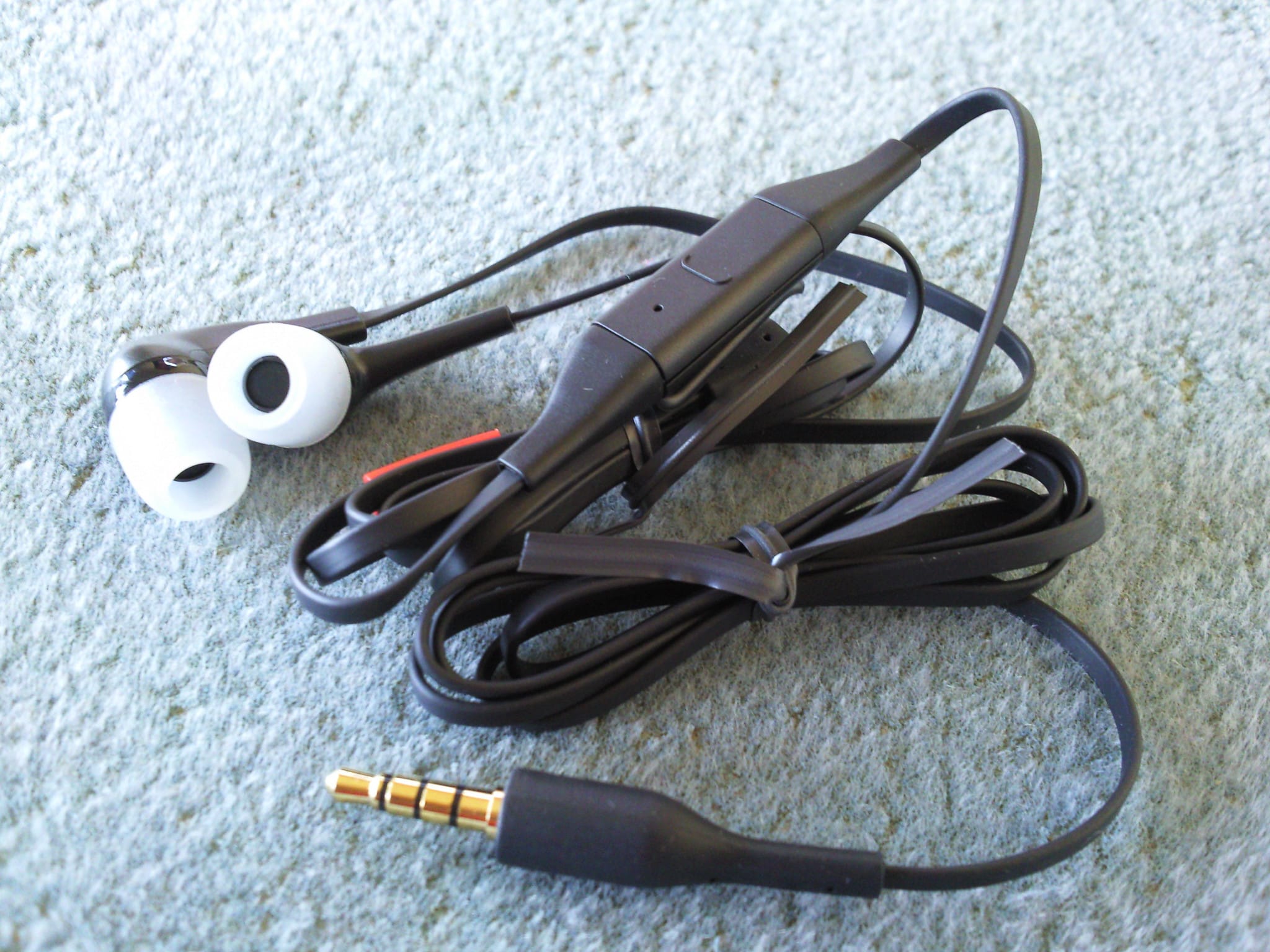
- WH-205 - stereo headset
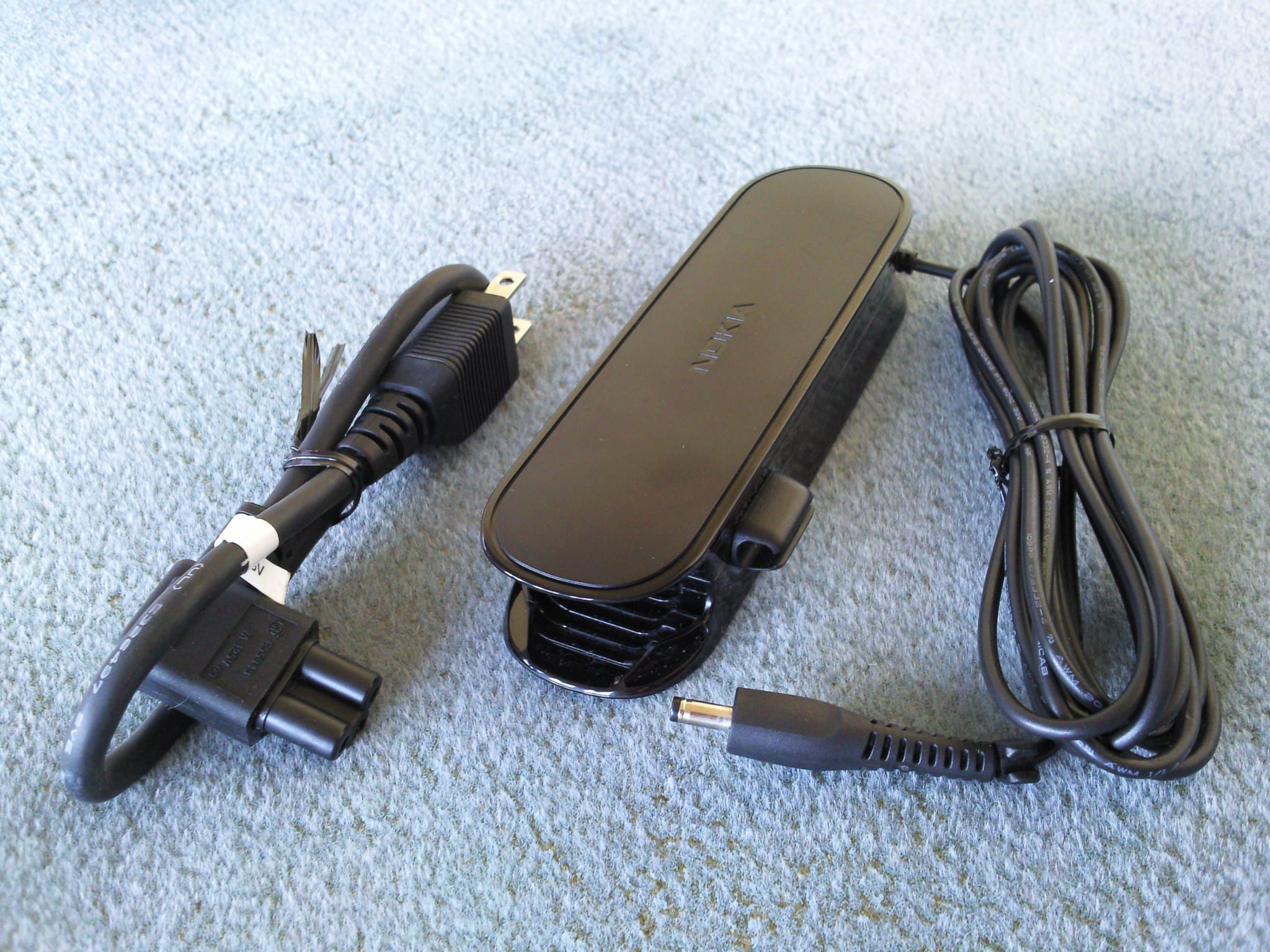
- AC-200 - power adapter
- BC-1S - 3840mAh battery
USRobotics 5637
An USB 2.0 56k dialup fax-modem by USRobotics, it’s detected automatically in any modern Linux distro as U.S. Robotics USR5637 56K Faxmodem and works perfectly. For more information about the modem and how to configure, check out this page.
$ lsusb
Bus 004 Device 006: ID 0baf:0303 U.S. Robotics USR5637 56K Faxmodem
TP-Link UE200
An USB 2.0 network card by TP-Link, it’s detected automatically in any modern Linux distro as TP-Link USB 10/100 LAN and works perfectly.
$ lsusb
Bus 004 Device 002: ID 2357:0602 TP-Link USB 10/100 LAN
Others
Testing the webcam with mplayer:
$ mplayer tv:// -tv driver=v4l2:device=/dev/video0 -vo jpeg
or output to x11:
$ mplayer tv:// -tv driver=v4l2:device=/dev/video0 -vo x11
Turning off HDD clicking sound (HDD spindown) every 15 seconds:
$ sudo hdparm -B 254 /dev/sda
If you want to disable HDD APM totally:
$ sudo hdparm -B 255 /dev/sda
Set a bigger HDD standby timeout:
$ sudo hdparm -S 241 /dev/sda
Blacklist the webcam module if you’re not using it, edit the /etc/modprobe.d/blacklist.conf file and add this line:
blacklist uvcvideo
Sometimes 3G connection is not working because of BIOS memory corruption and you need to add add memory_corruption_check_size=256K to GRUB_CMDLINE_LINUX in /etc/default/grub to fix it. Don’t forget to update grub after that:
$ sudo update-grub
If you install a SSD and run Windows, you will need to disable TRIM (open Command Prompt as Admin):
fsutil behavior set DisableDeleteNotify 1
Downloads
Make sure you compare the SHA-256 hashes to make sure the files were not tampered with.
Windows
- Nokia_Booklet3G_Atheros_WLAN.zip
SHA-256: 42fc67423f57d9f1a4e9a84cb72a24bb9ebbca0846653a12e2d838de37c0748e
Size: 17.5MB - Nokia_Booklet3G_AX88772_772A.zip
SHA-256: d277376bfa57b3dabf58e7aca428ad64b4624d4e0ea92b91e682569f8cb60fa9
Size: 12MB - Nokia_Booklet3G_bluetooth_CSR_32.zip
SHA-256: d8c489c114da94468e102fa513e0120296a0cb466cc9cb3d76039c814cde7710
Size: 15.5MB - Nokia_Booklet3G_HDDProtection.zip
SHA-256 : f806912f62ce3b52f5d6a1ff35c083c71cf90b4570c81deb29f4e75d6eb24dd7
Size: 6.8MB - Nokia_Booklet3G_HotKey.zip
SHA-256: 819ae9776c7aebdcc096500390b04f0315b4c5db2a2426073b3cc80171c01974
Size: 8MB - Nokia_Booklet3G_Intel_Chipset.zip
SHA-256: ecf43e39a599cf17376821c7af87b0bb9e3a4ed39089a8e8d21ad66fb0cb1e30
Size: 2.6MB - Nokia_Booklet3G_Intel_Graphics.zip
SHA-256: fd4d0d65b9b5f2a8de24b78e38e68a74a2949de98ef9f80a885576e0b585a123
Size: 31MB - Nokia_Booklet3G_PowerManager.zip
SHA-256: 5b639a7bcade52f13e0e4775891679b0f964b40d52f7ef33caad492357b48ede
Size: 5.9MB - Nokia_Booklet3G_Realtek_Audio.zip
SHA-256: 6bf47ecb4214ac188f2a55713381315a0ac87f3ef6fc8d398901e0371f31b0ce
Size: 79.9MB - Nokia_Booklet3G_Synaptics.zip
SHA-256: bab56ade2c06a6d7b8c04c28cd8d637ea13b5a405c6b727cacedc97735e36984
Size: 27.7MB - Nokia_Booklet3G_TapToWakeup.zip
SHA-256: 10a24ef1c15b2e785f26b4e624db82434447c0d007e3d69f1567fc5fe11c7fb5
Size: 6.4MB - OptionWWANDriver51370Installer.msi
SHA-256: 662dc7c08ccb4ee7c695c92a9100a57a6955c7083b7d8838277a9ddbe56687eb
Size: 3.6MB - Intel GMA 500 official drivers win7.zip
SHA-256: 25de78ae2e849eeac72c3f4d94aa6b449cd32da06accc507112a02adc8216f8b
Size: 30.9MB
BIOS
- winflash_BIOS_2.00.zip
SHA-256: 276ac0d41da74d9c5e945fc8dd3b3f3f80c55e17189bdae508826c1215274eb7
Size: 1MB
Last version, safe to install, version 2.00 T01 from Phoenix. - BIOS_modded_v2.00.T01.zip
SHA-256: a447c2c940459aae66a9bc6194e7d76ea9e471099e94a0f157d6c8806e16d9e3
Size: 514KB
Modded version of 2.00 T01 by Sml6397 from bios-mods.com. The most prominent aspect of this BIOS mod is the addition of a new INTEL Menu. Under it are 4 sub-menus containing a vast array of useful settings. In addition to this, a few keyboard timing settings have been added to the Advanced Menu.
Software
- NokiaOviSuite2Installer.exe.zip
SHA-256: acbb9dbd11588ac834723b00da3ca53a88d95e531d73ec391620920c8ca26e8e
Size: 64MB - GetNokiaOviSuiteGadget_1.0.45.msi.zip
SHA-256: 205cc971bc8cc3358b11a1486f18fa4aeaae03cfbdec57081248cfd731a6ce86
Size: 152KB - NokiaBookletSoftwareUpdater-ATT-1.1.100.msi.zip
SHA-256: 9feac4345ee7e13d1891d2856a8ff526a41971c17c0085a5026bb26b61545d7d
Size: 4MB - OviMaps.Gadget.1.0.0.18.msi.zip
SHA-256: 46f8b4757464f4ae7f0abeba8ddd77964f95569034b5140f925925738feb3804
Size: 3MB - SocialHub_1.0.334.msi.zip
SHA-256: 5e2d9ac6a5d6f8a08e4fad4b3649b562249497016191adfd6696f703eaf8c8fc
Size: 6MB - UpdateManager.att.1.0.93.msi.zip
SHA-256: d69cd9bef5115a2673813ac819e340ee4355fc4c23e54069e01e35d5c3e8d1bb
Size: 3MB
OEM images
- nokia_booklet_oem_images.zip
SHA-256: 54588935145cc0466c5669d9ec36993a32ffe9f373c98c3cc21a8de816dd3e18
Size: 48MB
To install the OEM Customization files on your Windows 7, copy Logo.bmp to C:\Windows\System32 and backgroundDefault.jpg to C:\Windows\System32\oobe\info\backgrounds (create the info and backgrounds directories if they do not exist). Then run the oeminfo.reg file.
Photos
Click on one of the images for a higher resolution photo.
Official
 |  |  |
 |  |  |
General
 |  |  |  |  |
 |  |  |  |  |
 |  |  |  |  |
 |  |  |  |  |
 |  |  |  |  |
 |  |  |  |  |
 |  | 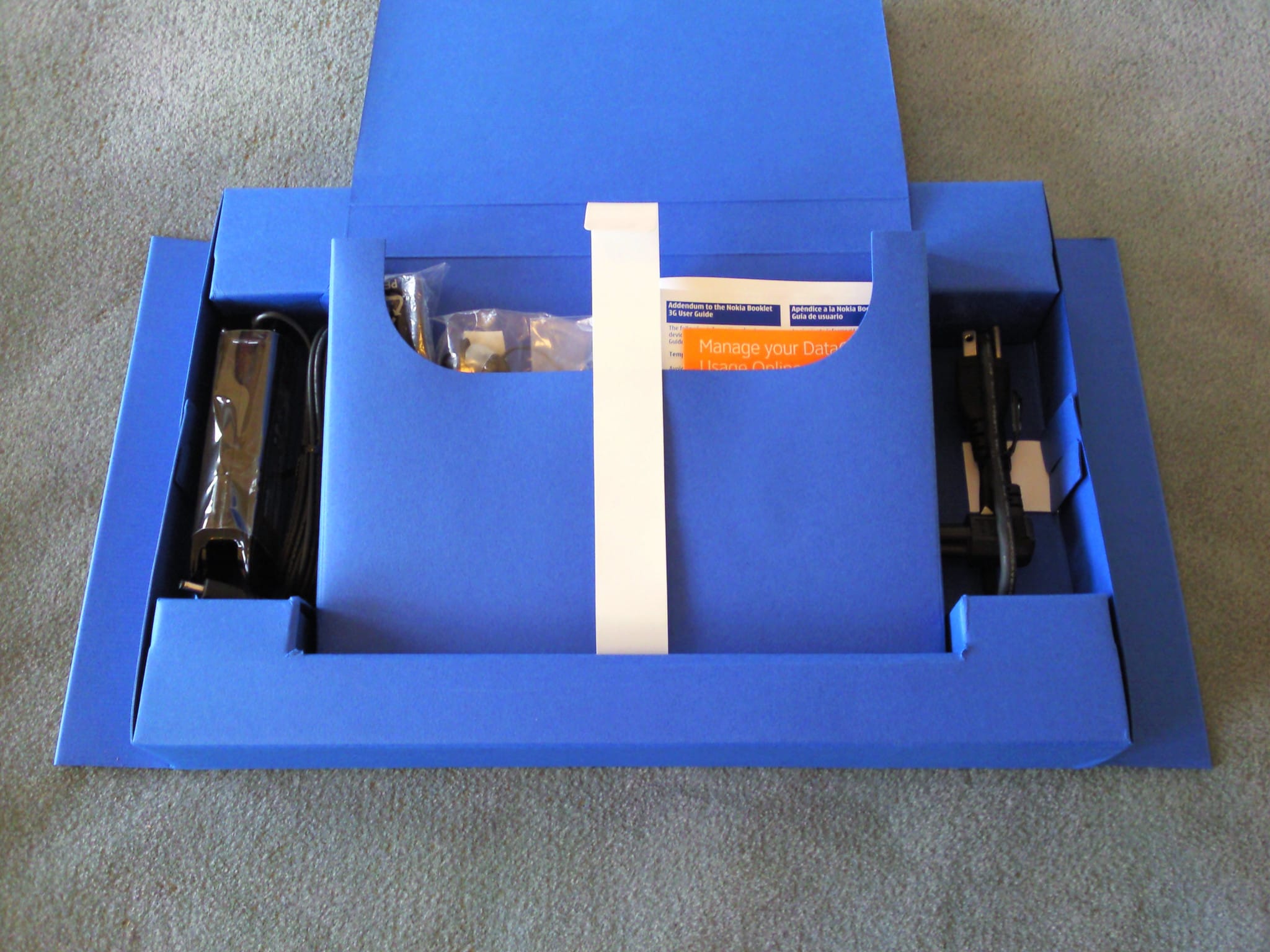 | 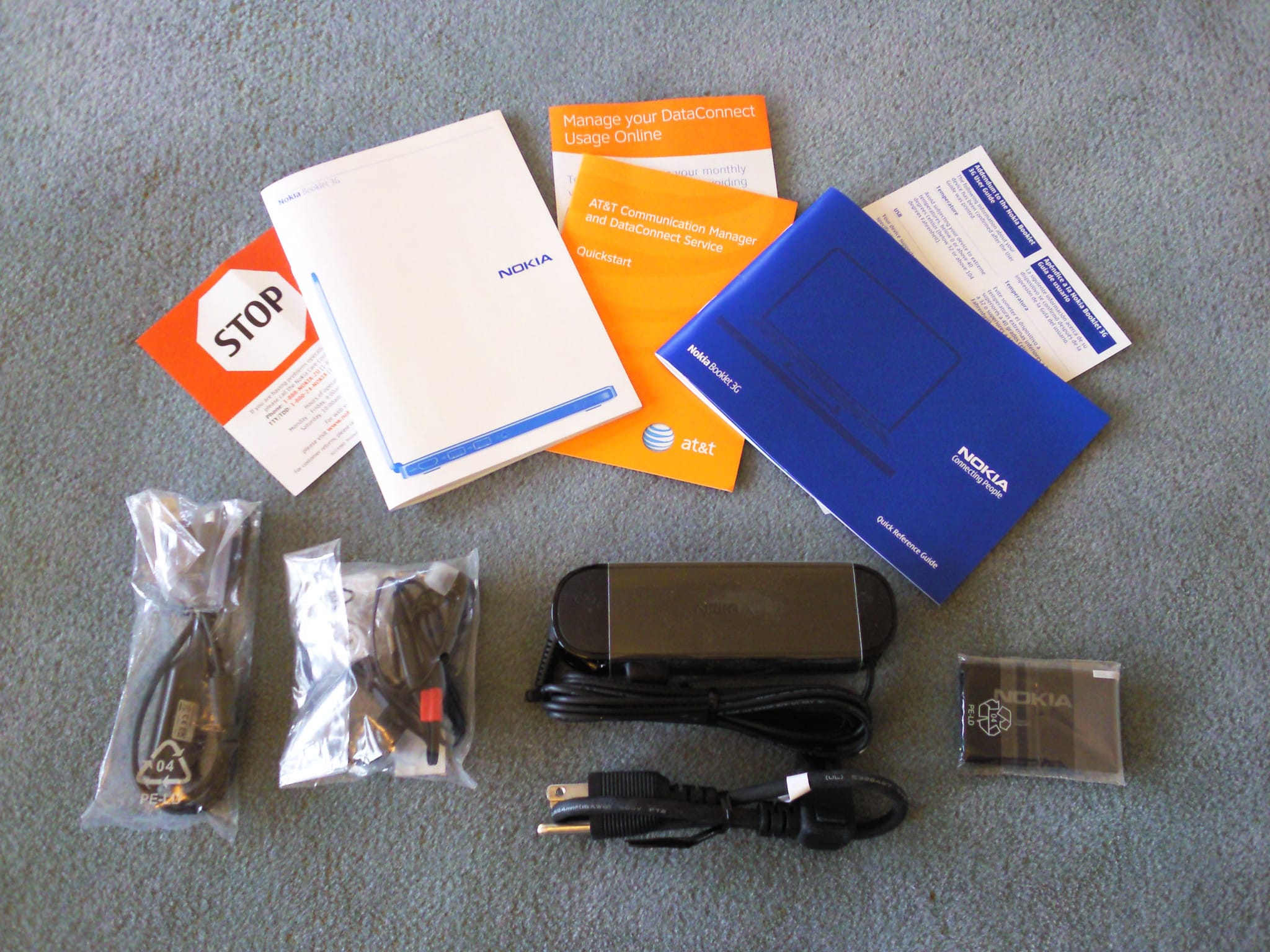 | 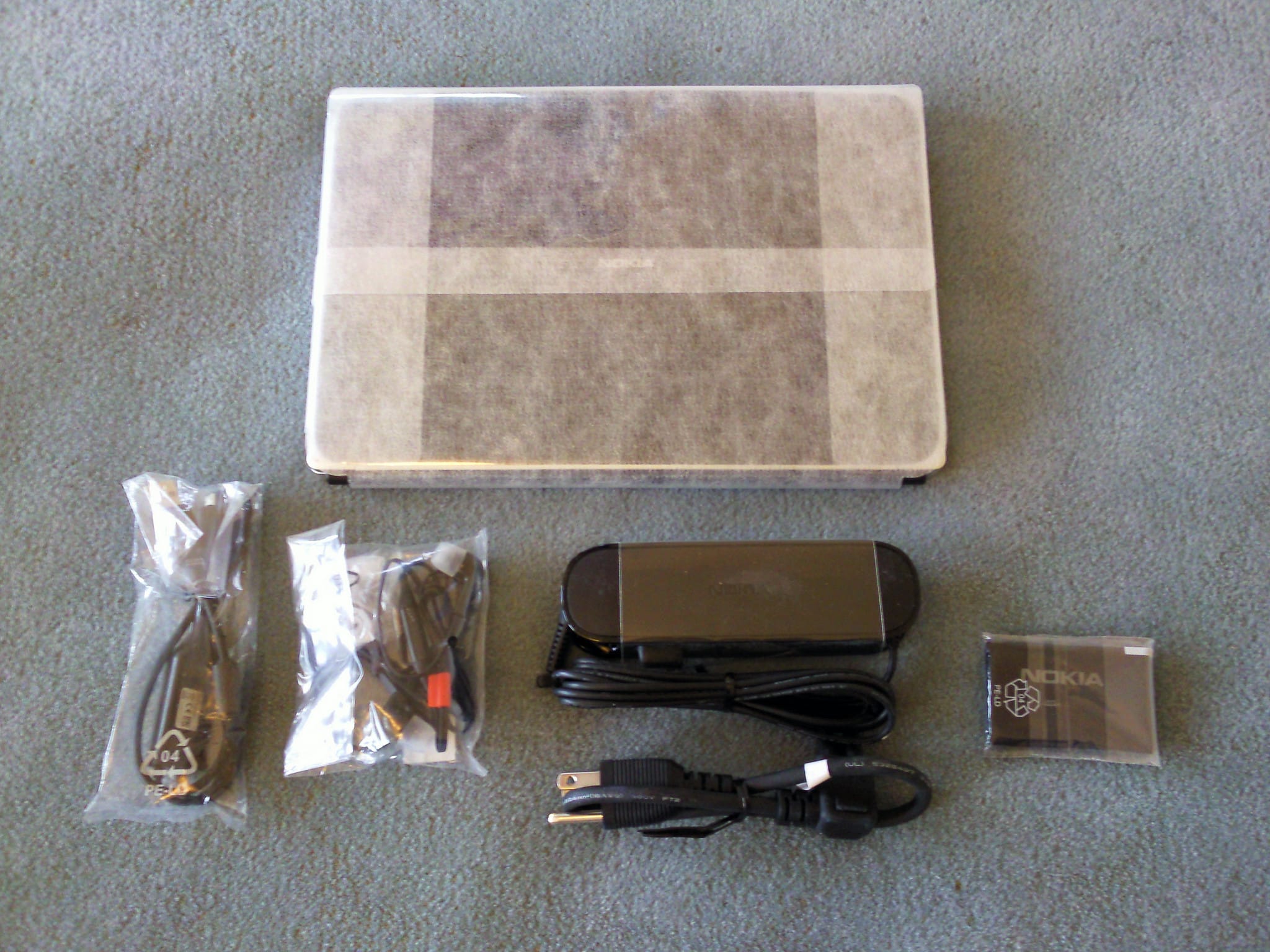 |
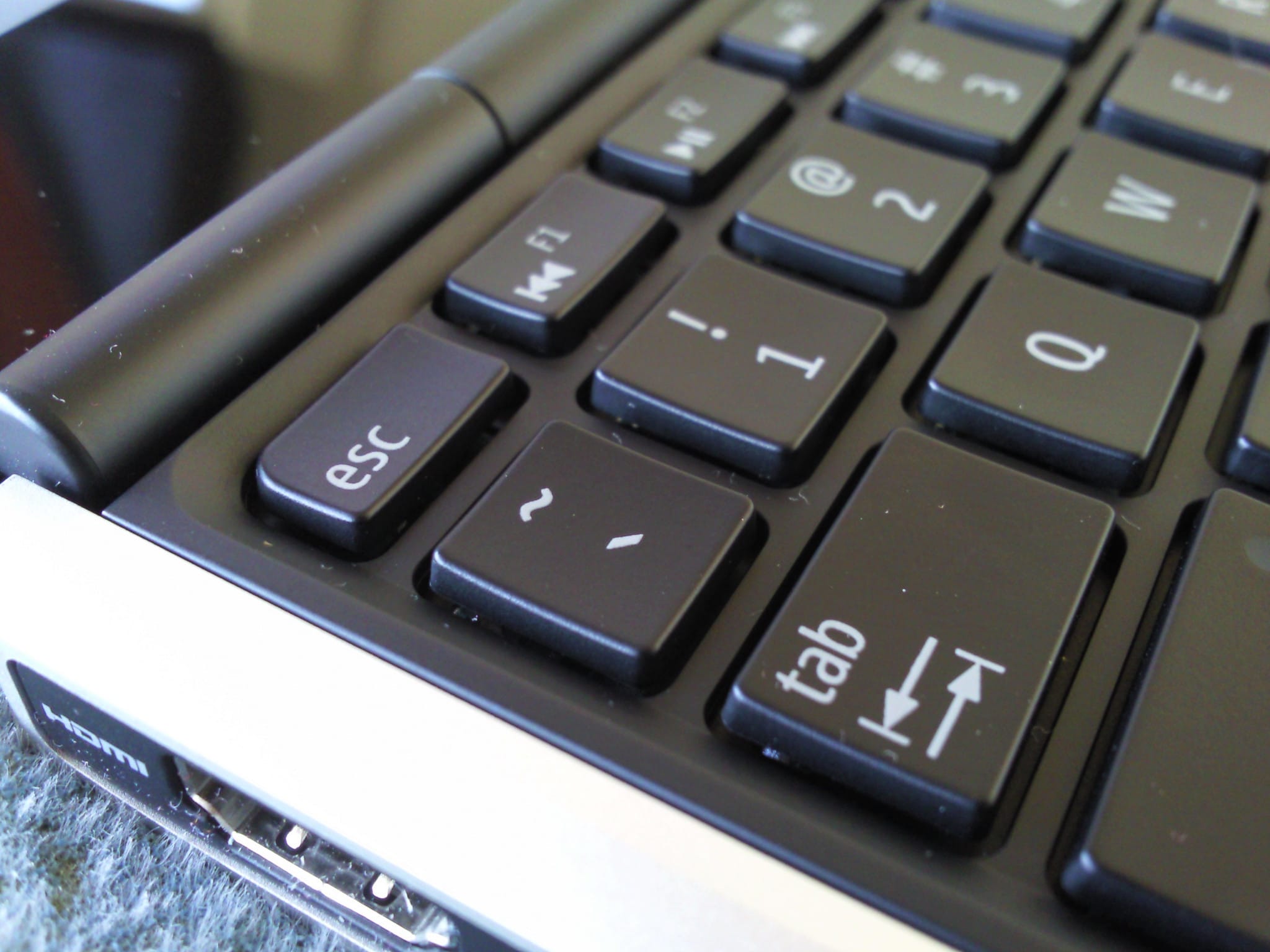 |  |  |  |  |
 |  |  |  |  |
 |  |  |  |  |
 |  |  |  |  |
 |  |  |  |  |
 |  |  |  |  |
 |  |  |  |  |
 |  |  |  |  |
 |  |  |
External
Internal