StarFive VisionFive 2 with Debian 13 on NVME
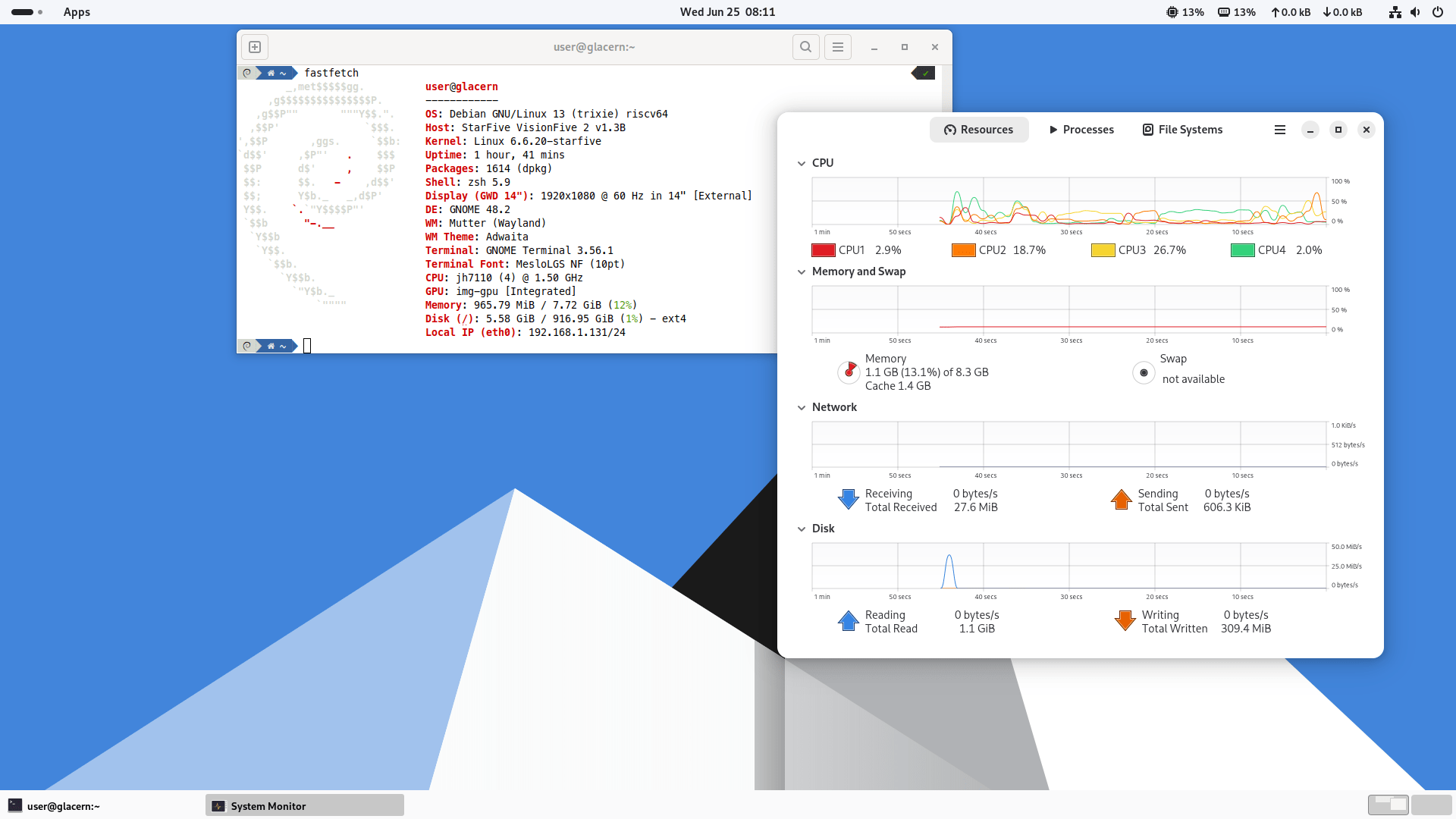
Since StarFive hasn’t released a new Debian image for its VisionFive 2 SBC in a while, and the snapshot repo key expired, some people have picked up the pace and provided newer images with Debian 13 Trixie, as well as GPU driver support and bits of the StarFive’s custom kernel. Getting Debian 13 (Trixie) to work on a StarFive VisionFive 2 SBC can be a bit tricky, especially if you’re trying to boot it from a NVME drive.
Download a compressed image and write it to a SD card bigger than 8GB (make sure the SD card is /dev/mmcblk1, else adjust accordingly).
$ zstdcat -d vf2-debian2409pro-20250418.img.zst | sudo dd of=/dev/mmcblk1 status=progress bs=4M
Insert the SD card in your StarFive VisionFive 2, make sure boot mode pins are set to SDIO3.0 (to boot from SD card) and boot the system. The password for the initial user is starfive, use that to login into the system, insert an USB stick that has the same vf2-debian2409pro-20250418.img.zst file on it and write it to the NVME storage this time.
$ zstdcat -d vf2-debian2409pro-20250418.img.zst | sudo dd of=/dev/nvme0n1 status=progress bs=4M
We’ll need to alter the path to root on the /extlinux/extlinux.conf file, so mount the third partition from the NVME drive somewhere and edit the file:
$ sudo mkdir /mnt/test
$ sudo mount /dev/nvme0n1p3 /mnt/test
$ sudo nano /mnt/test/extlinux/extlinux.conf
Change the 4 occurences of mmcblk1p4 to nvme0n1p4 inside the file, then save it (CTRL + O, then CTRL + X). Shutdown the SBC, pull out the SD card, change the boost mode pins to 1-bit QSPI Nor Flash (to boot from NVME) and power on the board. Root (and sudo) password is starfive as before.
Next we’ll need to resize the filesystem on the NVME drive
$ sudo fdisk /dev/nvme0n1
Delete partition number 4 and recreate it (d -> 4 followed by n -> 4). Press w to write the partition info, quit fdisk and now you can resize the filesystem of the partition number 4:
$ sudo resize2fs /dev/nvme0n1p4
Check with df if the partition 4 occupies the rest of the NVME drive, depending on the size of the drive.
Next you can do a dist-upgrade to get all your packages to the newest version (except some core packages that are on hold, for ex firefox119, vlc-3.0.18, mesa22, GPU driver). You don’t want to upgrade those, so don’t run apt-mark unhold.
$ sudo apt update && sudo apt dist-upgrade
Don’t forget to remove the leftover packages after upgrading. You should know that the Debian Trixie image has modified update URIs, mirroring the data from mirrors.ustc.edu.cn, and if you don’t want to do that be sure to change /etc/apt/sources.list.d/debian.sources and replace that mirror with the official one, deb.debian.org.
$ sudo apt autoremove --purge
Enjoy Debian Trixie on your StarFive VisionFive 2 RISC-V board.
permalink http://sizeof.cat/post/starfive-visionfive-2-debian-13-nvme/
created June 25, 2025
words 468


