Old Computer Challenge - 2024 edition
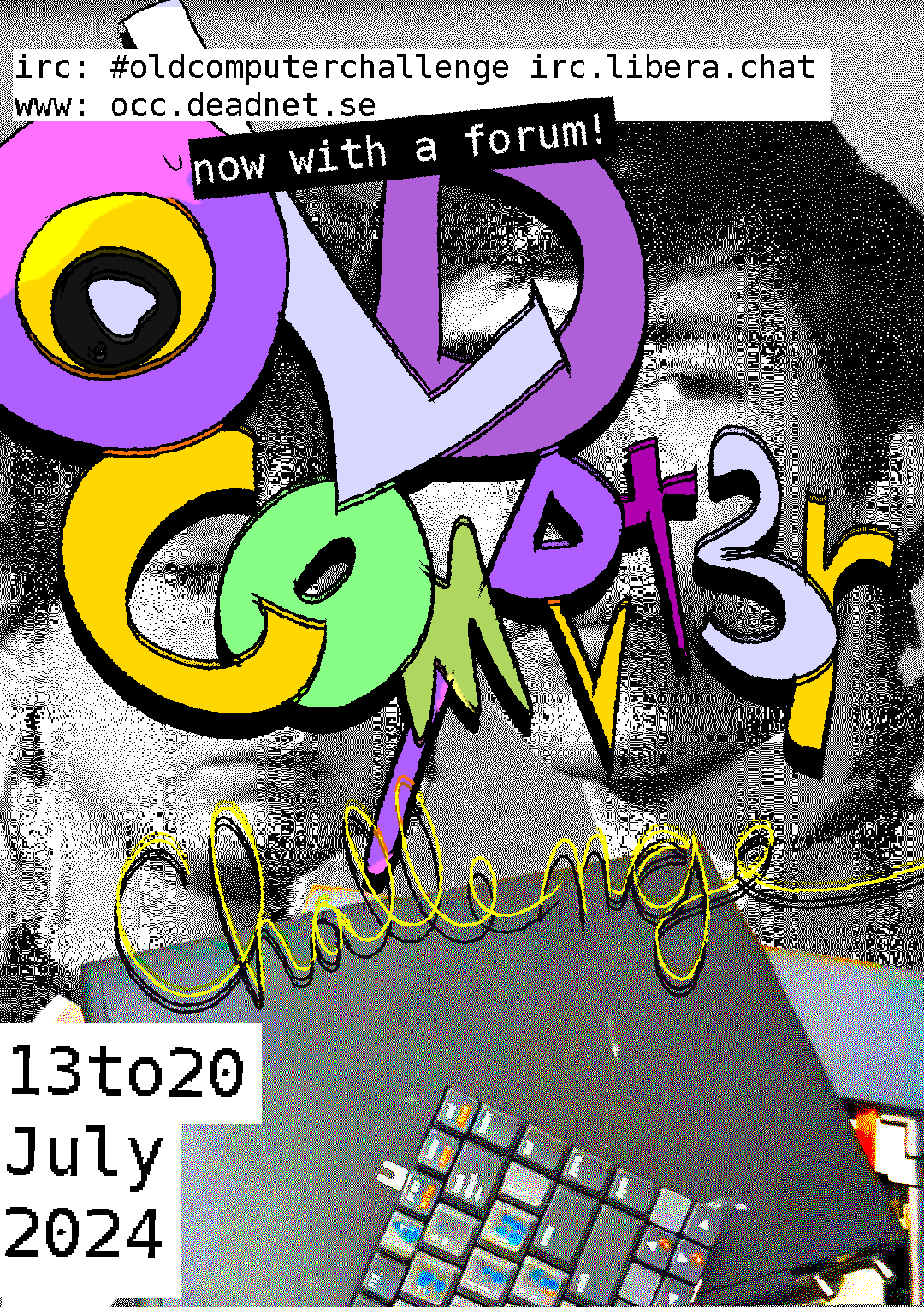
You are probably familiar with the Old Computer Challenge - I think I wrote about it several times - you get all the benefits of using a slow computer for seven days.
like it’s 1999
- Limit your computer’s CPU
- Limit your computer’s memory
- or use an old computer
This year’s topic is simple. Challenge yourself to the best of your abilities. Whether it’s a slower computer, obscure OS, or limiting your internet, it’s up to you what you make this year’s challenge about. It’s always a good idea to get inspired by other challengees! homepage
The challenge starts on July 13 and ends on July 20, or never, it’s your choice after all.
The contender
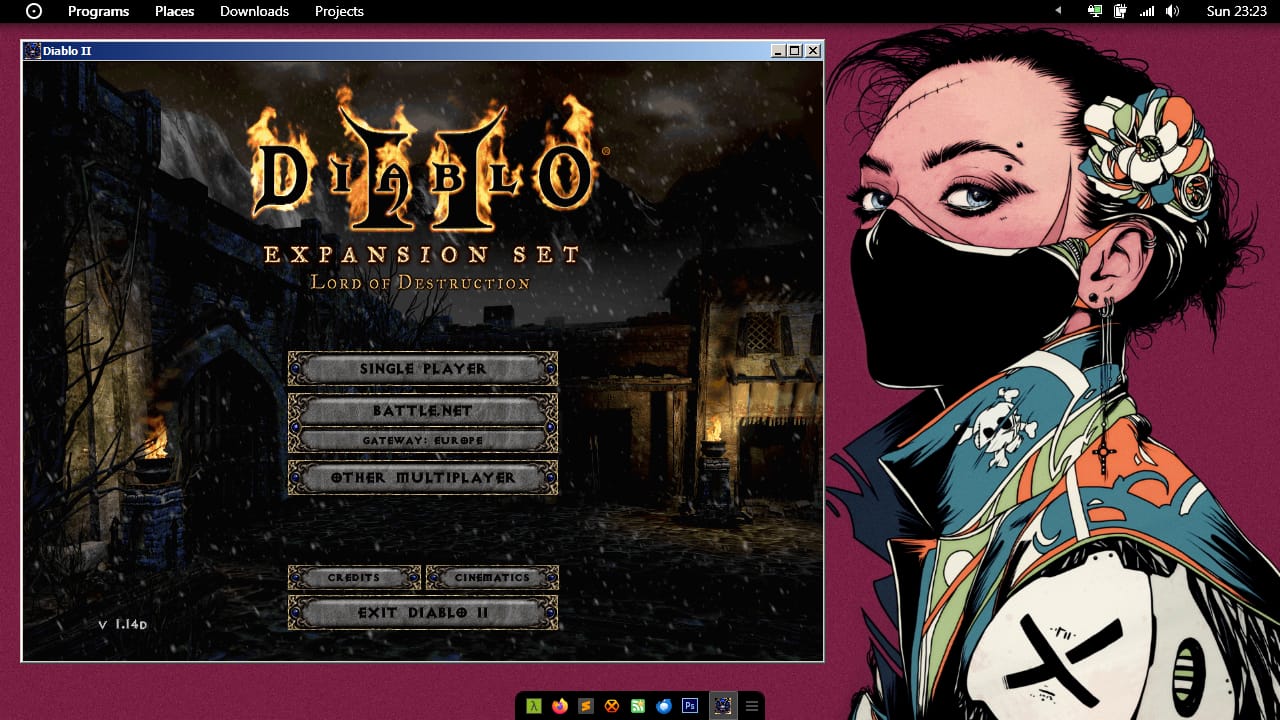
Well, regarding hardware, I have two identical Nokia Booklet 3G netbooks, and one of them has Windows 7 installed. The specs are low, the netbook has 1Gb of RAM and an Atom ultra-low-voltage CPU, the whole package giving it about 12 hours of running on a new battery. As for the operating system, you probably know that I did a similar challenge last year, before even knowing about the Old Computer Challenge 2023 edition, and I stopped after two weeks because it wasn’t possible to have fun working on such a low-spec computer, especially under Linux.
I’ve decided that for this year I’ll do the challenge under Windows 7, which should definitely count as an old operating system considering it was released in 2009 (coincidently, that’s the same year the Booklet was launched by Nokia) and that’s like half a century ago, or something. I’ve been already prepping one of my Booklets for a special situation, one where I am not able to use my main computer and the Booklet has to have all the needed software (and games) so that I can work and have fun on it. If you want to read more about what kind of things I have installed on my Windows 7 netbook, this article will be useful for you.
As a bonus, I might use this image as a wallpaper. If you don’t know what that is, it’s your loss.
Why not Linux, you might be asking? Why not a toy os, like Haiku, Temple OS, ReactOS, Plan9? Why not Hoshi? I’m daily-driving both Devuan and macOS, so using Linux (or UNIXy operating systems) again wouldn’t make any sense; I’m not familiar with Haiku or Plan9 so I would probably be stuck after one day, and I don’t have a computer capable of running Hoshi anymore (requires a x86_64 CPU) since all the computers I have now are either x86 32bit, ARM or RISC-V. Also, I don’t want to run an OS just for the sake of screenshotting neofetch or bragging on my website and be done with it, I’d run Rhapsody if I wanted that.
I have some additional hardware that might help, a USB floppy drive (for imaging some old floppies I have and never got to check), a USB DVD writer to store backups (I have a 2Tb USB hard drive anyway for the bulk of my archives), a USB Ethernet card in case I’m going wired-Internet, a RTL-SDR with which I’m planning to listen to local aircraft traffic control conversation once I get a bigger antenna and a USB-to-serial adapter (FTDI) for debugging everything that speaks serial (everything). And two 4-port USB hubs to handle all those external devices, if needed. The built-in modem card will track my (actually laptop’s) GPS position for my own consumption and if I have the time, I might dial into some old-school BBSes, using a USRobotics 5637 USB modem and SyncTerm.
Security-wise, I have both OpenVPN and Wireguard working, Tor transport is available so I can access Telegram and Ricochet and there is a firewall installed (other than Windows Firewall that’s only used for a VPN killswitch) that blocks all incoming traffic while allowing outgoing traffic per port/aplication (for example, Firefox only has outgoing access to ports 80 and 443, Thunderbird to 465 and 995, HexChat to 6697, etc, all other ports are blocked to minimize footprint for security and privacy reasons). If something fails, there’s the main PiHole that blackholes all traffic from Microsoft, Google, Meta, Apple, Twitter and the likes. I don’t download and run executable files on this machine.
The challenge
I intend to do some light work on the Booklet (I’m on a sabbatical after all), write on the website, reply to all the emails that I haven’t replied yet (I have a system), reverse-engineer the games that are not working on the netbook due to the strange video resolution (1280x720), crack software that no longer has support for Windows 7 (I need older versions and they usually don’t sell those anymore), do some heavyweight gaming (Starcraft, Diablo, Warcraft III, Anno-series), play with IDA Pro (as usual), write (or try to write) Symbian applications for my Nokia 808 phone, while getting familiar with the Symbian OS architecture, write some applications for Windows 7 (a GPS tracker for the Booklet, an IRC client, etc), basically have fun.
I guess I’ll have to use Firefox ESR for “dubious” web browsing, where uBlock Origin would be required, and Opera Presto for light browsing, on websites I know there are no ads, Thunderbird for email, Sublime Text 3 for text editing, the amazing Cairo Shell as a Windows shell because I dislike the default Start Menu, QtCreator for Symbian development, Lazarus for Delphi development, HexChat for IRC, Cygwin so I can have some UNIX tools (irssi, tmux, git, gpg, basic coreutils, jq, Python, findutils, sqlite, wget, curl, etc), Winamp for music, calibre to organize and read books, IrfanView for image viewing, Nokia Suite for syncing my phone to the netbook and Cmder as a console emulator. For more info about the software I am using, the same article is recommended.
Several virtual machines are available, one with latest Devuan in case I need an up-to-date Linux distro for something, one with Devuan XFCE desktop, several with different versions of Windows (3.11 WfW, 95, 98SE, 2000, XP, 2003 Server) for testing reasons, one with Apple Rhapsody and some with exotic OSes. All are working great on the 1Gb RAM Nokia Booklet 3G.
Fun
Yes, the main word for my challenge would be DEVELOPERS, and considering we’re talking about Windows here, have a video:
Yes, Steve Ballmer is special.
I also plan to write two more articles about this, one during the challenge and one with the conclusion, as well as some notes about it, so stay tuned. From the other participants I hope to see stuff being created, drawings, utilities, applications, games, articles, poems, anything. Not “spent 6 hours rsyncing my home directory”. At least play some games, friends.
Let the challenge begin and may the best geek … win. Or lose. It’s not really important.
permalink http://sizeof.cat/post/old-computer-challenge-2024/
created July 8, 2024
words 1151
tags #website, #windows 7, #nokia