If you were wondering how you can keep your privacy on modern macOS with its thousands of network connections to Apple mothership (not to mention every application additionally sending telemetry data), this has something to do with it.
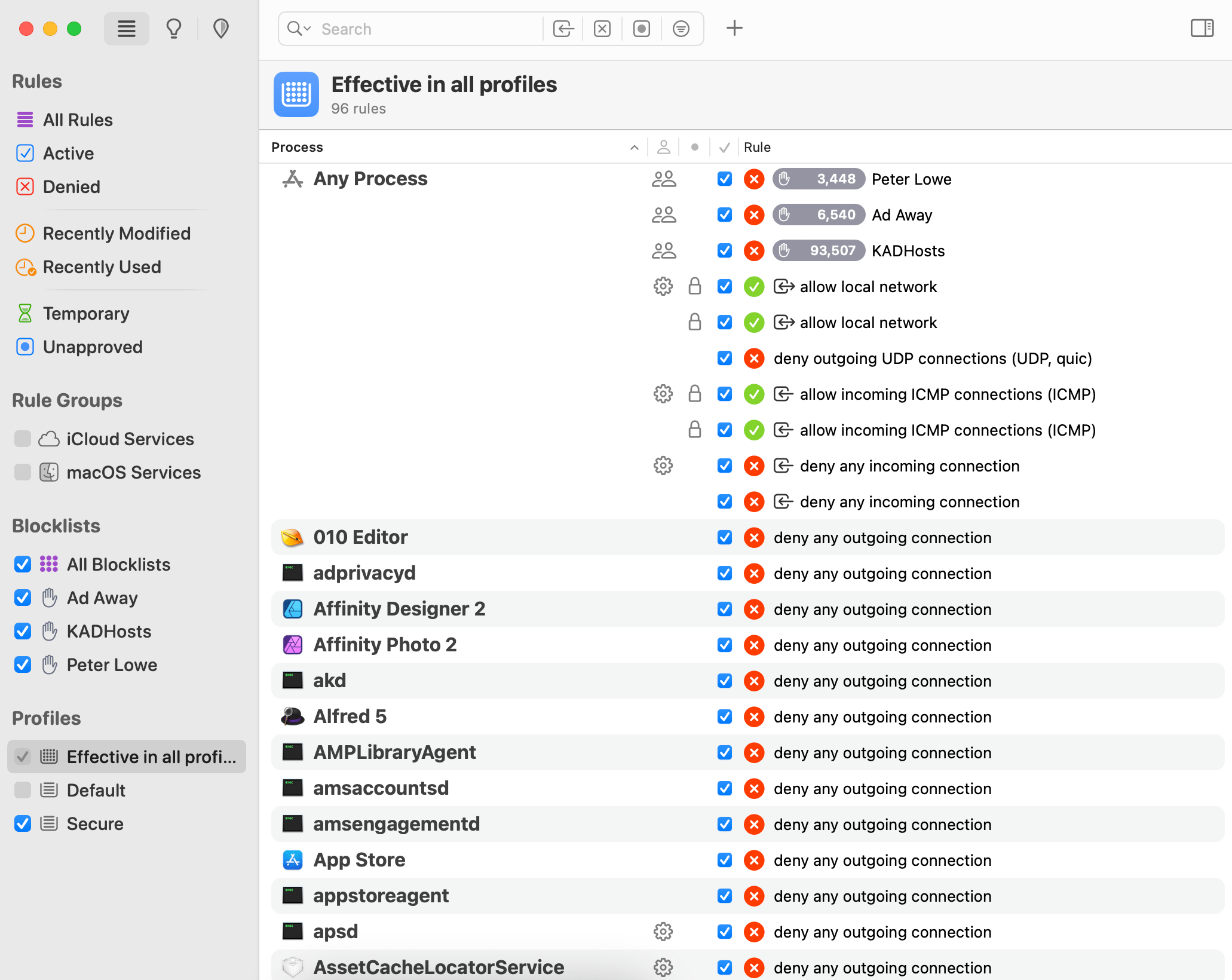
Basically on boot the laptop starts into the Default firewall profile, which denies all connections except the VPN/Wireguard one. Once that connection is established, Little Snitch switches into the Secure profile, which allows specific whitelisted network connections (web browser is allowed 80 and 443 only, email client is allowed 995 and 465 only, IRC client 6667 and 6697 only, etc) and everything else is dumped into a blackhole and blocked. Not like Music.app needs a network connection to play … music, right?
This reduces the network chatter to minimum and nothing ever gets sent to Apple’s servers. Or Google’s.


